3 min
3 min 
Many stores use WooCommerce, but it does not fit every business. Some sellers need faster setup, stronger support, or easier management.
Some want an all-in-one platform instead of a plugin that depends on WordPress.
This guide shows the best WooCommerce alternatives for 2026. Each option offers a different way to build and run an online store.
You will see what each platform does well, who it suits, and why it may work better for your store.
This helps you choose a platform that matches your products, your team, and your growth plan.
WooCommerce drawbacks: Why consider alternatives?
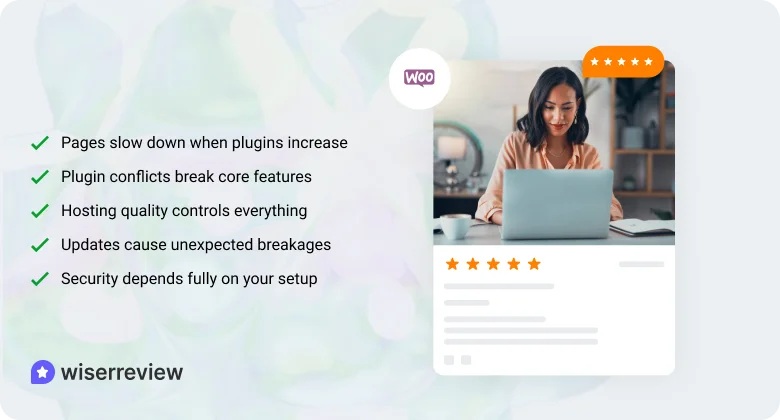
WooCommerce helps many stores start, but real users face recurring issues as the store grows. These issues affect speed, stability, and daily work.
1. Pages slow down when plugins increase
Most features need separate plugins.
Each plugin loads its own scripts and adds extra weight.
Stores with 20–40 plugins see slow product pages and checkout delays.
2. Plugin conflicts break core features
Two plugins can use the same hooks or scripts.
This creates random issues like broken carts, missing buttons, or failed payments.
Fixing these problems often needs a developer.
3. Hosting quality controls everything
WooCommerce runs on WordPress, so the server handles all the workload.
If hosting is weak, simple actions like saving a product or loading the dashboard feel slow.
Traffic spikes can also crash the store.
4. Updates cause unexpected breakages
WordPress updates. Theme updates. Plugin updates.
Any update can break layouts or disable key features.
Store owners often delay updates because they fear downtime.
6. Security depends fully on your setup
You must manage backups, malware scans, and firewall settings.
A weak setup can expose customer data.
Most store owners rely on plugins, which still need manual checks.



Boost your brand’s trust
Easily collect, manage, and display reviews from every platform.
A quick look at WooCommerce alternatives
| Platform | Starting Price | Pros | Cons |
|---|---|---|---|
| Shopify | Starts at $22.51/month | Easy to set up, fast checkout | App’s high cost, limited server control |
| BigCommerce | Custom pricing | Built‑in features, scalable | Revenue limits, higher theme cost |
| Dukaan | Starts at $3.38/month | Quick launch, mobile‑first | Limited integrations, basic design |
| Wix eCommerce | Starts at $10.16/month | Drag‑and‑drop editor, visual control | Slower with large catalogs |
| Magento | Custom pricing | Full customization, enterprise-ready | Requires dev, higher cost |
| Squarespace | Starts at $25/month | Clean designs, simple setup | Not for large catalogs, fewer apps |
| Ecwid | start at $5.08/month | Adds a store to any site, free plan | Limited design, not full platform |
| PrestaShop | Free to use | Flexible, multi‑store support | Needs technical skills, module cost |
| BigCartel | start at $15/month | Low cost, simple for small shops | Not for large catalogs, basic tools |
1. Shopify

Shopify gives you a stable and managed way to run an online store. It handles hosting, updates, and security for you, so you focus on products and sales.
The dashboard is simple to use, and the checkout is fast and trusted. It fits both new stores and growing brands that need steady performance.
Main features
- Built-in hosting that keeps your store fast.
- Smooth and reliable checkout.
- Large app marketplace for extra tools.
- Simple product and order management.
- 24/7 customer support.
 Pros
Pros - ◆ Easy for beginners to set up.
- ◆ Fast page speed and stable uptime.
- ◆ Trusted checkout that converts well.
- ◆ Clean themes that work on all devices.
- ◆ Strong support when issues come up.
 Cons
Cons - ◆ Apps can raise the monthly cost.
- ◆ Limited control over server settings.
- ◆ The checkout design has fixed limits.
- ◆ Some core features require paid apps.
- ◆ Theme edits require care.
Pricing: Starts at $22.51/month.
2. BigCommerce
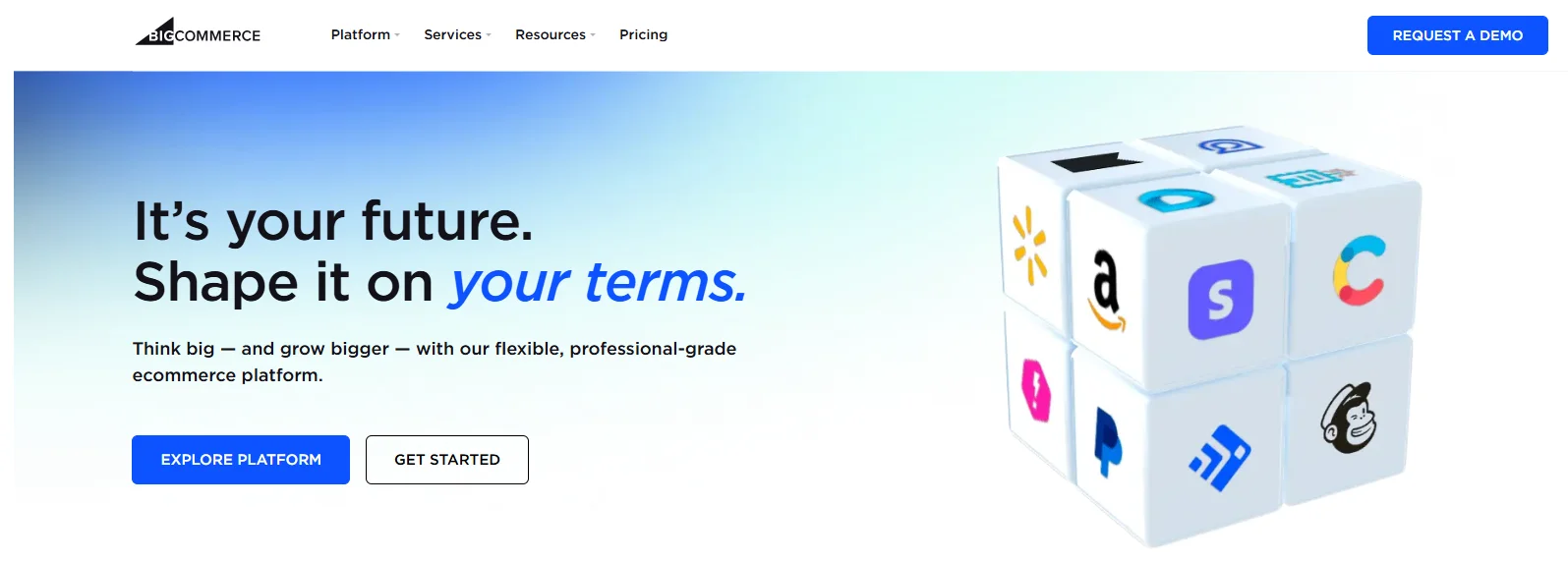
BigCommerce gives you many built-in eCommerce features, which reduces your need for extra apps.
It works well for growing stores that want strong performance, stable checkout, and support for large product catalogs.
The platform handles heavy traffic and offers good SEO tools out of the box.
Main features
- Built-in SEO and product filtering.
- Strong multi-channel selling options.
- Fast and stable checkout.
- Tools for large catalogs and variants.
- No extra transaction fees.
Pros - ◆ Fewer apps are required for core features.
- ◆ Good fit for large and growing stores.
- ◆ Stable performance under high traffic.
- ◆ Strong native SEO setup.
- ◆ Good integrations for marketplaces and channels.
Cons - ◆ Revenue limits push upgrades.
- ◆ Themes can be costly.
- ◆ The admin panel feels heavy at times.
- ◆ Custom work often needs a developer.
- ◆ Learning curve is higher than Shopify.
Pricing: Custom pricing.
3. Dukaan
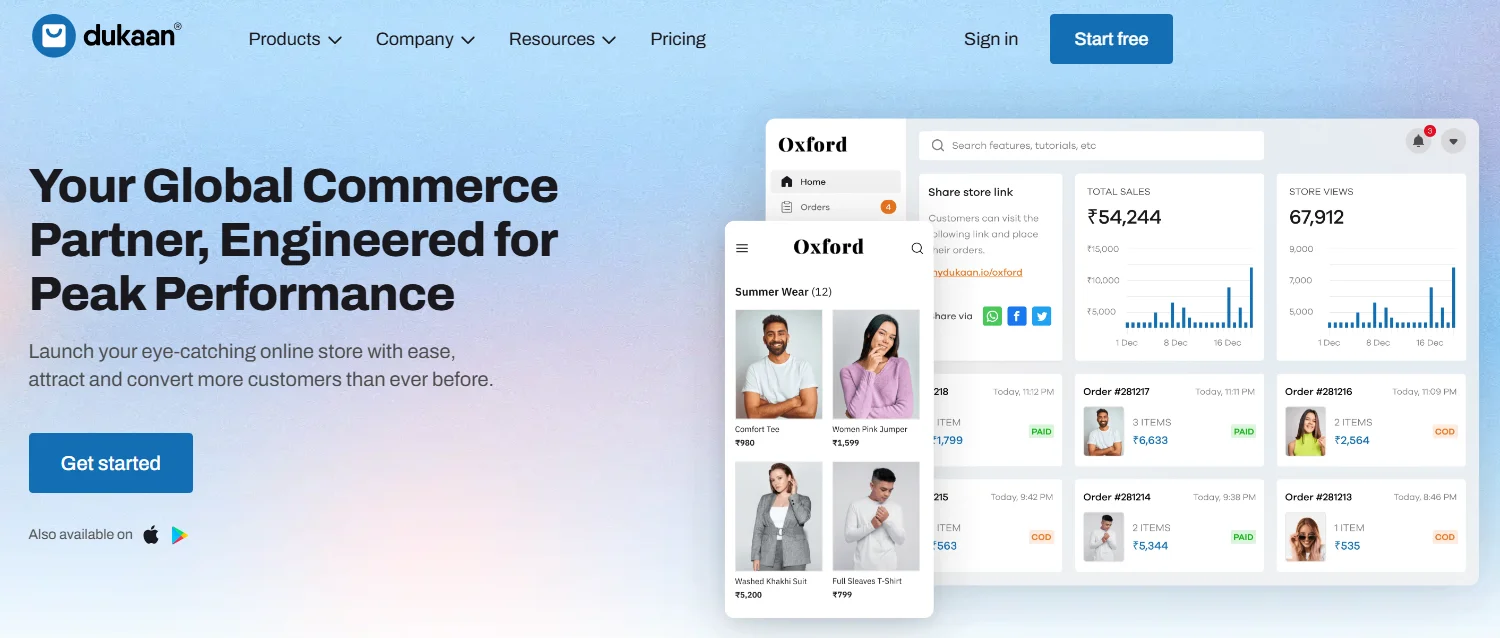
Dukaan gives you a quick and simple way to launch an online store with no technical setup. It works well for small shops, local businesses, and sellers who want a clean interface and fast mobile experience.
The platform focuses on ease of use and keeps the dashboard light and straightforward.
Main features
- Fast, no-code store setup.
- Mobile-first store design.
- Simple product and order tools.
- Built-in marketing and coupons.
- Easy shipping and delivery settings.
Pros - ◆ Very easy for beginners to use.
- ◆ Smooth mobile performance.
- ◆ Clean and simple dashboard.
- ◆ Low maintenance and fewer steps.
- ◆ Good for small and local stores.
Cons - ◆ Limited integrations and apps.
- ◆ Not ideal for large catalogs.
- ◆ Basic design controls.
- ◆ Fewer payment options than big platforms.
- ◆ Features feel simple for advanced sellers.
Pricing: Starts at $3.38/month.
4. Wix eCommerce
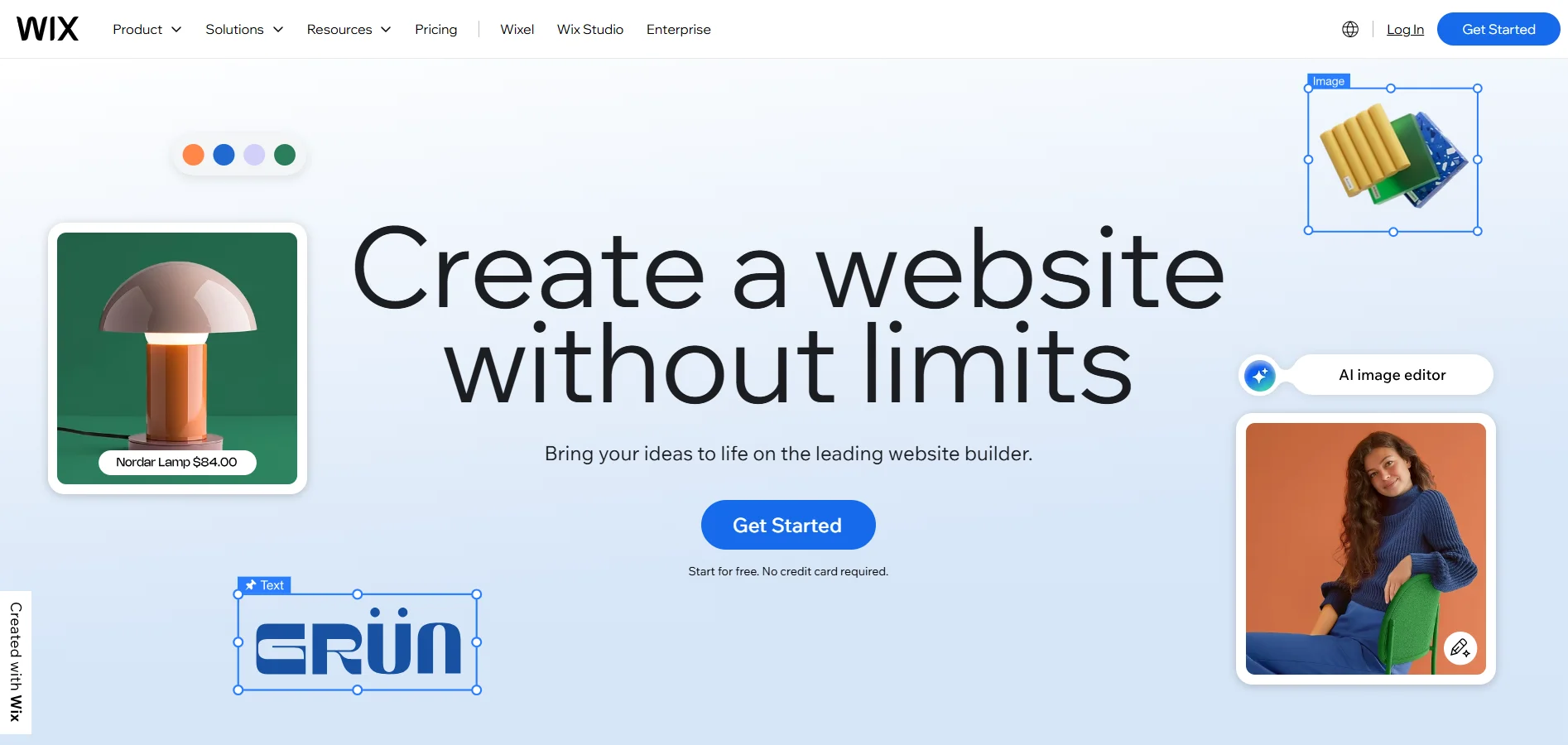
Wix eCommerce helps you build an online store with an easy drag-and-drop editor. It fits small and mid-size stores that want design freedom without coding.
The platform offers clean templates, built-in marketing tools, and simple product management. It gives you full control over page layouts while keeping setup easy.
Main features
- Drag-and-drop site builder.
- Mobile editor for clean phone layouts.
- Built-in SEO and marketing tools.
- App marketplace for extra features.
- Simple product and inventory tools.
Pros - ◆ Easy design control with no coding.
- ◆ Clean and modern templates.
- ◆ Simple dashboard for beginners.
- ◆ Good fit for small stores and services.
- ◆ Fast setup with guided steps.
Cons - ◆ Slower performance for large catalogs.
- ◆ Limited scaling for big stores.
- ◆ Hard to switch templates later.
- ◆ Some apps add extra cost.
- ◆ Checkout options remain basic.
Pricing: Starts at $10.16/month.
WiserReview is the best platform for your store to help you collect customer reviews, manage them with less effort, and display them in ways that build trust and drive more sales.
5. Magento

Magento gives you full control over your store’s design, features, and backend.
It fits mid-size and large businesses that need custom workflows, advanced product rules, and high performance.
The platform is powerful but needs technical skills or a developer to manage hosting, setup, and updates.
Main features
- Full customization with open code access.
- Advanced product and catalog tools.
- Strong multi-store support.
- Scalable setup for high traffic.
- Large extension marketplace.
Pros - ◆ Complete control over store features.
- ◆ Strong fit for enterprise-level needs.
- ◆ Flexible architecture for custom builds.
- ◆ Good multi-store and multi-language support.
- ◆ Handles large catalogs well.
Cons - ◆ Needs a developer for setup and changes.
- ◆ Hosting cost increases with traffic.
- ◆ Hard for beginners to manage.
- ◆ Maintenance takes ongoing work.
- ◆ Extensions can be expensive.
Pricing: The open-source version is free. Adobe Commerce pricing varies by business size.
6. Squarespace

Squarespace offers clean templates and an easy store builder that works well for small businesses, creators, and service brands.
It gives you strong visual design, simple product tools, and built-in marketing features.
The platform is ideal for sellers who want a stylish storefront without handling technical tasks.
Main features
- High-quality templates with clean layouts.
- Simple product and inventory tools.
- Built-in email marketing and forms.
- Mobile-friendly designs.
- Easy drag-and-drop page editor.
Pros - ◆ Very clean and modern design.
- ◆ Simple setup for beginners.
- ◆ Works well for content + store pages.
- ◆ Good mobile experience.
- ◆ Low maintenance needs.
Cons - ◆ Limited advanced eCommerce features.
- ◆ Fewer payment options.
- ◆ Not strong for large catalogs.
- ◆ Small app ecosystem.
- ◆ Limited control over SEO settings.
Pricing: Starts at $25/month.

Boost your brand’s trust
Easily collect, manage, and display reviews from every platform.7. Ecwid
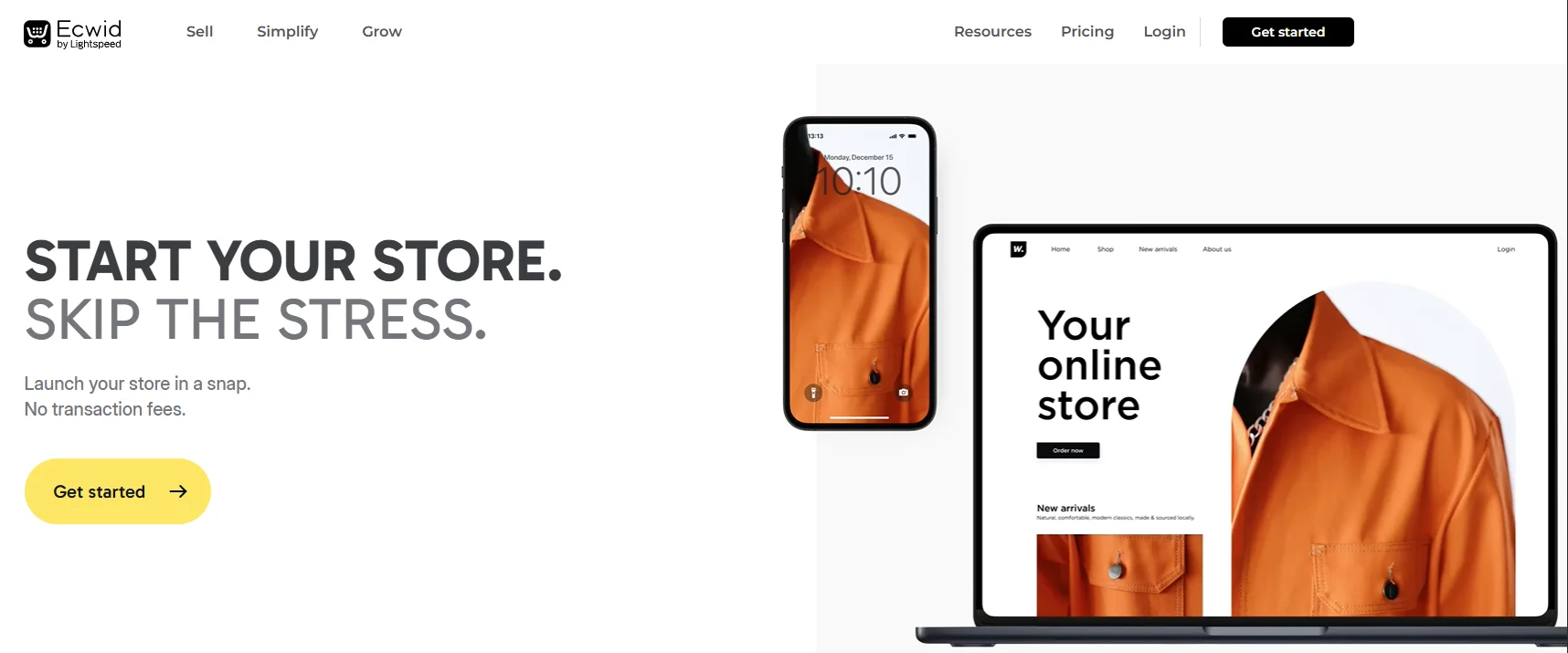
Ecwid lets you add an online store to any existing website without rebuilding your site.
It works well for small shops, local sellers, and businesses that want a quick way to sell on their current platform.
The setup is simple, and it also supports selling on social channels.
Main features
- Store widget that works on any website.
- Sync with Facebook, Instagram, and more.
- Mobile store app for easy management.
- Real-time shipping and tax tools.
- Simple product and order controls.
Pros - ◆ Easy to add to any website.
- ◆ Fast setup with minimal steps.
- ◆ Free plan available for small stores.
- ◆ Good mobile app support.
- ◆ Works well for simple catalogs.
Cons - ◆ Not a full eCommerce platform.
- ◆ Limited design control.
- ◆ Hard to scale with large products.
- ◆ Fewer customization options.
- ◆ Basic SEO and marketing tools.
Pricing: Free plan available. Paid plans start at $5.08/month.
8. PrestaShop

PrestaShop is an open-source eCommerce platform that gives you control over store design and features. It works well for mid-size stores that want flexibility without paying for a fully hosted system.
You can install modules, edit code, and build custom features, but you need some technical skills to manage hosting and updates.
Main features
- Open-source platform with full access to code.
- Large module marketplace for extra features.
- Multi-store support for running several shops.
- Customizable checkout and product pages.
- Strong tools for managing inventory and variants.
Pros - ◆ Flexible design and feature control.
- ◆ No monthly platform fees.
- ◆ Strong community support.
- ◆ Good for multi-store setups.
- ◆ Works well for custom builds.
Cons - ◆ Modules can add extra cost.
- ◆ Needs technical knowledge.
- ◆ Hosting quality varies by provider.
- ◆ Updates require careful handling.
- ◆ Hard for beginners to manage.
Pricing: Free to use. Modules, themes, and hosting add extra cost.
9. BigCartel

BigCartel fits creators, artists, and small sellers who want a simple store at a low cost. It focuses on easy setup, clean templates, and quick product management.
It works best for small catalogs and handmade products, offering a lightweight dashboard that is easy to manage.
Main features
- Clean and simple store templates.
- Fast setup with minimal steps.
- No transaction fees.
- Simple product and order tools.
- Basic marketing and discount options.
Pros - ◆ Very easy for beginners to use.
- ◆ Good choice for artists and small shops.
- ◆ Low monthly cost.
- ◆ Simple product flow.
- ◆ Mobile-friendly store design.
Cons - ◆ Not suitable for large catalogs.
- ◆ Limited app integrations.
- ◆ Basic inventory tools.
- ◆ Few payment options.
- ◆ Limited SEO and customization.
Pricing: Free plan available. Paid plans start at $15/month.
How to choose the right alternative for your business

Picking the right WooCommerce alternative depends on what your store needs today and how much you want to grow in the future.
➔ Start with your store size
Your store size should guide your choice. A small store works well with simple tools that handle basic tasks with less effort.
A bigger store needs stronger performance, faster checkout, and better handling of large product lists.
Picking a platform that fits your size helps you avoid slow pages and future problems.
➔ Check how much technical work you can manage
Think about how much technical work you can handle. Hosted platforms take care of hosting, security, and updates, so you do less work.
Open-source platforms give more control but need technical skills or a developer. Choose the option that fits the time and skills you have.
➔ Review the total monthly cost
Look at the real cost, not just the base plan. Some platforms need extra apps or add-ons, which increase the monthly price.
When you compare all costs together, you get a clearer idea of what you will actually spend each month.
➔ Look at design limits
Your store design should be easy for you to control. Some platforms let you move elements freely, while others allow fewer changes.
Pick a platform that lets you create the layout you want without stress or extra tools.
➔ Confirm how well the platform can scale
Your platform should handle more products and more visitors as your business grows. Some tools slow down under heavy traffic.
Choose a platform that stays fast, keeps checkout smooth, and supports your growth without issues.
Boost your brand’s trust
Easily collect, manage, and display reviews from every platform.Wrap up
Choose a platform that reduces your work and keeps your store fast.
WooCommerce can slow down as your store grows, so the right alternative should give you stable performance, easy management, and fewer technical problems.
This list shows the nine best options for 2026. Pick the one that fits your store size, your budget, and how much technical work you can handle.
A better platform helps you run your store smoothly and gives customers a better shopping experience.
Frequently asked questions
For small businesses, Dukaan and BigCartel are great options. They’re easy to set up, affordable, and require minimal technical work.
Platforms like Shopify and BigCommerce are ideal for high traffic. They offer reliable hosting and strong performance, even during busy sales periods.
Yes, Magento and PrestaShop allow for deep customization. However, they require technical skills or a developer to manage effectively.
No, hosted platforms like Wix eCommerce and Squarespace are beginner-friendly with easy drag-and-drop tools and no need for technical work.
Apps and add-ons can increase costs. Platforms like Shopify and BigCommerce have additional costs for apps, so plan for these extra expenses.

Krunal