4 min
4 min 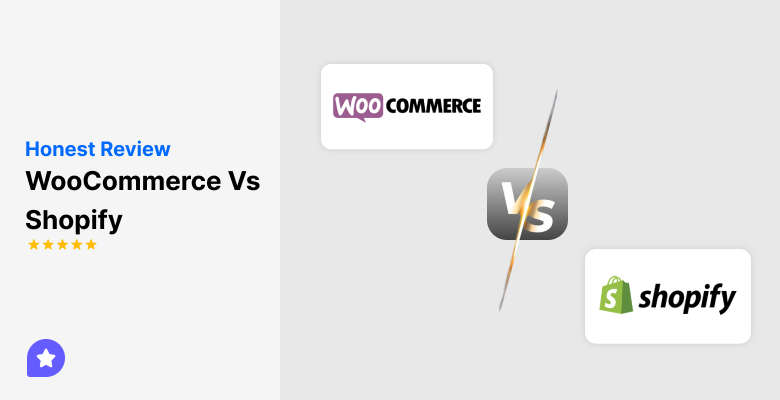
Starting an online store can feel overwhelming because there are so many platforms available. Two of the most popular choices are WooCommerce (which powers 8.8% of all websites) and Shopify (which powers 4.9% of all websites). Both are used by thousands of ecommerce merchants, but they work in very different ways.
Both allow you to sell products online, but they work very differently. Understanding their differences can help you decide which one fits your business needs.
In this blog, we’ll explore the difference between WooCommerce vs Shopify to help you decide which one is the best ecommerce platform for your specific needs, whether you are a small or multi-location brand looking to scale.
Quick comparison
Before exploring further, let’s look at a quick comparison. This table highlights the main differences, giving you a clear overview.
| Features | WooCommerce | Shopify |
|---|---|---|
| Platform type | WordPress plugin for self-hosted ecommerce | Fully hosting an ecommerce platform |
| Ease of use | Beginner-friendly, but needs hosting, a domain, and an SSL | Very easy with guided setup |
| Customization | Unlimited with WooCommerce extensions and WordPress plugins | Limited to Shopify themes and apps |
| Transaction Fees | None from WooCommerce, depends on the payment gateways | 2.9% + $0.30 with Shopify payments |
| Scalability | Scalable, but hosting and maintenance are managed by users | Simple plan upgrades |
| Pricing | Free plugin, but needs a hosting, a domain, and an SSL | Starts at $29/month with the basic plan |
Platform overview
WooCommerce and Shopify are both designed to help you sell online, but they are very different in how they work.
What is WooCommerce?
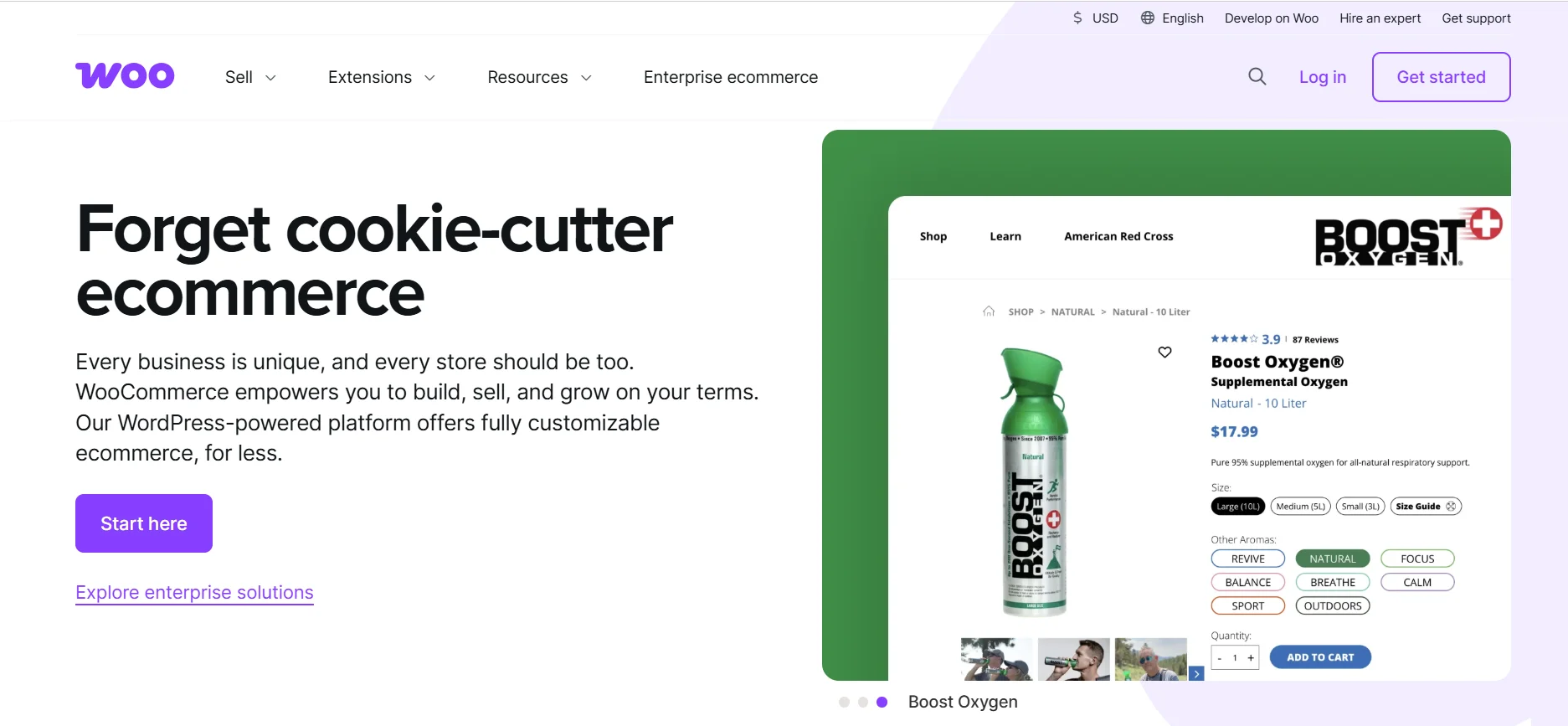
WooCommerce is a plugin for WordPress websites that turns them into fully functional ecommerce stores. It gives store owners complete control over the design, products, and features. It is ideal for businesses that want flexibility and control over every detail.
WooCommerce allows you to:
- Use thousands of free and premium WordPress and WooCommerce themes.
- Add custom features through extensions and plugins.
- Manage your online store on your own hosting provider.
- Handle payments, shipping, and taxes with available plugins.
The platform is highly customizable, but it requires some technical expertise. You are responsible for updates, backups, and security.
What is Shopify?

Shopify is a fully hosted ecommerce platform that takes care of web hosting, security, and maintenance for you. It is beginner-friendly and provides a complete solution for setting up an online store quickly. Shopify is suitable for those who want a ready-made platform without worrying about technical details.
Shopify allows you to:
- Pick and customize Shopify themes from its theme store.
- Use Shopify payments to handle transactions easily.
- Offer shipping with Shopify shipping discounts.
- Access a wide variety of Shopify apps to add new features.
Since Shopify handles updates and security automatically, it is simpler to manage daily operations.
How they differ fundamentally
WooCommerce and Shopify differ in many ways. Here are the main points to understand:
- WooCommerce is self-hosted, while Shopify is a fully hosted platform.
- WooCommerce requires some technical expertise; Shopify is easier for beginners.
- Shopify may charge transaction fees if you use third-party payment gateways; WooCommerce does not.
- WooCommerce offers unlimited customization through WooCommerce plugins and custom code; Shopify is limited to its themes and apps.



All your reviews in one place
Collect reviews, manage every response, and display them where they matter most.
Cost & Pricing comparison
Choosing a platform also depends on your budget. Both Shopify vs WooCommerce have costs, but they are structured differently.
WooCommerce costs
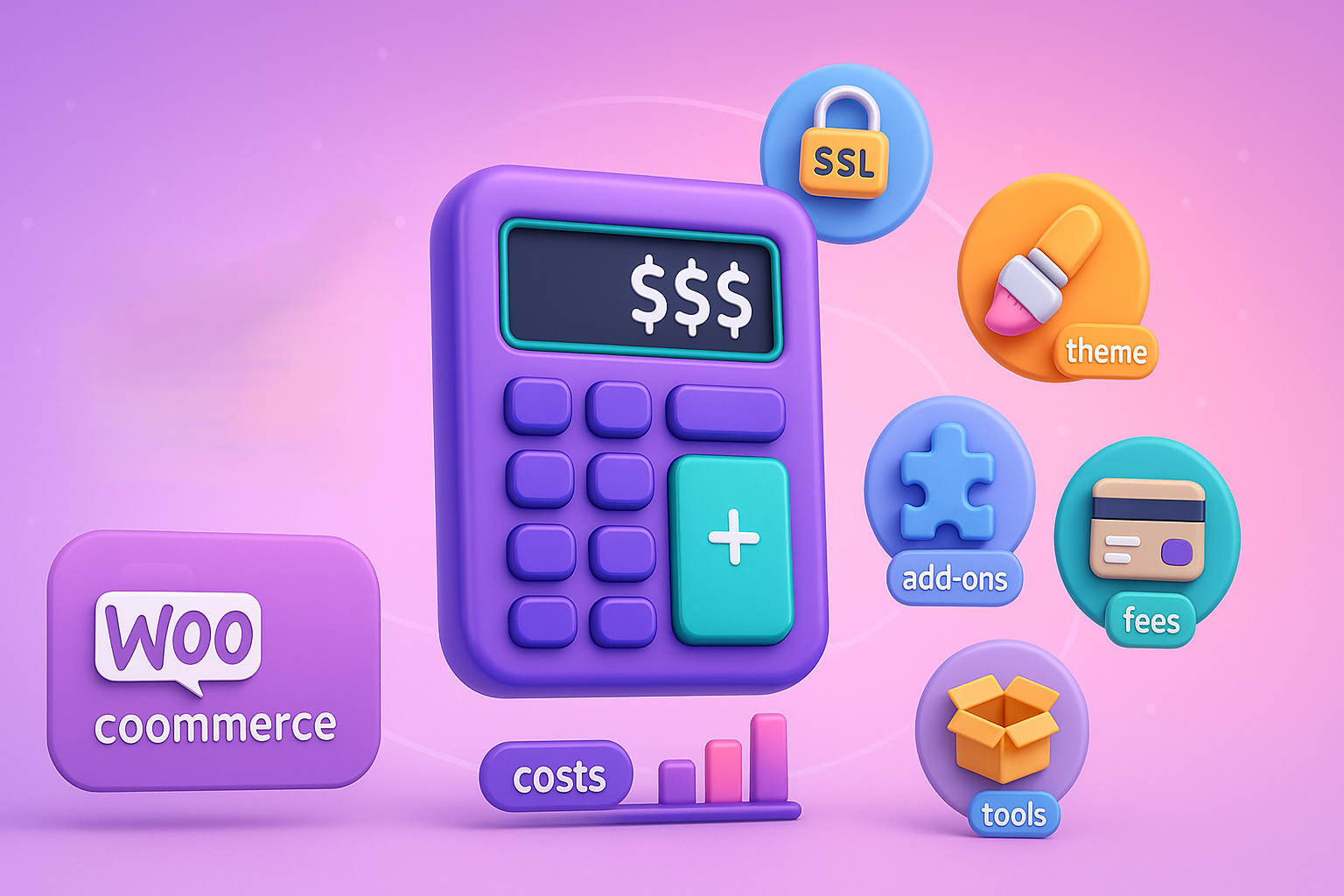
WooCommerce itself is free, but there are other costs to consider:
- Hosting provider for your WordPress site.
- Domain name and SSL.
- Premium WooCommerce themes for better design.
- WooCommerce extensions for extra functionality.
- Payment gateway fees depend on the provider.
- Optional drop shipping setup costs.
Although WooCommerce can be cheaper initially, these costs can add up depending on the customizations and features you need.
Shopify pricing
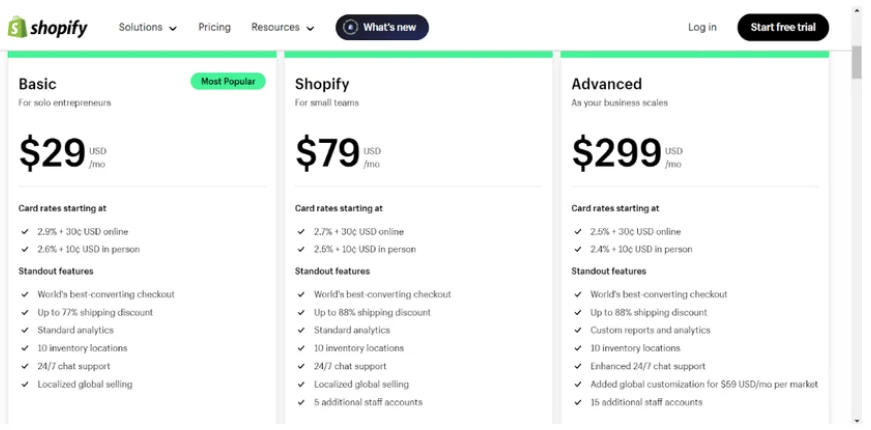
Shopify pricing is straightforward and all-in-one:
- Basic Shopify plan starts at $29/month.
- Shopify’s advanced plan includes more features, like advanced reporting.
- Shopify charges transaction fees if you use external payment gateways.
- Shopify offers shipping discounts and built-in security.
- Additional Shopify apps may cost extra depending on your needs.
Cost-Effectiveness & When one beats the other
The best option depends on your technical ability and size.
Shopify is better for: Small businesses and those new to e-commerce who value predictable monthly expenses and time savings over cost. The simple, all-in-one fee structure allows them to budget easily and focus on sales.
WooCommerce is better for: Users with a WordPress site who have technical expertise or for large, high-volume businesses. Once you have enough sales, the lower long-term operating costs and fewer platform-specific fees of WooCommerce can save you a lot of money compared to a high-tier Shopify plan.
Ease of setup & Use
Ease of setup is important for starting an online business quickly. Both platforms can create a successful online store, but their approaches are different.
Setting Up WooCommerce
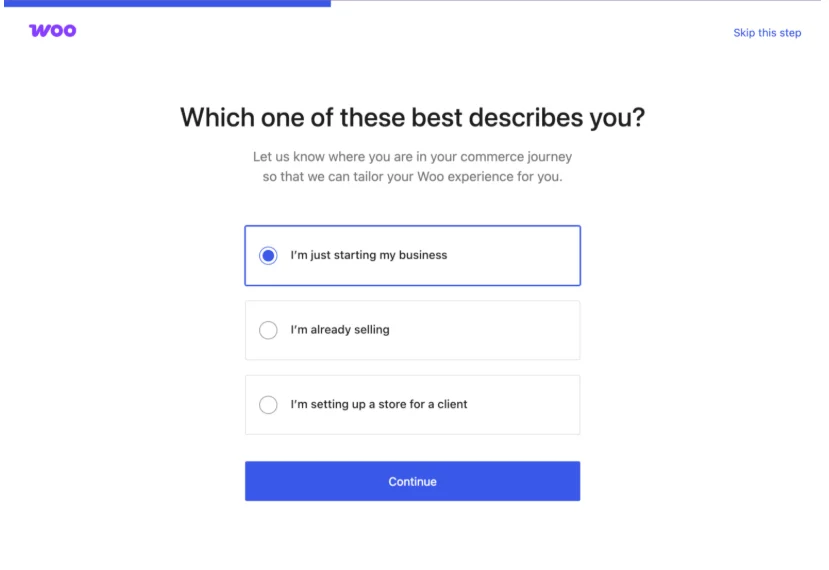
Setting up WooCommerce requires more steps, but gives full control:
- Install the WooCommerce plugin on your site.
- Choose a free or premium WooCommerce theme.
- Configure payment gateways and shipping options.
- Install security plugins and perform regular updates.
Setting Up Shopify
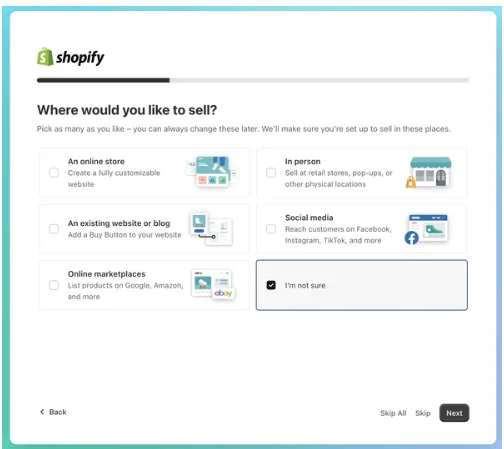
Shopify makes setup fast and easy:
- Sign up for a Shopify plan (basic or advanced).
- Pick a Shopify theme and customize it using the Shopify dashboard.
- Enable payments and Shopify shipping.
- Access apps for additional features.
Daily management & Maintenance
Once your store is live, daily management differs between the platforms:
- WooCommerce requires monitoring, hosting, updates, and backups.
- Shopify handles hosting, security, and updates automatically.
- Shopify’s dashboard allows simple order and inventory management.
- WooCommerce shop owners manage orders, plugins, and security themselves.
Features, Customization & Integrations
Features, customization, and integrations define how your store grows. Both platforms offer options, but the scope differs.
Customization & Themes
Both platforms allow you to expand your store’s functionality, but they do it using different ecosystems. The choice here depends on whether you prefer a flexible experience or a curated one.
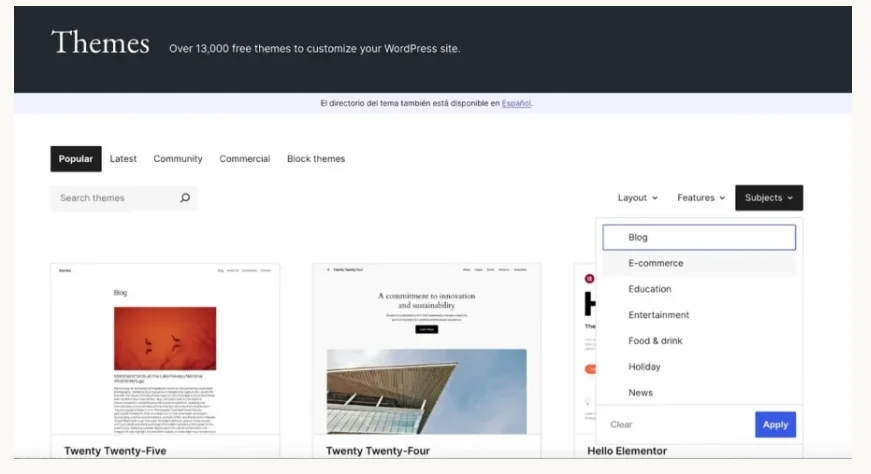
- WooCommerce: Since it runs on WordPress, you can customize it in many ways. You have access to thousands of free and paid premium themes, and you can change any line of code if you wish. This provides developers with flexibility.
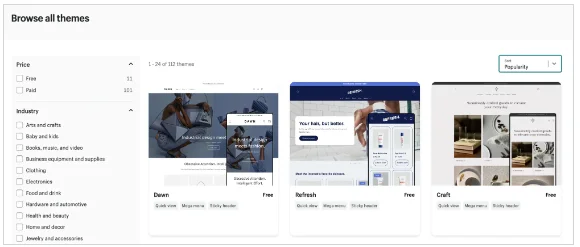
- Shopify: You can only customize your Shopify store based on the design options in your chosen theme. Many themes look good and professional, but making major changes usually needs coding in a language called Liquid. This works well for small businesses, but if you have complex needs, WooCommerce offers more flexibility.
Apps / Extensions / Plugins
A successful dedicated ecommerce platform needs extra tools for things like email marketing, inventory management, or special discounts.
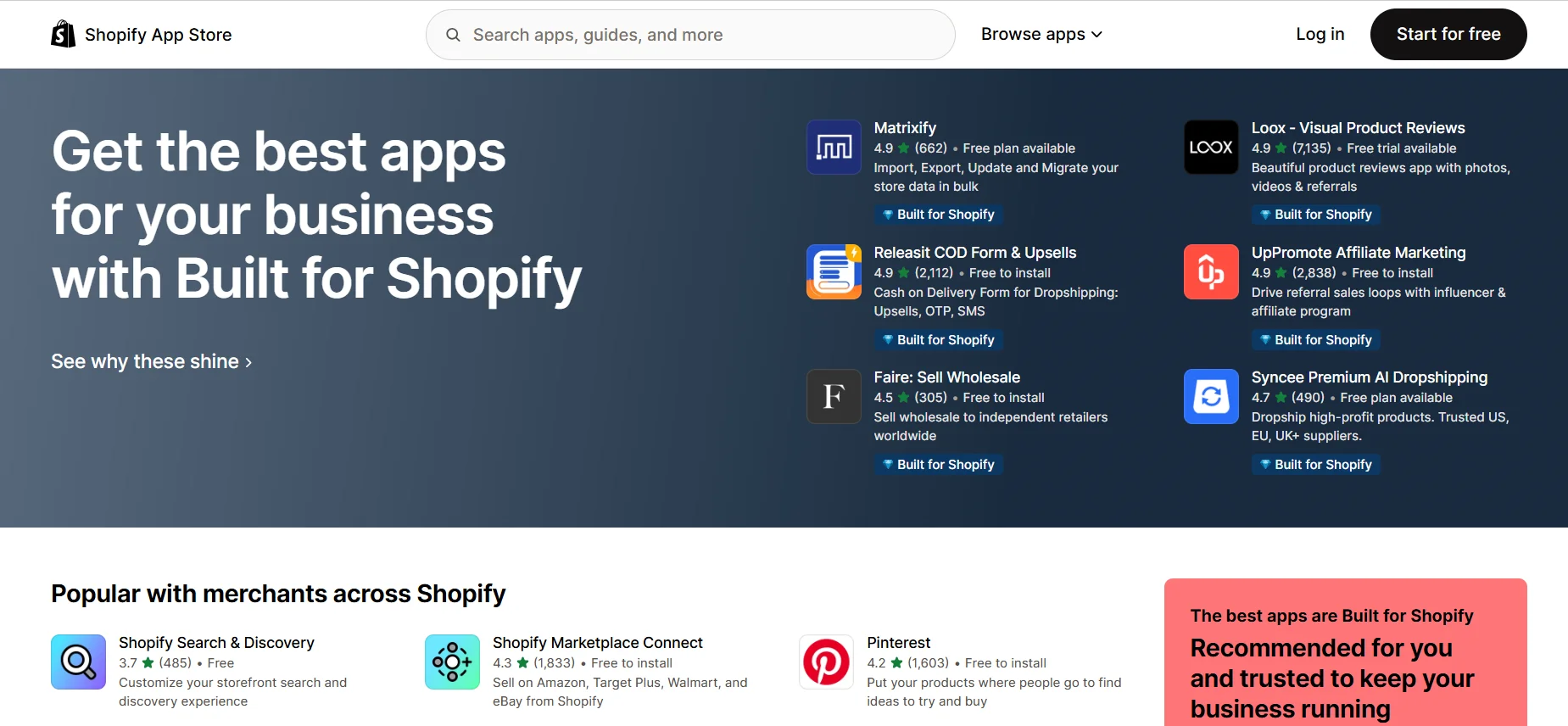
- Shopify: The Shopify App Store has thousands of apps that you can install with just a click. These apps are usually well-designed and trustworthy because the Shopify team approves them.
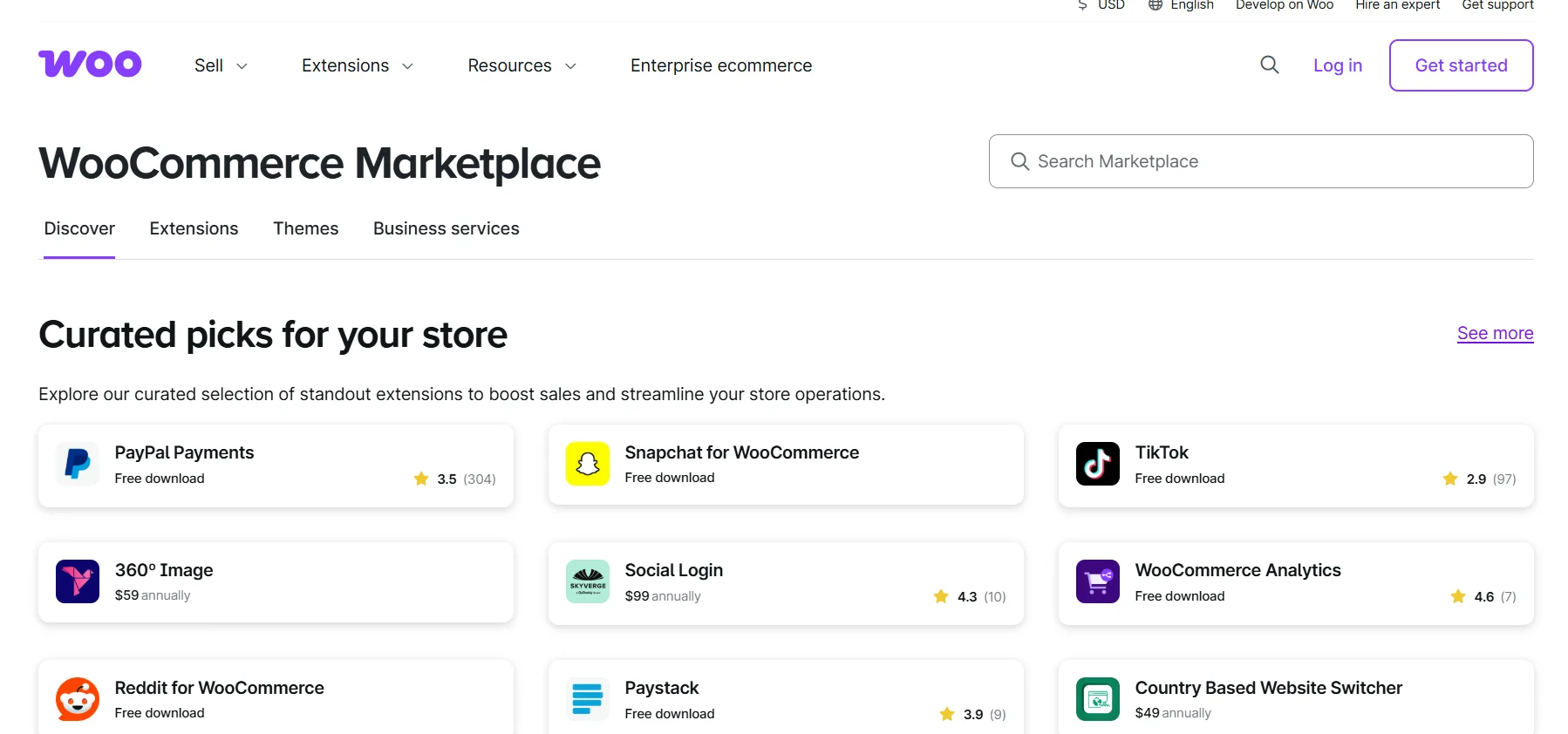
- WooCommerce: The WooCommerce marketplace and the WordPress ecosystem have thousands of plugins. You can find a tool for almost anything. However, be careful, plugin quality and security can vary a lot.
Both Shopify and WooCommerce offer many additional tools. Apps are ideal for merchants who want reliable quality and easy setup.
On the other hand, WooCommerce extensions provide better choices for developers needing custom features.
Payment Gateways, Transaction Fees & Shipping
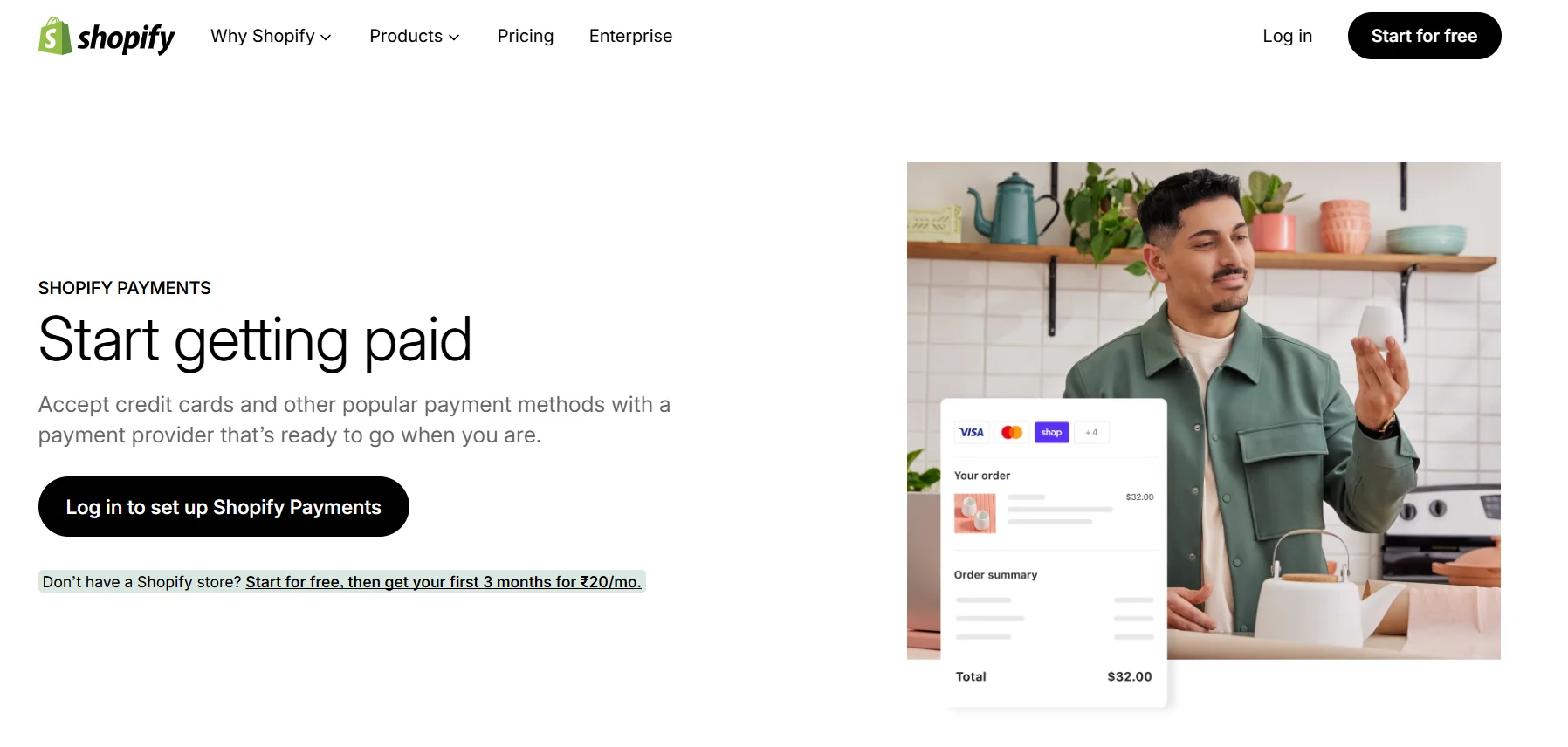
- Payment Gateways: Shopify has its own payment service called Shopify Payments. It’s the easiest way to accept credit cards, and there are no hidden fees from Shopify when you use it.
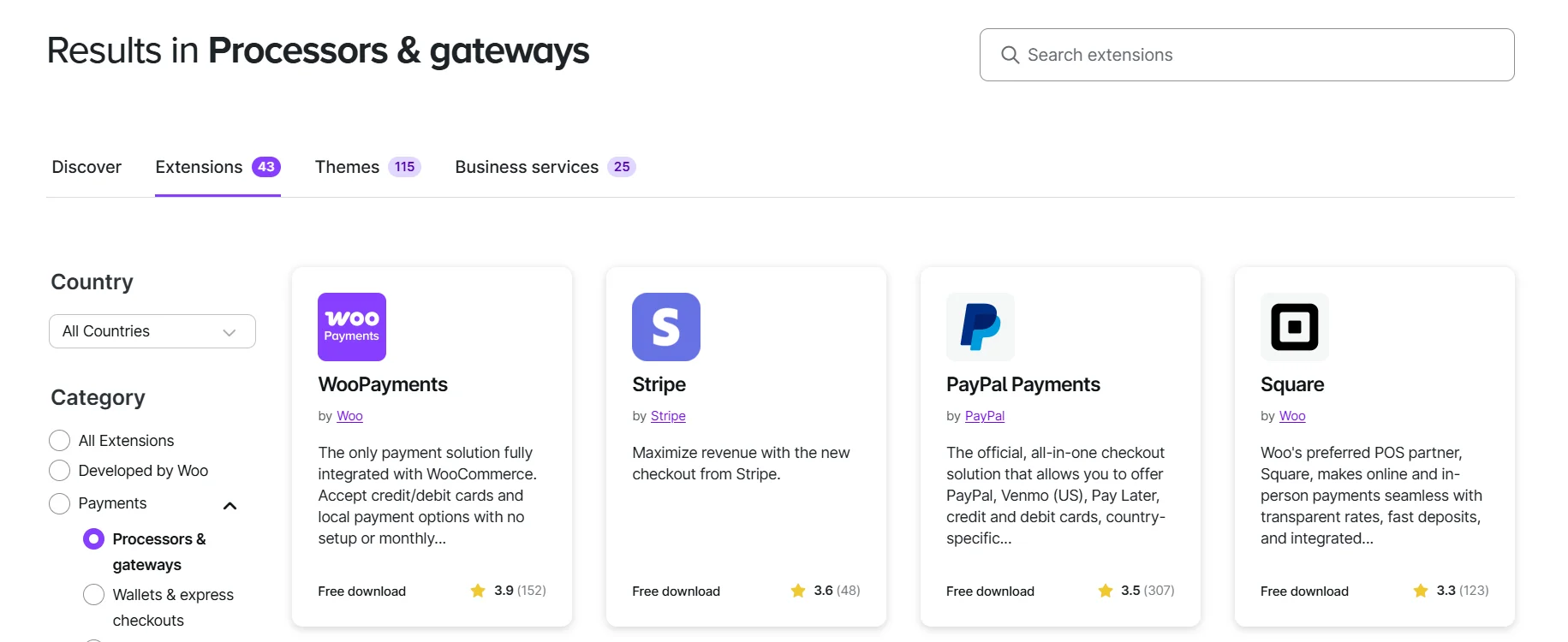
WooCommerce supports many popular payment options like PayPal, Stripe, and Square, but you need to set them up on your own.
- Transaction Fees: If you use a third-party gateway with Shopify, they charge a fee of (0.5% to 1.0%) based on your plan, in addition to the payment processor’s fee.
- Shipping: Both platforms have good shipping options. Shopify shipping gives big discounts with major carriers for users in the US and Canada, helping small businesses save money. WooCommerce shipping is easy to use and works well with services like USPS and FedEx.

All your reviews in one place
Collect reviews, manage every response, and display them where they matter most.SEO, Content & Marketing Capabilities
A strong online store needs good SEO optimization and marketing tools to attract customers. Both WooCommerce and Shopify offer ways to optimize your site for search engines and run marketing campaigns, but they work differently.
SEO & Blogging
WooCommerce works with WordPress, making it great for SEO and blogging. You can use plugins like Yoast SEO to handle keywords, meta descriptions, and sitemaps.
- Use Yoast SEO for better search engine visibility.
- Optimize product pages with keywords naturally.
- Blogging helps in content marketing and customer engagement.
- WordPress dashboards allow easy content management.
Shopify also provides SEO tools, but its blogging is more limited than WordPress. It’s simple to edit titles, meta tags, and URLs, but it doesn’t offer as much flexibility for advanced SEO strategies.
Marketing Features & Analytics
Marketing is crucial for boosting sales in an ecommerce store. Both platforms offer marketing tools, but they vary in their features:
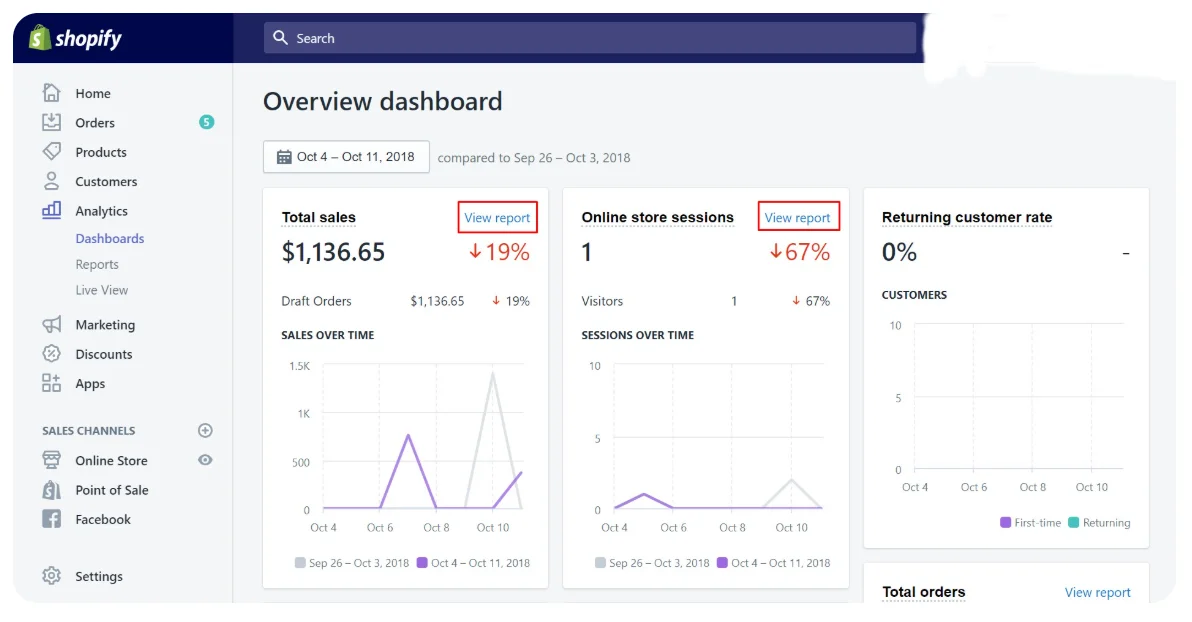
- Shopify: Shopify analytics gives clear reports on sales, customer behavior, and profit margins directly on the dashboard. Shopify also includes marketing tools like automated email campaigns and discount codes.
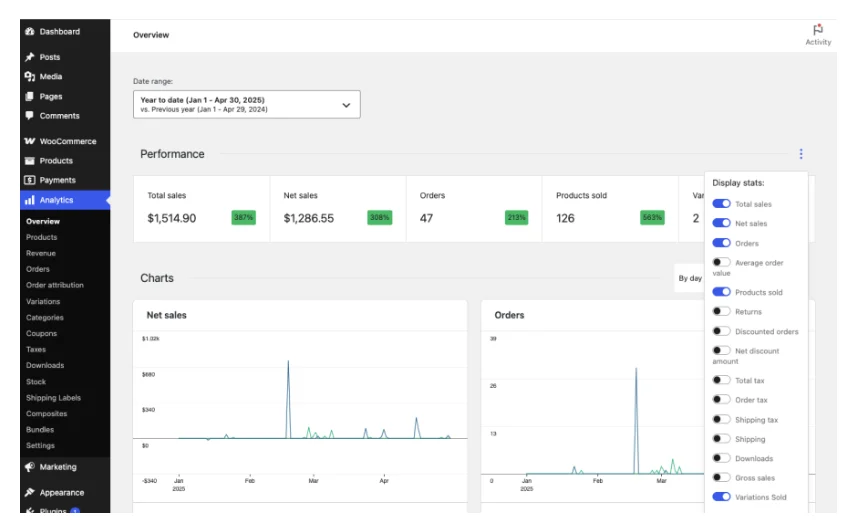
- WooCommerce: You can add analytics and marketing features by connecting tools. It’s easy to link free tools like Google Analytics. However, you’ll need to install plugins to access features that Shopify offers.
Scalability & Growth Potential
Every online business wants to grow. The platform you choose should support more products, traffic, and features as your store expands.
Growing With WooCommerce
WooCommerce allows unlimited scalability because it’s self-hosted and flexible:
- Add as many products as you want.
- Use extensions to add advanced features.
- Customize your store with customized code as your ecommerce business grows.
- Choose a hosting provider that can handle high traffic.
Growing With Shopify
Shopify makes scaling simple because it handles hosting and technical maintenance:
- Upgrade plans easily as sales grow.
- Add apps for new features without coding.
- The team manages security, updates, and hosting automatically.
- Works well for multi-location or high-volume stores.
Which works better for what size of business
Whether you are starting small or planning massive growth, your ecommerce store needs a platform that can handle increasing traffic and complexity.
- Small Businesses: Shopify is easier for beginners and low-maintenance.
- Growing Business: WooCommerce store is flexible and cost-effective in the long term.
- Large or enterprise stores: Advanced transaction Shopify plan or custom WooCommerce hosting can handle large traffic and multiple integrations.
Technical Maintenance, Security & Support
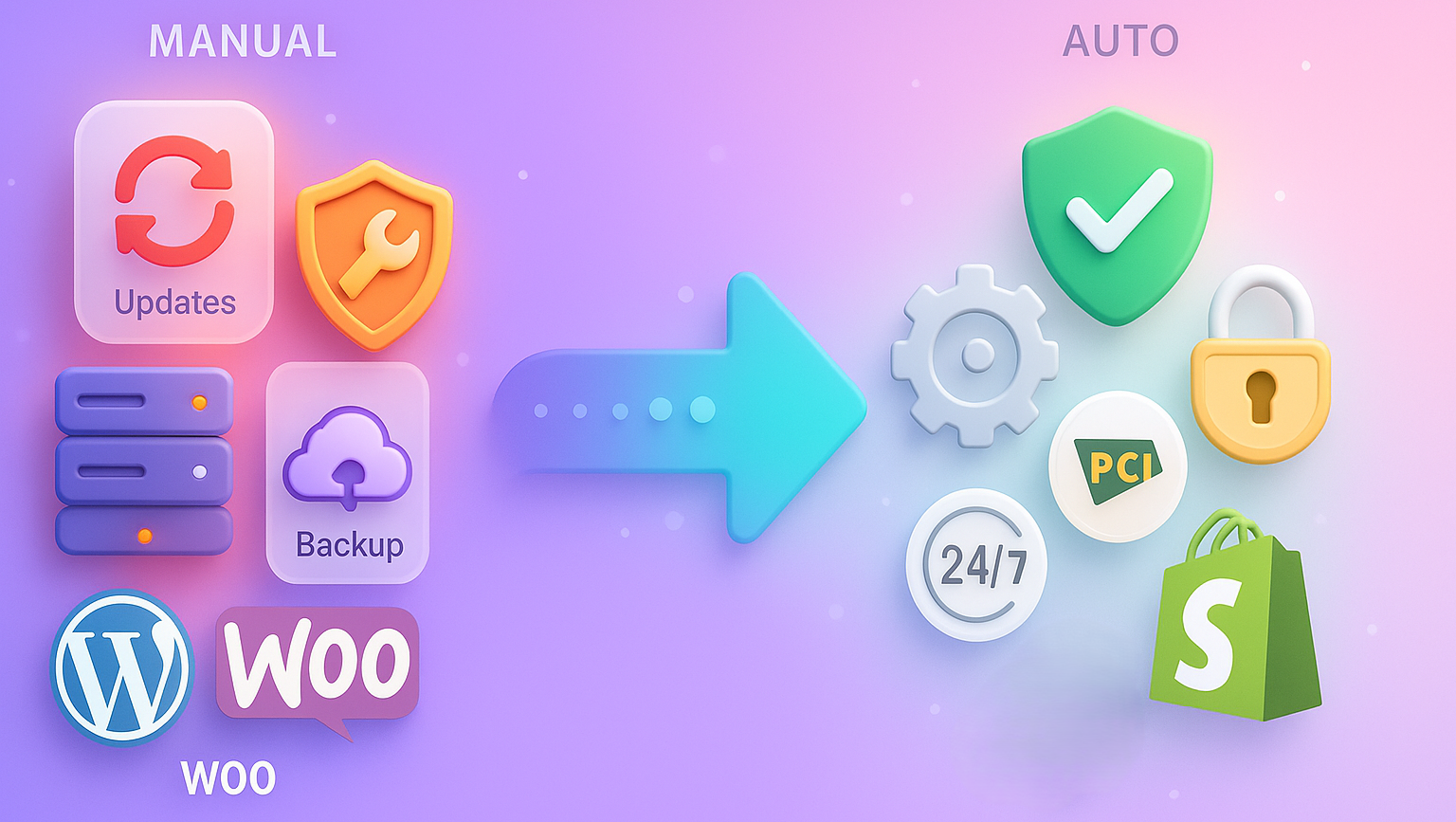
Managing security and technical updates is essential for any online store. Shopify WooCommerce handles this differently.
WooCommerce responsibilities
With WooCommerce, you are responsible for:
- Installing security plugins and keeping them updated.
- Maintaining SSL certificates and backups.
- Updating WooCommerce, WordPress, and other plugins regularly.
- Choosing a reliable hosting provider for uptime and speed.
This gives control but requires some expertise.
Shopify Maintenance & Support
Shopify simplifies technical management for store owners:
- Shopify PCI compliance ensures secure transactions.
- Automatic updates for themes and apps.
- Shopify’s support team is available 24/7.
- Built-in SSL certificates and security monitoring.
Ownership & Control
Choosing the right platform also depends on how much control you want over the store.
- WooCommerce gives full ownership and control over data, design, and functionality.
- Shopify handles web hosting and security, but limits some design and code flexibility.
- WooCommerce allows unlimited customization options using customized code and plugins.
- Shopify makes management simple with a hosting platform, but it depends on Shopify’s infrastructure.
All your reviews in one place
Collect reviews, manage every response, and display them where they matter most.Final verdict
Choosing between WooCommerce and Shopify depends on your needs, technical skills, and budget. Both platforms can create a successful online store, but understanding the tradeoffs helps you pick the best fit.
WooCommerce store gives more control, while a Shopify store makes an ecommerce site simple. Evaluate your business size, growth plans, and technical comfort to make the right choice.
Frequently asked questions
If you sell in person, Shopify is the only choice that offers a POS machine. Shopify's setup tools let you quickly add a lot of inventory, whereas WooCommerce needs coding and requires you to buy third-party hosting and a domain.
Shopify charges $3.20 for a $100 sale on its basic plan when you use Shopify Payments. These fees include a 2.9% processing fee plus a $0.30 fixed charge. Fees differ by plan: higher-tier plans have lower processing fees.
One reason to switch from WooCommerce to Shopify is better security for customer data and a more reliable online store. Shopify and WooCommerce handle risk differently. For example, Shopify has a strong built-in security system.
WooCommerce is free, but you must pay for a domain name (about $15 a year) and hosting charges ($10 to $15 a month). Plugins, themes and extensions cost extra; these can be one-time payments or monthly subscriptions.

Krunal