4 min
4 min 
PrestaShop reviews are not appearing due to module settings, caching issues, or theme-level problems.
I’ve fixed this issue across several PrestaShop stores, and it usually stems from a few common causes.
Reviews are in the system, but they’re not appearing on the product page.
Product reviews are critical; they signal trust to potential buyers, reducing hesitation and boosting confidence in your store’s credibility.
When they disappear, trust goes out the window, and so do sales.
This guide is going to walk you through the specific reasons Prestashop reviews aren’t displaying and show you exactly how to fix each one – no guesswork required.
7 Common reasons why Prestashop reviews aren’t showing up and how to fix them
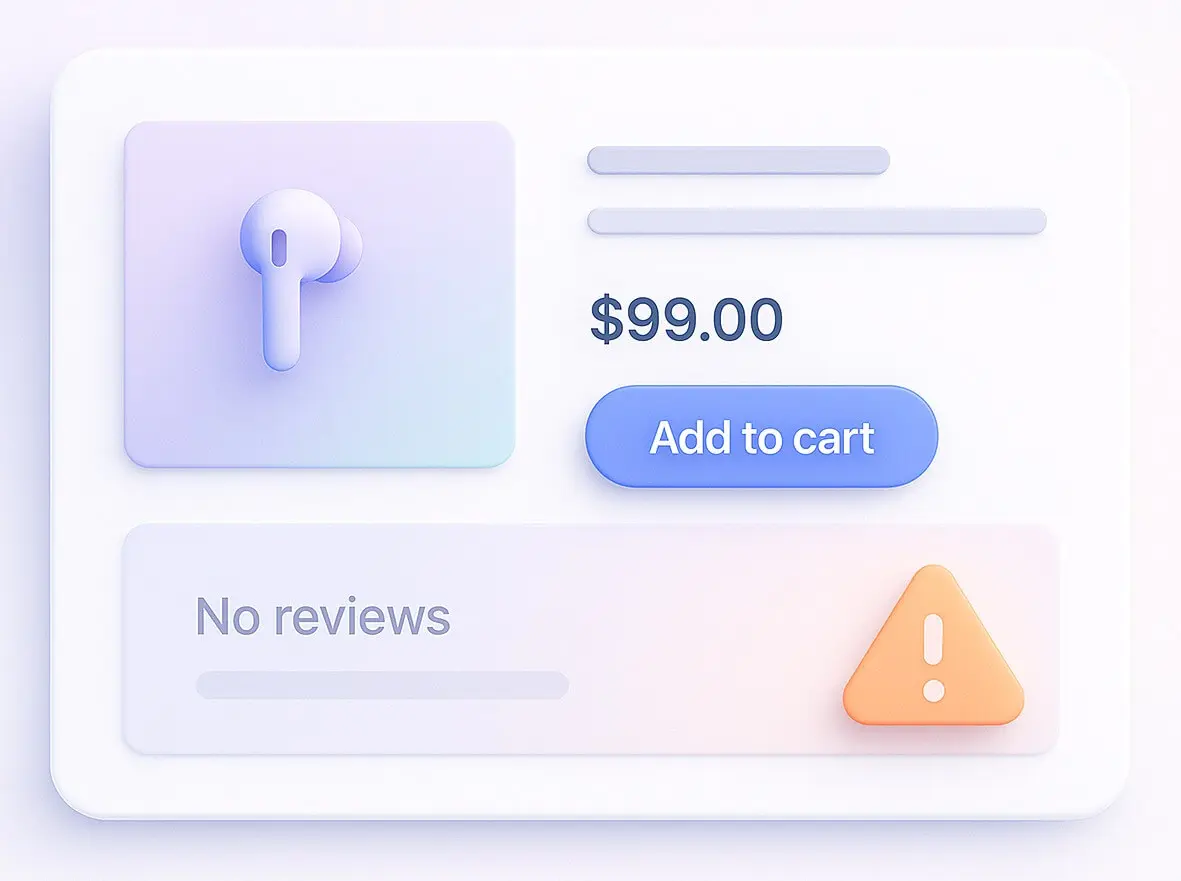
Below are the exact reasons this happens and how to fix each one quickly.
1. The review module isn’t installed or activated
If the Product Comments module isn’t installed or enabled, Prestashop reviews won’t appear.
PrestaShop relies on this native module to store and display product reviews.
I always check it first by going to Modules > Module Manager, searching for Product Comments, and confirming it’s installed and enabled.
In PrestaShop 1.7 and above, this module isn’t installed by default, even though the database shows reviews exist.
I’ve seen store owners assume the module is there, but it’s actually disabled.
How to fix it:
- If the module is missing, click Install
- If it’s installed but inactive, click Enable
- Save your changes and open the module settings to make sure everything is set correctly
If the module is malfunctioning, try uninstalling it, clearing the cache, and reinstalling it. This usually sorts out any issues after an upgrade.


All your reviews in one place
Collect reviews, manage every response, and display them where they matter most.
2. Review display settings are disabled
PrestaShop reviews won’t appear if the display settings in the Product Comments module are turned off. This is the case more often than not.
The module has several switches that control visibility, and one of them is often the cause of the problem.
What usually causes the issue:
- Reviews need to be manually approved before they show up
- Guest reviews are turned off
- Mobile display is turned off
How to fix it:
Go to Modules > Product Comments > Configure and make sure these settings are enabled:
- I don’t need an employee to validate all reviews manually
- Allow guest reviews
- Show reviews on mobile
If manual approval is enabled, reviews exist but are pending approval. This can create the illusion that reviews are broken.
Save your changes, then refresh the product page in a private browser to confirm it’s working as expected.
3. Cache is showing old data
PrestaShop reviews aren’t showing up because cached templates are displaying outdated content.
PrestaShop caching is pretty aggressive, especially on live stores.
I’ve had reviews added that took hours to show up because the cache hadn’t been cleared.
Where the cache is causing problems:
- Smarty template cache
- Prestashop page cache
- Theme-level cache
- CDN cache like Cloudflare
How to fix it fast:
- Go to Advanced Parameters > Performance and click Clear Cache
- Temporarily disable caching for testing
- If that doesn’t work, clear the cache manually via FTP by deleting files in /var/cache/, /themes/your_theme/cache/, and index.php
Always test in a private browser session to eliminate browser caching.
4. Theme hooks are missing or incompatible
PrestaShop reviews won’t show up if your theme doesn’t include the required hooks.
This is a common problem with custom or marketplace themes.
The Product Comments module relies on hooks to inject reviews into product templates.
Standard hook issues I see:
- A hook was removed during theme customisation
- The theme was built for an older PrestaShop version
- A hook is missing on category or product pages
How to fix it:
For Prestashop 1.7+, check these files:
- Product page: themes/your_theme/templates/catalog/product.tpl\
- Product listing page: themes/your_theme/templates/catalog/_partials/miniatures/product.tpl
Look for this hook: {hook h=’displayProductListReviews’ product=$product}
If it’s missing, reviews and stars won’t appear.
Quick test I always recommend:
- Switch to the Classic theme temporarily
- Check if reviews appear
If they do, your theme is the problem. Contact the theme developer or add the hook manually.
5. Reviews are waiting for manual approval
PrestaShop reviews aren’t appearing because they’re pending approval. Reviews exist, but customers can’t see them yet.
This happens when moderation is enabled.
How to fix it:
- Go to Modules > Product Comments > Configure and scroll to Reviews waiting for approval
- Click Approve on pending reviews
To prevent this in the future:
- Disable manual approval
- Save your changes
I usually keep approval on for new stores, but you must check it regularly; otherwise, reviews will accumulate silently.
6. Guest reviews are disabled
PrestaShop reviews aren’t appearing because customers can’t submit them.
When guest reviews are turned off, many shops receive zero reviews with no clear explanation.
Logged-out visitors just never even see the review form.
How to sort it out:
- Head to Product Comments > Configure
- Switch on the option to let guest reviews
- Save your changes
Then test out:
- Open a product page in incognito mode
- Scroll down to the review section
- Make sure the review form is showing
Allowing guest reviews will boost participation, but it can also bring on more spam, so keep an eye on it.
7. Review data is sitting there, but isn’t connected properly
For some reason, PrestaShop reviews just aren’t showing on the site when the database records get borked or are suddenly orphaned.
This usually occurs after a migration, a failed upgrade, or a module reinstall.
I’ve seen reviews in the ps_product_comment database, but they aren’t linked to the correct products.
Signs it’s the issue are:
- Reviews are definitely in the database
- Nothing is showing on the front end
- Error messages are popping up in debug mode
How to fix it safely:
Option one, the easy route: Reinstall the module
- Uninstall Product Comments
- Clear the cache
- Reinstall the module
This rebuilds the database tables and reconnects the hooks.
Option two, for the more adventurous: Advanced repair time
- Enable debug mode
- Check out those database errors
- Make sure the product IDs match up with the actual products
Always back up your database before modifying tables directly.
Additional troubleshooting tips
These additional troubleshooting tips help when basic fixes don’t work.
They target deeper conflicts, caching behavior, and version issues that commonly block PrestaShop reviews from showing.
Disable any conflicting modules
PrestaShop reviews won’t show if some third-party module is overriding review behaviour.
Performance modules, review add-ons, and theme builders are the most common culprits.
How to do the test:
- Enable debug mode
- Turn on the option to disable non-PrestaShop modules
- Refresh the product page
If the reviews magically appear, disable the third-party modules one by one to figure out which one was the problem.
Get your theme to recompile
PrestaShop reviews aren’t appearing because your Smarty templates aren’t being recompiled, which hides the changes even when all the hooks are in order.
How to fix it:
- Head to Advanced Parameters > Performance
- Set Force compilation to Yes
- Save the changes
- Refresh the page
Once it’s fixed, you can revert to the usual Recompile templates for modified files to avoid performance issues.
Take a close look at what’s going on in debug mode
PrestaShop reviews just aren’t showing because of some sneaky PHP or template error that’s hiding behind the scenes. Debug mode will show you what’s really going on.
How to turn it on:
- Head to Advanced Parameters > Performance
- Switch on debug mode to Yes
Take another look at the product page and see if there are any:
- Missing hook errors
- Database table errors
- Module class errors
Fix the underlying issue, then switch debug mode back off ASAP.
Double-check the compatibility of your modules & themes with the new version
PrestaShop reviews won’t show after an upgrade because some module or theme isn’t compatible.
This is common when you’re moving from 1.6 to 1.7 or upgrading to PrestaShop 8.
Before and after doing an upgrade, I like to check:
- Module compatibility with the current version
- Theme support for new hooks
- PHP version requirements
- That the cache was cleared after the upgrade
If reviews stop working after an upgrade, try reinstalling the Product Comments module and clearing the cache first.
It fixes the issue way more often than you’d think.

All your reviews in one place
Collect reviews, manage every response, and display them where they matter most.
Start Free →Conclusion
PrestaShop reviews aren’t appearing due to a configuration, caching, or theme issue. Most of the time, the reviews are actually there. It’s just that PrestaShop can’t find them.
So start simple:
- Check on the status of your modules
- Look at your review settings
- Clear the cache
Then dig deeper:
- Check the hooks are working
- Enable debug mode
- Test out theme compatibility
Doing it systematically will save you a ton of frustration
Keep your PrestaShop core, modules, and theme up to date, and always back up before making any significant changes.
That’s how you keep reviews visible and those conversion rates healthy.
Frequently asked questions
Reviews may be hidden due to module settings, disabled hooks, theme issues, or reviews waiting for approval.
Yes. Many review modules hold new reviews for approval. Check the back office to publish them.
Yes. Some themes do not support review hooks properly. This can stop reviews from appearing on product pages.
Yes. Cache can prevent new reviews from showing. Clear cache after changing review settings or approving reviews.
Check review module settings, confirm hooks are active, clear cache, and test with the default theme if needed.

Krunal