3 min
3 min 
Product Q&A helps customers buy with confidence. It addresses questions before they become drop-offs.
If you run a PrestaShop store, adding a product Q&A and review section is one of the simplest ways to increase conversions, improve SEO, and reduce repetitive support tickets.
I’ve seen stores increase product page engagement simply by allowing customers to ask one straightforward question.
This guide explains why product Q&A matters and how to manage it effectively in PrestaShop.
Why product Q&A is essential for PrestaShop stores
Product Q&A directly impacts sales, traffic, and trust.
Up to 75% of answered questions lead to a purchase because they remove buying uncertainty.
Q&A also adds long-tail keywords, helping product pages see up to 400% growth in organic traffic.
Most importantly, customer questions reveal missing details that block conversions.
Managing Q&A well turns these signals into consistent revenue growth.
How to add product question answer in PrestaShop
Adding Product Q&A in PrestaShop is easiest with WiserReview.
WiserReview is built for ecommerce stores that want reviews, Q&A, and UGC in one place without heavy setup.
It includes a free plan and paid plans starting at $9, each with generous features for growing stores.
If you want a clean Q&A layout, fast moderation, and SEO-friendly output,
WiserReview fits well with PrestaShop workflows. Here’s how to set it up step by step.
Step 1: Connect WiserReview with your store
First, integrate WiserReview with your store.
This connection allows WiserReview to pull product data and display Q&A on the correct product pages.
Go to the WiserReview dashboard, open Integration, and connect your store.
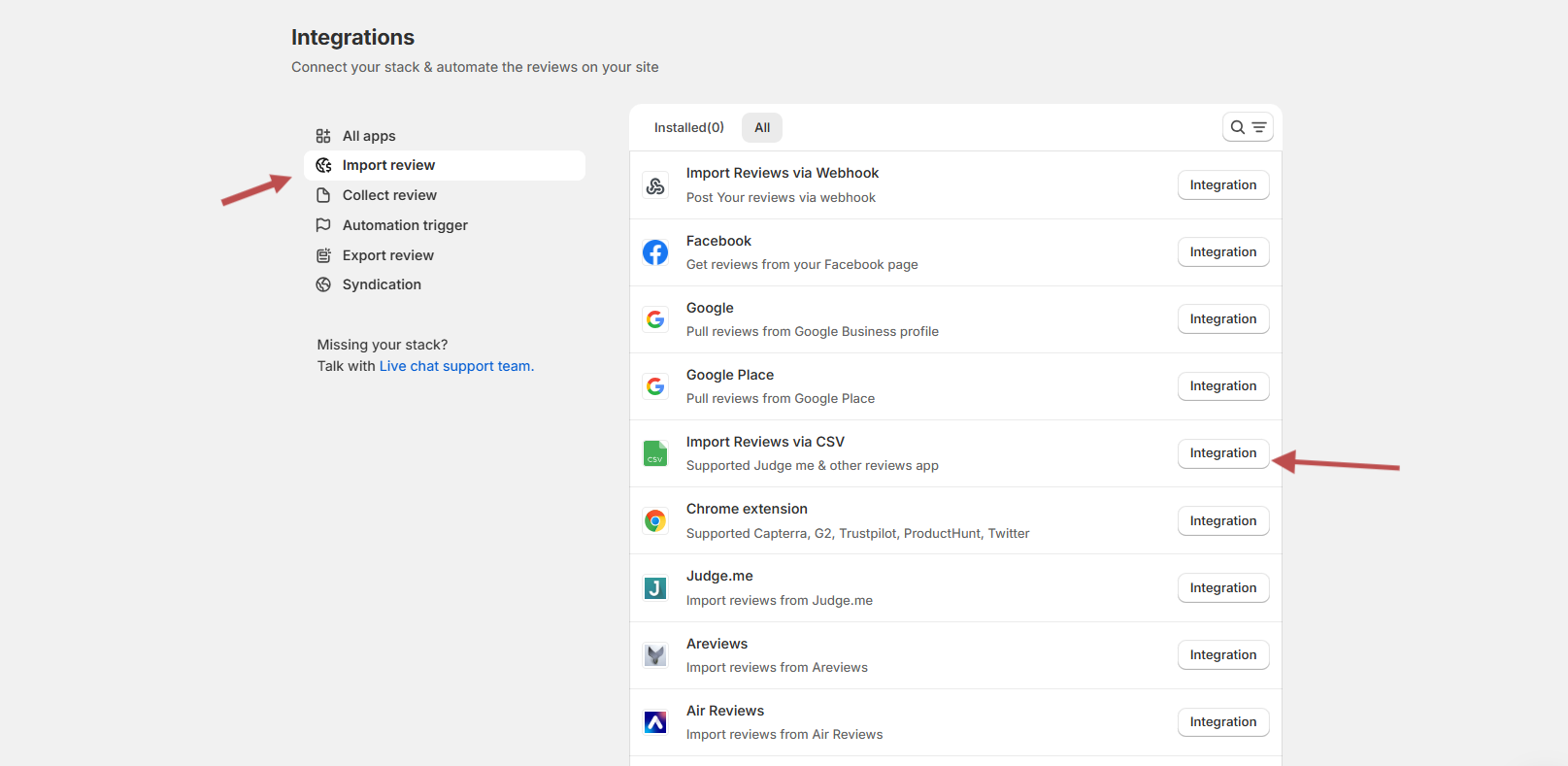
You can also add Q&A manually:

Once connected, your products automatically become available for Q&A widgets.
Step 2: Enable the Question & Answer widget
Next, activate the Q&A widget from the widgets section.
This is where you choose how the Product Q&A will appear on your product pages.
Open Widgets, find Question & Answer, and click Configure.

This enables a dedicated Q&A section designed specifically for product pages.
Step 3: Customize and publish the Q&A section
Finally, customize the layout and publish it live.
WiserReview lets you control labels, tabs, buttons, and search options without code.
You can:
- Show or hide the Q&A tab
- Rename tabs like “Reviews” and “Questions”
- Enable the “Ask a question” button
- Add search and load more options
Save your settings and publish. Your Product Q&A section will now appear on PrestaShop product pages, ready to collect real customer questions and answers.
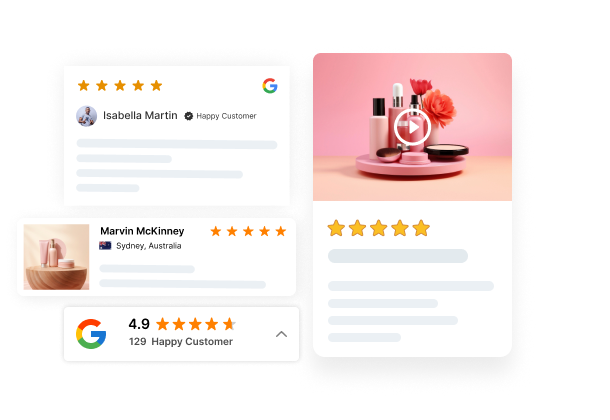
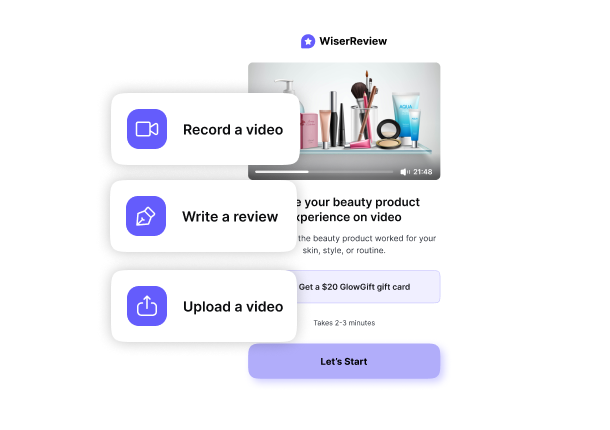

All your reviews in one place
Collect reviews, manage every response, and display them where they matter most.
6 Best practices for managing product Q&A in PrestaShop
Good Q&A management keeps answers useful and sales moving. These best practices show how to do it right in PrestaShop.
1. Respond quickly and moderate proactively
Fast responses increase conversions. Speed matters more here than polish.
Research shows:
- Replies within five minutes convert up to 21 times better
- Replies within one minute can increase conversions by over 300%
You don’t need perfect answers instantly. You need acknowledgment.
Best moderation habits:
- Acknowledge every question, even if the answer comes later
- Prioritize questions that block purchase decisions
- Set clear moderation rules for spam and off-topic posts
- Highlight the most helpful answers
I’ve seen stores lose sales simply because a simple question sat unanswered for two days.
2. Encourage customer participation
Product Q&A works only if customers use it. Your job is to reduce friction.
Ways to increase participation:
- Place the Q&A section above the fold on product pages
- Use clear CTAs, such as “Have a question about this product?”
- Allow guest questions with light verification
- Show existing questions to create momentum
Participation grows faster when customers see real activity. Silence kills engagement.
3. Provide clear, helpful answers
Clear answers close sales. Vague answers lose them.
Always follow this structure:
- Answer the question directly in the first sentence
- Add supporting details next
- Link to relevant pages if needed
Example: “Yes, this fits XL sizes comfortably. It supports waist sizes from 38 to 44 inches and includes adjustable straps.”
Avoid jargon. Write as you talk. If you don’t know the answer, say so and give a timeline. Guessing destroys trust.
4. Use Q&A insights to improve product pages
Product Q&A shows you exactly what to fix. Repeated questions equal missing content.
Use Q&A data to:
- Update product descriptions with real customer language
- Add FAQs for common concerns
- Improve images or add videos for clarity
- Adjust product variations based on demand
I often copy customer phrasing directly into product descriptions. That improves semantic relevance and conversion clarity simultaneously.
5. Optimize your Q&A section for SEO
Product Q&A captures long-tail search intent naturally. You just need to structure it properly.
SEO best practices:
- Implement FAQ schema using JSON-LD
- Keep questions indexable, not hidden behind scripts
- Allow search engines to crawl answers
- Include Q&A mentions in meta descriptions
Well-structured Q&A can drive strong results in Google search, improving click-through rates without additional content creation.
6. Ensure mobile-friendly design
Most shoppers browse on mobile. Your Q&A must work perfectly on small screens.
Mobile optimization checklist:
- Use readable font sizes without zooming
- Make buttons touch-friendly
- Avoid horizontal scrolling
- Load questions fast on mobile networks
I always test Q&A sections on actual phones, not just responsive previews. Minor UX issues appear quickly on real devices.
Conclusion
Product Q&A turns questions into sales. It improves conversions, strengthens SEO, and builds trust without extra content work.
For PrestaShop stores, Q&A is no longer optional. It’s conversion infrastructure.
Start with a simple setup. Answer questions quickly. Use insights to refine product pages.
Over time, your Q&A section becomes a searchable knowledge base that automatically attracts, convinces, and converts buyers.
The questions your customers ask today shape the product pages that sell tomorrow.
Frequently asked questions
Product Q&A lets customers ask questions directly on product pages and see answers from the store owner.
Yes. Answered questions remove buying doubts and help shoppers decide faster.
Yes. You can add product Q&A using a module without writing any code.
Yes. Approved questions and answers appear publicly on the product page.
Yes. Customer questions add fresh content that helps pages rank for long-tail searches.

Krunal