GoDaddy websites are often the first step for small businesses getting online, but many struggle with one core issue: trust.
Visitors land on your site but hesitate to contact you, book a service, or make a purchase.
Without proof from real customers, doubt slows action. Testimonials fix this by showing real experiences and helping visitors feel confident moving forward.
Why add testimonials to GoDaddy?
GoDaddy is designed for simplicity and speed, which makes testimonials a powerful trust builder when placed correctly.
Testimonials build instant credibility for small business websites
Pages with testimonials can improve conversions by up to 34 percent
88 percent of people trust online testimonials as much as personal recommendations
Social proof helps visitors feel safer contacting or buying from your business
Because GoDaddy sites are often straightforward, testimonials stand out clearly and influence decisions quickly.
You can explore the platform further or book a demo to learn how to collect more testimonials and show them where they matter most, based on our four years of experience working with over 1,100 brands.
Embed testimonials on GoDaddy
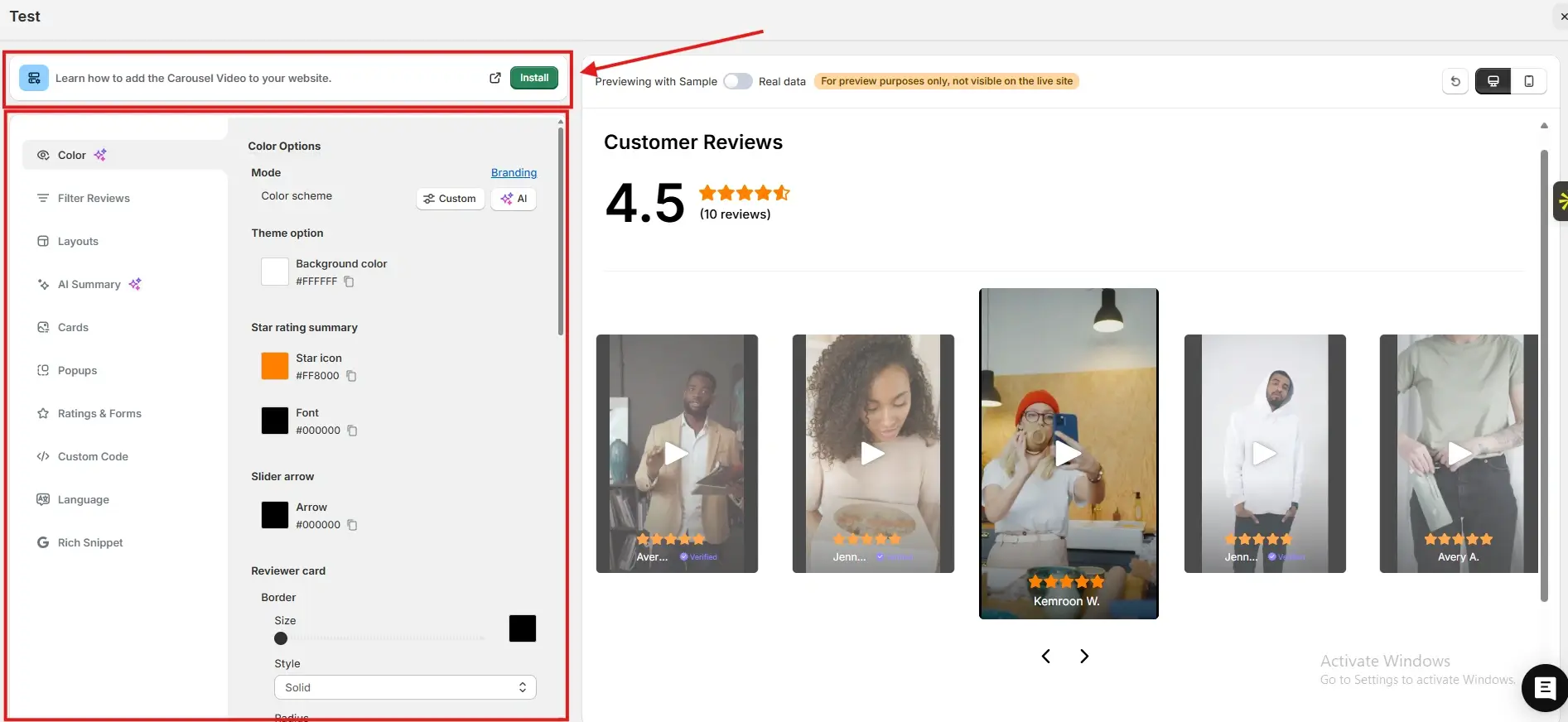
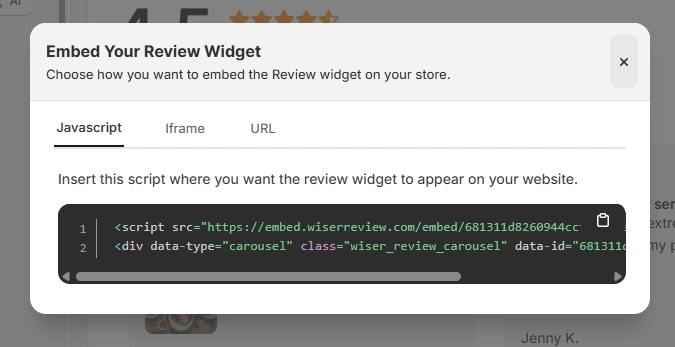
After generating your WiserReview embed code, follow these GoDaddy-specific steps:
Log in to your GoDaddy account
Open your website editor
Navigate to the page where you want testimonials to appear
Add an HTML or Embed section
Paste the JavaScript embed code, iframe, or URL from WiserReview
Save and publish your site
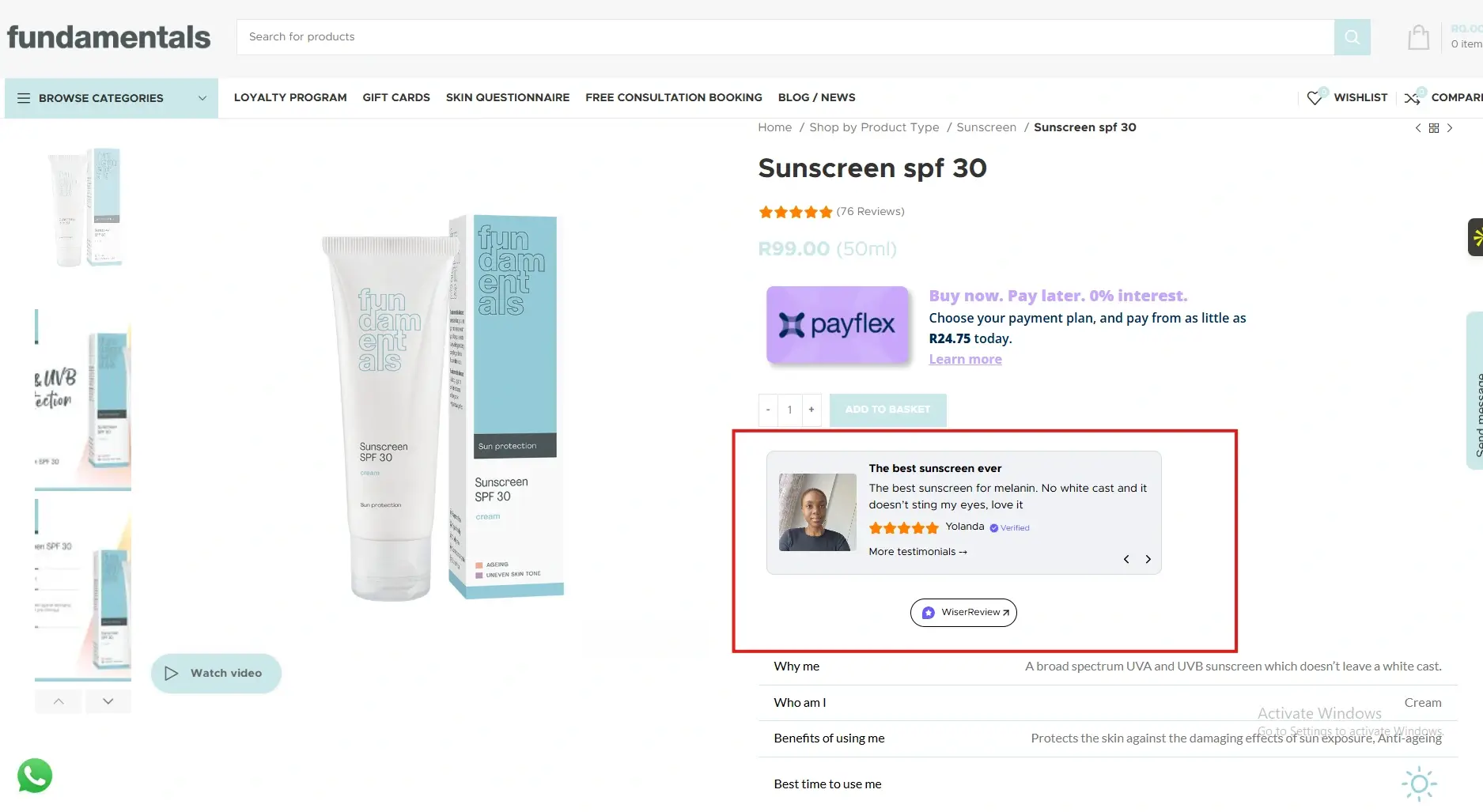
GoDaddy automatically displays the embedded testimonials within your page layout without breaking the design.
Best places to show testimonials on GoDaddy
Simple site structures require smart placement for maximum trust impact.
Homepage sections
The homepage is often the first and only page visitors see. Testimonials placed here quickly establish credibility and reassure visitors that your business is reliable. This increases the likelihood that visitors explore further or contact you.
Service pages
Service pages attract high-intent visitors who are comparing options. Testimonials that mention results, reliability, or customer experience help remove uncertainty. This reassures visitors that choosing your service is a safe and proven decision.
Contact and booking pages
Visitors often hesitate right before contacting a business. Testimonials placed near contact forms or booking buttons reduce fear of making the wrong choice. Seeing real feedback encourages visitors to submit enquiries or book appointments.
Footer sections
Footer testimonials create site-wide trust. Even visitors who scroll quickly still see social proof before leaving. This reinforces credibility and leaves a positive final impression of your business.
All your testimonials in one place
Collect testimonials, manage every response, and display them on your GoDaddy site.
GoDaddy makes it easy to get online, but testimonials help turn visitors into customers.
By embedding WiserReview testimonials across key GoDaddy pages, you reduce hesitation and build trust without complexity.
Start adding testimonials today and let customer experiences strengthen your online presence.
Frequently asked questions
Yes. Testimonials are especially important for small and local businesses.
No. Properly embedded testimonials load efficiently and do not slow pages.
Two to four focused testimonials usually work best.
Yes. Updating them in WiserReview automatically reflects on your site.
Absolutely. Testimonials build trust for enquiries, calls, and bookings.
Article by
Krunal
Krunal Vaghasia is the founder of WiserReview and an eCommerce expert in review management and social proof. He helps brands build trust through fair, flexible, and customer-driven review systems. Read more.

 3 min
3 min