Step-by-step guide to display testimonials on Wix for free. Add real customer reviews, build trust, and increase conversions without any technical setup.
Wix makes it easy to launch a website quickly, but many Wix sites struggle with one conversion blocker: trust.
Visitors may like your design but still hesitate to contact you, book a service, or buy a product.
Without visible proof from real customers, doubt slows action. Testimonials solve this by validating your offer and reassuring visitors that your business is credible.
Why add testimonials to Wix?
Wix is built for flexibility and ease of use, which makes testimonials highly effective when placed strategically.
Testimonials build instant trust for first-time visitors
Pages with testimonials can increase conversions by up to 34 percent
88 percent of people trust online testimonials as much as personal recommendations
Social proof helps reduce bounce rates and improve engagement
Because Wix sites often rely on visual storytelling, testimonials blend naturally into layouts and support confident decisions.
You can explore the platform further or book a demo to learn how to collect more testimonials and show them where they matter most, based on our four years of experience working with over 1,100 brands.
Embed testimonials on Wix
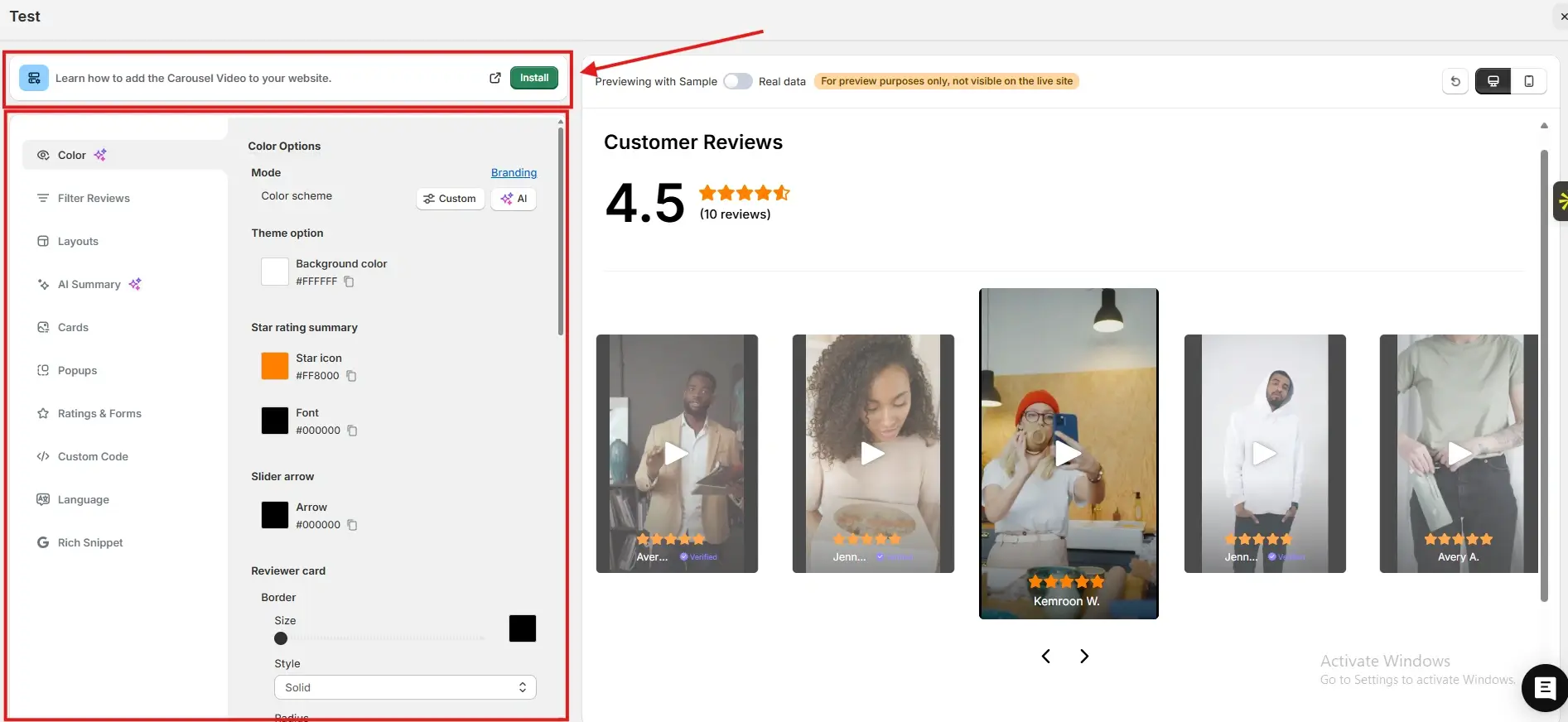
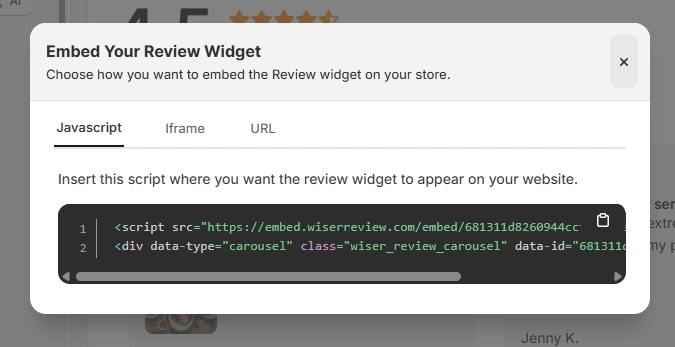
After generating your WiserReview embed code, follow these Wix-specific steps:
Log in to your Wix dashboard
Open the Wix Editor for your site
Navigate to the page where you want testimonials to appear
Click Add and choose Embed Code
Select Embed HTML and paste the JavaScript embed code, iframe, or URL from WiserReview
Save and publish your site
Wix automatically displays the embedded testimonials within your page layout and keeps them responsive.
Best places to show testimonials on Wix
Thoughtful placement ensures testimonials feel natural and persuasive.
Homepage sections
The homepage is the first trust checkpoint for most visitors. Testimonials placed here immediately signal credibility and reassure visitors that your business is reliable. This encourages users to explore your site instead of leaving due to uncertainty.
Service pages
Service pages attract visitors who are actively comparing options. Testimonials that mention results, reliability, or experience help remove doubt. Seeing real customer feedback makes choosing your service feel like a safe decision.
Product pages
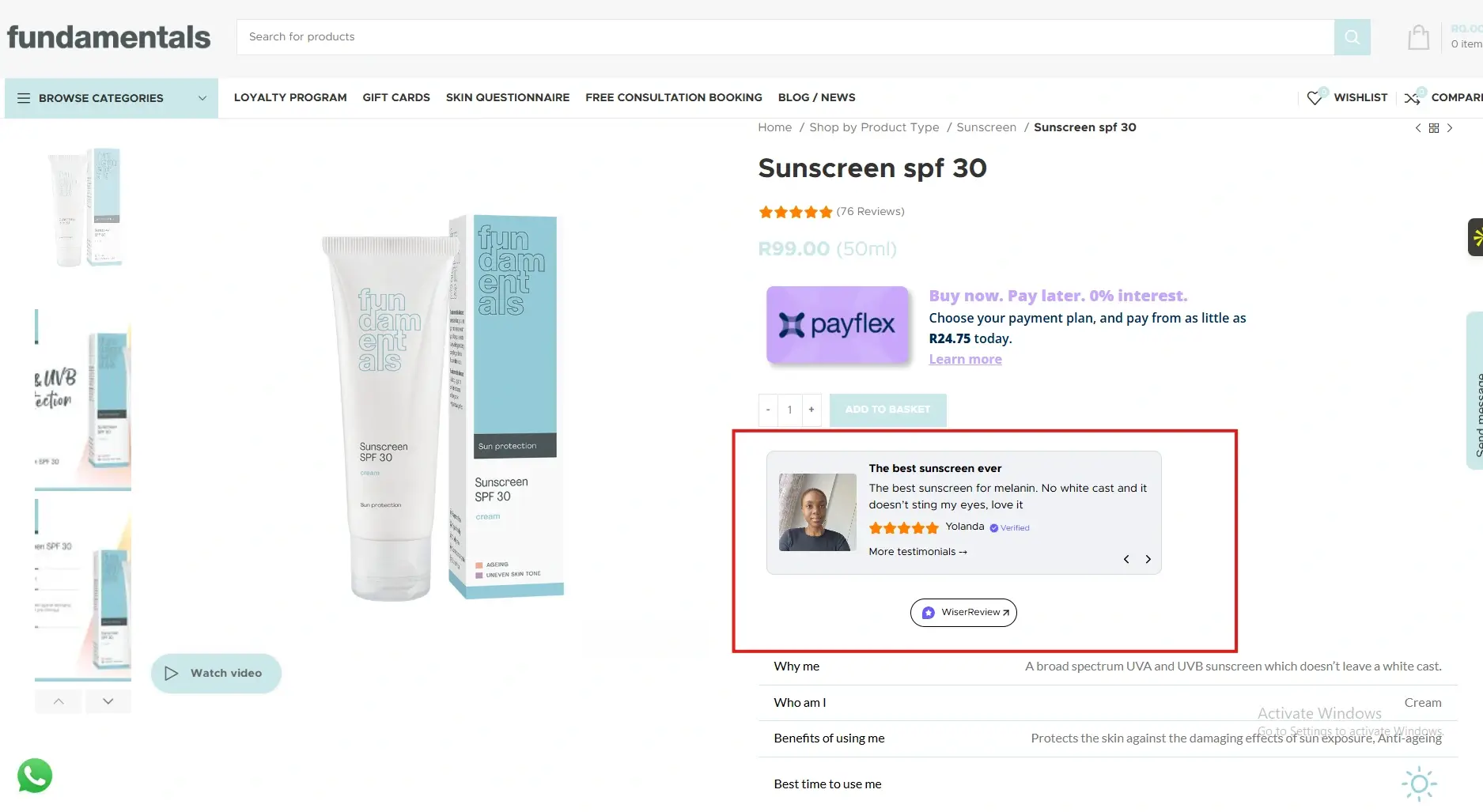
For Wix ecommerce stores, product pages are critical conversion points. Testimonials placed near product descriptions or buy buttons reduce perceived risk and help shoppers feel confident completing their purchase.
Contact and booking pages
Visitors often hesitate right before submitting a form or booking a service. Testimonials near contact forms or booking buttons reassure them that others had positive experiences, increasing enquiries and bookings.
All your testimonials in one place
Collect testimonials, manage every response, and display them on your Wix site.
Wix gives you the freedom to design your site, but testimonials give visitors a reason to trust it.
By embedding WiserReview testimonials across key Wix pages, you reduce hesitation and increase conversions without adding complexity.
Start using testimonials today and let customer voices strengthen your Wix website.
Frequently asked questions
Yes. Testimonials are highly effective for Wix sites across all industries.
No. Properly embedded testimonials load efficiently and do not affect performance.
Two to five relevant testimonials usually perform best.
Yes. Updating them in WiserReview automatically reflects on your site.
Absolutely. Testimonials strongly influence enquiries and bookings.
Article by
Krunal
Krunal Vaghasia is the founder of WiserReview and an eCommerce expert in review management and social proof. He helps brands build trust through fair, flexible, and customer-driven review systems. Read more.

 3 min
3 min