You can explore the platform further or book a demo to learn how to collect more testimonials and show them where they matter most, based on our four years of experience working with over 1,100 brands.
Embed testimonials on Framer
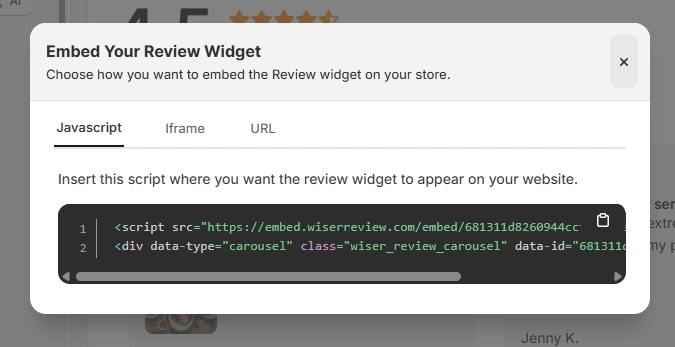
After generating your WiserReview embed code, follow these Framer-specific steps:
Log in to your Framer account
Open the project where you want to add testimonials
Navigate to the page or section where testimonials should appear
Add an Embed or Code component
Paste the JavaScript embed code, iframe, or URL from WiserReview
Publish your site to make the testimonials live
Framer automatically renders the embed within your layout while keeping responsiveness intact.
Best places to show testimonials on Framer
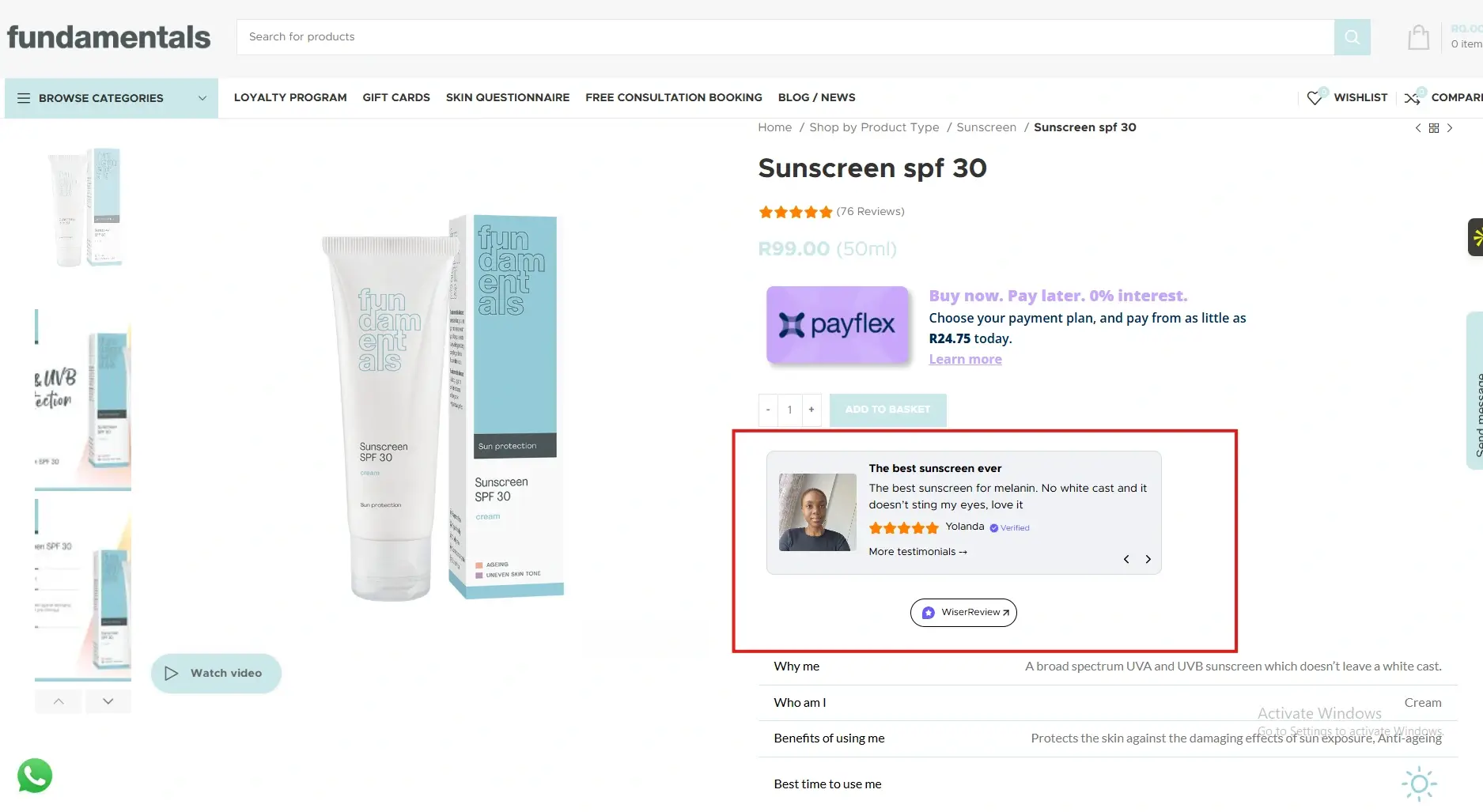
Strategic placement ensures testimonials support product and conversion goals.
Hero and above-the-fold sections
First impressions matter on Framer sites. Testimonials placed near the hero section establish credibility immediately.
When visitors see real customer feedback within seconds, they are more likely to continue exploring the product instead of leaving.
Near call-to-action buttons
Framer sites often guide users toward a single action. Testimonials placed just before or after call-to-action buttons reduce hesitation.
This reassures visitors that others trusted the product and benefited from it, increasing clicks and signups.
Feature and product sections
Framer pages typically highlight features with animations and visuals. Testimonials placed after feature explanations validate claims and show that features deliver real value in real use cases.
This strengthens belief and decision-making.
Pricing sections
Pricing creates natural friction. Testimonials near pricing tables help justify cost by highlighting outcomes and satisfaction.
This reframes price as value and supports conversions for paid plans or subscriptions.
All your testimonials in one place
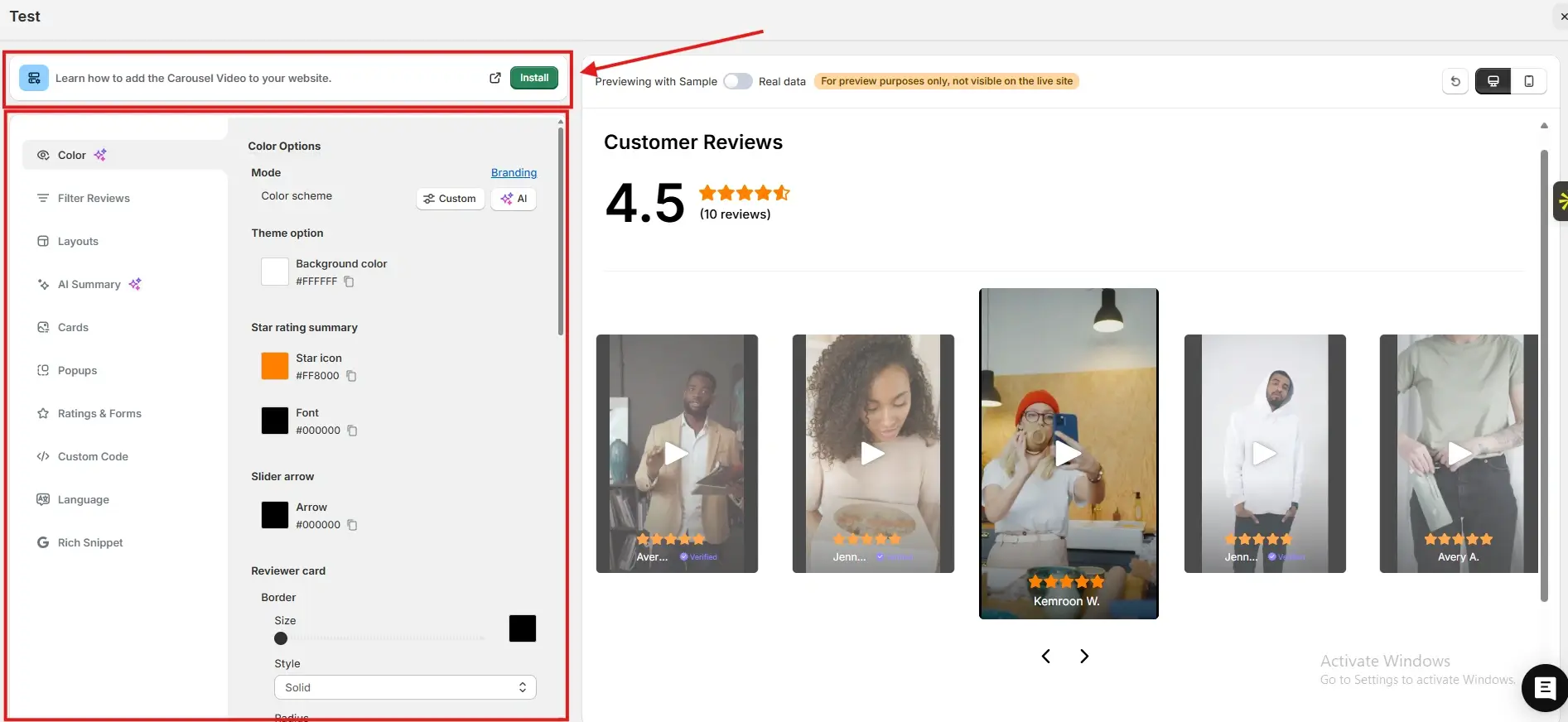
Collect testimonials, manage every response, and display them on your Framer site.
Framer gives you design freedom and performance, but testimonials give your site credibility.
By embedding WiserReview testimonials across key Framer sections, you reduce doubt and increase conversions without disrupting design.
Start using testimonials strategically and let customer voices strengthen your Framer website.
Frequently asked questions
Yes. Testimonials are especially effective for SaaS, startup, and product-focused Framer sites.
No. Properly embedded testimonials load efficiently and maintain site speed.
Two to five focused testimonials usually work best.
Yes. The same embed code can be used on multiple pages.
Absolutely. Testimonials build trust and credibility quickly.
Article by
Krunal
Krunal Vaghasia is the founder of WiserReview and an eCommerce expert in review management and social proof. He helps brands build trust through fair, flexible, and customer-driven review systems. Read more.

 3 min
3 min