8 min
8 min 
The best customer feedback tools help you collect real customer insights, spot problems early, and turn feedback into higher conversions.
Every day, customers share their thoughts, complete surveys, and write reviews. You miss opportunities to improve your products and boost sales if you don’t monitor and respond to that feedback.
The majority of brands gather feedback. Few people use it to develop.
In this guide, you will find the 10 best customer feedback tools in 2026 that’ll help you capture customer feedback, resolve issues quickly, and improve sales.
What are customer feedback tools?
Customer feedback tools are software applications that collect, manage, and analyze customer feedback to improve products, services, and the overall customer experience (CX).
Through surveys, review forms, in-app widgets, heatmaps, QR codes, emails, or live chat, these tools collect user feedback. They then compile the information into insights that can be put to use.
Teams can see what customers like, dislike, and what needs improvement thanks to these tools, which aggregate all responses in one location.
They help businesses make better decisions based on actual customer feedback, enhance products, and address service problems.
Why customer feedback tools matter for business growth
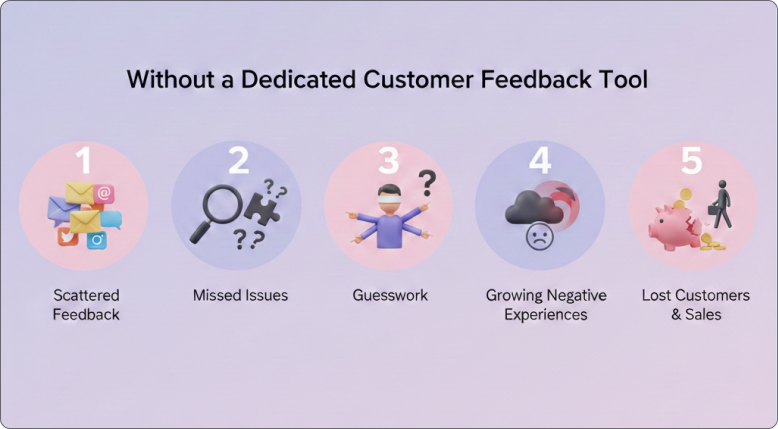
Feedback is a competitive advantage in addition to being helpful. Companies that consistently gather and respond to consumer feedback increase customer retention, strengthen their products, and turn more visitors into customers.
Without a dedicated customer feedback tool,
- Feedback stays scattered across email, social media, and support chats.
- Teams miss important complaints or product issues.
- You rely on guesswork rather than real customer data.
- Negative experiences grow before you notice them.
- You lose repeat customers and potential sales.
Feedback eliminates “gut feeling” from decisions about products. It can accelerate development cycles by up to 30% by helping teams prioritize features that customers genuinely want.
According to statistics, businesses that prioritize customer experience (CX) see an 80% increase in revenue, and 87% of customers will return if they have a positive experience.

All your reviews in one place
Collect reviews, manage every response, and display them where they matter most.
Start Free →Customer feedback tools: Quick comparison
| Tool | Core Focus | Best For | Standout Feature | Pricing Model |
|---|---|---|---|---|
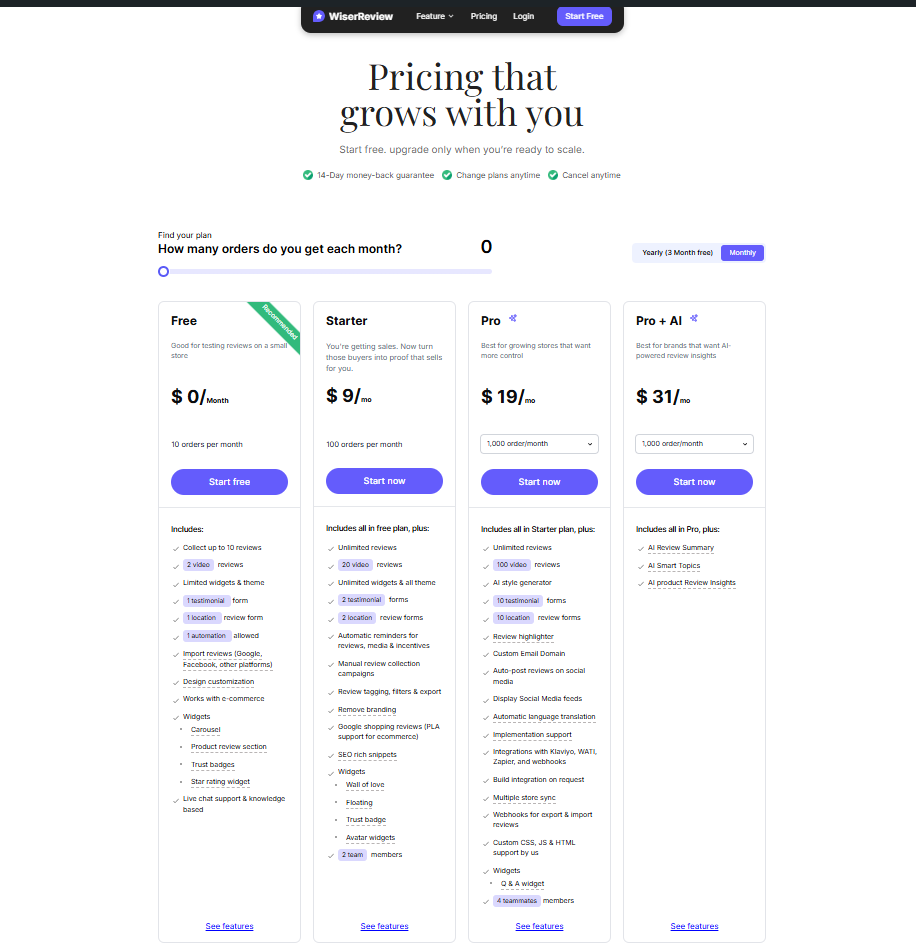
| WiserReview | Review management for all businesses | Growing brands need multi-store sync and global reach. | WhatsApp Integration, automated review requests, Photo/Video Reviews & customizable widgets to boost social proof | Free, Starts ~$9/month. |
| BazaarVoice | Retail Network Syndication | Large Enterprises & Global Retail Brands | Retailer Syndication: Pushes reviews to sites like Walmart, Target, & Best Buy | High / Custom Enterprise Quotes |
| SurveyMonkey | General Purpose Surveys | All Business Sizes (General Research) | 200+ Templates & AI-powered survey creation for quick deployment | Free trial; Paid plans start at $18/user/mo |
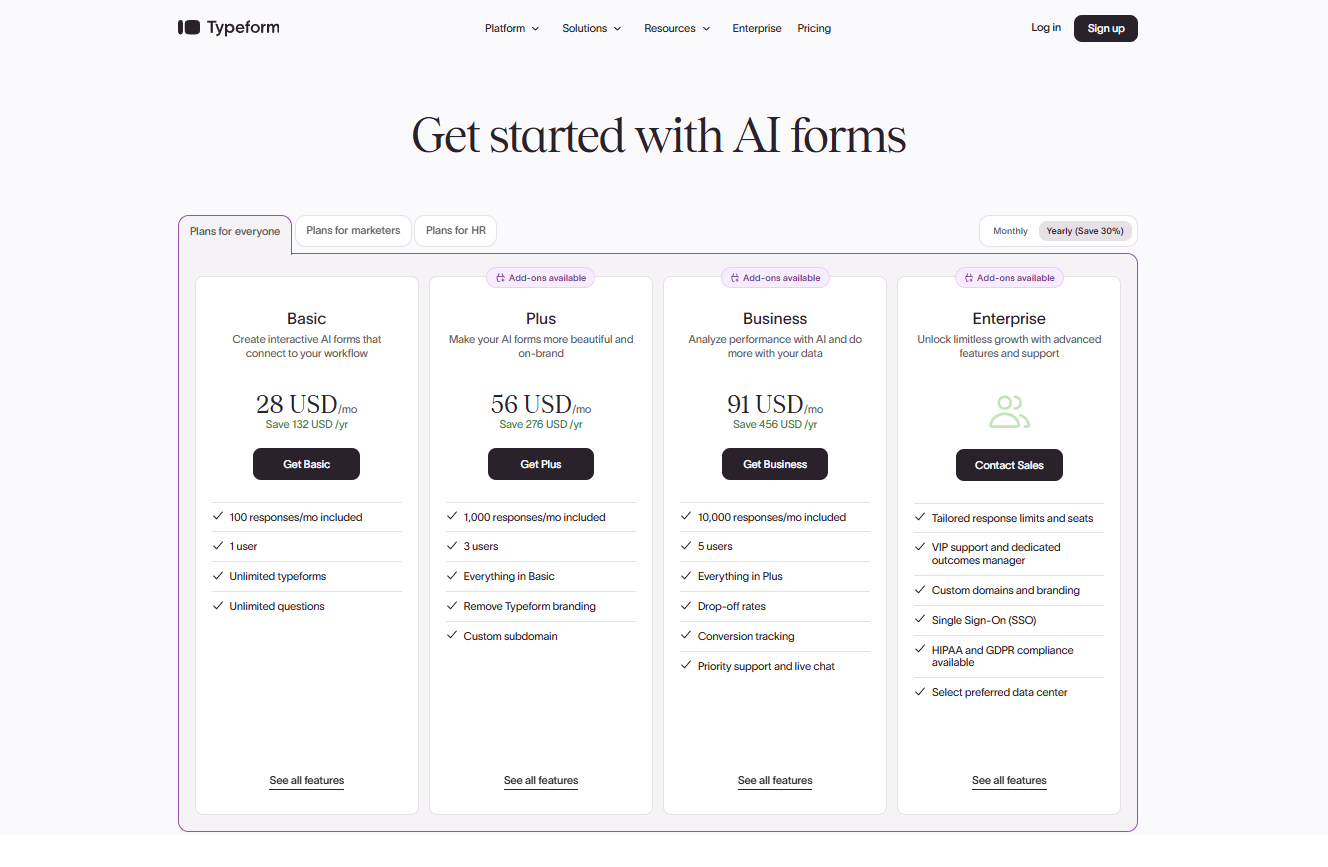
| Typeform | Conversational Data Collection | Brand-Conscious SMBs & Marketers | “One-Question-at-a-Time” Interface that boosts completion rates & aesthetics | Limited Free Plan; Paid starts ~$28/mo |
| Zonka Feedback | CX Metrics & Offline Feedback | Hospitality, Retail Chains, & Healthcare | Multi-Channel: Captures feedback via offline tablets/kiosks, SMS, & email | Custom pricing |
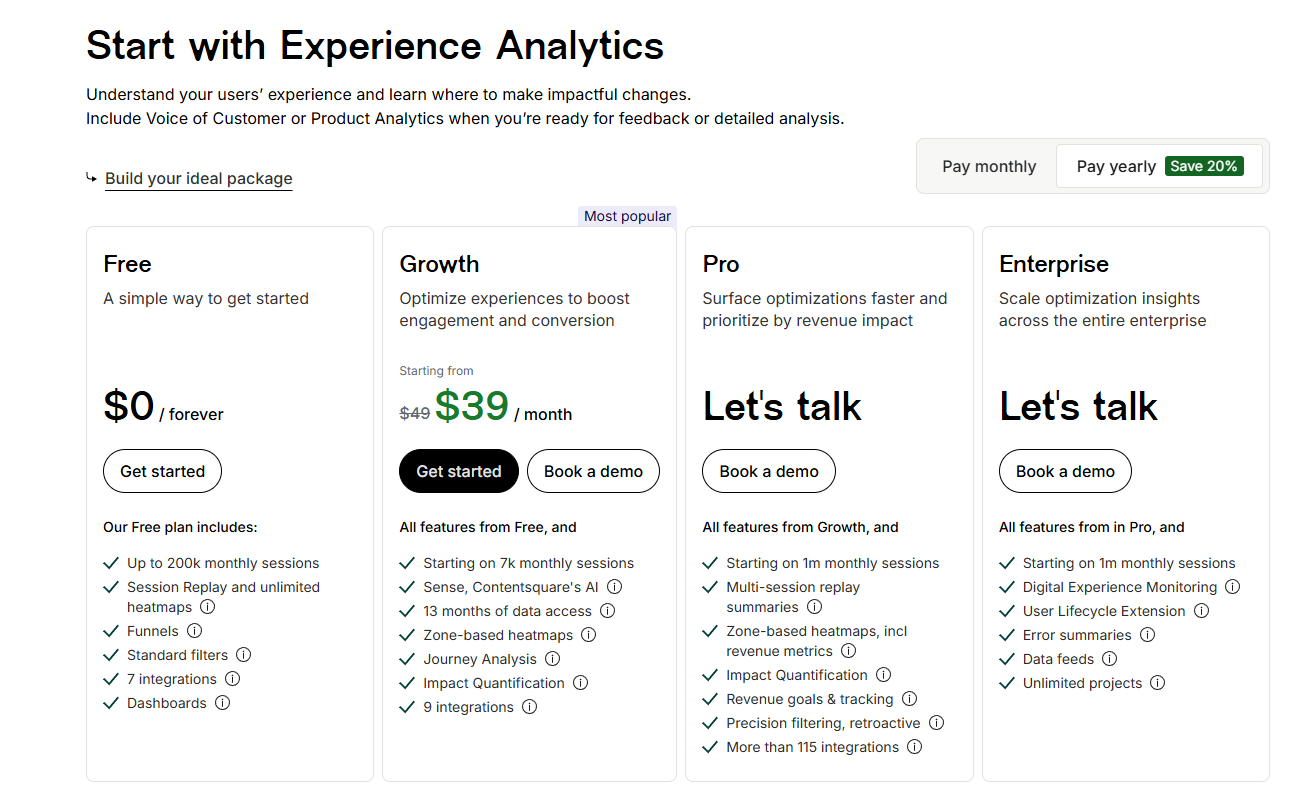
| Hotjar | Visual Behavior Analytics | UX Designers & Product Teams | Heatmaps & Session Recordings combined with on-site review widgets | Free plan available; Paid starts ~$39/mo |
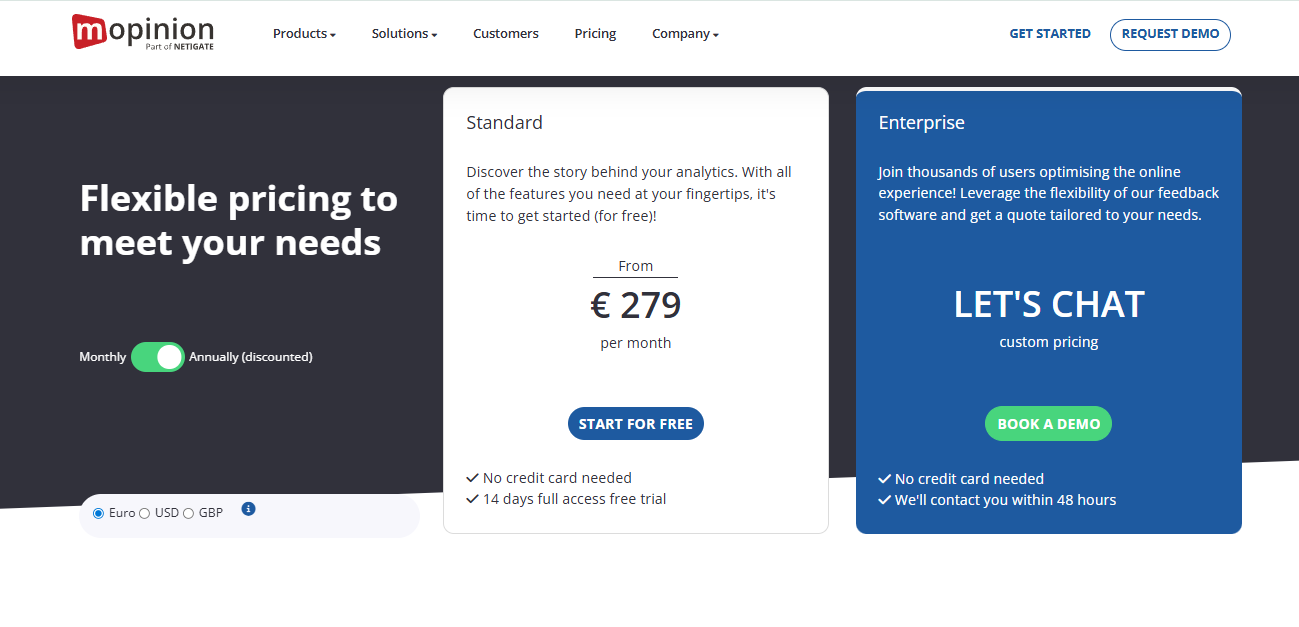
| Mopinion | Digital Feedback (Web/App/Email) | Digital Marketers & Enterprises | Specific Digital Focus: Deep analysis for web/app users vs. generic surveys | Starts at €279/month |
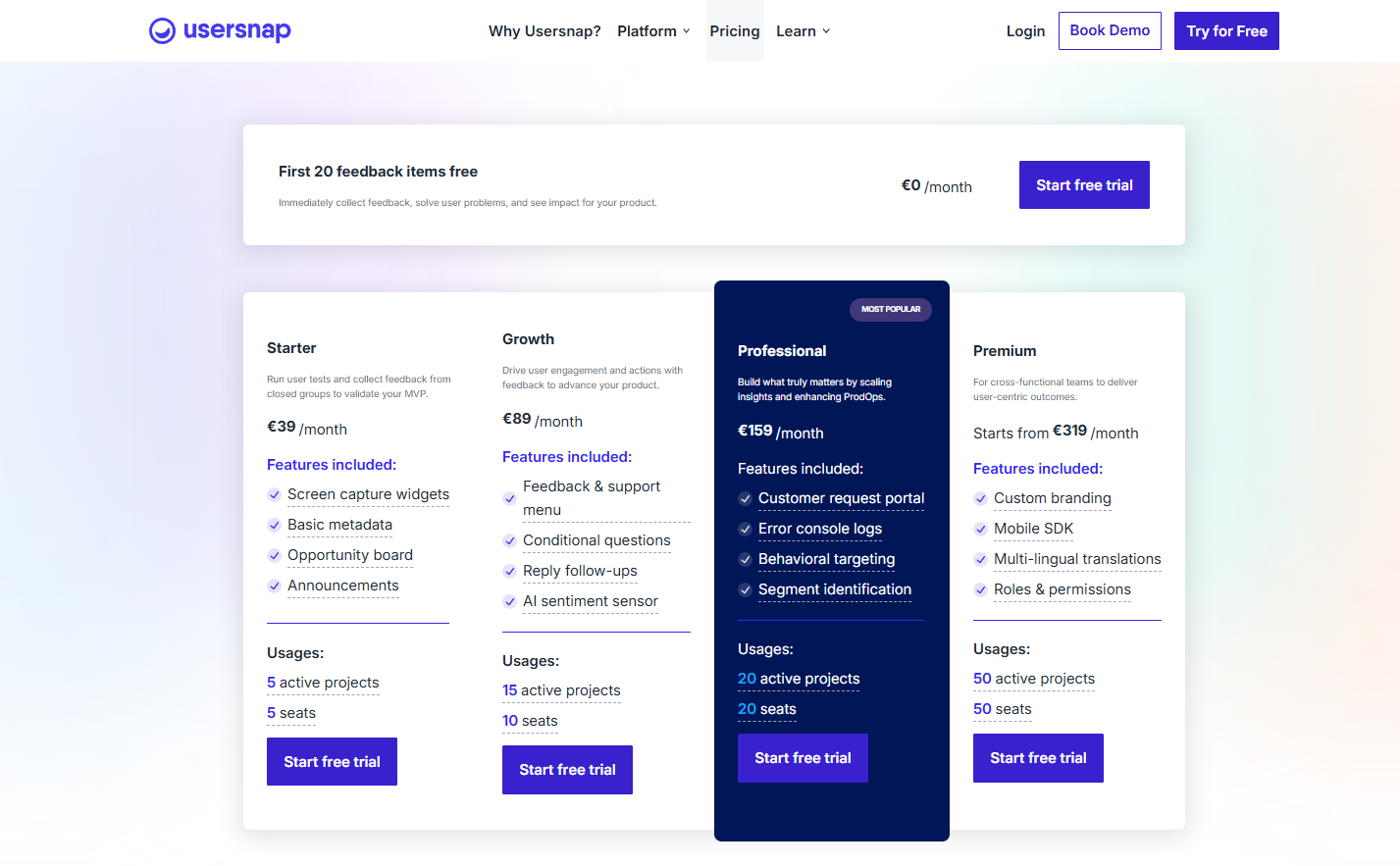
| Usersnap | QA & Bug Tracking | Developers, QA Teams & SaaS Products | Annotated Screenshots: Users can draw directly on the screen to report bugs | Free trial, Starts at $39/mo |
| Qualtrics | Enterprise Experience Mgmt (XM) | Large Corporations & Academic Research | Deep Statistical Analysis: Advanced AI logic & predictive intelligence for complex data | Custom pricing |
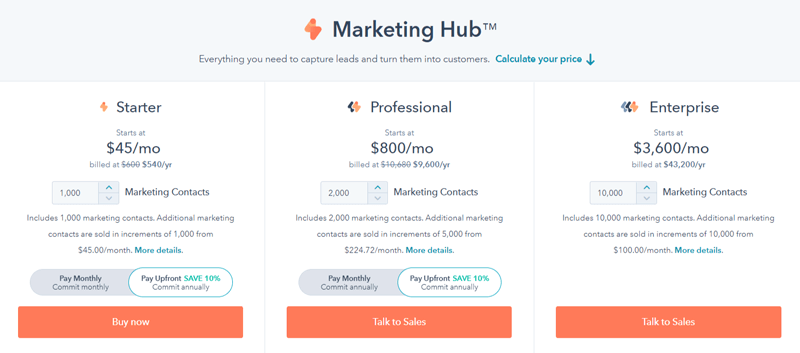
| HubSpot | CRM-Connected Feedback | Sales/Support Teams using HubSpot | CRM Integration: Feedback is automatically logged on the customer’s contact record | Starts at $45/ month |
10 best customer feedback tools in 2026
Here are the 10 best customer feedback tools in 2026 that help you collect reviews, surveys, and real user insights in one place.
A. Review & UGC (user-generated content) platforms
1 .WiserReview
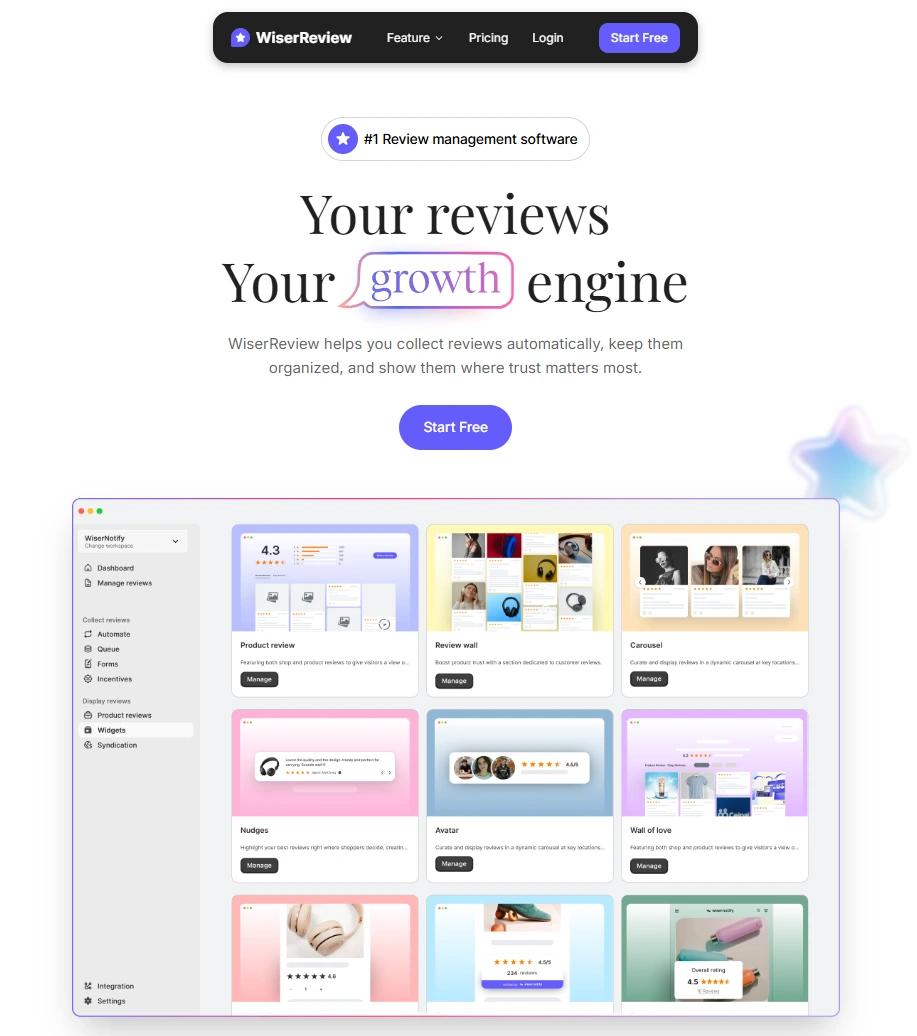
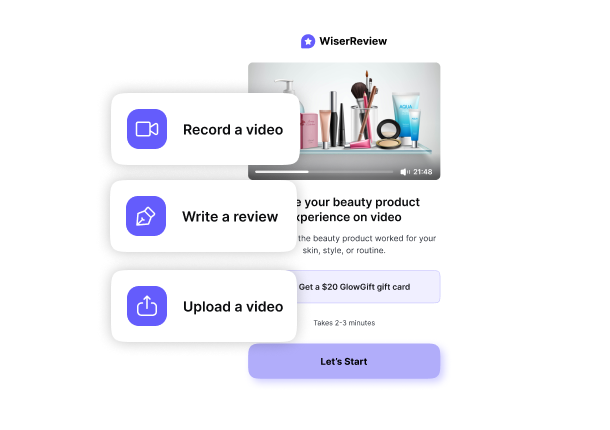
WiserReview is a review management software created for businesses aiming to gather, organize, and showcase customer reviews with less hassle and expense.
It eliminates the need for manual follow-ups by automatically sending review invitations through email, WhatsApp, or SMS right after a purchase or customer interaction, while the experience is still fresh in their minds.
It is the first choice for businesses aiming to boost conversion rates by leveraging trust. It can be set up in under 10 minutes without coding.
Key Features:
- Automated review requests via email, SMS, and WhatsApp based on purchases, sessions, or milestones
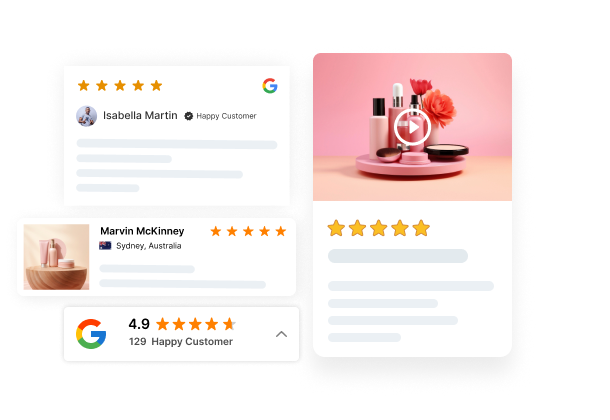
- Multi-format reviews: customers can leave text, photo, or video reviews
- Display widgets: carousels, pop-ups, walls of love, trust badges, and floating snippets, all schema-optimized for Google rich results
- AI-powered moderation: auto-filters low-quality reviews and highlights key phrases; AI responds to reviews
- Review tagging & filtering: filter reviews by product, service type, or custom categories and show them right where they convert
- Multi-platform import: import reviews from Google, Facebook, Trustpilot, Yelp, and more in one place.
- SEO Rich Snippets: Indexes reviews to help your products show up with star ratings in Google search results.
- Incentive System: Provides coupons or discounts in exchange for reviews.
 Pros
Pros - ◆ Very affordable for all brands.
- ◆ High focus on visual social proof.
- ◆ Solid integrations: Shopify, Klaviyo, Zapier, Google, Facebook, and more.
- ◆ Multi-channel outreach (email, SMS, WhatsApp, QR code, shareable links)
 Cons
Cons - ◆ The free plan limits collections to 10 reviews.
- ◆ Some advanced features, such as deep analytics, are available only on premium tiers.
- ◆ While initial plans are cheap, costs can rise as monthly order volume increases.
Pricing

All your reviews in one place
Collect reviews, manage every response, and display them where they matter most.
2. BazaarVoice
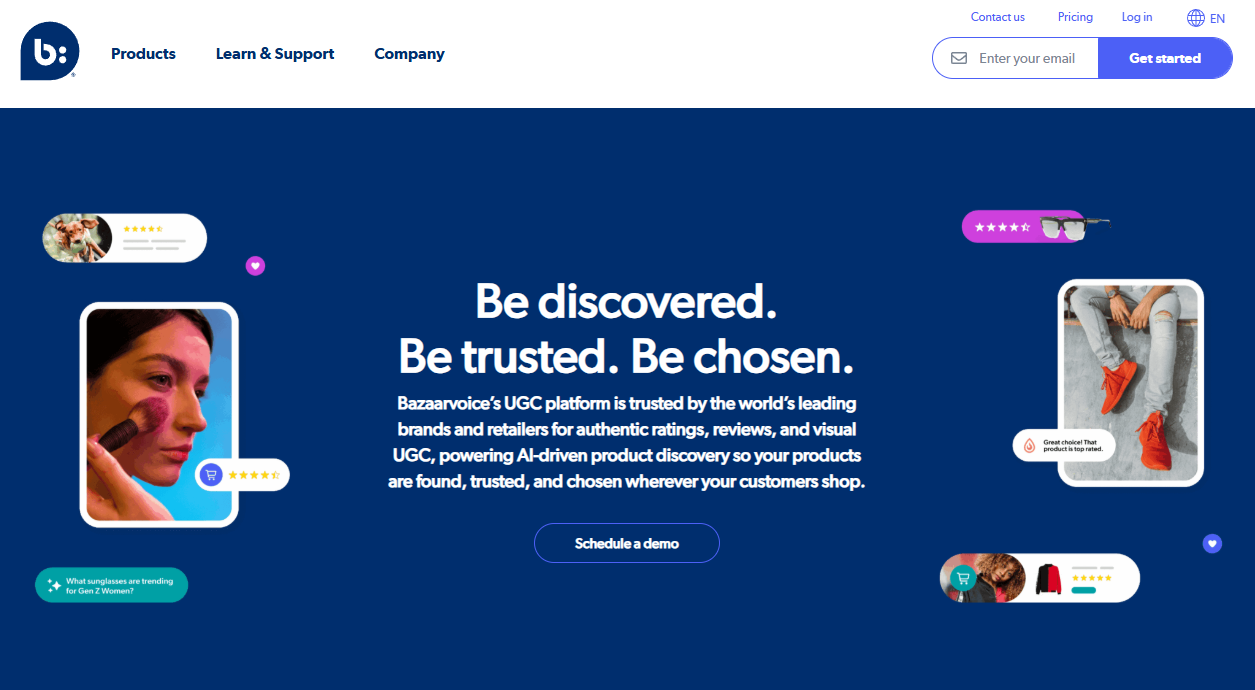
Bazaarvoice is an enterprise-level UGC solution that assists large brands in aggregating and distributing customer reviews, photos, and Q&A content on key retail channels such as Walmart, target, and Costco.
It helps brands to connect with a global network of shoppers and retailers. It is a unique solution for brands that require review syndication at scale.
It is designed for brands that sell their products through various third-party channels.
Key Features
- Retailer Syndication: Distributes reviews from your site to major retail partner sites.
- UGC collection: ratings, reviews, photos, videos, Q&A
- Sampling Programs: Manages product distribution to influencers for early reviews.
- Social Commerce: Curates shoppable Instagram content based on customer photos.
- Insights & Benchmarking: Compares your product performance against competitors in your category.
Pros - ◆ Unmatched retail syndication network.
- ◆ Comprehensive UGC management under one platform.
- ◆ Powerful brand-protection moderation.
- ◆ Massive global scale.
Cons - ◆ Extremely expensive for smaller businesses.
- ◆ Complex setup, especially for smaller teams.
- ◆ Overkill for businesses that don't need multi-retailer syndication.
Pricing: Custom Quote (Enterprise-focused).
B. Survey & form-based feedback tools
3. SurveyMonkey
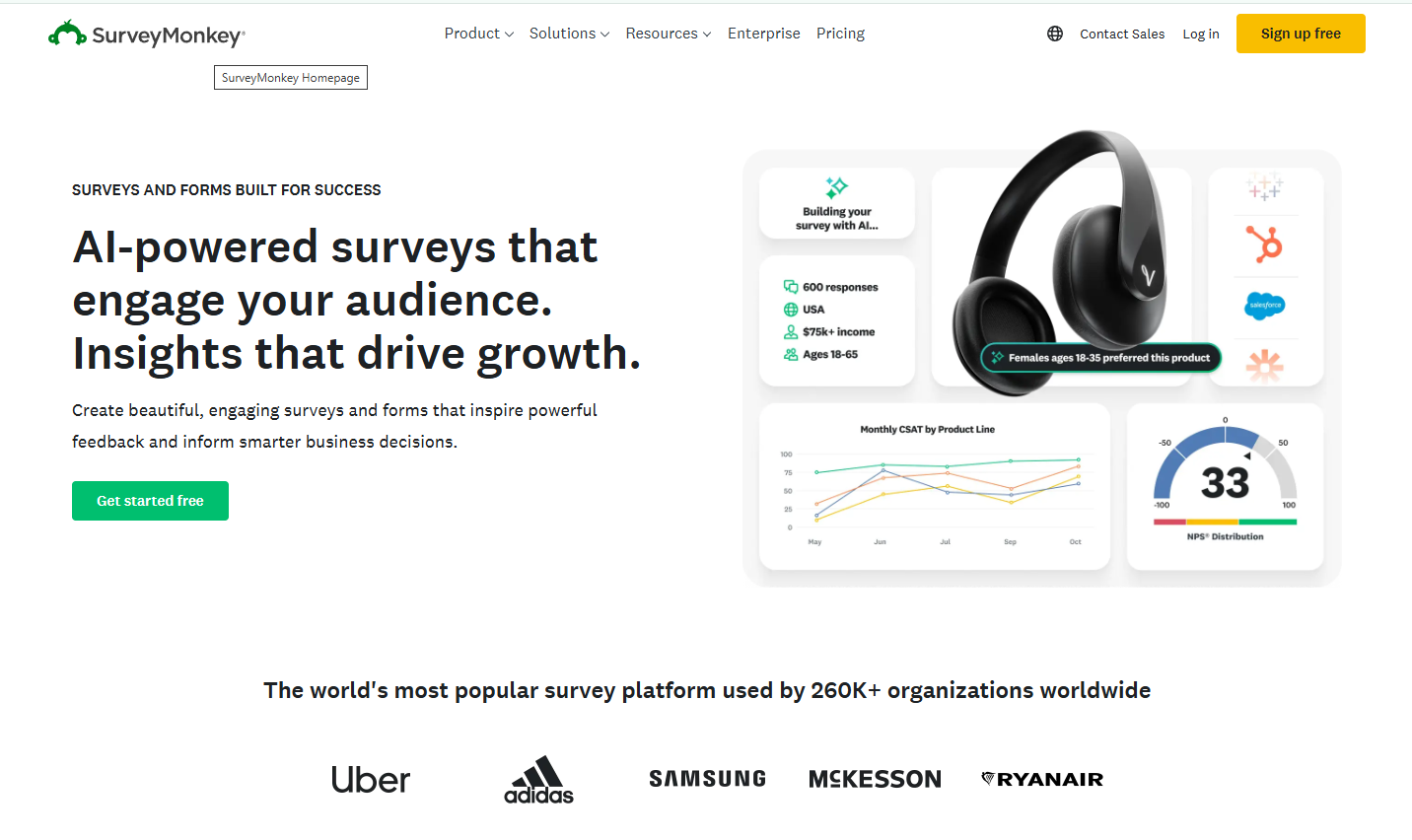
SurveyMonkey is a widely used cloud-based platform for creating, distributing, and analyzing online surveys, quizzes, and polls.
It offers a massive library of templates and sophisticated logic features suitable for everything from employee engagement to market research.
It offers a powerful respondent panel called “SurveyMonkey Audience” for purchasing survey responses, a feature few competitors match.
Key Features
- Pre-built survey templates: Ready-to-use templates for quick survey setup. Offers over 400 pre-built, expert-certified survey templates.
- Logic Jump: Creates custom paths for respondents based on their previous answers. Show only relevant questions to reduce drop-offs.
- Genius AI: An AI assistant that helps draft questions and predicts survey success. It also suggests improvements to increase response rates.
- Global Panel: Allows you to buy responses from specific demographics worldwide. Target audiences by age, location, income, and more.
- Benchmarking: Compares your NPS or CSAT results against industry standards.
Pros - ◆ Extremely easy to use and beginner-friendly.
- ◆ Large library of templates for every use case.
- ◆ Respondent panel available for market research.
Cons - ◆ Can get expensive as you add more users.
- ◆ The free version is very restrictive when it comes to data export.
- ◆ Some advanced reporting features are locked behind higher tiers.
Pricing: Free trial available. Paid plans start at $18/month.
4. Typeform
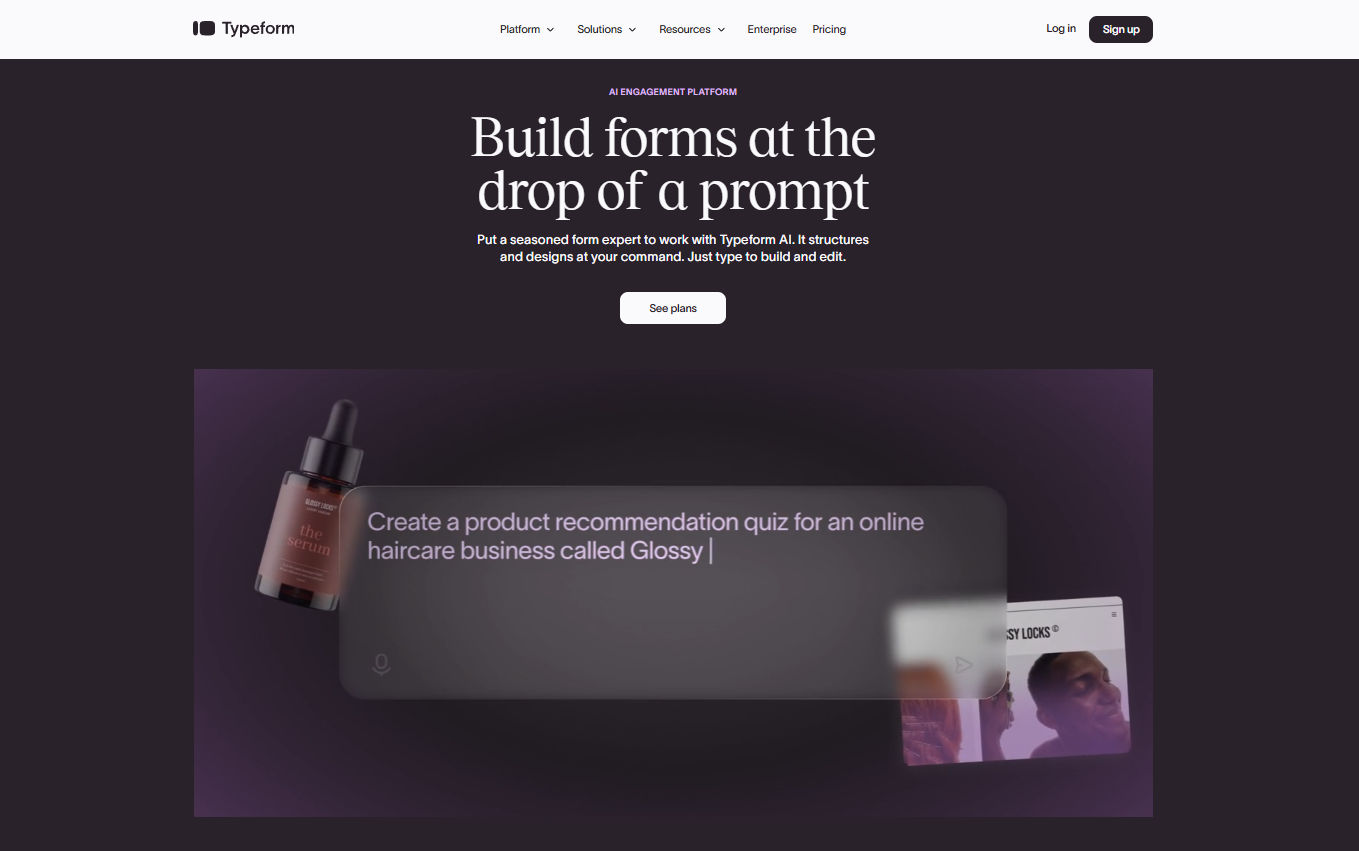
Typeform conducts surveys in a conversational way, displaying one question at a time to give the survey a more natural feel, unlike traditional multi-question surveys.
It has consistently achieved a higher completion rate than the traditional multi-question survey and is therefore ideal for customer-facing forms, lead capture, and brand-aligned feedback.
Typeform is better suited to design-oriented teams and marketers than to researchers or enterprises.
Key Features
- Conversational Interface: Displays one question at a time to increase engagement, prevent dropouts, and provide an interactive experience.
- Conditional Logic (Logic Jumps): Personalizes the user experience by displaying or skipping questions based on previous responses, allowing for complex, personalized, and relevant surveys.
- Brand Customization: Complete control over fonts, colors, and backgrounds to reflect your brand.
- Real-Time Analytics & Reporting: Provides real-time insights into responses and completion rates, with the ability to export data.
- Videoask Integration: Enables you to gather and respond to feedback through video.
Pros - ◆ Higher completion rates due to conversational design.
- ◆ Highly engaging and visually appealing forms.
- ◆ Beautiful aesthetics, great for lead generation.
- ◆ Strong integration with marketing tools.
Cons - ◆ The free plan is limited; advanced features require paid tiers.
- ◆ Not ideal for very long/complex academic surveys.
- ◆ Analytics are relatively basic compared to dedicated survey tools.
Pricing
5. Zonka Feedback
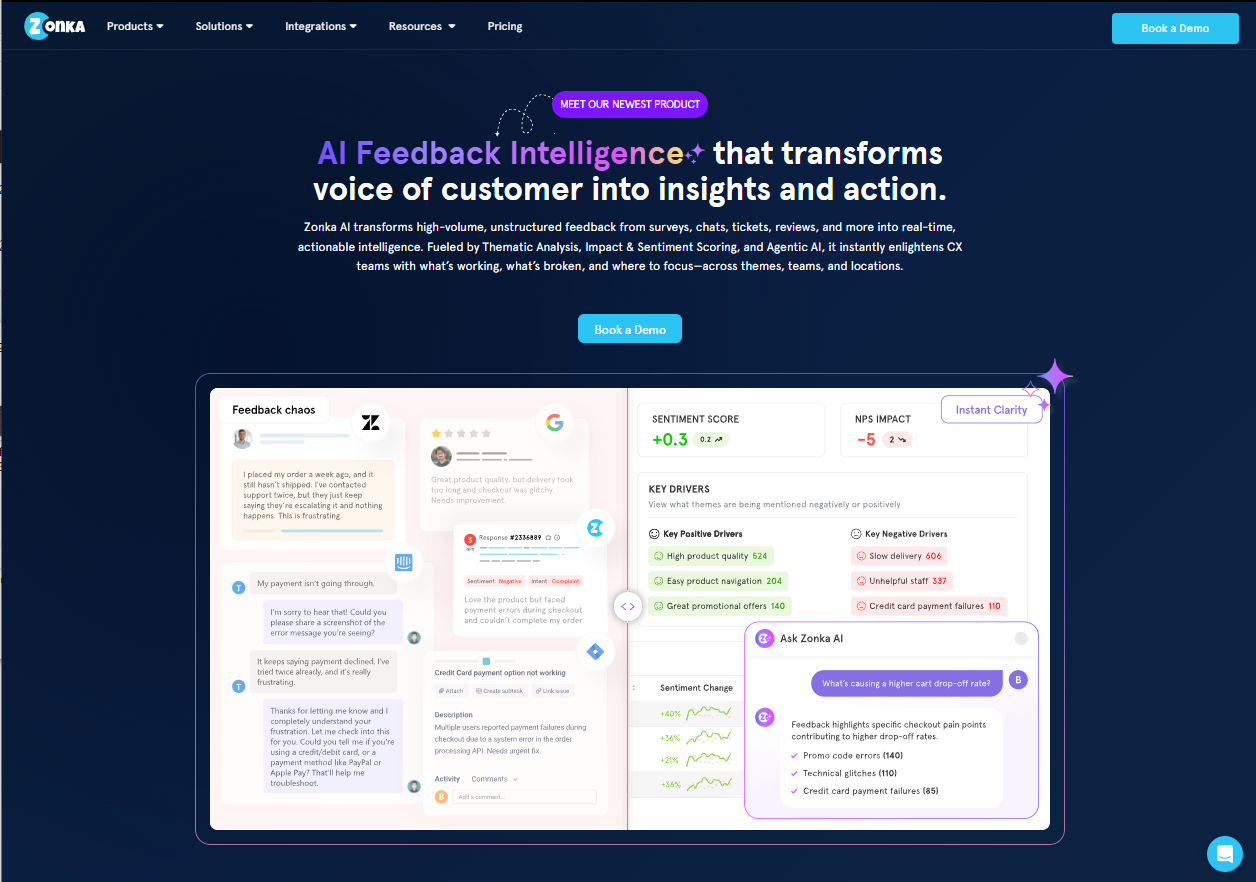
Zonka Feedback is a customer feedback and experience intelligence solution that uses AI, and it is capable of gathering feedback at all touchpoints, including offline
It is more than just a survey builder, as it enables customer experience teams, product managers, and multi-location businesses to gather feedback via email, SMS, WhatsApp, web, in-app, and offline kiosk channels, and then analyze it using AI.
It is especially useful for businesses that have physical locations, such as hotels, hospitals, and retail stores, that use tablets and kiosks.
Key Features
- Multi-Channel Survey Distribution: Collect feedback through emails, SMS, web widgets, in-app notifications, WhatsApp, and offline on tablets/kiosks.
- Offline Feedback: Collect feedback through kiosks or tablets without requiring an internet connection.
- Survey Builder & Customization: Includes templates and types (NPS, CSAT, CES, rating scales, and emojis). Enables full white-labeling with custom branding, logos, and themes.
- AI-Powered Analytics & Insights: Automatically analyzes sentiments, intent, and key themes in open-ended feedback. Comes with real-time dashboards to track trends and performance.
- Integrations: Integrates with popular CRMs and helpdesk software (e.g., Salesforce, Slack, Zendesk).
Pros - ◆ True multi-channel reach, including offline kiosk mode.
- ◆ All-in-one: surveys + AI insights + closed-loop workflows (no patchwork stack).
- ◆ AI insights that surface themes and root causes from open-text responses.
- ◆ Unified CX + case management, no separate modules required.
Cons - ◆ No permanent free plan.
- ◆ Advanced AI features live on higher paid plans.
- ◆ Pricing may be high for startups or small businesse
Pricing: Custom pricing available based on business requirements.
All your reviews in one place
Collect reviews, manage every response, and display them where they matter most.
Start Free →C. Website & in‑app experience feedback tools
6. Hotjar
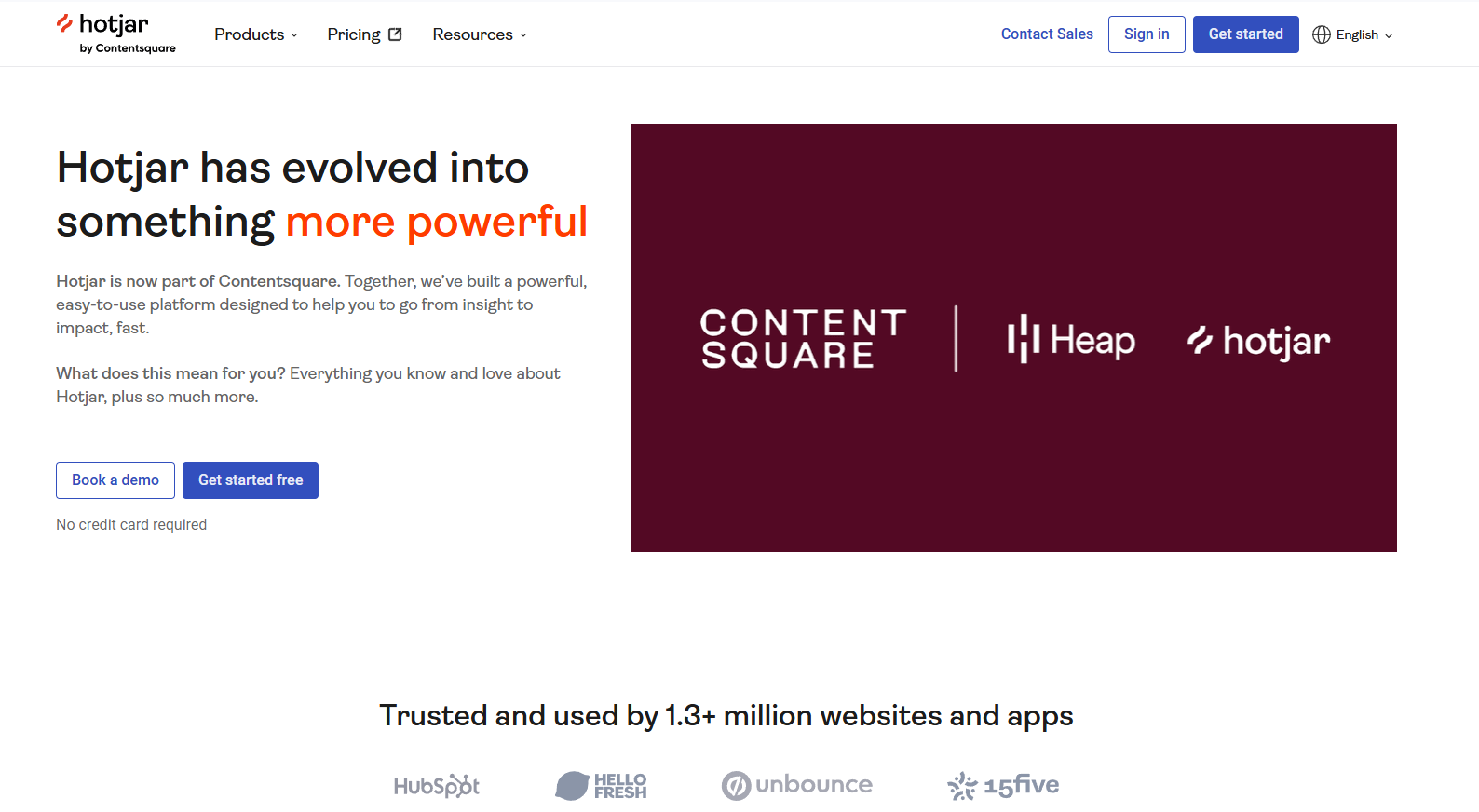
Hotjar is a user behavior analytics platform that enables website owners to gain insights into how users engage with their website through heat maps, session recordings, and feedback tools.
Hotjar provides qualitative insights into why users behave the way they do, enabling improvements in user experience and conversion rates.
Hotjar is used by brands like HubSpot, Adobe, and FabFitFun and is trusted by both tech and DTC brands.
Key Features
- Heatmaps: Visual representations (clicks, moves, and scrolls) showing where users focus, ignore, or drop off on a page.
- Session Recordings: Replays of individual user journeys, allowing you to watch, in real-time, how they navigate, hesitate, or experience frustration on your site.
- Feedback & Surveys: Tools to directly ask users for input, including
pop-up widgets for immediate feedback on specific pages. - Conversion Funnels: Analysis tools to track where visitors drop off during a multi-step process, such as a checkout or signup flow.
Pros - ◆ Rare combination of visual behavior data and direct feedback in one tool.
- ◆ Easy to set up, install one snippet, and start collecting data.
- ◆ Works with Shopify, Wix, WordPress, and most website platforms.
- ◆ Great for identifying bugs.
Cons - ◆ Can slow down site speed if not configured correctly.
- ◆ Privacy compliance requires careful setup.
- ◆ Not built for complex, multi-channel feedback programs.
Pricing
7. Mopinion
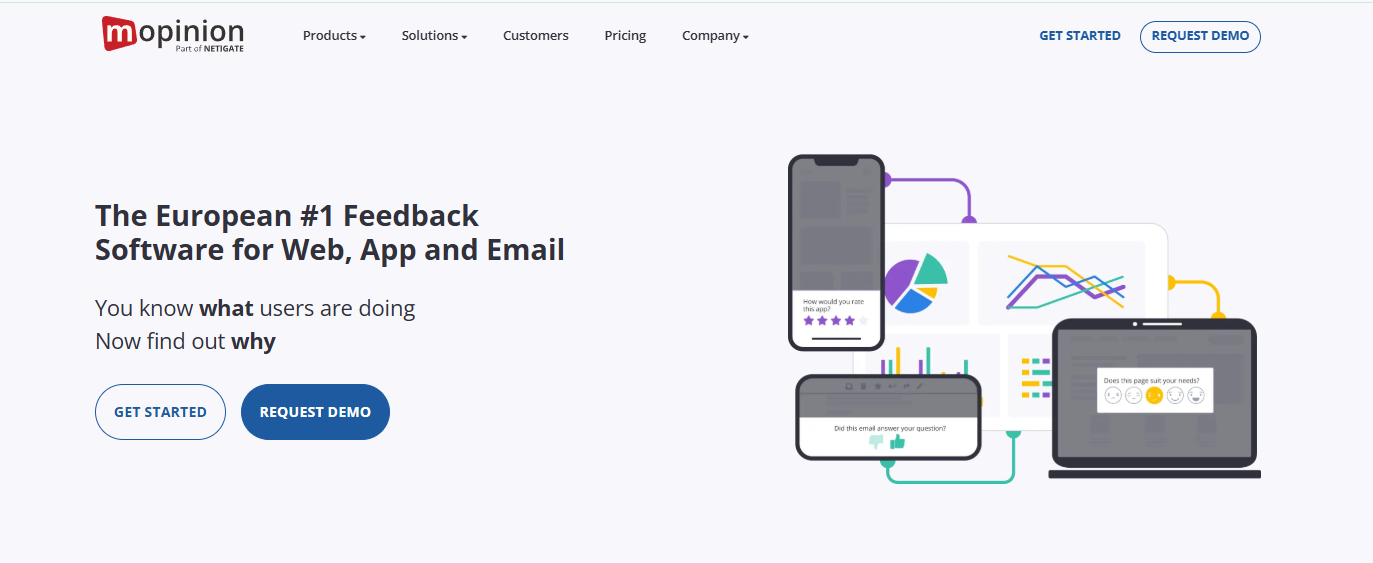
Mopinion is a dedicated user feedback platform built for digital channels, websites, mobile apps, and email.
It helps digital marketing and UX teams move beyond raw data by uncovering the “why” behind customer behavior through real-time feedback collection and analysis.
It is designed for digital marketers who have to dig deep into the “Digital Voice of the Customer.” It performs well in dealing with complex data in a high-traffic setting.
Key Features
- Multi-Channel Support: Gather feedback from websites, native mobile apps (iOS, Android, Windows), and email campaigns.
- Variety of Form Types: Supports modal, embedded, slide-in, and conversational (chat-style) forms.
- Drag-and-Drop Form Builder: Build and customize forms to fit your brand’s design and style.
- Advanced Analytics: Customizable analytics dashboards with text analysis and sentiment analysis.
- Smart Alerts: Real-time alerts via email or webhook when critical feedback is received (e.g., when the score goes down).
Pros - ◆ Easy-to-use interface and ability to highly customize surveys.
- ◆ Multi-channel capability (web, app, email) under one product.
- ◆ Strong reporting tools for large teams managing high feedback volumes.
- ◆ Often cited as one of the most cost-effective solutions in its class.
Cons - ◆ Higher learning curve.
- ◆ Pricing is geared toward mid-to-large enterprises.
- ◆ Deploying new versions may require manual, technical intervention from developers.
Pricing
8. Usersnap
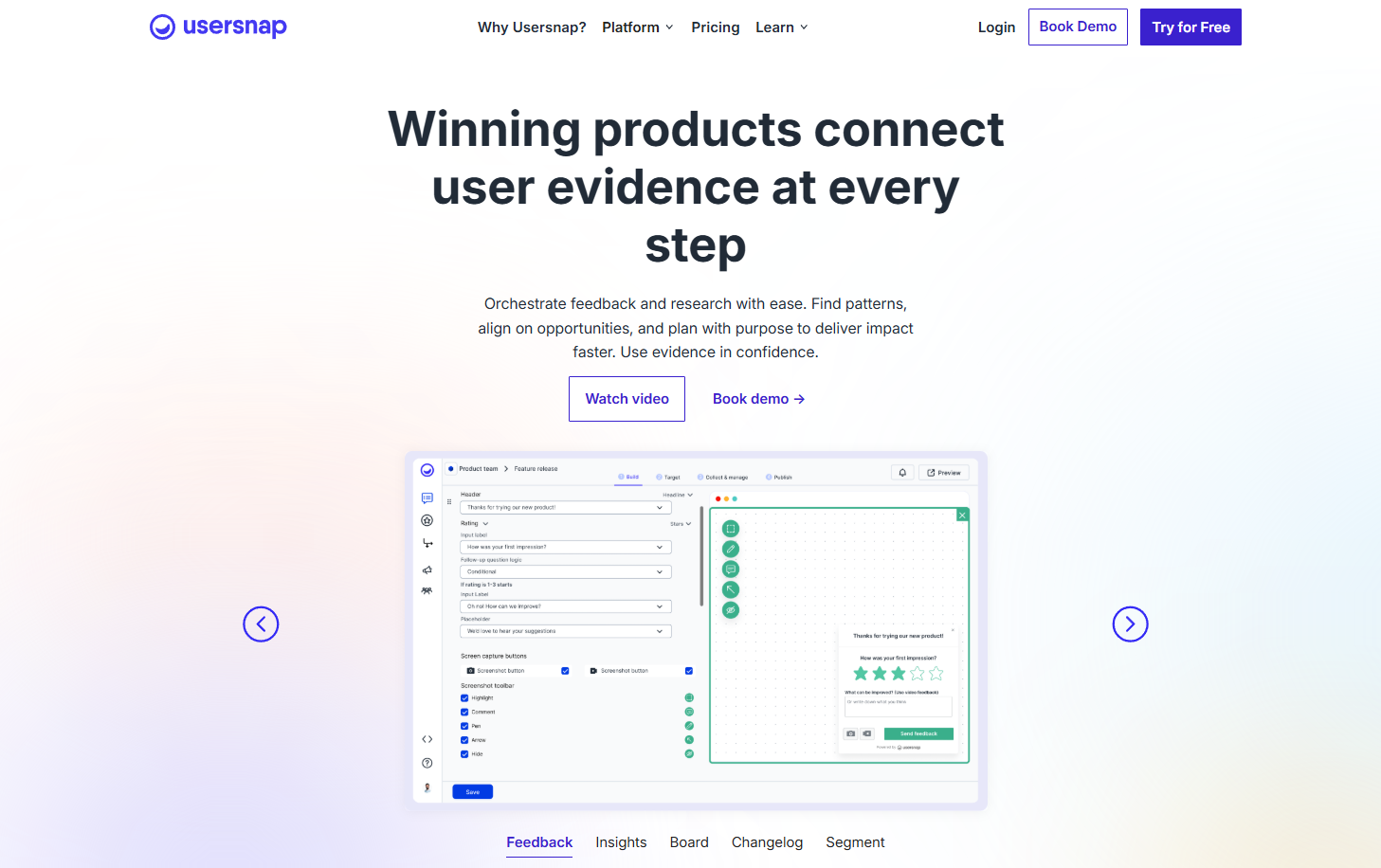
Usersnap is a feedback and bug-tracking tool designed specifically for product development and QA teams.
It allows users to send annotated screenshots and screen recordings directly to developers. It bridges the gap between customer complaints and technical fixes.
It integrates directly with project management tools like Jira, Azure DevOps, Asana, Trello, and Slack, bridging the gap between customer feedback and product development.
Key Features
- Visual Bug Reporting: Users can draw on the screen to point out issues.
- Video feedback: short screen recordings to capture issues in action.
- Targeted Microsurveys & Widgets: Customizable, in-product widgets and surveys (NPS, CSAT, thumbs up/down) to collect user sentiment at specific, crucial moments.
- AI-Powered Analysis: Automatically categorizes, labels, and summarizes incoming feedback to identify high-urgency issues and trends.
- Two-Way Integrations: Connects with 50+ tools, including Jira, Slack, Trello, and Zendesk, enabling two-way synchronization to keep teams updated without switching contexts.
Pros - ◆ Best-in-class for visual, annotated bug reporting.
- ◆ Automatically captures browser, screen resolution, URL, and device information.
- ◆ The interface is intuitive, requiring little to no training for clients.
- ◆ Integrates seamlessly with popular project management tools.
Cons - ◆ Not intended for general marketing surveys; focused primarily on tech/SaaS.
- ◆ The subscription costs are often considered high.
- ◆ Setting up more complex workflows can take time.
Pricing
D. CX and CRM suites with built‑in feedback
9. Qualtrics
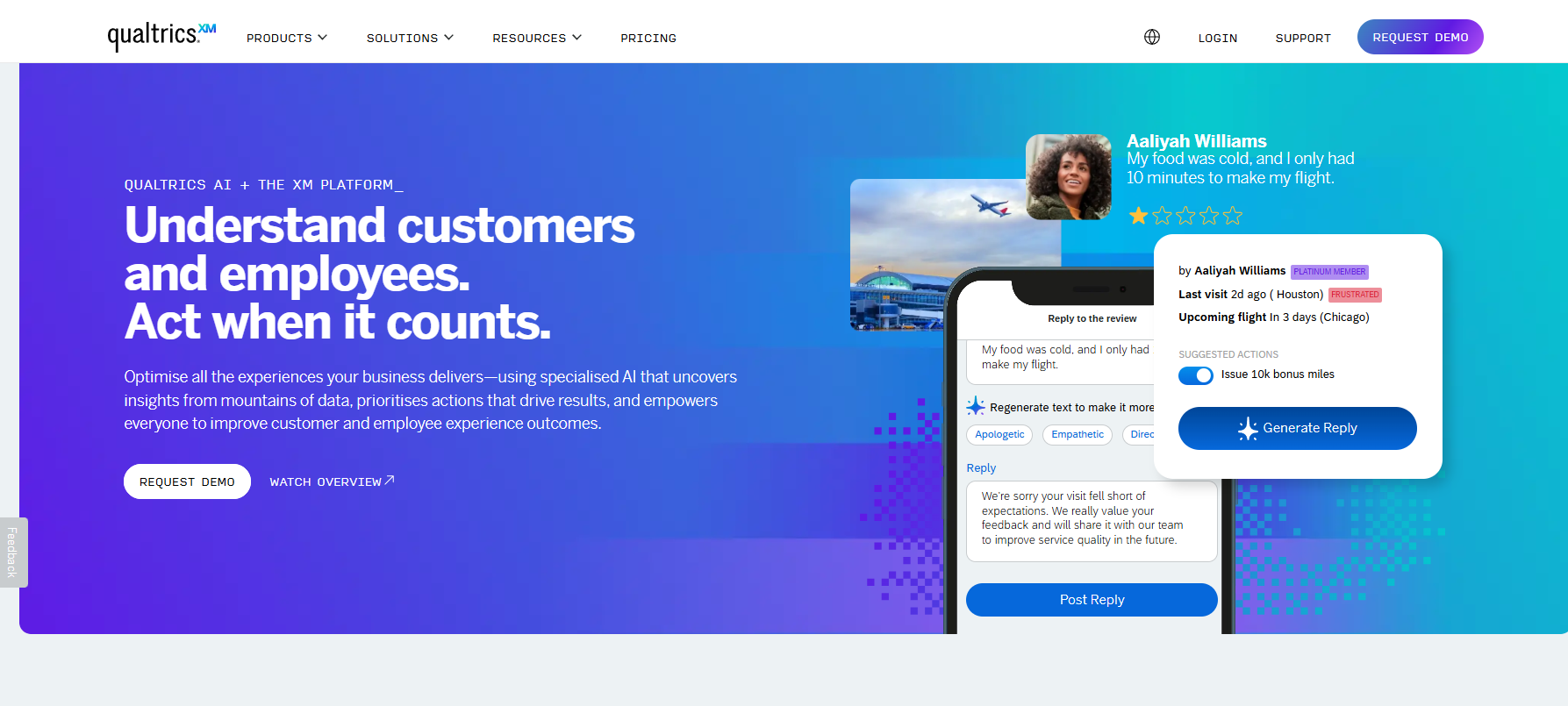
Qualtrics is an enterprise-grade Experience Management (XM) platform. It is designed for large organizations that need to analyze complex datasets across customer, employee, and brand experiences.
It goes far beyond surveys, offering a full suite of tools for customer experience, employee experience, product research, and brand tracking, all powered by advanced AI and predictive analytics.
Qualtrics is better for enterprises with large research budgets and dedicated CX teams; it is not suited for small businesses or teams looking for quick-start tools.
Key Features
- Advanced Survey & Data Collection: Build complex surveys using over 100 question types, including video/audio feedback.
- iQ Engines: Advanced AI that performs sentiment, topic, and statistical analysis automatically.
- Workflow Automation: Set up automated triggers (e.g., email alerts) based on respondent activity or satisfaction scores.
- Predictive Analytics: Forecasts future customer behavior based on historical feedback.
- Integration Capabilities: Connects with CRMs (e.g., Salesforce), customer support tools (e.g., Zendesk), and collaboration software (e.g., Slack) to sync data.
Pros - ◆ Real-time data visualization, dashboards, and automated reporting.
- ◆ Useful for employee engagement, customer experience (CX), and market research.
- ◆ Strong integration capabilities with tools like SuccessFactors.
- ◆ High flexibility in designing survey flows and branding.
Cons - ◆ Expensive, pricing is custom and typically reserved for mid-to-large enterprises.
- ◆ Requires a dedicated professional to manage the platform effectively.
- ◆ Requires significant training to utilize all features effectively.
Pricing: Custom pricing, based on business requirements.
10. HubSpot Customer Feedback
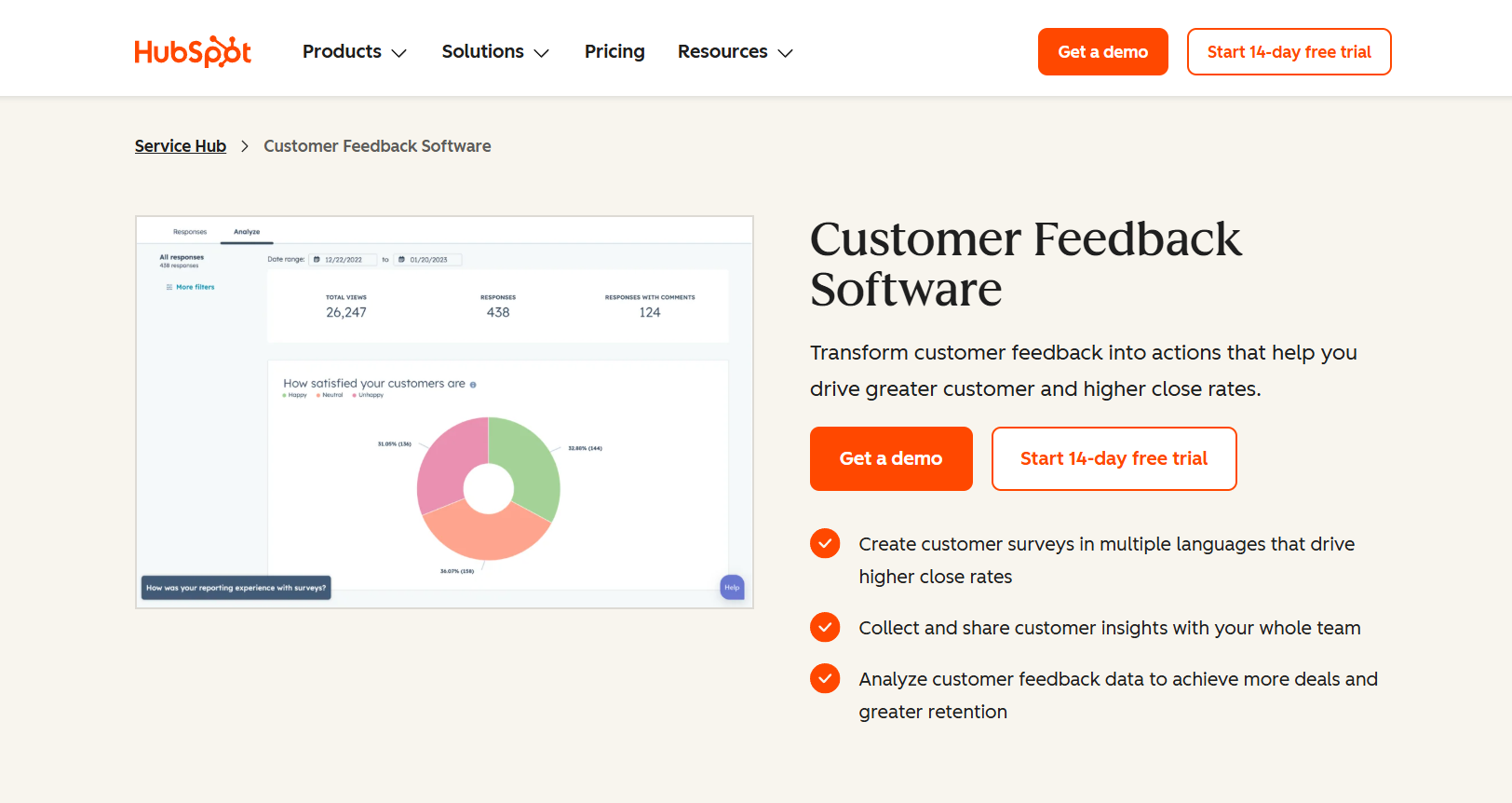
HubSpot Customer Feedback is a Service Hub feature that allows companies to create, distribute, and analyze surveys.
It comes with Net Promoter Score (NPS), Customer Effort Score (CES), and Customer Satisfaction (CSAT) to gauge customer loyalty, increase customer retention, and act on feedback.
The key benefit of this feature is that feedback is directly linked to a customer’s contact card. It helps sales and service teams get a 360-degree view of the customer.
Key Features
- NPS/CSAT/CES Surveys: Standard industry surveys with easy automation.
- Targeted Distribution: Send surveys via email or embed them on web pages using HubSpot’s tracking code.
- Automated Ticketing: Automatically creates a support ticket when a user leaves a negative rating.
- Feedback Dashboards: Tracks how customer satisfaction changes over time.
- Integrations: Connects with tools like Slack and Jira to share feedback with relevant teams.
Pros - ◆ Zero friction for HubSpot users, feedback connects directly to the CRM.
- ◆ Set up automated triggers to send surveys after support tickets are closed.
- ◆ Offers multiple formats, including NPS, CES, and CSAT.
- ◆ Generally intuitive interface that is easy for teams to adopt.
Cons - ◆ Advanced features are available only with the Professional or Enterprise tiers.
- ◆ Not available as a standalone tool (must buy Service Hub).
- ◆ Not ideal for businesses not already using HubSpot
Pricing
How to choose the right customer feedback tool
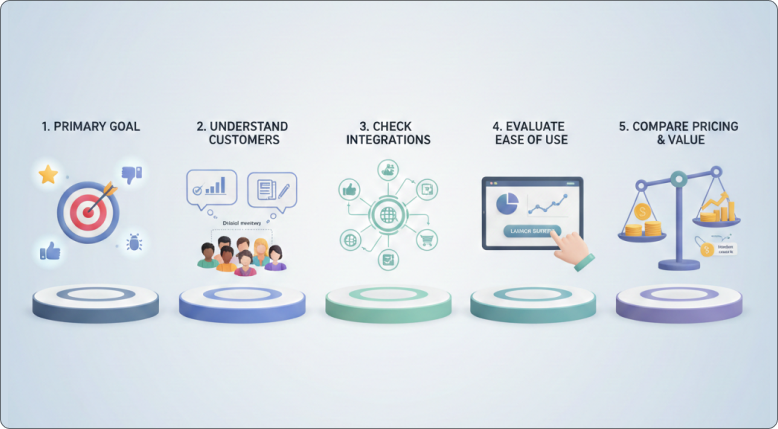
The right tool depends on the type of feedback you need, where your customers are, and how you’ll use the data. Here’s a quick framework;
1. Define Your Primary Goal Alignment
Don’t buy a tool just because a lot of people use it. Buy it because it will help you with your specific problem. Choose between product reviews, NPS surveys, website feedback, or bug reports in your app.
Each tool is made for a different job. When you know what you want, you don’t have to pay for things you don’t need.
2. Understand your customers
Pick a tool that works with how your customers like to respond. Some people like short surveys, while others like long reviews.
The more you help them, the more likely they are to respond.
3. Check integrations
Verify that the tool works with your CRM, help desk, e-commerce system, or website platform.
Integration is essential because it keeps all of your feedback in one location and saves you time. Errors and additional work are produced by manual imports and exports.
4. Evaluate ease of use
Without technical expertise, your team should be able to start surveys or gather reviews.
Your team can act more quickly with a straightforward dashboard and straightforward reports. A tool won’t be utilized if it is too complex.
5. Compare pricing and value
Look beyond the price tag to see what else you get for your money, including response limits, feature access, and any hidden costs.
Select a tool that benefits your company and fits within your budget.
All your reviews in one place
Collect reviews, manage every response, and display them where they matter most.
Start Free →Wrap Up
Customer feedback solutions are absolutely necessary in the year 2026 and represent the foundation of decision-making that improves the customer experience.
The ten solutions cover all the bases, from the collection and display of trust-building feedback to the management of enterprise-level experience programs.
Begin the process by identifying the ultimate goal of feedback and matching it to the correct category, and then filtering based on budget and capabilities.
Most of the solutions offer a free trial, which should be taken advantage of before making a commitment.
Frequently asked questions
WiserReview and Hotjar are strong options for small businesses. WiserReview focuses on automated review collection and display, while Hotjar offers heatmaps and simple surveys with an easy setup.
Review platforms collect public reviews to build trust and increase conversions. Survey tools collect structured, private feedback to improve products and inform internal decisions.
Yes. Tools like WiserReview allow setup without technical skills using simple forms, widgets, or built-in integrations.
WiserReview, Zonka Feedback, and Usersnap support video feedback. WiserReview allows customers to upload or record video reviews directly from the review form.

Krunal