Google Review QR Code Generator
How Was Your Experience?
Scan the QR code to leave a review and let us know.
How to generate a Google Review QR code


Enter your details
Input your business name or paste your Google review link.
Click generate
Instantly create a QR code that links to your review page.
Download & use
Download the QR code and share it in your marketing materials or store.
Why you need a Google Review QR code

Where to use your Google Review QR code
Place your Google Review QR code in key locations to make it easy for customers to leave reviews.
Printed materials
Place the QR code on your business cards, brochures, or flyers. This makes it easy for customers to scan and leave a review while they have your marketing materials in hand.
In-store displays
Display the QR code prominently on your counter, receipts, or product packaging. This allows customers to quickly access the review page while they're in your store or after they’ve made a purchase.
Website & email
Share the QR code on your website or in emails to give your online audience an easy way to leave feedback. Including it in newsletters or follow-up emails encourages more reviews from your customers.
Social media
Promote the QR code in posts or stories on your social media platforms. This encourages your followers to scan the code and leave a review, boosting engagement and trust.
Customer packaging
Add the QR code to your product packaging to encourage customers to leave reviews after purchase. This is a great way to ask for feedback right after the customer has used your product.
Receipts & invoices
Include the QR code on your receipts or invoices to remind customers to leave feedback. It’s a simple, effective way to make sure they know how easy it is to share their experience with your business.
How to get more Google Reviews quickly
Take these steps to collect more reviews and improve your Google rating within weeks.
Common review mistakes to avoid
Small mistakes can cost visibility. Fix them to keep your Google reviews safe.
Filter out unhappy customers
Don’t ask only satisfied buyers to leave feedback. Google calls this “review gating” and can penalize your profile.
Use one review link for all locations
Always share the correct Google Business Profile link. Wrong links send reviews to the wrong branch and confuse search results.
Copy reviews from other platforms
Never repost feedback from Facebook or Yelp. Google removes duplicates and can suspend your listing.
Ignore negative feedback
Reply politely and solve the issue fast. Ignoring complaints lowers trust and hurts local ranking.
Ask too many customers at once
Spread requests over time. Sudden review spikes look suspicious and may trigger Google’s spam filters.
Post fake or self-written reviews
Never write reviews for your own business or use fake accounts. Google detects fake patterns and can suspend or permanently remove your profile.
Your Google reviews. Fully automated.
WiserReview helps you collect, manage, and showcase authentic Google reviews, all in one place.
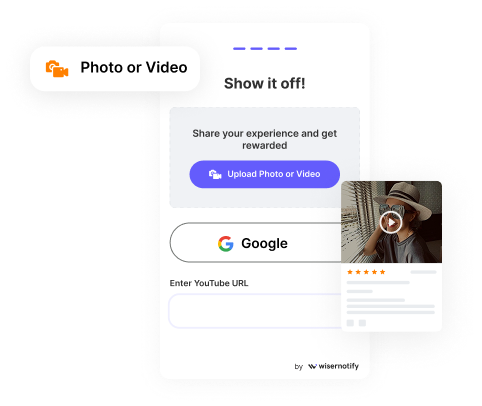
Collect Google Reviews
Send requests automatically after every interaction. Gather photo, video, or written feedback.

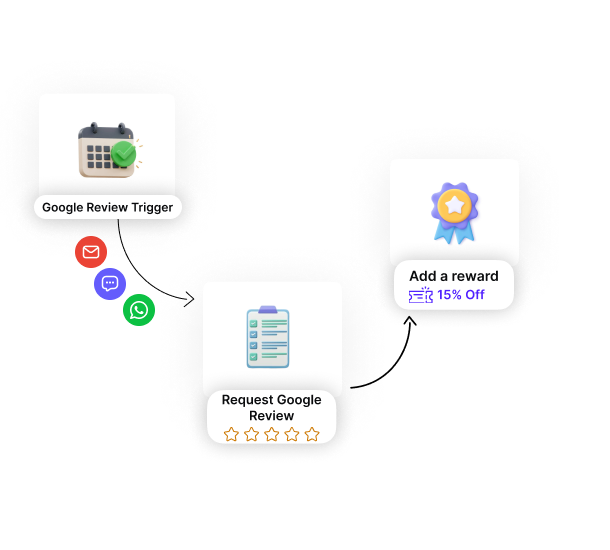
Automate Google Review
Create smart workflows with zero manual effort. Send review requests after any custom trigger.

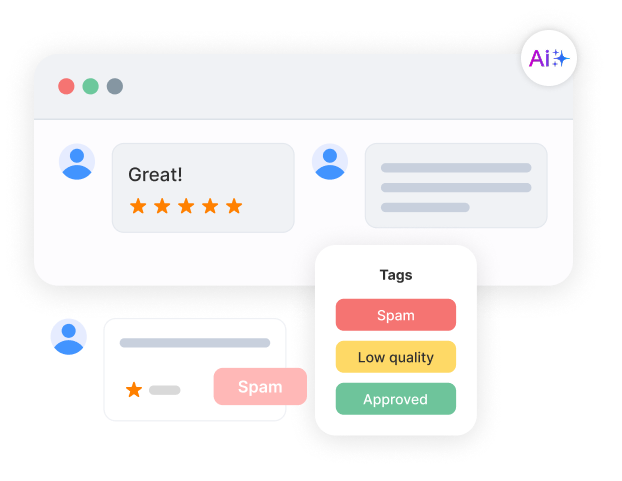
Google Review Moderation
Tag reviews by product, campaign, or sentiment. Auto-flag spam and low-quality responses.

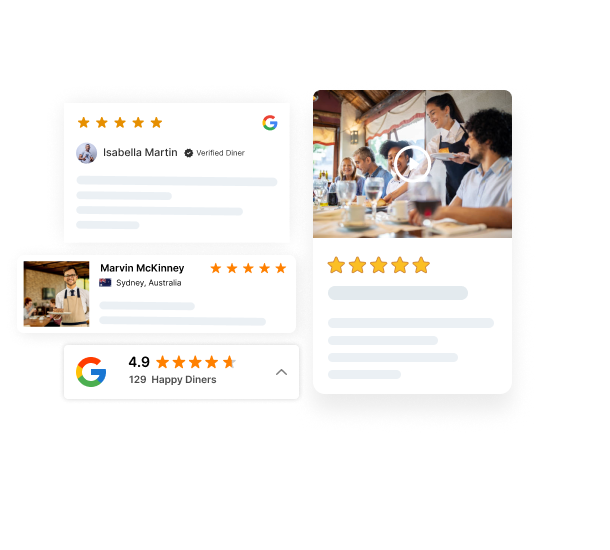
Display Google Reviews
Show real reviews at key decision points. Use carousels, popups, badges, or walls.

Real words, real results

Start collecting
Google reviews
Ask customers at the right moment. Collect Google reviews automatically and grow your credibility.
FAQs
A Google Review QR code is a scannable code that directly links to your Google review page, making it easier for customers to leave feedback.
Simply enter your business name or Google review link into the tool, and the QR code will be generated instantly for you to download.
Yes, you can customize the QR code by adjusting its color and adding a logo to match your branding.
You can use the QR code on printed materials, in-store displays, websites, emails, social media posts, and product packaging to encourage customers to leave reviews.
Yes, the QR code is designed to be easily scannable on any mobile device, providing a smooth experience for your customers.
While the QR code tool does not track usage directly, you can monitor your Google reviews and see the impact of your review collection efforts.
Yes, the Google Review QR Code Generator is free to use, with no hidden charges or subscriptions required.