4 min
4 min 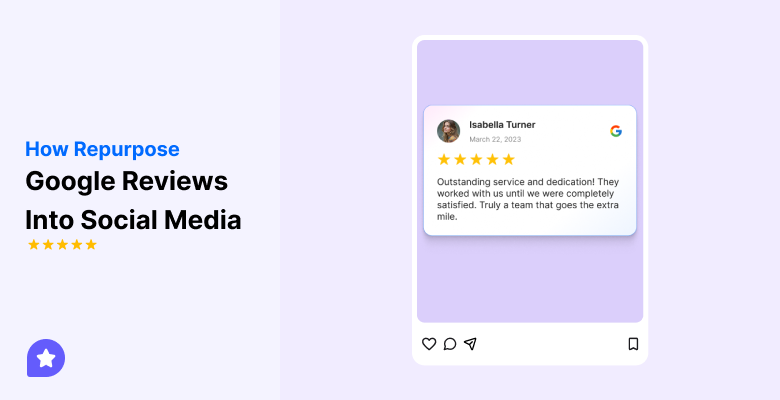
Your customers already tell powerful stories about your business in their Google reviews.
Instead of letting those reviews sit unseen, you can turn them into engaging posts for your social media channels.
Sharing real feedback builds trust, gives you steady content ideas, and helps new people discover your brand.
This guide explains how to repurpose Google reviews into effective social media posts that attract attention, show proof, and drive more customers to your business.
Let’s get started!
Why repurpose Google reviews?
Google reviews already hold trusted words from real customers.
Turning them into social media posts lets you reach people who might never see your Google profile.
It also provides a steady supply of authentic content without requiring extra work.
Benefits of repurposing reviews into social posts:
- Builds credibility by showing real customer voices instead of ad copy.
- Extends the reach of positive feedback beyond search results.
- Saves time and content costs by using material you already have.
- Increases engagement by sparking comments, likes, and shares.
- Helps attract potential customers who trust peer experiences.

Turn Google reviews into social posts
Collect and post your top Google reviews automatically to boost reach and trust.
Start Free →How to repurpose Google reviews into social media posts
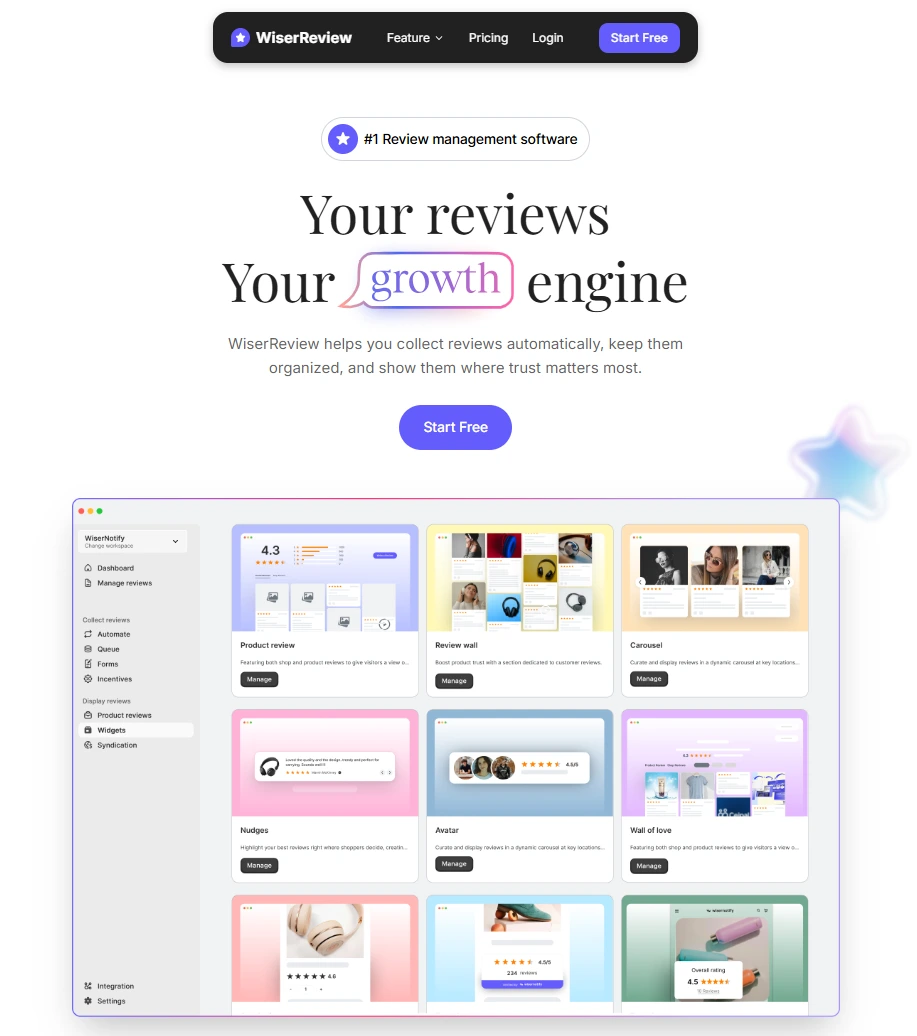
Easily turn Google reviews into fresh social media content with WiserReview.
The platform collects your reviews, organizes them, and provides you with ready-made tools to share them across various channels.
This saves time, maintains consistency in posts, and showcases genuine customer voices across every platform.
Steps you can take with WiserReview:
Step 1: Sign up and connect accounts
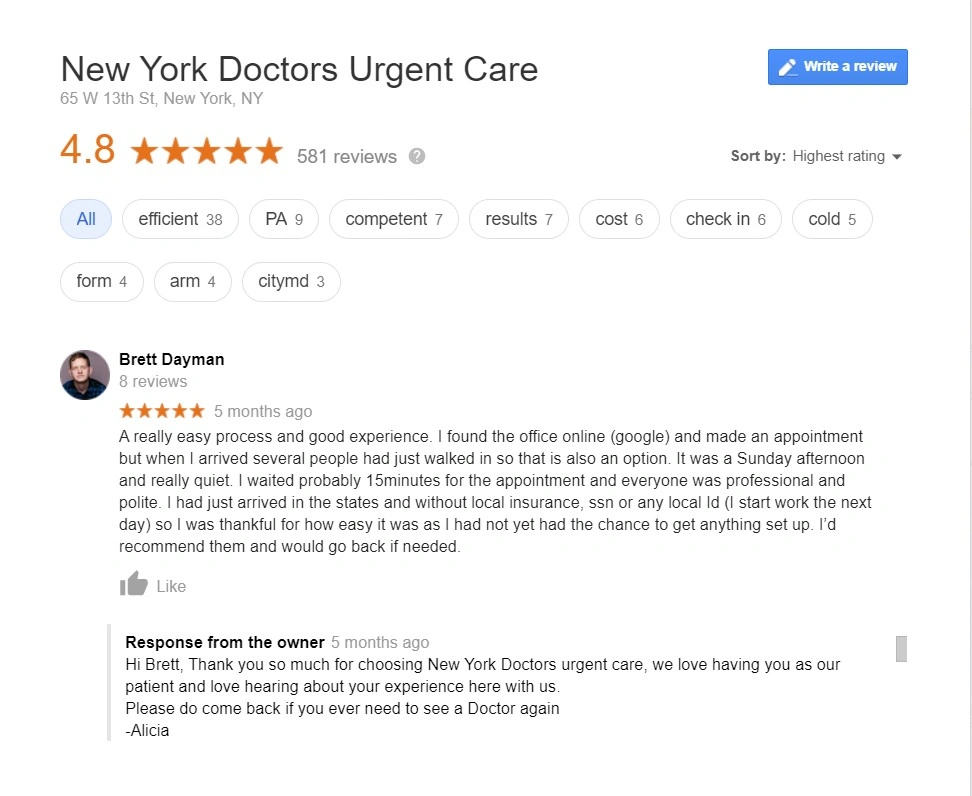
Create a WiserReview account, log in, and open your workspace.
Go to Integration and connect your Google Business Profile to automatically import reviews.
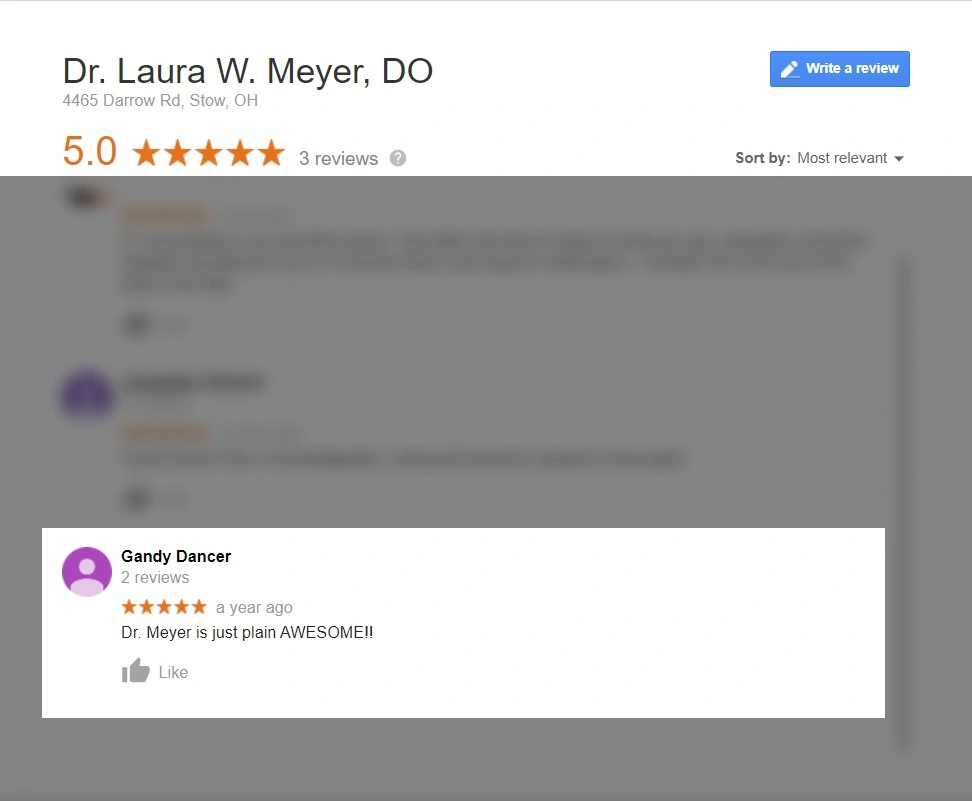
Then go to UGC and connect your Facebook Page and Instagram account so posts can be shared.
Step 3: Set up Social Push
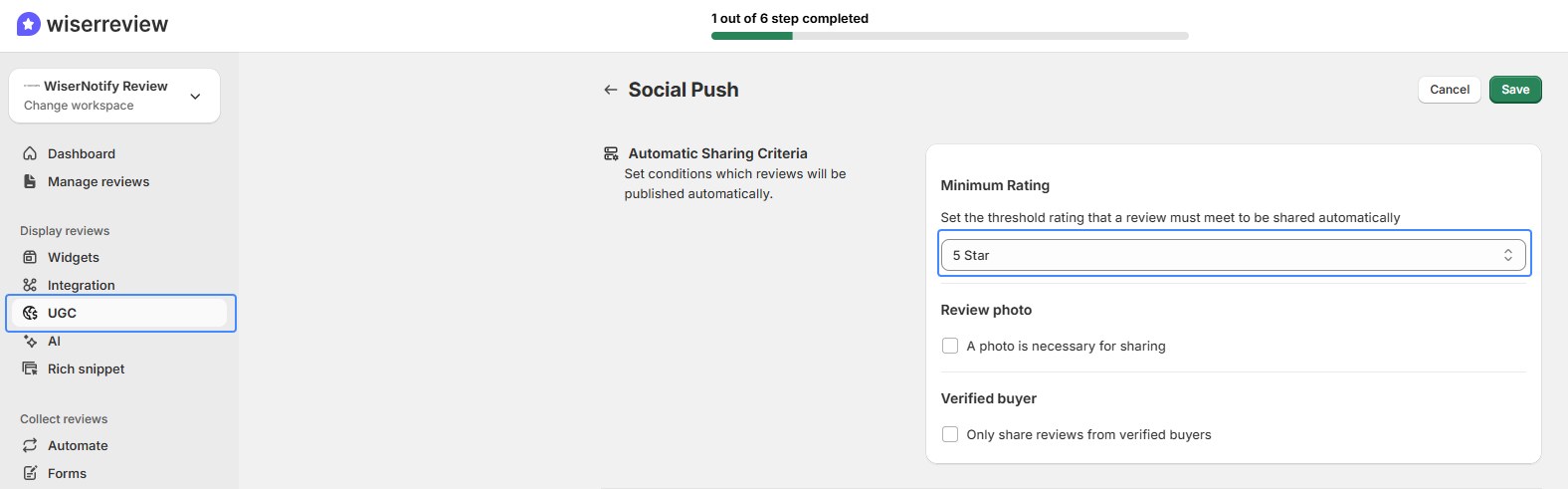
In UGC, click Set up review sharing. Choose your auto-sharing rules: minimum star rating, photo required, or only verified buyers.
This keeps only the best reviews going to your feeds.
Step 4: Customize post templates
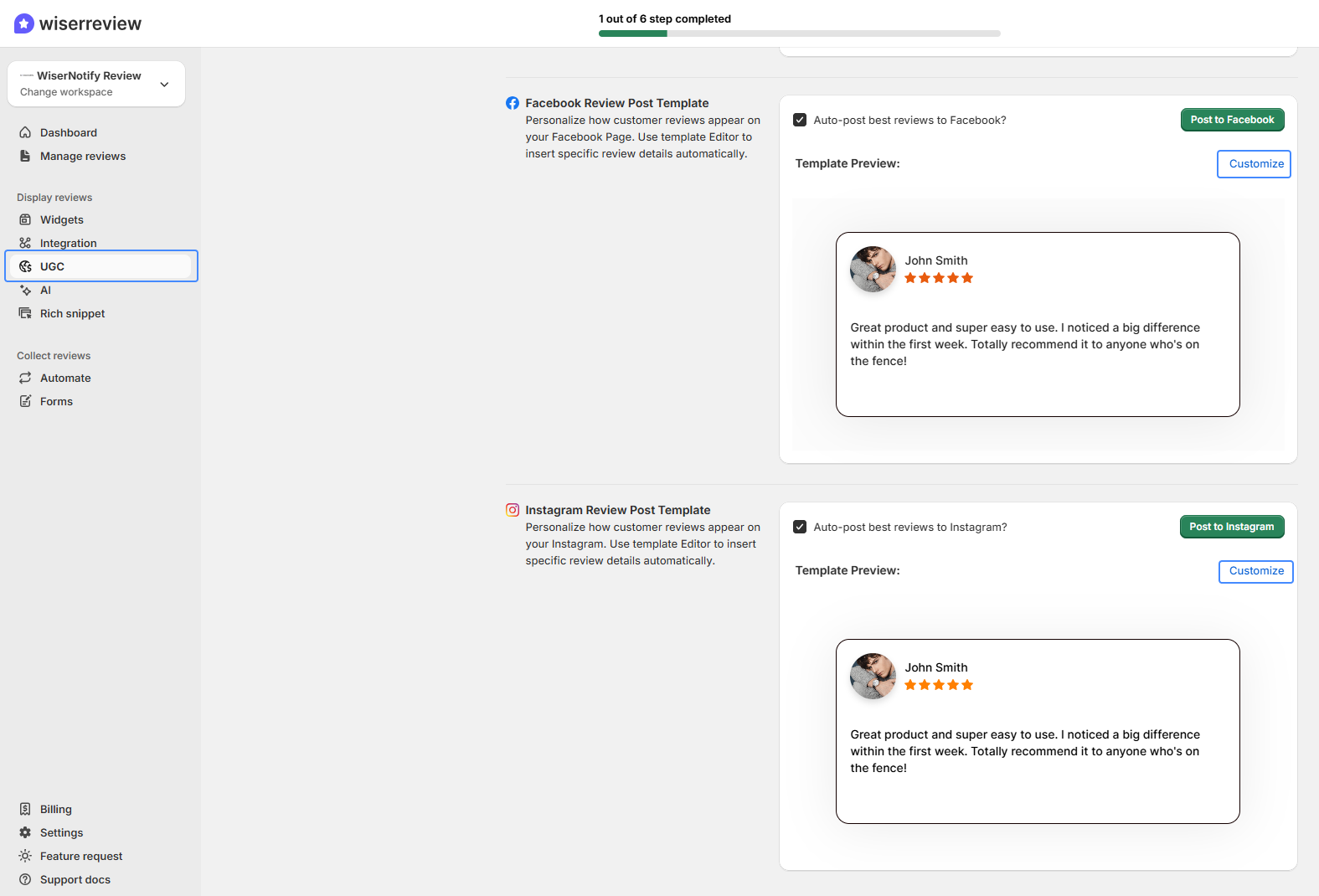
Use the Facebook and Instagram template editors to add your logo, brand colors, and fonts. Insert placeholders for the reviewer’s name, star rating, quote, and add a call-to-action like “Book Now” or “Get a Quote.”
Preview each template to see how it will look live.
Step 5: Post or schedule and track results
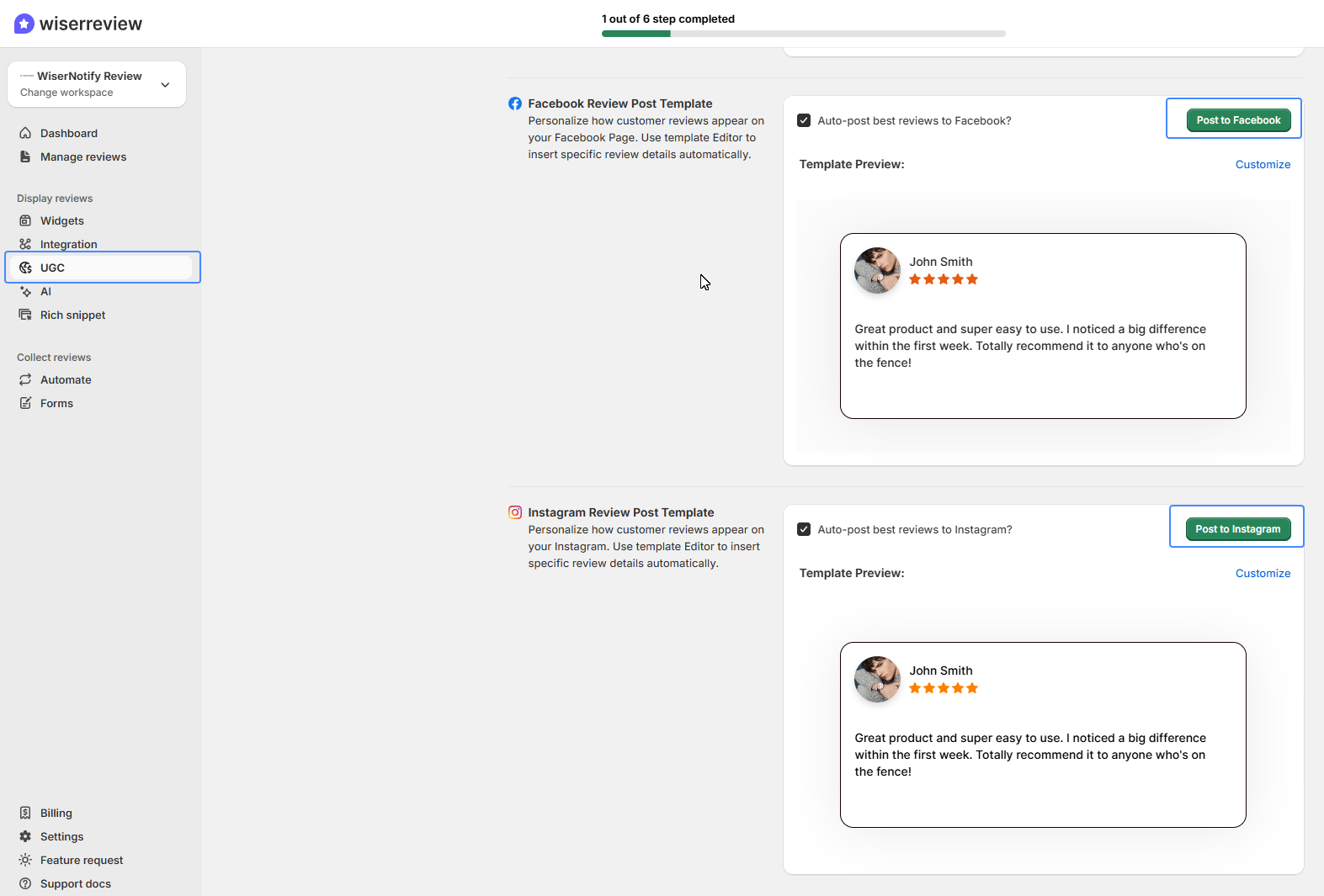
Toggle auto-post if you want WiserReview to share reviews automatically, or manually click “Post to Facebook” or “Post to Instagram” after checking each one.
After posting, review likes, comments, shares, and clicks to see which posts perform best, and keep a steady schedule of review posts.
By following these steps, you turn authentic customer feedback into a steady stream of trusted content that grows your reach and strengthens your brand on social media.
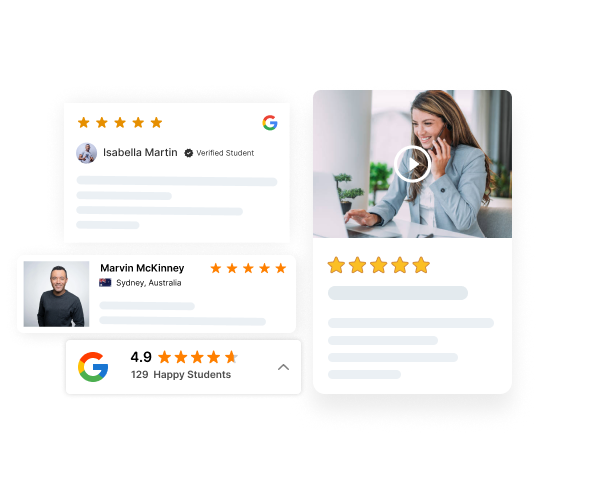

Get more Google reviews faster
Collect, manage, and display reviews to grow trust and sales.
3 Google review best practices for social media
Sharing Google reviews on social media is most effective when it feels natural and adds value to your feed.
These three practices help you show authentic customer voices without overwhelming your audience.
1. Highlight the most relatable reviews
Pick reviews that real people can connect with. These posts draw more likes and shares than short or vague comments.
- Choose reviews that tell a clear story about service or results.
- Focus on quotes that match your audience’s needs.
- Add photo or video reviews to make posts stand out.
2. Mix reviews with other content (avoid spammy feeds)
A feed filled only with reviews can feel repetitive. Mixing reviews with tips, updates, or behind-the-scenes posts keeps your profile interesting.
- Alternate review posts with other types of content.
- Create a simple schedule so reviews show up regularly but not too often.
- Add captions that connect the review to your wider message or offer.
3. Keep branding consistent across platforms
Even when posts come from customer words, they should still look like your brand. Consistency makes your content easy to recognize and trust.
- Use the same colors, fonts, and layouts for review posts on all channels.
- Keep text clear and readable so people can scan quickly.
- Add a small call-to-action like “See more reviews” or “Book now” to guide the next step.
These practices help you turn Google reviews into social content that feels genuine, balanced, and professional.
Wrap up
Your customers are already creating the best proof of your business through their Google reviews.
By turning those reviews into social media posts, you make that proof visible to more people, who can trust it and act on it.
Repurposing reviews saves time, fills your content calendar with authentic stories, and strengthens your brand across every platform.
Following the proper steps and best practices keeps your posts balanced, on-brand, and engaging.
With tools like WiserReview, collecting, selecting, and posting reviews becomes quick and consistent.
This turns everyday customer feedback into a steady stream of social content that builds credibility and attracts new customers.
Frequently asked questions
Turning reviews into posts extends their reach, shows real customer voices, and fills your content calendar with authentic stories that build trust.
Pick reviews that tell a clear story, highlight key services or results, and include photos or videos to make posts more engaging.
Mix reviews with other content. A simple schedule, such as one review post per week alongside tips or updates, keeps your feed fresh and avoids spam.
No, you can do it manually, but tools like WiserReview save time by collecting reviews automatically, creating branded templates, and letting you post or schedule with one click.
Posts built from real feedback attract more likes, shares, and comments. They build credibility, reach new audiences, and can drive more leads or sales from your social channels.

Krunal