3 min
3 min 
Scraping Google Maps Reviews means collecting review data from Google Maps business listings.
People usually do this to study competitors, check local trends, or collect customer feedback in bulk.
Google doesn’t allow scraping through bots or automated scripts. Doing it can block your access or violate Google’s terms.
That’s why you should always use safe and approved methods to collect reviews.
In this guide, you’ll learn how to get Google Maps Reviews easily and safely without breaking any rules.
Decide your approach
You can collect Google Maps Reviews in three main ways. Each works differently and suits different needs.
1. Official Google Maps or Places APIs (recommended)
Google’s official APIs let you fetch review data safely and legally. You can access ratings, reviewer names, text, and timestamps through API keys.
This method follows Google’s terms, so it’s the best option if you need reviews for your own business or approved projects.
2. Third-party review APIs (like SerpAPI or Outscraper)
These tools act as middle layers that handle scraping for you. They use their own infrastructure and return clean, structured data through APIs.
You still get JSON outputs with review text, rating, and reviewer info. This option is easier than building your own scraper, but it may have limits or paid plans.
3. Direct scraping (headless browsers or HTML parsing)
This involves using scripts or bots to load Google Maps pages and extract review content.
It can work, but it often violates Google’s terms and can trigger blocks or CAPTCHA. Use this only for short tests, not long-term use.
For most users, official APIs or trusted third-party services are the safest and most stable choices.
Prep work — accounts, keys, and data design
Before you start collecting Google Maps Reviews, do a quick setup to keep things clean and safe.
Register & configure APIs
Create a Google Cloud account and enable the Places API. This API gives you legal and structured access to Google Maps business and review data.
- Open the Google Cloud Console.
- Create a new project and enable the “Places API.”
- Generate your API key and keep it private.
- Link your billing account to avoid daily request errors.
This step ensures you can access data securely and stay within Google’s rules.
Design your data model
Plan how your review data will be stored before you start collecting. Decide which fields are needed for your project:
- Business name
- Rating
- Review text
- Review date
- Reviewer ID or profile
For small data sets, a spreadsheet or CSV file is enough. For larger or repeated collections, use a database like MySQL or MongoDB. A clear data model prevents confusion later and helps you run clean reports.
Rate limits & quotas
Google sets daily and per-second limits on API calls. You can check these limits in your Cloud Console.
- Keep track of your API usage.
- Add small delays between requests.
- Schedule data pulls if you’re collecting for many locations.
Following rate limits and quotas prevents your key from getting blocked and keeps your scraping process steady and safe.
Step-by-step implementation (practical recipes)
Once your setup is done, you can start collecting Google Maps Reviews using safe and tested methods. Each option below works for a different use case.
1. Using Google Places API (safe, official)
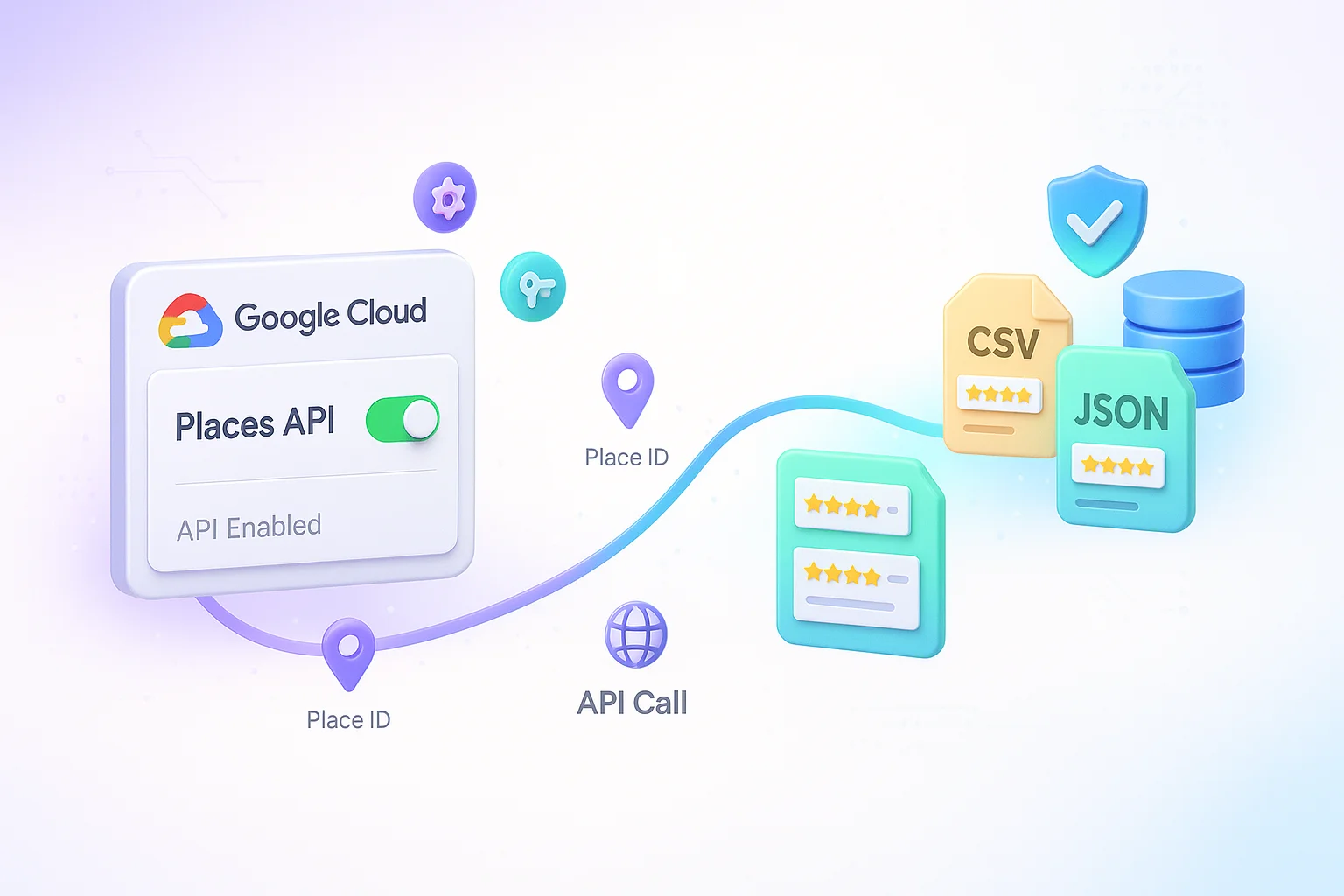
This is the official and safest way to collect Google Maps Reviews. It follows Google’s policies and gives you structured data.
- Enable the Places API in your Google Cloud project.
- Use the Place ID of each business to get its reviews.
- Make an API call to place/details with your API key.
- Store the review data in your chosen format (CSV, JSON, or database).
This method is best for businesses or developers who want long-term, rule-compliant access.
2. Using a third-party API (fastest for many cases)
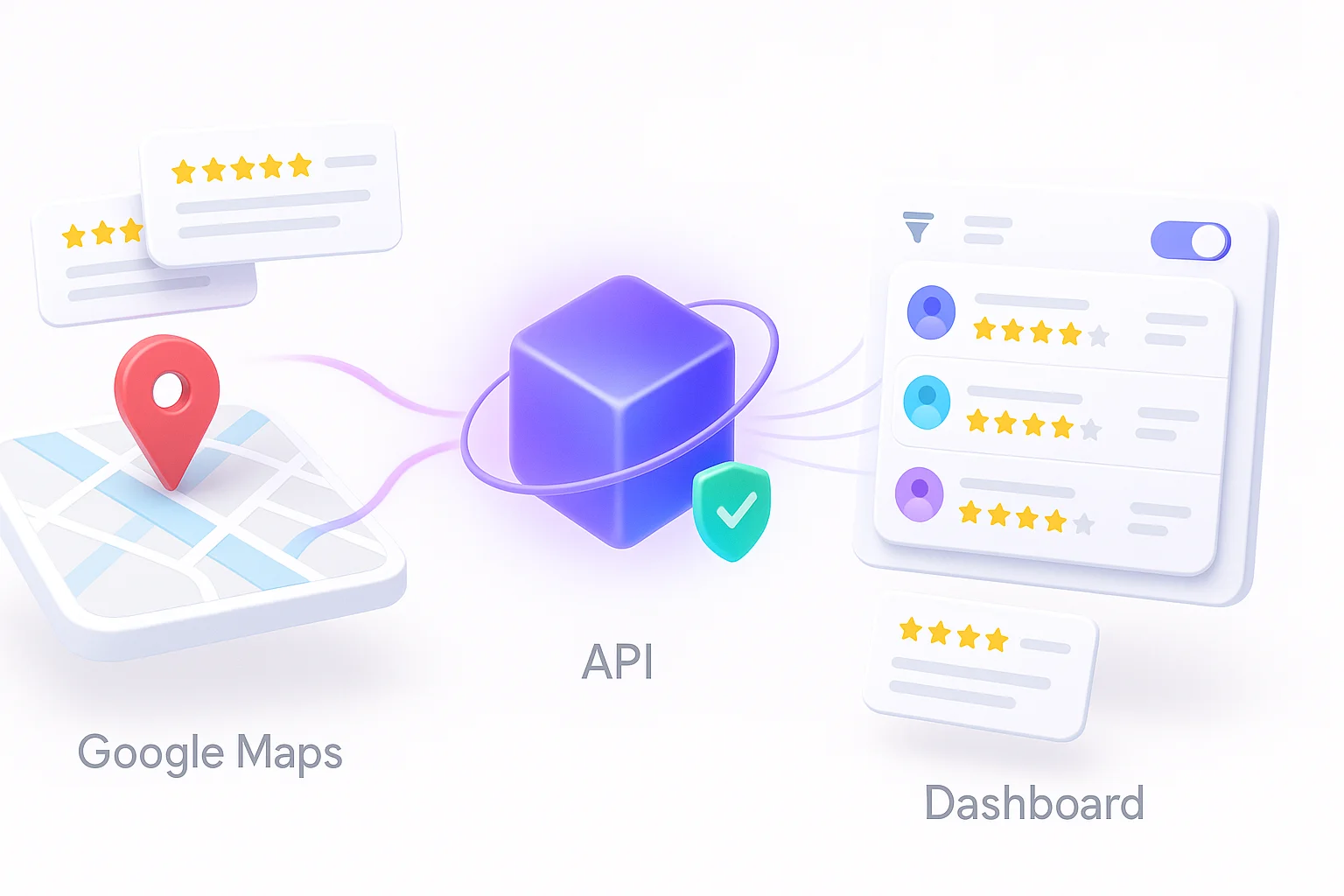
Third-party APIs simplify setup and reduce work. They manage limits, store reviews, and send data in ready formats.
- Choose a provider that follows Google’s data terms.
- Check their limits, pricing, and data accuracy.
- Use their simple endpoints to collect reviews quickly.
WiserReview fits well here. It connects to Google Maps safely, imports reviews automatically, and stores them in your dashboard without you writing code.
You can filter, moderate, and display them through ready widgets, all without scraping or API maintenance.

All your reviews in one place
Collect reviews, manage every response, and display them where they matter most.
Start Free →3. Headless scraping (when no API option exists)

When APIs can’t access specific data, you can use headless scraping with browsers like Puppeteer or Playwright.
- Run a browser automation that opens a Google Maps link.
- Extract only visible, public review data (no personal details).
- Add delays between actions to mimic normal user behavior.
Use this only when API access isn’t available. Always collect public data responsibly and follow privacy rules.
Safety, legal & ethical considerations (must-read)
Scraping Google Maps Reviews must be done carefully. Google’s rules, data privacy laws, and user trust all depend on how you handle the data.
Here’s what you need to understand before you start.
Terms of Service & platform policy

Google clearly states that automated scraping is not allowed. Using bots or scripts to pull reviews directly from Maps can break its Terms of Service.
Always prefer official APIs or approved data providers. Following these rules keeps your access safe and prevents account suspension.
Legal risk vs public-domain arguments
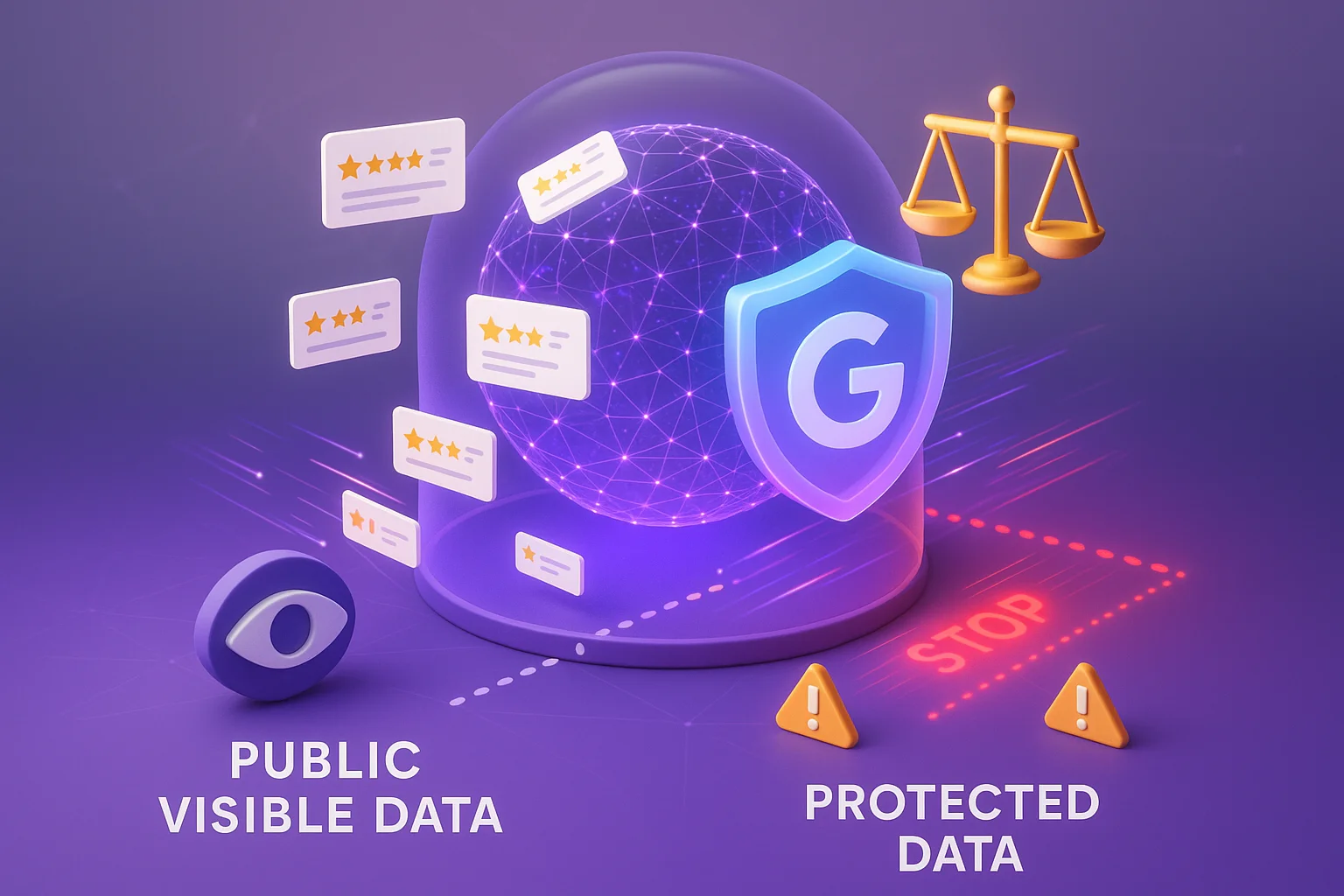
Even though reviews are visible to everyone, that doesn’t mean they are free to copy in bulk.
Google owns the platform and can take action if data is collected improperly. Always treat the data as licensed access, not public property.
Legal risk increases when you use scraped data for resale or public publishing without permission.
Privacy & reviewer safety
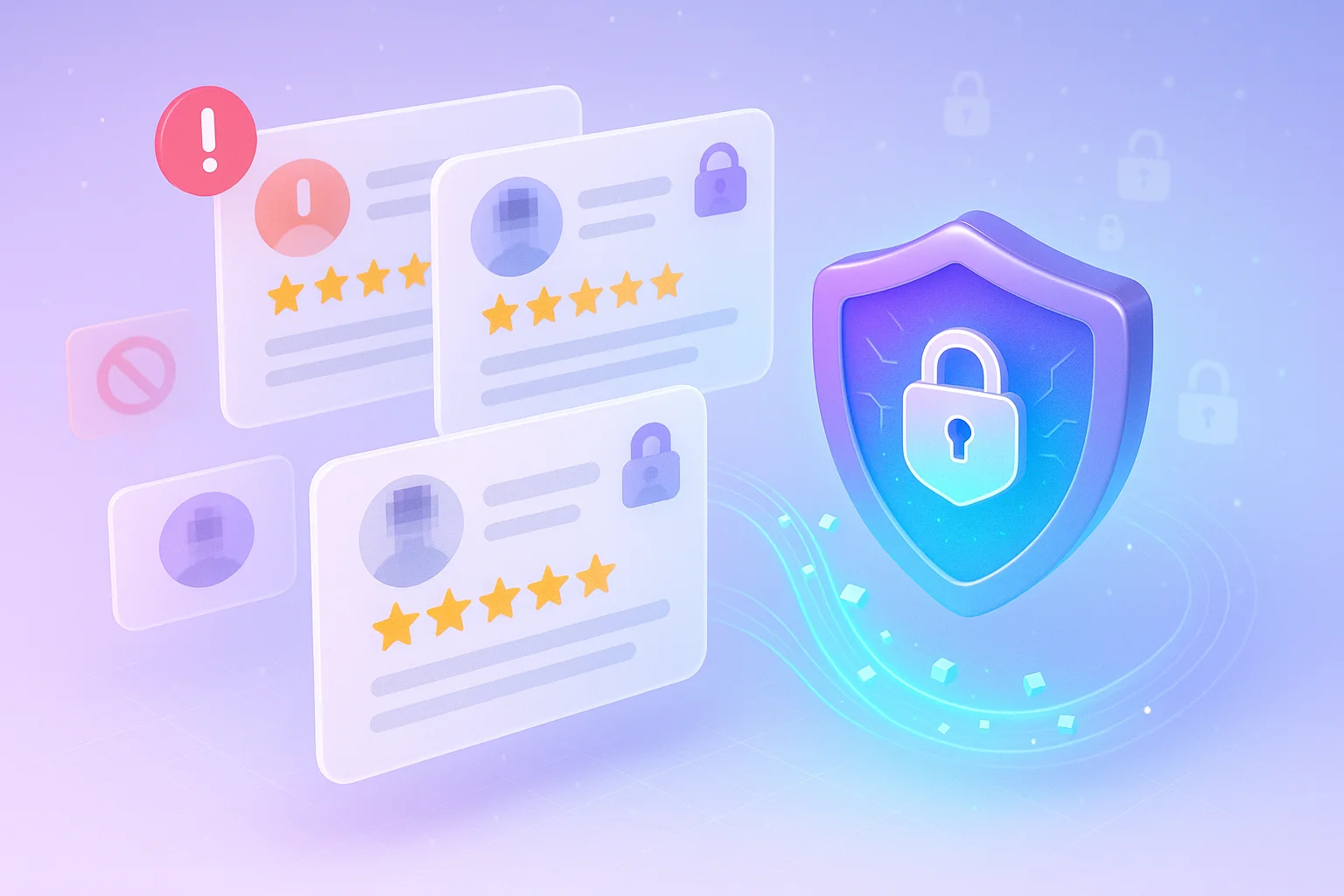
Reviews often include usernames, profile pictures, and location clues. Never store or share this data beyond your use case.
Avoid linking reviews to personal identities. Keep all records secure and anonymize sensitive parts. This protects both your users and your business from privacy issues.
Business ethics & misuse prevention

Using reviews should always create value, not harm. Don’t use scraped reviews to fake feedback, write false comparisons, or manipulate rankings.
Businesses that misuse review data often lose credibility and trust. Ethical collection builds long-term reliability with users and partners.
Anti-block, reliability & scaling tactics
When you collect many Google Maps Reviews, you must avoid blocks and keep the process reliable.
Fast or repeated requests trigger Google protections and can stop your access. Follow a steady plan that reduces risk and keeps data flowing.
Key tactics to use:
- Use reputable proxies and IP pools. Rotate IPs slowly and prefer providers that follow legal rules.
- Throttle requests and add randomized delays. Make calls at human-like speed rather than in tight loops.
- Handle CAPTCHA and detection gracefully. If you hit a CAPTCHA, pause that workflow and investigate instead of forcing retries.
- Monitor requests and set alerts. Track failures, slowdowns, and quota hits so you can fix issues quickly.
Apply these tactics together. They reduce the chances of blocks and make your data collection stable as you scale.
All your reviews in one place
Collect reviews, manage every response, and display them where they matter most.
Start Free →Wrap up
The safest way to collect Google Maps Reviews is through official or approved APIs. They give structured data and follow Google’s rules.
Avoid bots or scrapers that copy data directly from Maps. They can block your access and cause legal issues.
Keep your setup simple: use a verified API key, follow rate limits, and store only public review data. Add small delays between requests and monitor your usage.
Always respect privacy and stay transparent about how you use reviews. Collect data only for analysis or service improvement, not for fake feedback or ranking tricks.
Safe, rule-based collection keeps your access stable and your business trusted.
Frequently asked questions
No. Google’s Terms of Service prohibit scraping with bots or automated tools. You should use the official Google Places API or verified third-party APIs instead.
Yes. You can safely export your own business reviews through Google My Business or by using the official Google Places API.
Google may block your IP, suspend your account, or take legal action if you violate their policies.
Use the Google Places API for structured data or trusted third-party APIs that follow Google’s rules. Avoid manual bots or scrapers.
Follow rate limits, use verified API keys, add small delays between requests, and monitor your API usage to stay within safe limits.

Krunal