4 min
4 min 
You optimize PrestaShop product pages by improving buyer confidence, page speed, mobile usability, and search visibility.
That single focus increases conversions and rankings simultaneously.
I’ve worked on dozens of PrestaShop stores where traffic looked fine, but sales lagged.
The issue was never ads or pricing. The issue was weak product pages.
Minor fixes made a visible difference within weeks.
This guide walks through the exact optimizations that matter in 2026.
No fluff. No theory. Just changes that move conversion signals and SEO metrics.
Enhance product content for higher buyer confidence
You build trust by answering buyer doubts before they scroll or click away. Product content must remove friction, not just describe features.
Add real customer reviews and show them prominently
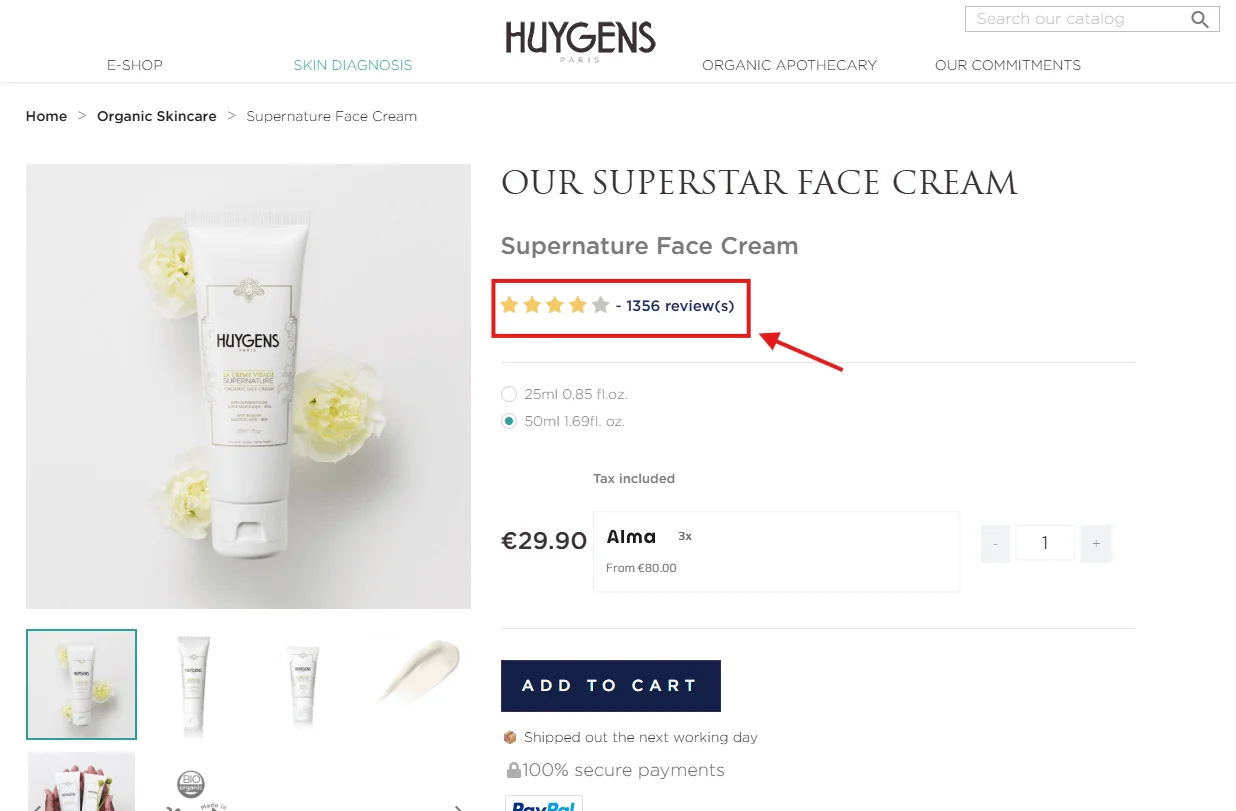
You increase conversions by showing reviews above the fold and near the buy button.
Reviews act as social proof and reduce purchase anxiety.
Here’s what works best in PrestaShop:
- Display star ratings under the product title
- Show one to two written reviews near the price
- Add a review count next to the stars
Recent data shows that displaying multiple reviews can increase conversion rates by up to 270%, especially when products have at least five reviews.
I’ve seen stores lift conversion rates by over 10 percent just by moving reviews higher. Buyers trust other buyers more than your copy.
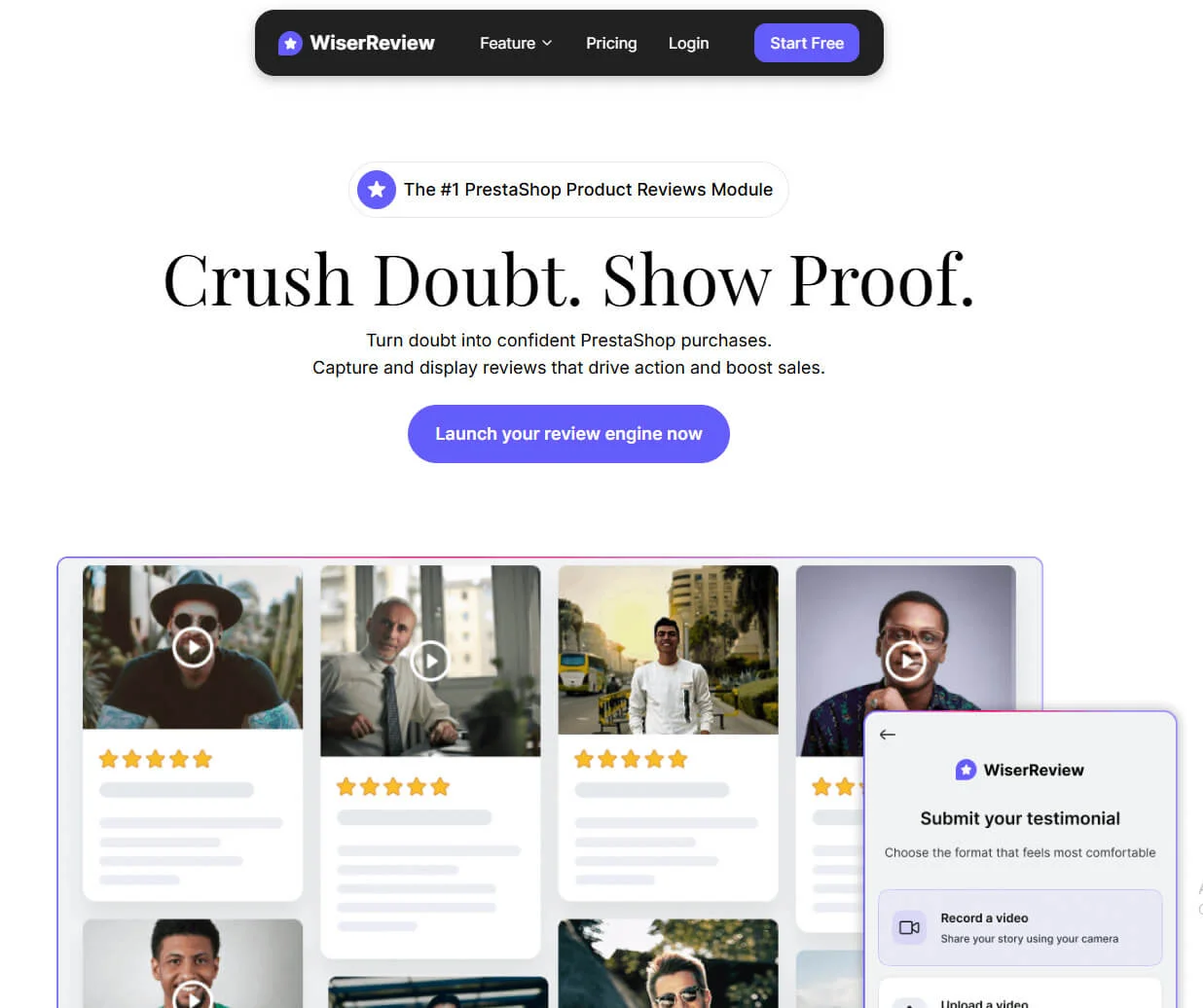
Use WiserReview’s PrestaShop product reviews module to add testimonials, UGC, and reviews, and avoid other heavy widgets that slow page load and hurt Core Web Vitals.
Rewrite the first 2–3 sentences of product descriptions
You hook buyers by clearly stating the outcome, not the specs. The first lines should answer one question: why should I buy this?
Bad opening:
“This product is made from high-quality materials and designed for durability.”
Better opening:
“This backpack keeps your laptop safe and your shoulders comfortable during long commutes.”
Use short sentences. Use plain language. Focus on benefits before features.
This section affects scroll depth, time on page, and conversion intent.
Ensure variant selection is easy and updates dynamically
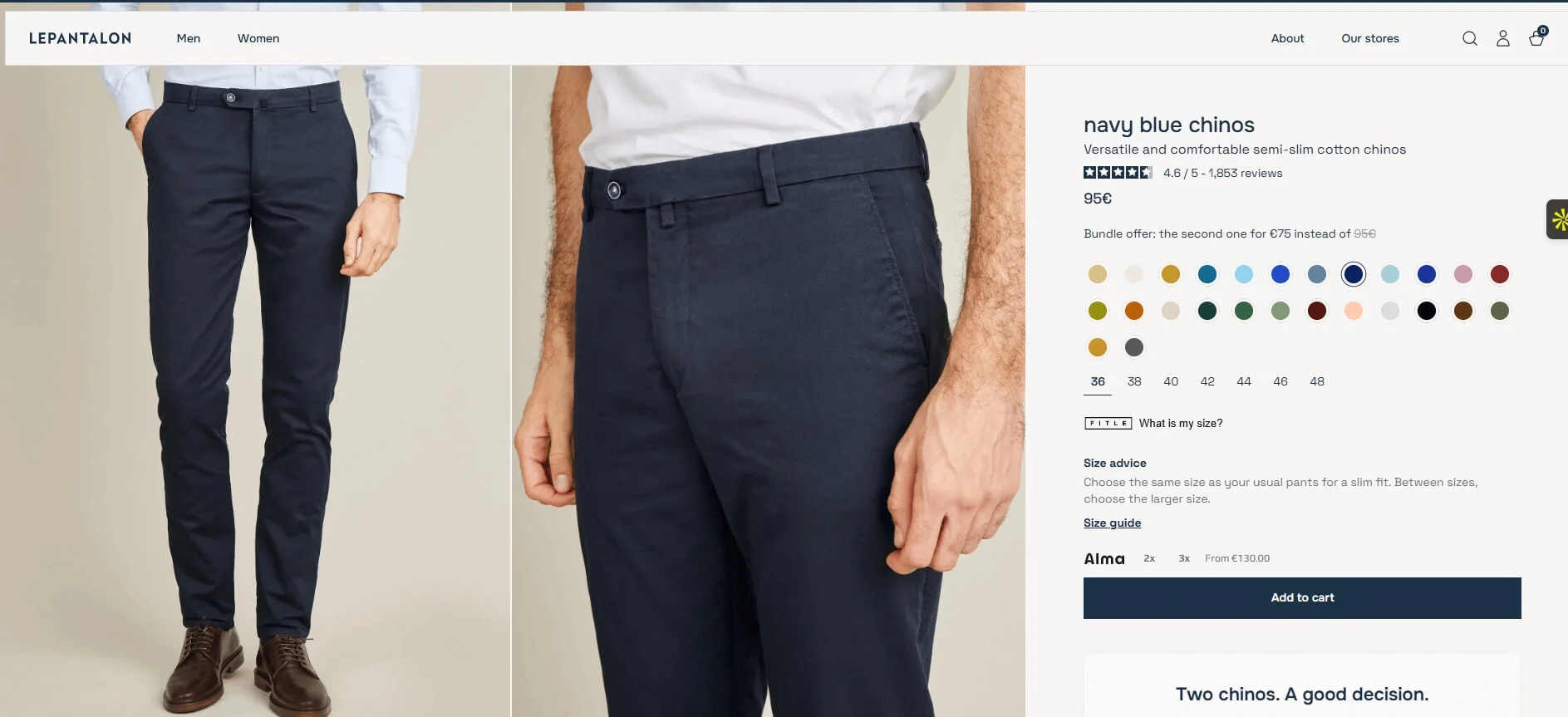
You reduce drop-offs by making variants obvious and responsive. Variant confusion kills sales.
Fix these common issues:
- Show color swatches instead of dropdowns
- Update price and images instantly when variants change
- Disable unavailable combinations clearly
PrestaShop handles variants well when configured correctly. The mistake I see most often is hiding critical updates behind page reloads.
Optimize metadata & Search visibility
You improve organic traffic by optimizing the metadata Google reads first. These changes are fast and low risk.
Write strong meta titles & Descriptions
You increase click-through rate by writing for humans, not just keywords. CTR is a ranking signal in competitive ecommerce spaces.
Follow this structure:
- Meta title: primary keyword + benefit or modifier
- Meta description: problem solved + trust cue
Example:
Meta title: Lightweight travel backpack for laptops | Free shipping
Meta description: Carry your laptop safely with padded protection and waterproof fabric. Rated 4.8 stars by real customers.
Avoid truncation. Keep titles under 60 characters.
Improve product URL slugs (Friendly URLs)
You help Google and users by cleaning up messy URLs. Readable URLs improve crawlability and trust.
Bad: /index.php?id_product=123&controller=product
Good: /lightweight-laptop-backpack
Enable friendly URLs in PrestaShop and remove stop words where possible. Keep the main keyword intact.
Add automatic structured data (JSON-LD)
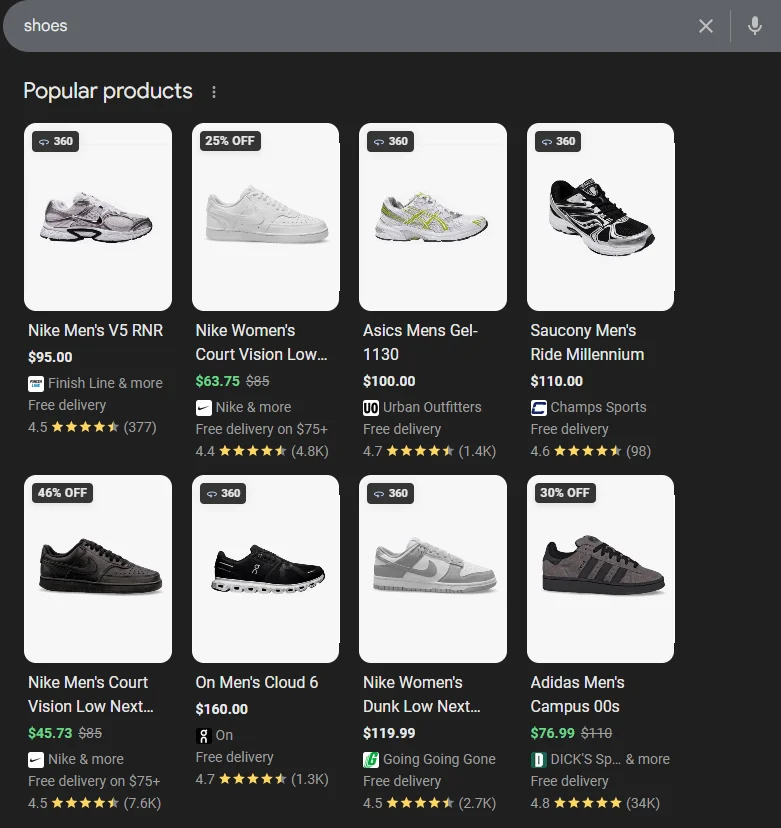
You earn rich results by adding structured product schema. Schema improves visibility in search results.
Your product schema should include:
- Product name
- Price and currency
- Availability
- Review rating
Most modern PrestaShop themes support this. Test with Google’s Rich Results tool to confirm.
Improve page speed & Core web vitals

You increase both rankings and conversions by speeding up pages. Speed is no longer optional.
Convert images to WebP/AVIF
You reduce load time by serving modern image formats. Images typically account for more than half of a page’s weight.
Use WebP or AVIF for:
- Product gallery images
- Thumbnails
- Category previews
I’ve seen load times drop by more than one second after image conversion alone.
Enable lazy loading for product images
You improve perceived speed by loading images only when needed. Lazy loading reduces initial render time.
Enable lazy loading for:
- Gallery images below the fold
- Related products
- Upsell sections
Avoid lazy loading the main hero image. That hurts Largest Contentful Paint.
Turn on caching + GZIP compression
You speed up server response by caching static content. Caching is one of the highest ROI optimizations.
Check that you have:
- Smarty cache enabled
- Browser caching headers are active
- GZIP compression turned on
If you use shared hosting, this alone can cut load time in half.
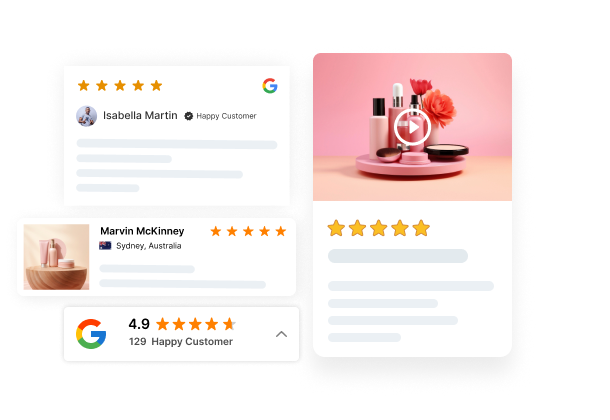
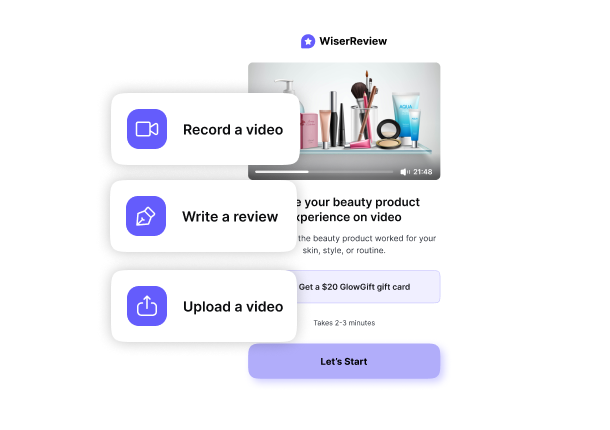

Show product reviews that boost trust
Collect reviews from email and WhatsApp, manage them easily, and display them beautifully on your PrestaShop store.
Lift conversions with simple on-page improvements
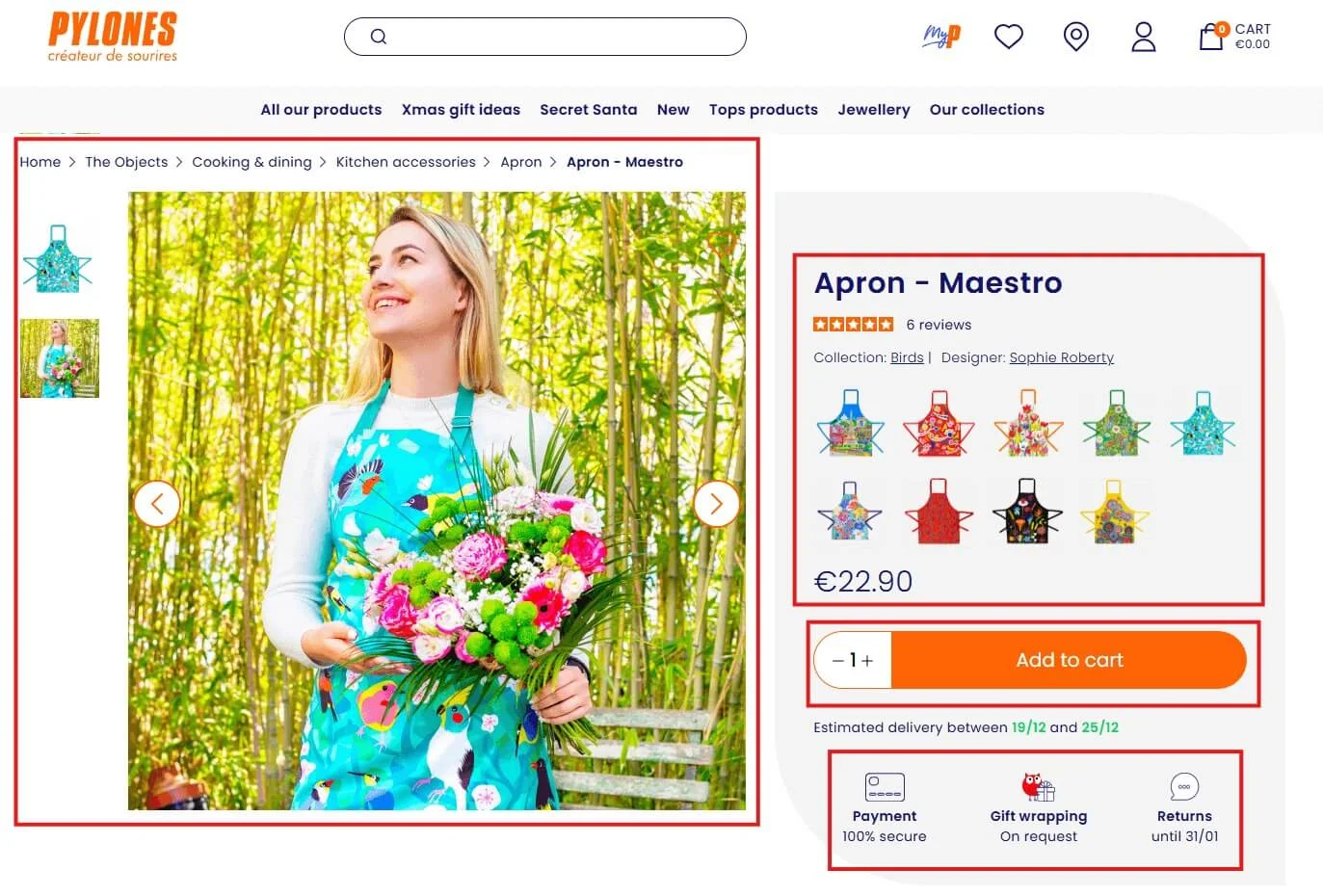
You increase revenue by fixing layout and interaction issues. These changes directly affect conversion signals.
Fix the above-the-fold layout
You guide buyers by showing critical info immediately. Above the fold, the content should answer three questions.
- What is this product?
- How much does it cost?
- Why should I trust it?
Place the following near the top:
- Product title
- Price and discounts
- Star rating
- Add to cart button
I’ve seen stores bury prices too low. That results in additional scrolling and increases the bounce rate.
Add a sticky add-to-cart button (Mobile + Desktop)
You increase add-to-cart actions by keeping the CTA visible. Sticky buttons work exceptionally well on long product pages.
Best practices:
- Use a compact sticky bar
- Show price and variant summary
- Avoid covering key content
On mobile, this alone can increase conversions by double digits.
Display the most critical trust signals
You reduce hesitation by reinforcing safety and reliability. Trust signals matter most right before purchase.
Prioritize:
- Secure payment icons
- Shipping and return policies
- Warranty or guarantee badges
Place these near the add-to-cart button, not buried in tabs.
Prioritize mobile-first fixes

You optimize for reality by prioritizing mobile users. Most PrestaShop traffic now comes from phones.
Use a mobile-optimized theme
You improve usability by choosing responsive layouts. Not all themes handle mobile equally well.
Test for:
- Readable font sizes
- Proper spacing between elements
- Fast tap response
If users need to zoom, the theme fails to scale.
Ensure tap-friendly buttons + Font sizes
You reduce errors by making interactions comfortable. Small buttons frustrate users.
Follow these rules:
- Buttons at least 44 pixels tall
- Body text at least 16px
- Adequate spacing between links
These changes reduce misclicks and rage taps.
Speed up mobile load time
You protect conversions by optimizing mobile performance first. Google measures Core Web Vitals using mobile data.
Focus on:
- Reducing JavaScript bloat
- Removing unused modules
- Limiting third-party scripts
Every extra script hurts mobile users more than desktop users.
Wrap up
You optimize PrestaShop product pages by combining trust, speed, SEO, and usability.
No single tweak wins alone. The compound effect drives results.
If you improve content clarity, reduce load times, and simplify mobile interactions, conversions follow naturally. I’ve seen it happen repeatedly.
Start with one section from this guide. Implement it. Measure the impact. Then move to the next.
That’s how high-performing PrestaShop product pages are built.
Frequently asked questions
Optimized product pages load faster, rank better in search, and help shoppers decide faster.
Yes. Faster product pages reduce bounce rate and increase completed purchases.
Images, page speed, product content, reviews, and the add-to-cart section.
Yes. Many optimizations use built-in settings, themes, and modules.
Yes. Reviews add trust and often increase conversion rates on product pages.

Krunal