4 min
4 min 
Setting up an online store can feel like a big step, but choosing the right ecommerce platform is the most important decision you will make.
Many business owners look at two powerful and flexible options: PrestaShop vs WooCommerce. Both are great open source platforms that let you build a professional-looking ecommerce store without high monthly fees.
In this blog, we’ll explore how PrestaShop vs WooCommerce compare when it comes to setup, ease of use, and daily store management.
Quick comparison
Before we analyze PrestaShop and WooCommerce, let’s compare them directly. This quick comparison highlights their key difference in setup, design, features, and pricing.
| Column 1 | PrestaShop | WooCommerce |
|---|---|---|
| Platform Type | Dedicated ecommerce platform (“complete e-commerce platform”) | Plugin for WordPress (e-commerce functionality for a WordPress site) |
| Best For | Businesses wanting a dedicated store system | Businesses that already use WordPress or want content + store together |
| Ease of Setup | Slightly more technical for beginners | Easier if you know WordPress |
| Customization & Plugins | Strong module system, fewer “free” add-ons | Huge plugin ecosystem via WordPress, more flexibility |
| Stock/large catalog capability | Built for large catalogs (100,000+ products) | Scales, but may need more optimization as you grow |
| SEO & Content Marketing | Good for store-only setup, needs modules for heavy blogging/content | Excellent if you want blogging + store (WordPress strength) |
| Cost | Free core software, but many paid modules, higher cost when scaled | Free core plugin, many free/paid extensions, many budget options |
Overview of PrestaShop and WooCommerce
Choosing between two options can be confusing, but knowing what each one does can help you decide. Both are open source platforms, which means they are free to download and use, but they sell online in very different ways.
What is PrestaShop?
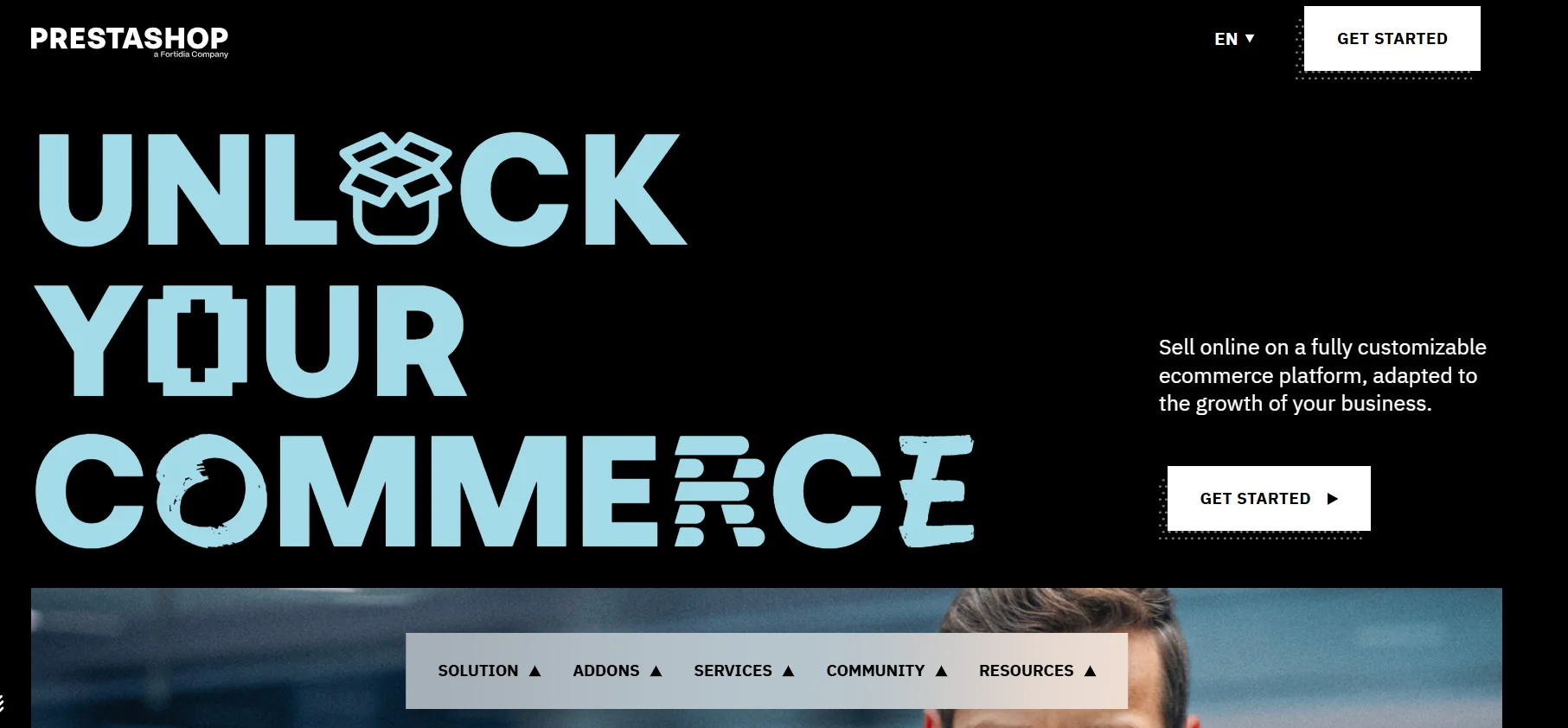
PrestaShop is an ecommerce software that was designed from day one to be a dedicated ecommerce platform. It is open-source, which means it is free to download and use, and a large community of over one million members worldwide constantly works to improve it.
Because it has its own cms (Content Management System), its entire structure is optimized for product sales, stock management, and processing orders, making it a powerful ecommerce solution for businesses of all sizes.
Why Choose PrestaShop:
PrestaShop is perfect for store owners who want a clean separation between their website content and their sales functions. It offers more e-commerce functionality than WooCommerce does.
Over 250,000 e-commerce websites currently use PrestaShop for their online sales.
Pros:
- Strong product management features.
- Built to handle large catalogs and multi-store setups.
Cons:
- It can require more technical skill to set up and customize.
- Many of the modules/extensions cost money.
What is WooCommerce?
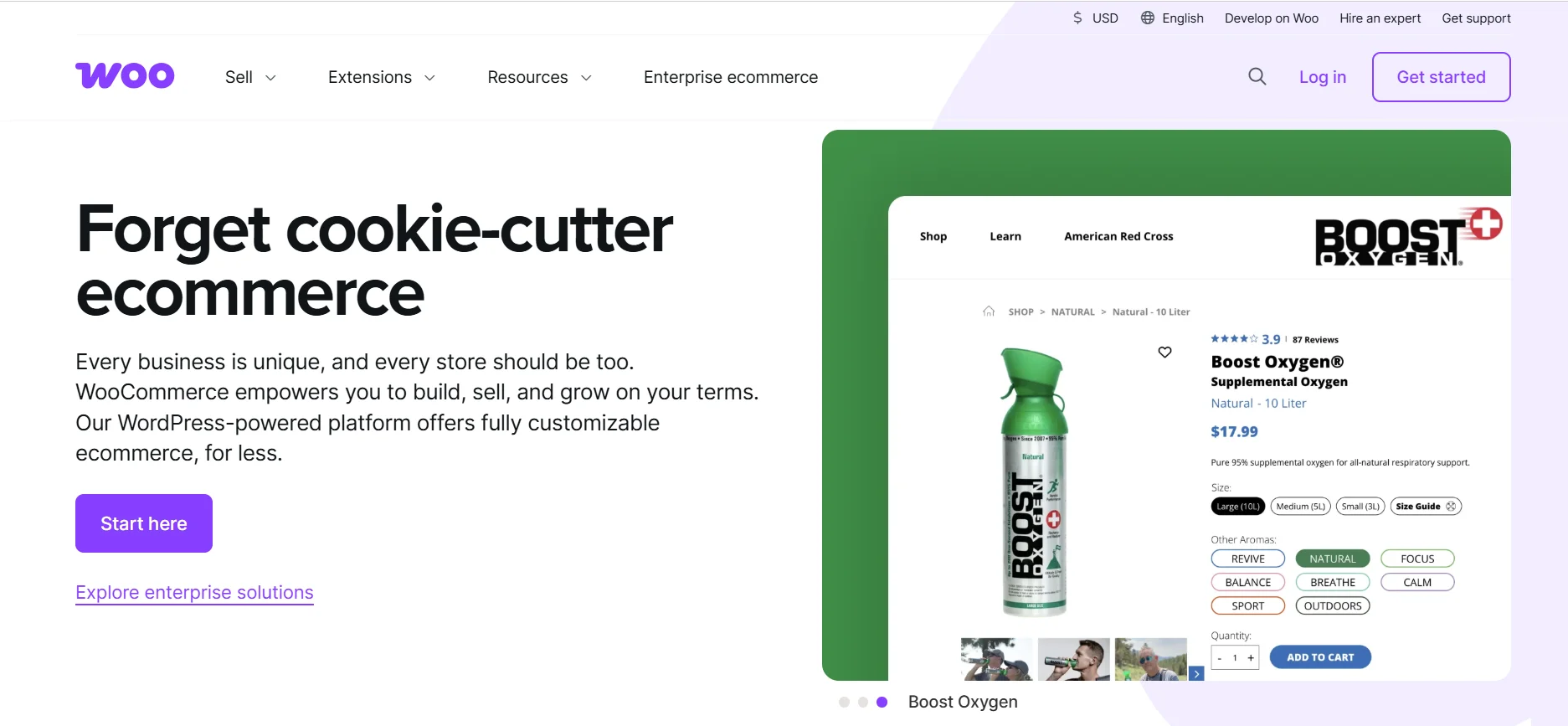
WooCommerce is the world’s most popular e-commerce platform when measured by market share. It is a free plugin built for WordPress that adds e-commerce functionality to an existing WordPress website.
It simply transforms a standard site into a fully functional WooCommerce store. By combining the power of the core WordPress content management system with advanced selling tools, WooCommerce offers a highly flexible and familiar solution for millions of WordPress users.
Why Choose WooCommerce:
If you already have a WordPress website or are familiar with the WordPress interface, WooCommerce is a very simple way to start selling. It lets you manage your blog and your store from one familiar place, the WordPress dashboard.
WooCommerce runs a large number of online stores globally, making up about 28% of all e-commerce sites.
Pros:
- It is free to install and works perfectly with any site.
- You can set it up in just a few clicks from your WordPress dashboard.
- You get access to thousands of free and paid extensions (like WooCommerce extensions) and themes, making customization options almost endless.
Cons:
- It is just a plugin, you often need multiple plugins to get the same level of advanced e-commerce functionality as PrestaShop has natively.
- It can sometimes make your WordPress website slow down, hurting performance.



All your reviews in one place
Collect reviews, manage every response, and display them where they matter most.
Ease of use and setup
Getting your online store up and running is the first major hurdle. While both options are open source platforms, the setup process is quite different because one is a standalone system and the other is a plugin for an existing website.
Installing and configuring PrestaShop
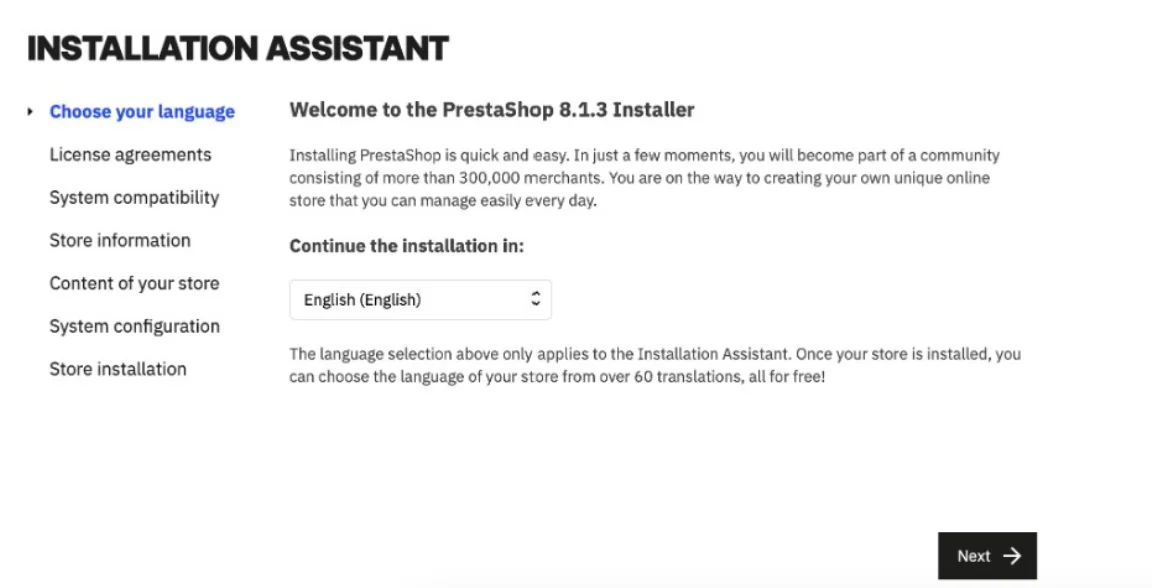
PrestaShop is a dedicated software, so installing it is more like setting up a new program on your hosting provider’s server. It requires a few more technical steps than WooCommerce, but once it’s running, you have a clean and organized system built only for sales.
- Technical Installation: You often need to upload the files manually or use a one-click installer like Softaculous, which your provider may offer.
- Setup Wizard: Once installed, PrestaShop guides you through essential steps like currency setup and adding your first products.
- Dedicated Interface: The main control panel (back-office) is designed purely for store management, which makes finding settings for stock management or product details very organized.
- Learning Curve: For a complete new user, the initial setup can feel more complex and may require some basic knowledge of databases or servers.
Installing and configuring WooCommerce
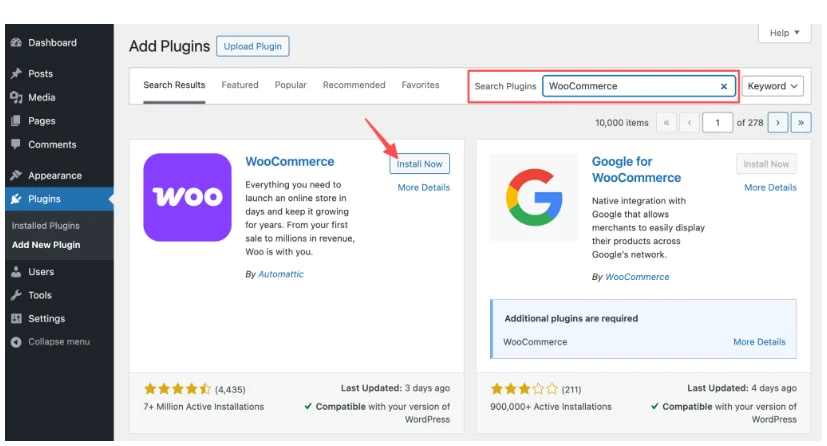
WooCommerce is an excellent e-commerce solution for those who already know or use WordPress, as the setup is as easy as installing any other WordPress plugin. It instantly adds powerful e-commerce functionality to your existing website.
- Plugin Activation: Installation happens right from the WordPress dashboard in just a few clicks, which is very simple for WordPress users.
- Guided Setup: A wizard walks you through key settings like location, payment gateways, and shipping options immediately after activation.
- Familiar Interface: All your store management happens inside the familiar WordPress dashboard, making it easier for people already used to posting content on a website.
- Simplicity Wins: WooCommerce is generally more beginner-friendly, especially for the small business owner who wants to minimize the time spent on initial setup.
Design and customization options
The look of your online store directly impacts customer trust and sales, so having flexible customization options is a must. Both platforms let you modify the look, but they offer different themes and design tools.
PrestaShop design flexibility
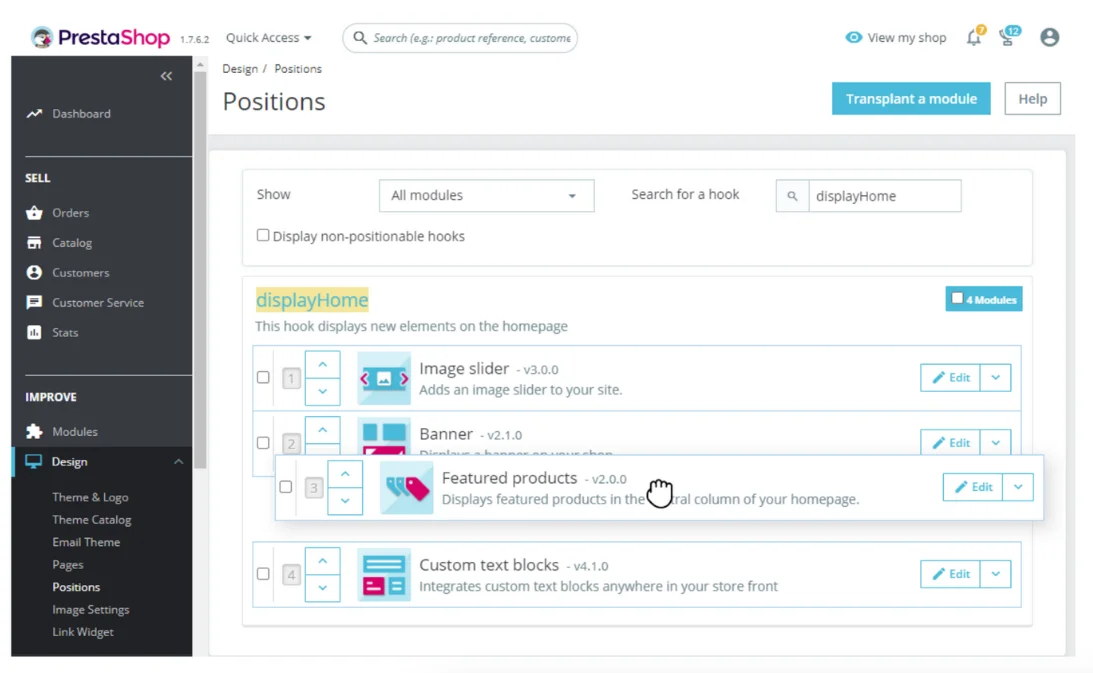
PrestaShop themes, or templates, are specifically built for selling, providing a professional and feature-rich shop design. While the themes are excellent, the tools for changing them often require a bit more technical skill than WooCommerce.
- E-commerce Focus: The official PrestaShop Marketplace offers many high-quality PrestaShop templates that include sales features like quick-view buttons and filtering tools by default.
- Modular Design: Customizing the structure often involves editing the platform’s core files or installing specialized PrestaShop modules, which may require some coding skills.
- Professional Look: Prestashop offers a very clean and trustworthy appearance that is clearly designed by professionals for high conversion rates.
- Higher Cost: Free templates are available, but premium templates can be more expensive than comparable options for WordPress.
WooCommerce customization
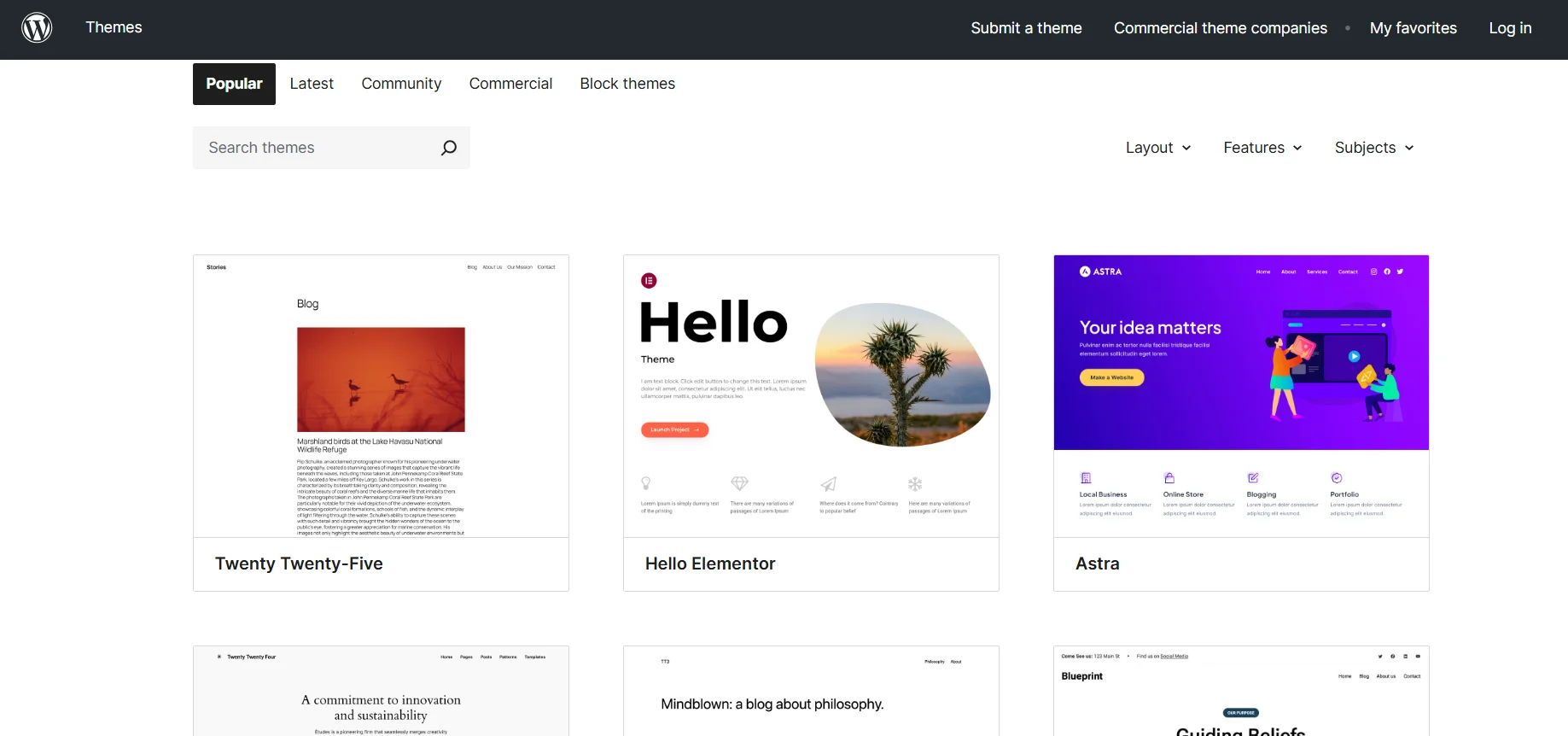
WooCommerce benefits hugely from the massive WordPress ecosystem, giving users access to almost endless options. Because it integrates with WordPress, you can use powerful, easy-to-use page builders to design your entire store.
- Massive Theme Library: You can use thousands of free and premium themes, giving you an unmatched variety for your ecommerce store.
- Page Builder Power: Popular WordPress page builders (like Elementor or Divi) work seamlessly with WooCommerce, allowing you to drag-and-drop elements to customize product pages without needing coding skills.
- Lower Initial Cost: There are many more quality free themes and budget-friendly premium themes for WordPress compared to PrestaShop.
- Content and Design Hybrid: This option is best for stores that want their design to match their content marketing, like having a blog and shop on the same page.
Ecommerce functionality and store management
The core of any successful e-commerce platform is its ability to handle the daily tasks of managing online stores efficiently.
Product and stock management
Both are excellent for product management, allowing you to sell physical and digital goods, but PrestaShop has a slight advantage for high-inventory stores with complex requirements.
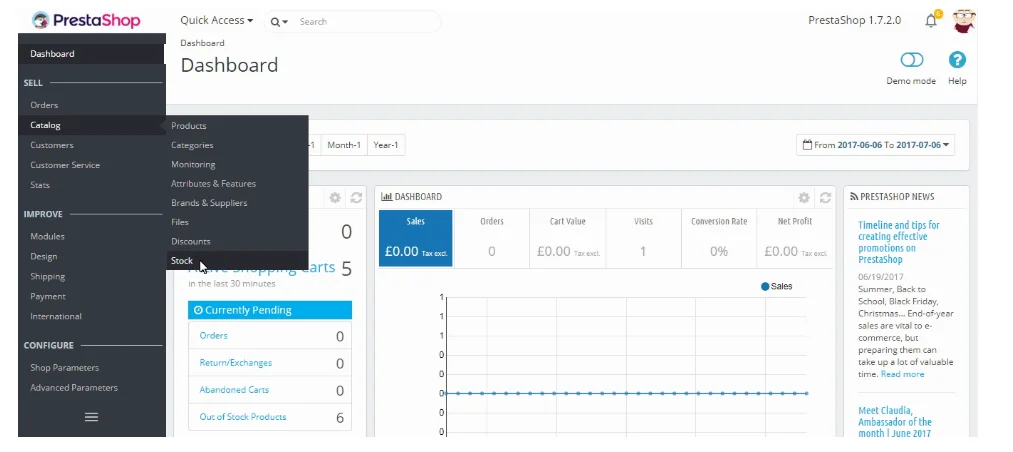
- PrestaShop’s Details: As a dedicated e-commerce platform, PrestaShop includes advanced management options built into the core system, such as setting low-stock auto notifications and managing warehouse locations.
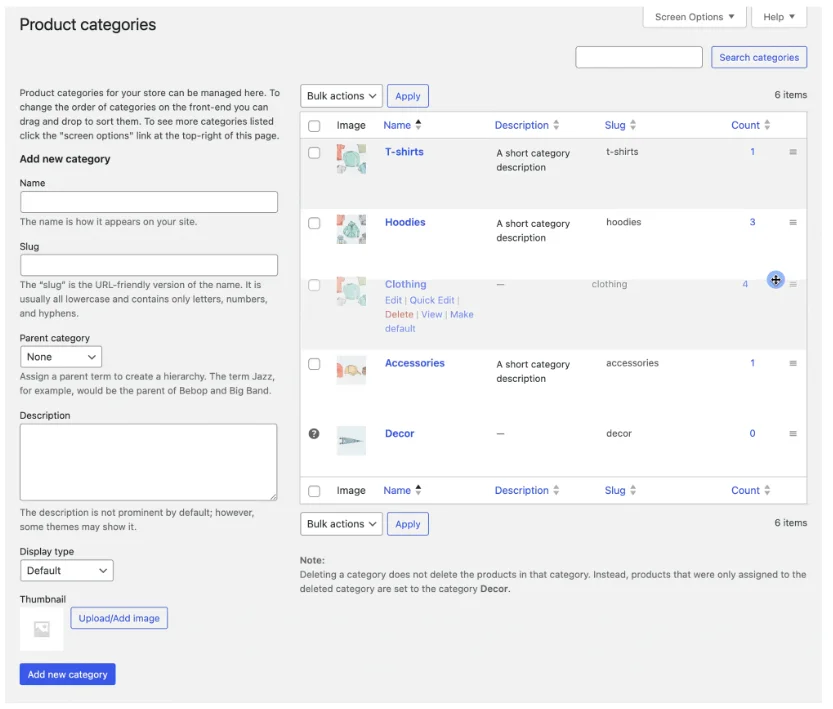
- WooCommerce’s Simplicity: WooCommerce products are managed using the familiar WordPress post format, which is intuitive for WordPress users. Basic inventory is easy, but complex needs often require a paid extension.
- Product Creation: The product editor in PrestaShop is very feature-rich, while WooCommerce relies on a simpler block-editor approach inherited from WordPress.
Payment gateways and shipping options
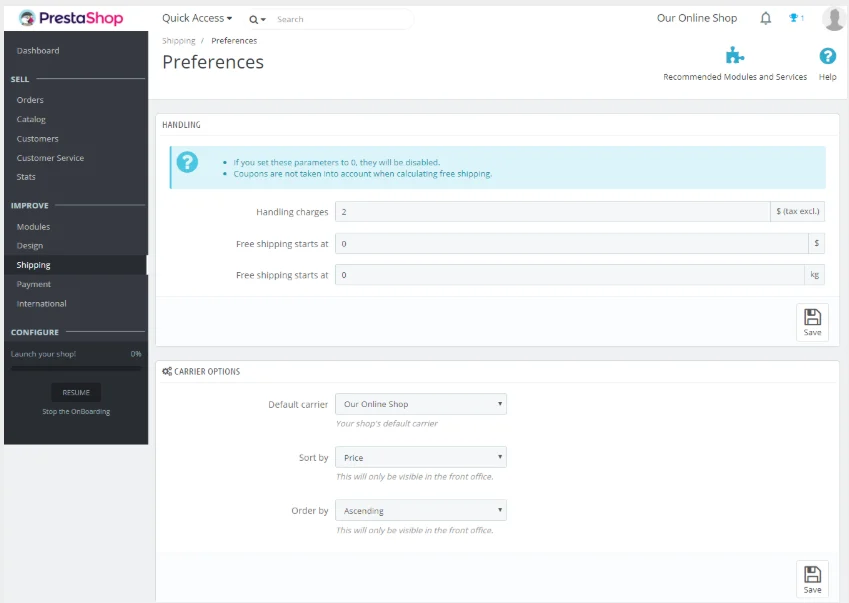
To make money, your online store needs to accept payments and handle shipping. Both platforms offer wide support for popular financial and logistics services.
- Payment Gateways: WooCommerce comes with basic integrations for popular payment gateways like Stripe and PayPal. PrestaShop also supports these, usually through a quick module install.
- Shipping Options: Both allow you to configure complex shipping rules based on location, weight, and size. WooCommerce often uses official WooCommerce extensions for easy integration with major carriers.
- International Sales: PrestaShop has excellent built-in features for multi-currency and multi-language support, making it a powerful e-commerce solution for international or multi-location brands. WooCommerce requires multiple additional plugins (like WPML) for the same advanced multi-store setup.
Store performance and scalability
Your online store must be fast to keep customers happy, and it must be scalable to handle growth. Neither system wins outright, as performance mostly depends on your underlying web host.
- Hosting Dependency: Since both are open source platforms, your chosen provider (and the money you spend) is the single biggest factor in store performance and speed.
- WooCommerce Overhead: WooCommerce runs on top of WordPress, and relying on multiple plugins can sometimes add extra weight to the site, potentially slowing it down without proper optimization.
- PrestaShop’s Architecture: PrestaShop is built purely for the task, meaning its database is highly optimized for commerce queries, giving it a slight technical edge for managing extremely large catalogs.
- Scalability: Both are highly scalable and can manage thousands of products and high traffic, provided you invest in high-quality hosting as your online sales increase.

All your reviews in one place
Collect reviews, manage every response, and display them where they matter most.
Start Free →Extensions and Add-Ons
Extensions are critical for adding features that the core platform doesn’t include. They are the tools that let you fully customize the e-commerce functionality of your shop, but the cost can vary greatly.
PrestaShop modules and extensions
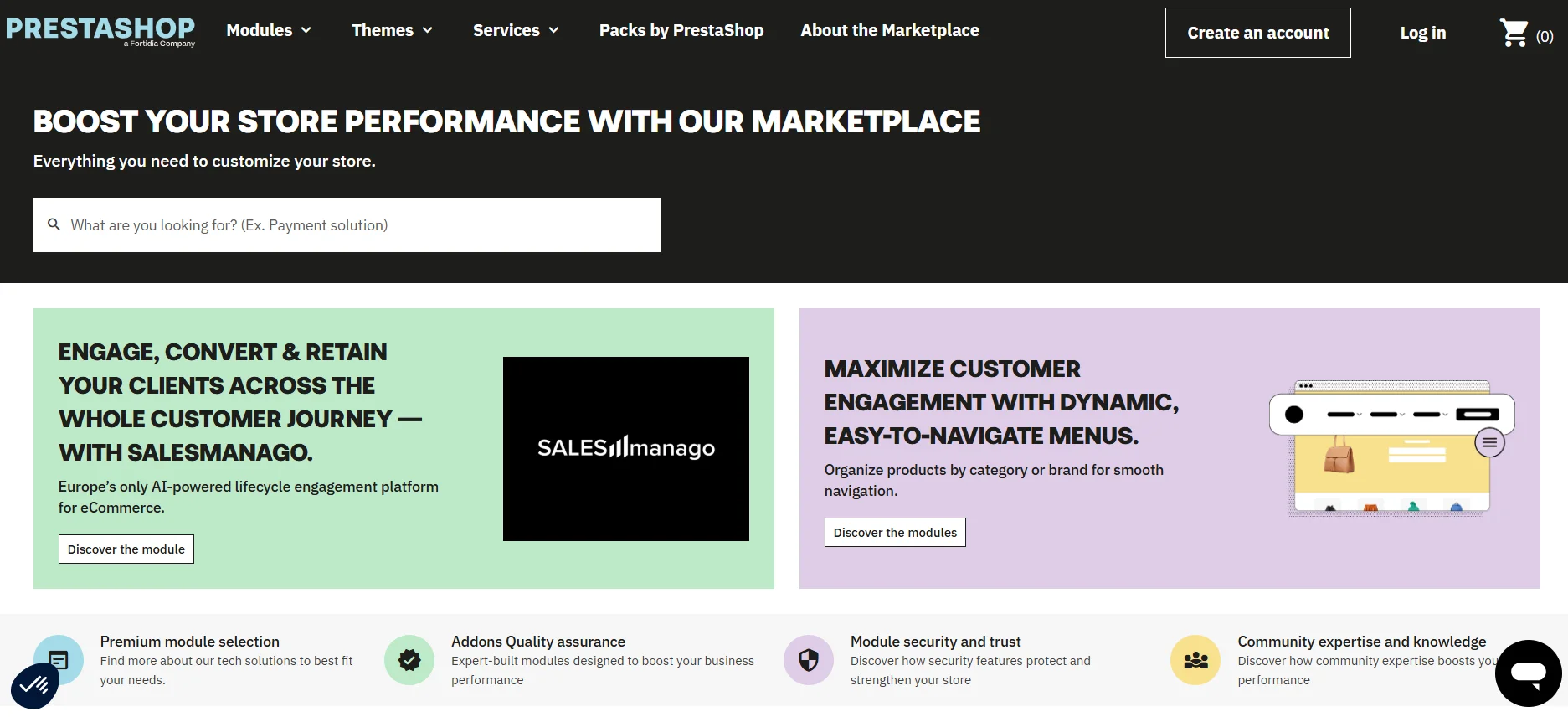
PrestaShop uses PrestaShop modules for additional features, which are typically robust and well-supported, but they come at a higher price point.
- Quality Over Quantity: The official marketplace has a smaller, but highly focused, selection of modules built specifically for e-commerce functionality.
- Higher Cost of Entry: The annual license fee for many advanced PrestaShop modules (or paid extensions) is often higher than comparable WooCommerce tools, making the setup cost more expensive for small businesses.
- Dedicated Tools: You are buying specialized tools built directly for a dedicated e-commerce platform, which usually guarantees excellent compatibility.
WooCommerce plugins and Add-Ons
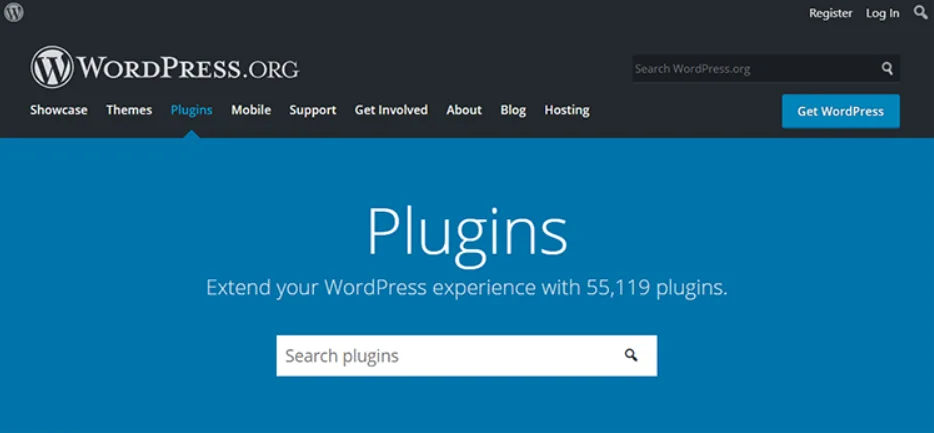
WooCommerce users benefit from the massive WordPress ecosystem, they have a huge selection of WooCommerce extensions (plugins) that cover almost every imaginable business need.
- Vast Ecosystem: You get access to thousands of WordPress plugins, not just extensions, for features ranging from SEO optimization to customer relationship management.
- Cost Efficiency: A much larger percentage of WooCommerce extensions are free or offer an affordable “freemium” version, which is excellent for starting a new user on a budget.
- Plugin Conflict Risk: The main drawback is the risk of compatibility issues when using too many plugins from different developers, which can impact store performance.
SEO and marketing tools
Getting your products to rank on search engines is crucial, and having good optimization tools is key. This is also where the difference between a CMS (WordPress) and a dedicated e-commerce system (PrestaShop) is most noticeable.
SEO optimization features
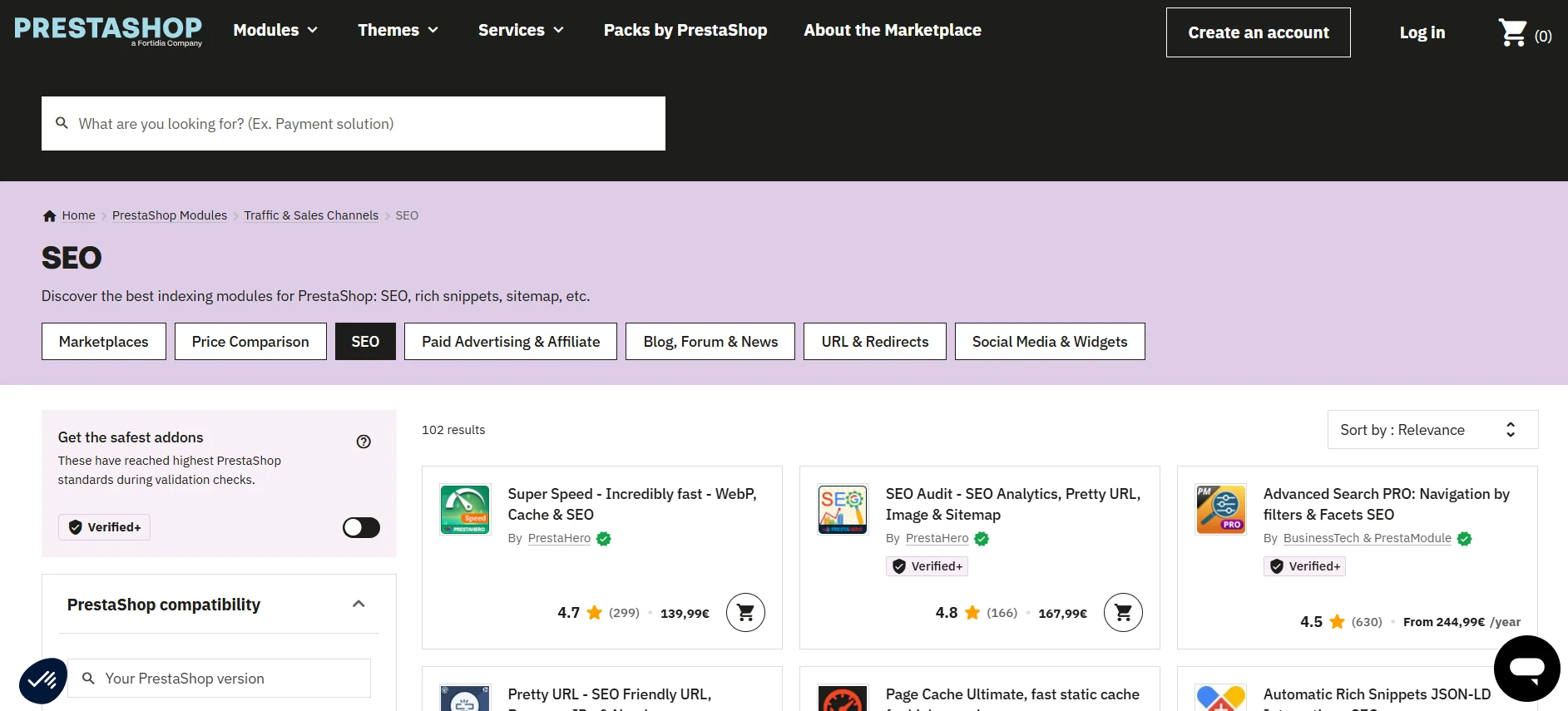
This is about making your product listings easy for Google to understand.
- PrestaShop Built-in: PrestaShop has better optimization tools included from the start, allowing you to easily adjust SEO titles, meta descriptions, and clean URLs for your product pages without needing an extra module.
- WooCommerce & Plugins: WooCommerce relies on the powerful content features of WordPress, but for advanced optimization, you must install a plugin like Yoast SEO (or similar SEO plugins).
- Content Advantage: WooCommerce’s core strength is its ability to seamlessly integrate SEO for both products and blog posts, making it better for an overall traffic strategy.
Content and marketing options
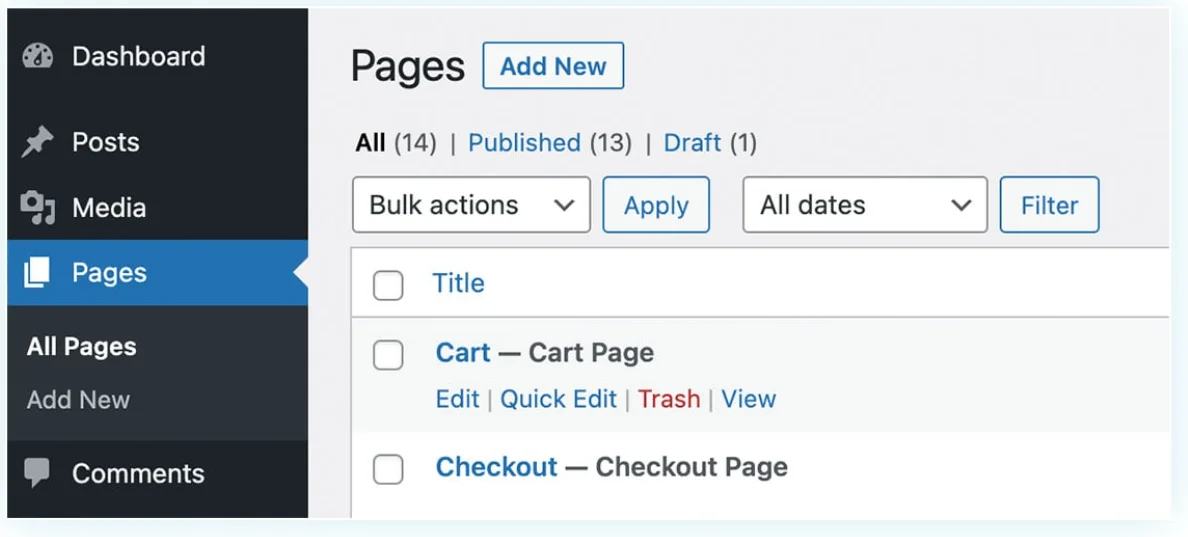
Content marketing is a long-term strategy, and one platform has a clear advantage.
- WooCommerce is King: Being built on WordPress, WooCommerce offers the best content management system available, allowing you to run a powerful blog, create complex landing pages, and drive online sales through useful content.
- PrestaShop’s Limit: PrestaShop’s built-in CMS is limited to basic informational pages (About Us, Contact), and running a high-powered blog requires installing an additional (and often paid extension or module.)
- Integration: Both platforms integrate with external email marketing and advertising tools, but WooCommerce has a wider network of one-click integrations with third-party apps.
Analytics and reporting
Understanding how customers behave in your online store is critical. You need detailed analytics to see what’s working and what’s not.
PrestaShop analytics tools
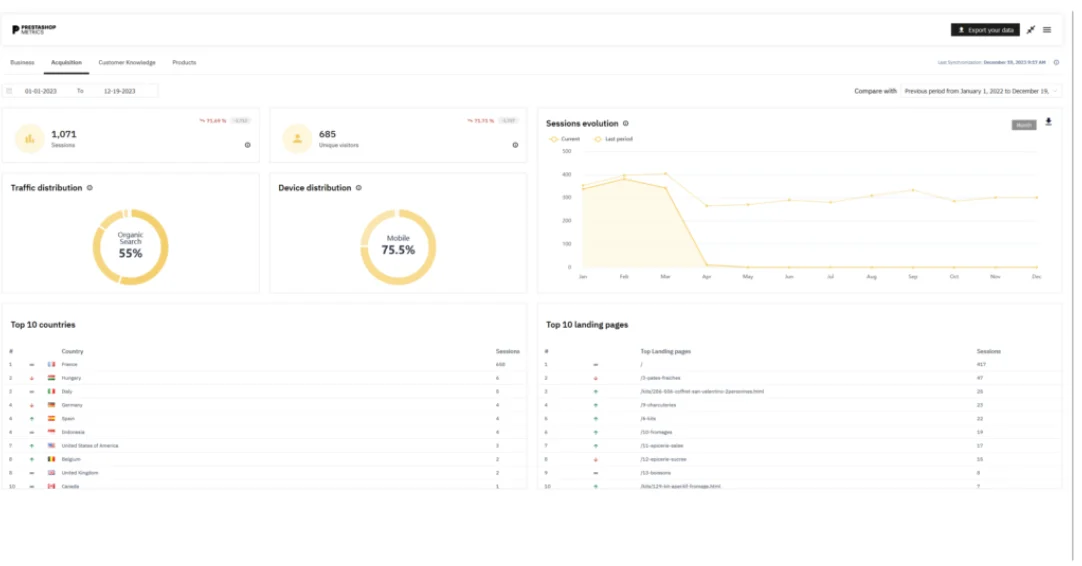
PrestaShop offers a very strong set of business intelligence tools right in the main dashboard.
- Dedicated Reports: Reports are immediately focused on key business metrics like sales, conversion rates, and cart abandonment, perfect for a store manager who needs detailed store analytics.
- Centralized Data: Because it is a dedicated platform, all your data is automatically structured for in-depth e-commerce reporting.
- Clear Insights: You get excellent graphs and breakdowns of your best-selling products and customer activity without installing any extra software.
WooCommerce analytics
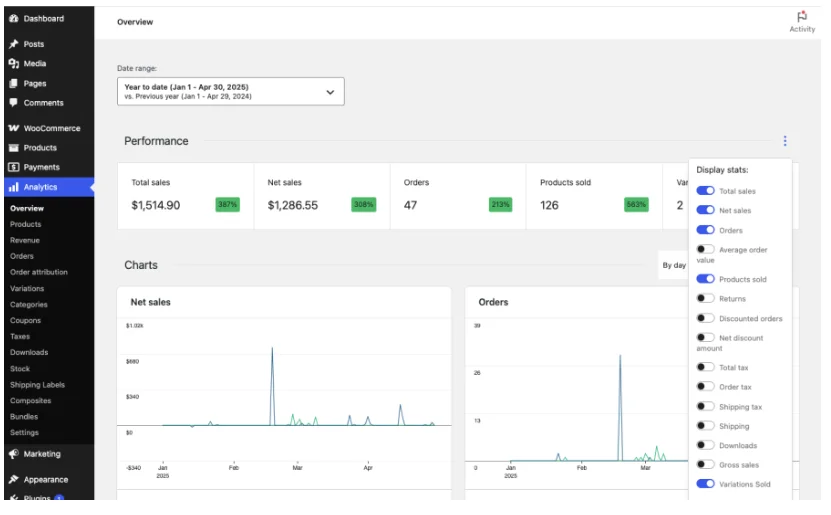
WooCommerce users get good basic sales reports, but typically rely on outside services or extensions for deeper analysis.
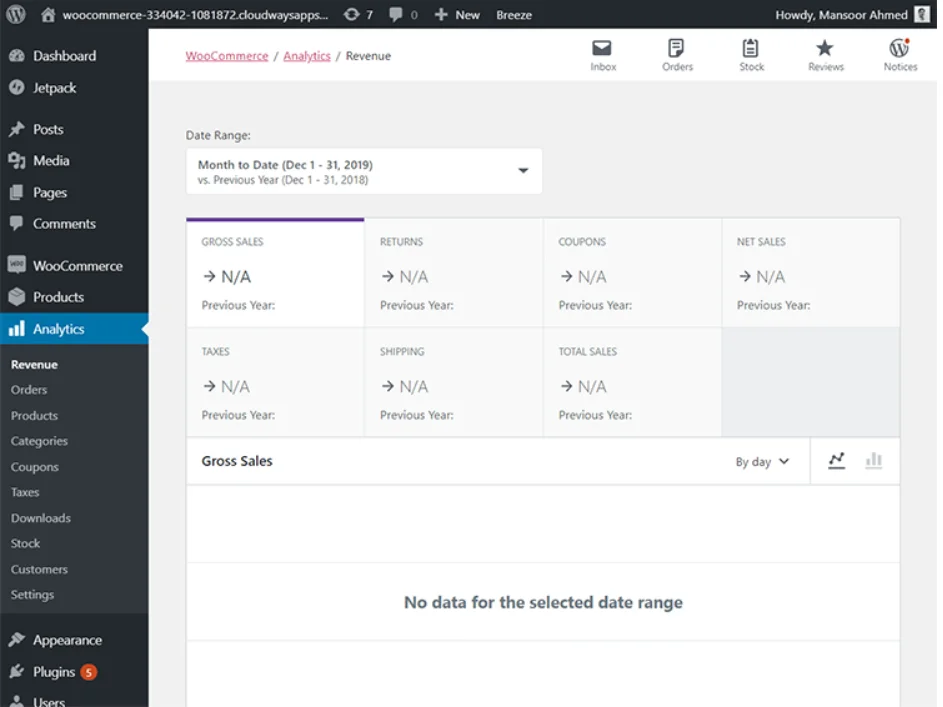
- WordPress Interface: Reports are accessible through the WordPress dashboard, showing key numbers like gross sales and refunds.
- External Reliance: For complex, detailed analytics on visitor behavior (where they clicked, how long they stayed), you will usually connect your site to Google Analytics.
- Extension Power: Many extensions are available to add enterprise-level reporting features, allowing you to customize exactly what data you want to track.
Pricing and cost comparison
While both are free to download, the actual cost of running your e-commerce solution can vary depending on your needs for features and design.
| Cost Component | PrestaShop | WooCommerce |
|---|---|---|
| Core Software | Free to download and use. | Free plugin. |
| Hosting | Requires dedicated hosting for optimum performance. Prices vary by hosting provider. | Requires a reliable web host (Managed WordPress/WooCommerce hosting is common). |
| Themes/Templates | Many users rely on higher-cost premium templates ($60+). | Thousands of free WordPress themes and premium themes are often lower-priced than PS templates. |
| Extensions | PrestaShop Modules are powerful but generally more expensive ($80–$250 on average). Many core features become paid extensions. | WooCommerce Extensions are generally less expensive ($70–$130 on average), with more free options. |
| Development | Often requires a specialized PrestaShop developer for customization. | Easier to find affordable WordPress/WooCommerce developers. |
Support and development community
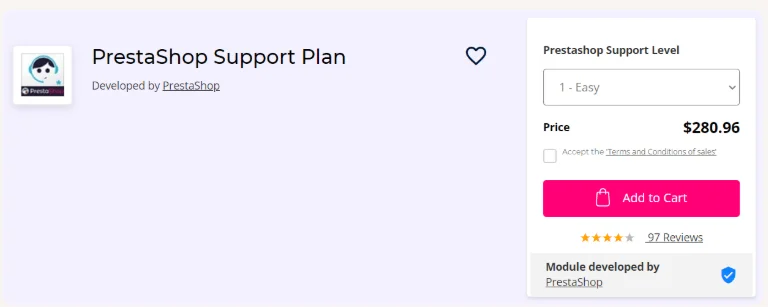
When something breaks, you need help fast. Since these are open source platforms, your support options are a mix of free community help and expensive paid assistance.
- WooCommerce Community: WooCommerce has a vast, enormous community of wordpress users, developers, and designers. Finding a free answer in an online forum is almost always instant.
- PrestaShop Premium Support: Unlike WooCommerce, PrestaShop offers official, premium support plans (starting high, around $280/month). This guarantees direct help from the core developers, which is essential for large, high-stakes stores.
- Development Support WooCommerce: While WooCommerce has no official support, the sheer size of the community ensures you can easily find a developer, making the overall development support WooCommerce relies on highly accessible, though unofficial.
- Documentation: Both platforms have excellent free online documentation and user guides to help you troubleshoot common issues.
Which Ecommerce platform is right for you?
The final choice between PrestaShop and WooCommerce is like choosing between a specialized tool and a flexible multi-tool. It depends entirely on what kind of business owner you are and what your online store needs
Choose WooCommerce if..
- You already have an existing website or want to focus heavily on content marketing and blogging alongside your sales.
- You are a small business owner who wants to set up quickly in just a few clicks and rely on free, flexible WordPress plugins.
- You prioritize customization from a huge library of WordPress themes and low-cost WooCommerce extensions.
Choose PrestaShop if..
- You are building a medium to large ecommerce store with plans to sell thousands of products globally.
- You need professional, advanced e-commerce functionality like complex, built-in stock management without relying on lots of third-party plugins.
- You need a highly scalable solution and value the option of official, paid support.
All your reviews in one place
Collect reviews, manage every response, and display them where they matter most.
Start Free →Wrap up
Both PrestaShop and WooCommerce are strong options for building your e-commerce store. Both are free to start, and both can help you launch a successful online store or e-commerce solution. Use the comparison above to pick the one that matches your goals, your budget, your content strategy, and your technical comfort.
If you already use WordPress and want flexibility, go with WooCommerce. If you want a dedicated platform for your e-commerce store and don’t mind a steeper learning curve, PrestaShop is worth it
Frequently asked questions
PrestaShop has solid features, you might need free or paid prestashop plugins to implement basic SEO strategies.
PrestaShop is great if you want a platform that is easy to set up and manage for e-commerce. WordPress is flexible and works well if you want to manage content along with selling products.
PrestaShop has four main disadvantages: First, it offers limited features, and some plugins are expensive. Second, the platform charges high fees for support. Third, it has weak security, which you'll need to pay extra for.
Yes, WooCommerce can manage 50,000 products, but how well it performs depends on the quality of the hosting, server resources, and how well it's optimized.

Krunal