5 min
5 min 
Missing Google reviews can hurt your business, but don’t worry, it’s fixable. If your reviews disappeared, follow these quick steps to restore them in just 5 minutes.
In this guide, we’ll explain why reviews vanish, how to request a restore, and what happens next. Whether it’s due to policy violations, spam reports, or simple errors, you can take action to get your rating back.
Keep reading to get your review history on track and prevent future issues.
Understand why Google reviews disappear
It can be irritating to see Google reviews disappear, and although it’s disappointing, knowing what causes a review to be removed is an essential step toward resolving the issue.
There are multiple reasons Google may remove reviews, and the explanations often relate to issues with the quality and authenticity of the review content on the platform.
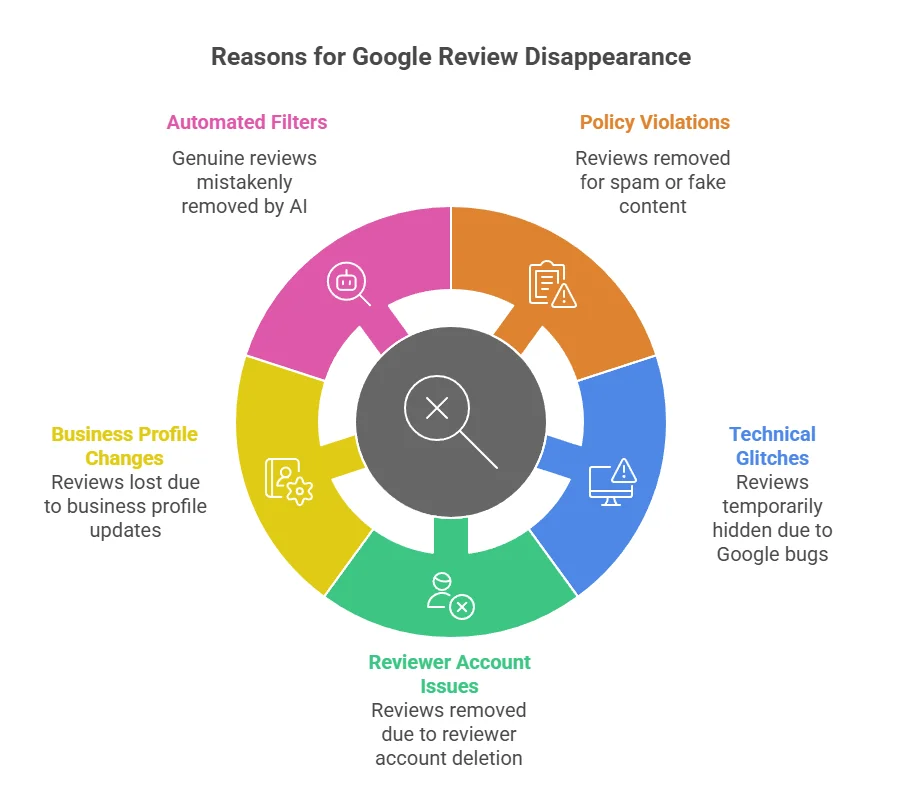
Google aims to respond to all support requests within one to ten business days. Of course, resolution of support inquiries sometimes takes longer, depending on the nature of the case.
In early 2025, the business community expressed concern after many businesses experienced a sudden decline in their Google reviews, with some losing as many as 200 reviews in a week.
A study conducted on nearly five million reviews from 78 countries found that, among the deleted reviews, 73.1% were 5-star ratings. Interestingly, 66.1% of the deleted reviews had no response from the business, indicating that responding to Google reviews could increase the likelihood of the customer keeping their review posted.

All your reviews in one place
Collect reviews, manage every response, and display them where they matter most.
Start Free →The 5-minute restoration workflow
This workflow focuses on speed and clarity. Each step takes less than a minute if you have your information ready.
Step 1: Log in to your Google Business Profile
Access your Google Business Profile dashboard to start the process.
Visit business.google.com, log in with your account, then select your business location (if you manage multiple locations) and navigate to the “Reviews” section.
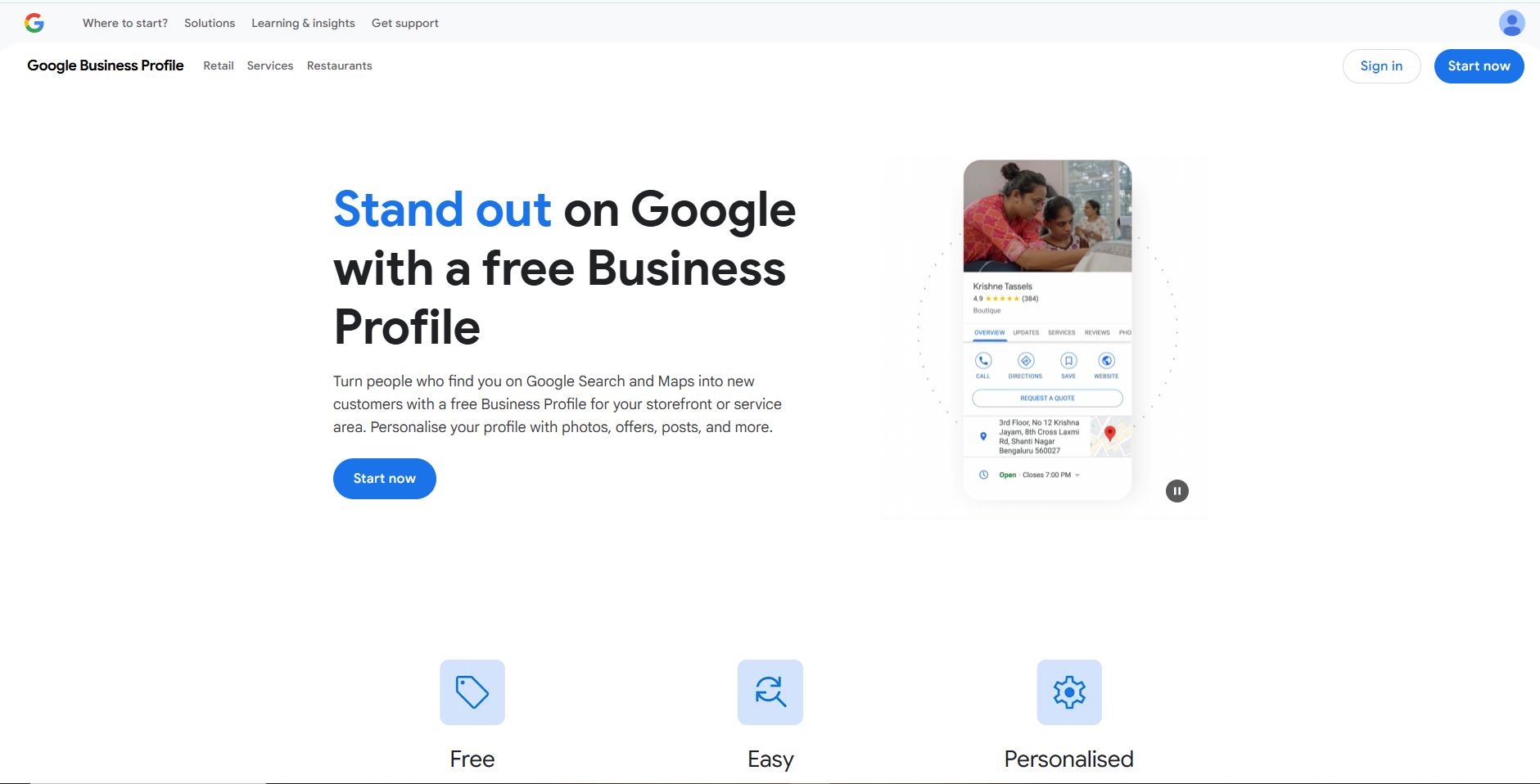
Before moving on, take a screenshot of your current review count. This will serve as evidence in your request.
Step 2: Identify missing reviews & collect evidence
Gather proof that your reviews have disappeared.
- Take screenshots of your review counts before and after
- Check for any review-related email notifications from Google
- Reach out to customers who left reviews to verify or screenshot their review history
- If using a review monitoring tool, export reports to show missing reviews
Create a simple list with:
- Reviewer name (if known)
- Approximate review date
- Review content summary
- Star rating
Tip: If managing multiple locations, track reviews separately to spot patterns.
Step 3: Access Google’s help & support → contact form
Use Google’s official support form to submit your issue.
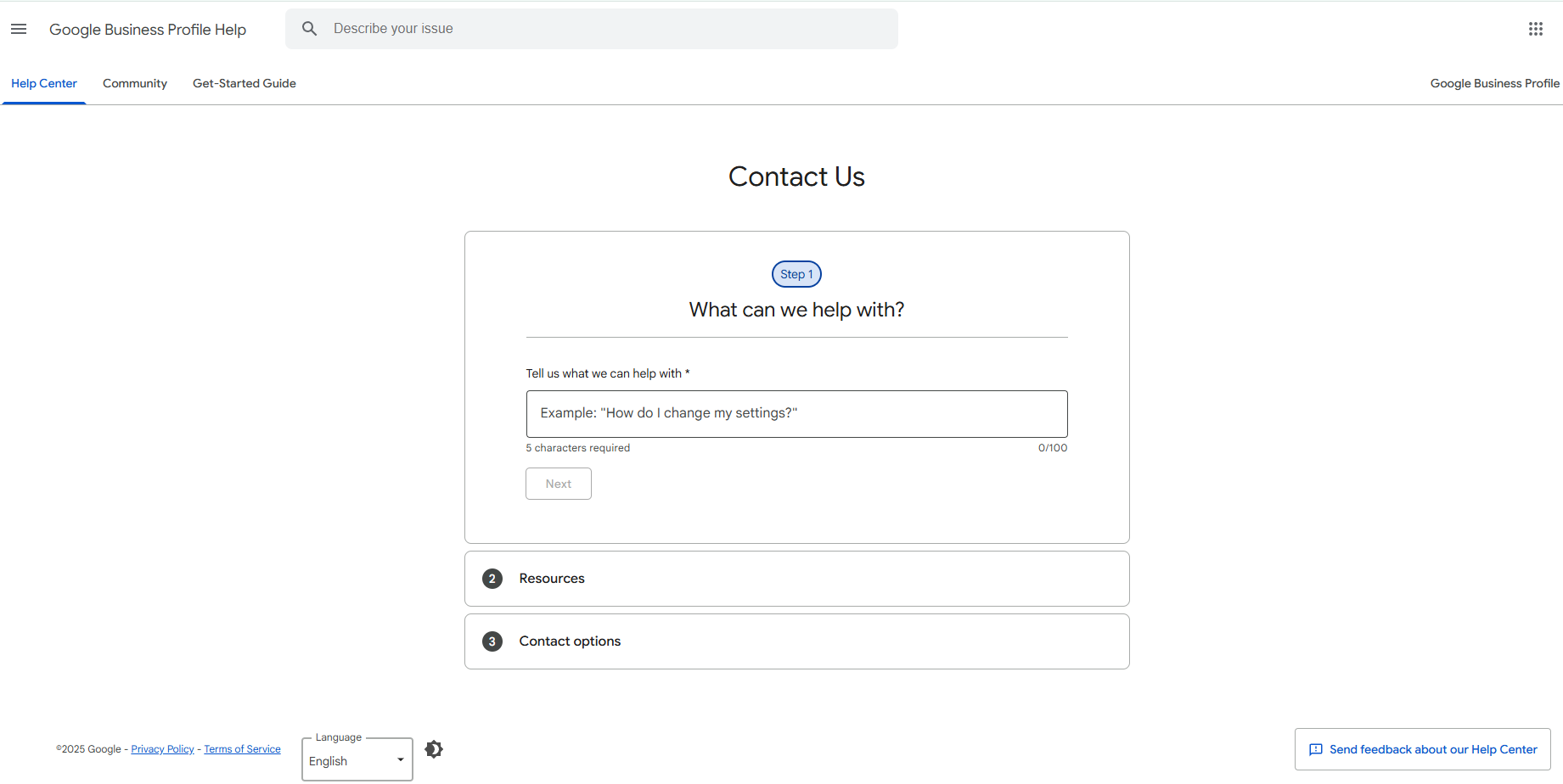
- Go to support.google.com/business/gethelp
- Sign in with your business account
- Click “Need more help?” and select “Contact us.”
Alternative contact options:
- Google Business Profile Forum
- Twitter/X: Tweet @GoogleMyBiz
- Facebook: Message Google Business Profile
For faster results, use the support form.
Step 4: Fill & submit the request form
Provide precise, concise details to help Google resolve the issue quickly.
- Subject: “Missing Google Reviews – [Your Business Name]”
- Issue category: Select “Reviews” or “Content issues”
- Description: Briefly explain how many reviews went missing, when, and why they were legitimate.
Sample template:
“I manage [Business Name], and I’ve noticed [X number] of reviews disappeared on [date]. The quantity of reviews dropped from [previous number] to [current number]. These reviews were genuine and in compliance with Google’s guidelines. There have been no updates or changes to the profile’s content. Attached are screenshots for reference.”
- Attach your evidence (screenshots, notifications, list)
- Please provide your contact details for a quicker follow-up.
Click “Submit” and save your confirmation number.
Step 5: Send a follow-up or reply (if needed)
If you don’t hear back in 7-10 business days, follow up.
- Respond to the original email with the case number
- Keep your reply clear and factual
- Provide any additional documents if requested
For small businesses, one follow-up is typically sufficient.
For multi-location businesses, assign one team member to consistently address review-based items.
What happens next & what to expect
Google reviews your submission and investigates the missing reviews. The process varies based on the cause.
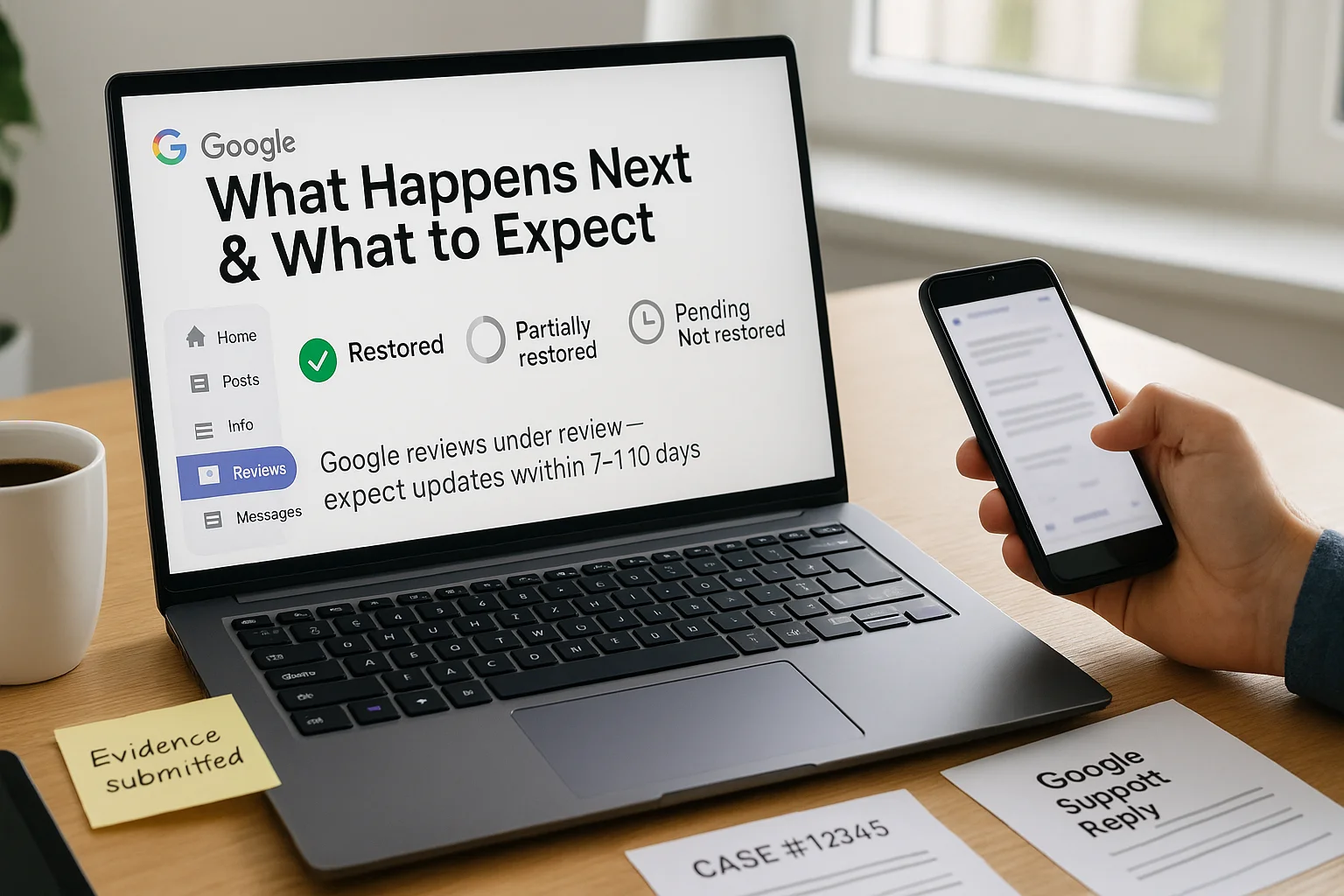
Possible Outcomes
- Complete Restoration: If Google determines the reviews were removed in error, they may restore them within 24–48 hours.
- Partial Restoration: Some reviews may be reinstated, while others remain removed due to policy violations.
- No Restoration: If the reviews violated Google’s terms of service, they will not be restored.
- Bug Acknowledgment: If reviews were removed due to a technical problem, Google will intervene to develop a solution that addresses the issue throughout the entire system.
What You Can Do While Waiting
- Create New Reviews: Prompt customers to write new reviews to strengthen your rating.
- Check Your Profile: Regularly review your Google Business Profile for updates and changes.
- Be Up-to-Date: Follow Google’s recommended channels of support for the most accurate information.
Tools to Assist During Restoration
- Review Monitoring Tools: Utilize platforms like WiserReview, which automatically collect reviews and maintain an organized record of everything.
- Google Business Profile Dashboard: Monitor your dashboard for updates on the number of reviews and their current statuses.
All your reviews in one place
Collect reviews, manage every response, and display them where they matter most.
Start Free →Wrap up
Missing Google reviews can be disturbing and stressful, but with the proper steps, you can restore them quickly. Remember to gather evidence, submit an explicit request to Google, and follow up if needed.
While waiting, utilize tools like WiserReview to receive new reviews and consistently maintain your reputation. By staying proactive, you’ll not only restore your reviews but also continue to build trust with your customers.
Frequently asked questions
Restoration usually takes 7-10 business days. Simple issues may be resolved within 24-48 hours, while complex cases may take 2-3 weeks.
Yes, if it’s due to a platform-wide bug. Reviews removed for policy violations will not be automatically reinstated.
Focus on collecting new reviews. Use tools like WiserReview to rebuild your rating. You can also seek help in the Google Business Profile Community forum.
Yes, your rating will reflect only visible reviews. Collecting new reviews helps maintain your reputation.
Follow Google’s review policies, avoid incentivizing reviews, and utilize a platform like WiserReview to support customer feedback and manage reviews effectively.

Krunal