7 min
7 min 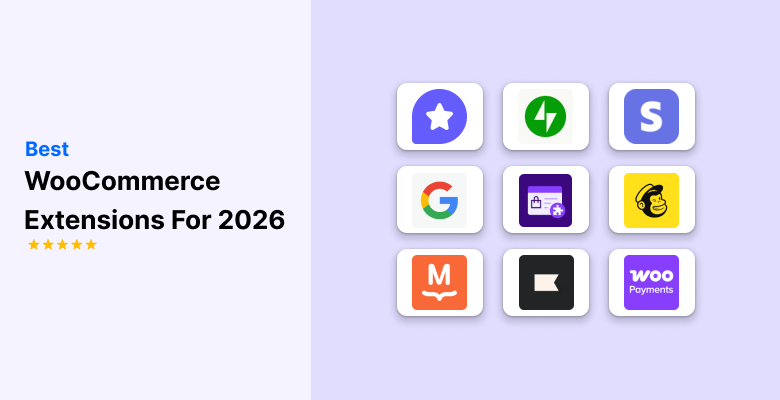
Running a WooCommerce store gets easier when you use the right extensions. They help you manage payments, shipping, marketing, customer support, and almost every part of your store. Instead of doing everything manually, these tools save time and help your store work smoothly.
WooCommerce has around 33.4% of the e-commerce market, and at least 30,000 of WooCommerce plugin are downloaded every day.
In 2025, WooCommerce extensions will have become more powerful, with better speed, automation, and smarter features. Whether you want to boost sales, handle orders faster, or improve customer experience, there’s an extension built for it.
In this guide, you’ll discover the 30 best WooCommerce extensions, including both free WooCommerce extensions and premium tools that can help you scale.
Why WooCommerce extensions matter
WooCommerce Extensions are essential for customizing and growing your store beyond basic settings without custom coding. They fill functional gaps and automate tasks like email marketing, inventory syncing, and security checks.
Using extensions for payments (like WooPayments) and marketing (like WiserReview) improves the user experience, boosts efficiency, and increases sales.
They also provide competitive advantages by quickly adding features like abandoned cart recovery and AI image enhancement, turning casual visitors into loyal customers.
Free WooCommerce extensions
Free WooCommerce Extensions are perfect when you want to improve your store without spending money initially. These tools help you add useful features, such as enhanced reviews, email marketing, payments, analytics, translations, product search, and more.
Each free extension boosts your store’s performance and helps you offer a smoother shopping experience to customers.
Below are the best free WooCommerce Extensions you should consider in 2026.
1. WiserReview

WiserReview helps you collect clean, authentic product reviews that build customer trust. It allows shoppers to add text, images, and star ratings, making your product pages more convincing.
Why it helps:
- Display photo and text reviews.
- Builds social proof for new stores.
- Improves conversion through trust.
- Simple setup with no heavy settings.
- Automated reminders to increase review volume.
- Widgets to showcase reviews on product pages.
Here’s what the free version offers:
The free version of WiserReview provides essential tools to collect, manage, and display reviews. You can collect up to 10text reviews and 2 video reviews, send 10 automated invitations each month, and display reviews with a carousel widget.
For stores starting out, WiserReview gives buyers the confidence to complete the order.



All your reviews in one place
Collect reviews, manage every response, and display them where they matter most.
2. WooPayments
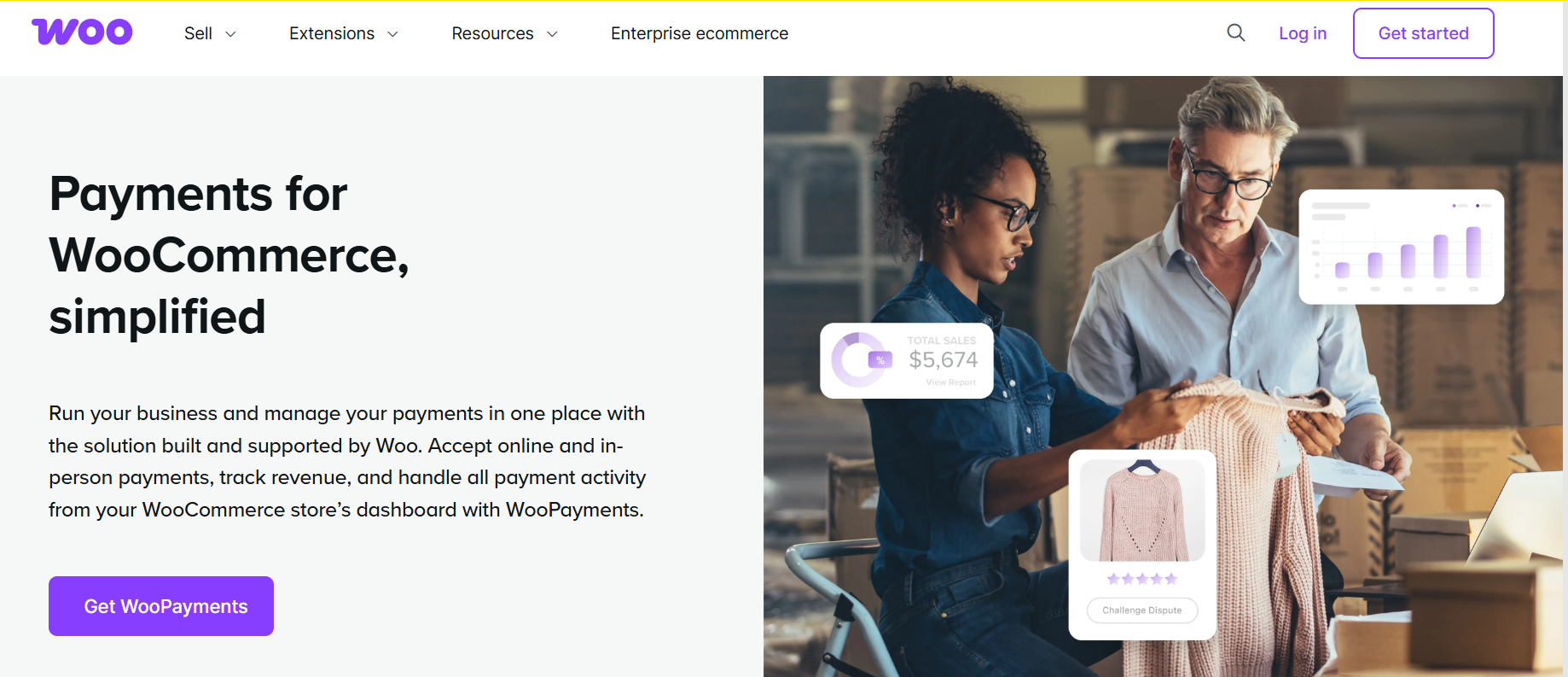
WooPayments lets you accept payments directly inside WooCommerce without sending customers to another website. It gives you smooth checkout performance and secure transactions.
Key benefits:
- Accepts major cards, UPI, wallets, and bank methods depending on the region.
- Built-in dashboard for payouts and disputes.
- No complicated setup.
- Real-time earnings dashboard.
Here’s what the free version offers:
The extension is free to install, with no setup or monthly fees, you can pay only transaction fees that apply per sale.
This is one of the most reliable free WooCommerce extensions for managing payments easily.
3. Klaviyo
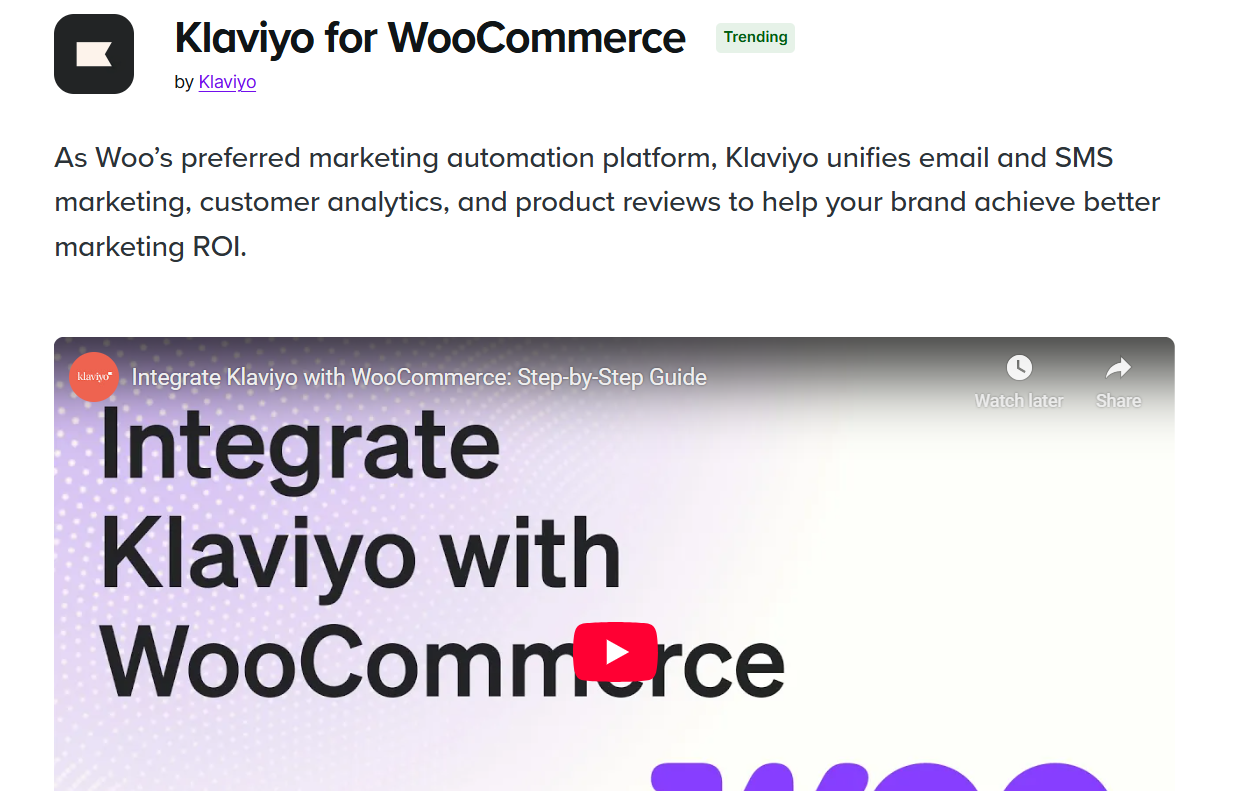
Kalviyo links your store to effective marketing tools powered by AI. It tracks customer behavior and helps you send targeted messages that increase repeat sales.
What it offers:
- Prebuilt flows like welcome emails and abandoned cart recovery.
- Smart customer segmentation.
- SMS marketing support.
- Insights for better marketing decisions.
- Sync customer and order data in real-time.
Here’s what the free version offers:
The Klaviyo free version has a basic package for startups and small businesses. It includes up to 250 customer profiles, 500 email sends each month, and 150 SMS/MMS credits monthly.
Klaviyo is helpful for stores that want to improve marketing without complex tools.
4. WooCommerce shipping
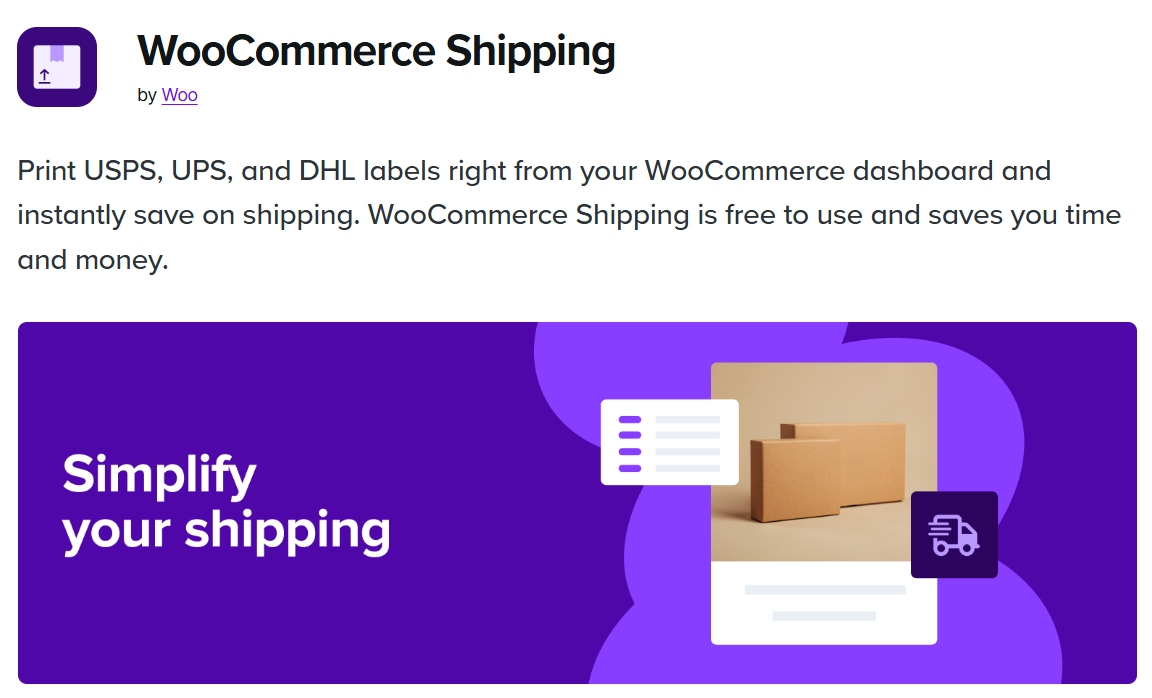
WooCommerce shipping helps you manage your shipping labels and delivery workflow directly from your dashboard. No need for extra software or manual label handling.
Why it’s helpful:
- Print shipping labels quickly.
- Discounted USPS and DHL rates.
- Real-time cost calculation.
- Works with trusted shipping carriers.
- Streamlined label printing workflow.
Here’s what the free version offers:
The basic WooCommerce plugin is free and offers essential eCommerce features. You can list products, manage sales, and process payments without paying for the plugin.
It saves time for stores that handle regular shipments.
5. MailPoet
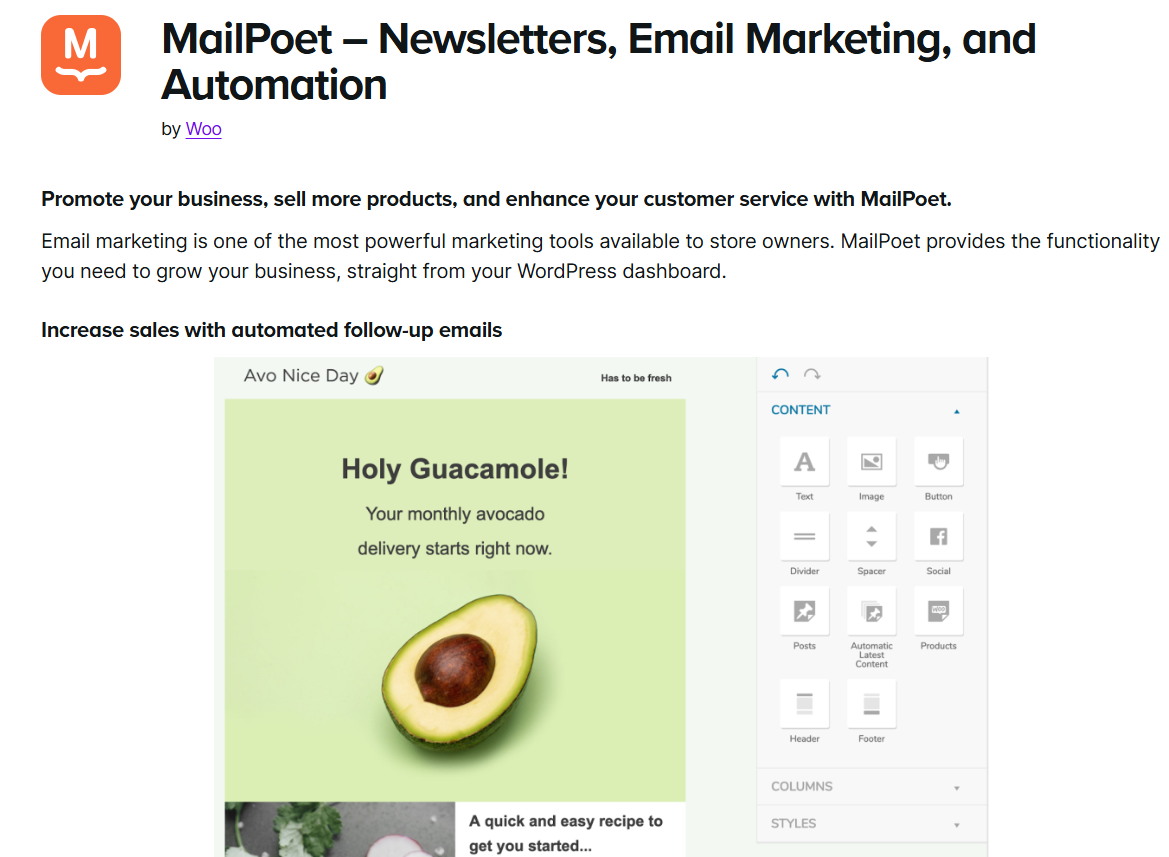
MailPoet lets you send newsletters and automated emails straight from WordPress. You don’t need an external email platform, making it simple for beginners.
Key Features:
- Drag-and-drop email editor.
- Automated product recommendation emails.
- Built-in subscriber list.
- Smooth WooCommerce integration.
Here’s what the free version offers:
The free version of MailPoet lets you manage up to 500 subscribers. You can send 5,000 emails each month. It includes an easy drag-and-drop editor, ready-made templates, and basic automation to help you create and send newsletters and notifications.
It’s ideal for stores that want easy email marketing built into their site.
6. Google Analytics

Google Analytics helps you understand customer behavior and track how visitors use your store. With proper insights, you can make better decisions for marketing and product strategy.
Why stores use it:
- E-commerce conversion tracking.
- Customer behavior insights.
- Traffic and source monitoring.
- Helps improve store layout.
Here’s what the free version offers:
The free version of Google Analytics (GA4) provides key features to track user behavior on websites and apps. It includes event tracking, insights across platforms, and basic reporting.
It’s one of the must-have free WooCommerce extensions for every online business.

All your reviews in one place
Collect reviews, manage every response, and display them where they matter most.
Start Free →7. Google for WooCommerce
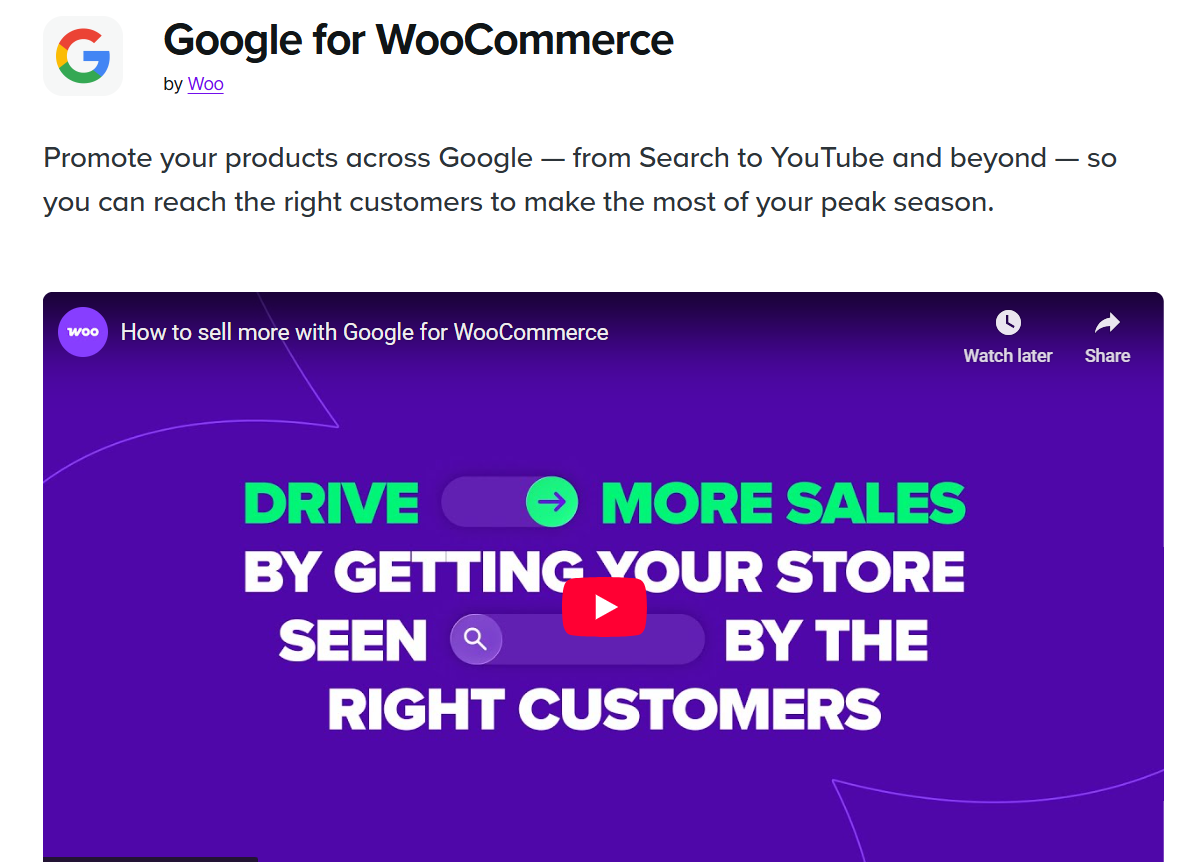
This extension helps you show your products across Google Shopping, Google search, and YouTube. It automatically syncs your product catalog with Google Merchant Center.
What you get:
- Sync product feed automatically.
- Helps list your store on Google Shopping.
- Easy ad campaign setup using AI.
- Better visibility across Google Platforms.
Here’s what the free version offers:
The free version of Google for WooCommerce connects your store to Google Merchant Center. It allows you to list products for free on Google Search, Shopping, and YouTube, and you can also create paid ad campaigns.
Helpful for stores aiming for organic + paid visibility.
8. Affirm Payments
Affirm allows customers to “Buy Now, Pay Later” with monthly installments, making expensive products easier to purchase.
Benefits:
- Flexible payments increase average order value.
- Reduces cart abandonment.
- Smooth checkout integration.
- Works well for high-value items.
Here’s what the free version offers:
Affirm does not have a “free version” for businesses. Instead, it charges merchants a fee for each sale, which includes a percentage fee and a flat fee. Customers might be able to get loans with 0% APR.
Works great for stores selling higher-priced items.
9. Jetpack
Jetpack adds security, backup, and performance tools to your WooCommerce store. It helps keep your site safe and fast.
Features:
- Brute-force attack protection.
- Security scanning.
- Daily or real-time backups.
- Faster loading with CDN.
- Activity logs for tracking changes.
Here’s what the free version offers:
The free version of JetPack provides tools for WordPress security, performance, and growth.
It’s an all-in-one tool for store protection and speed.
10. Multichannel
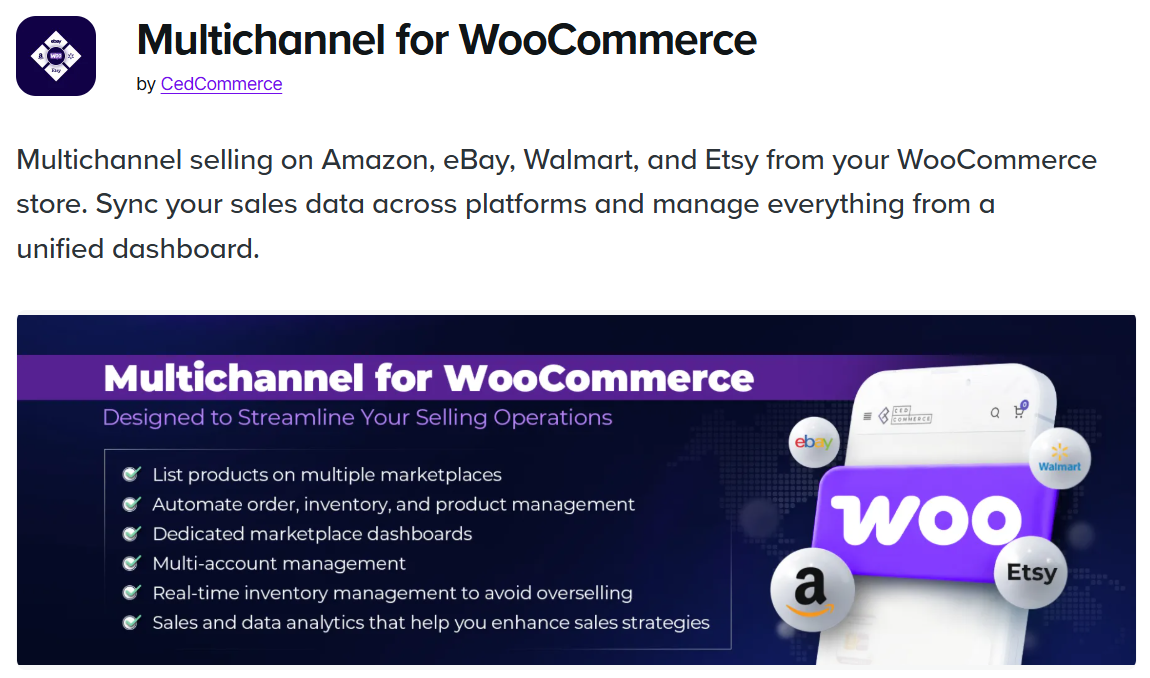
Multichannel helps you sell your products on Amazon, eBay, Walmart, and more without manual uploads.
Highlights:
- Sync inventory everywhere.
- Auto-updates prices and stocks.
- Reduce overselling.
- Expands sales across multiple marketplaces.
- Manages orders from one dashboard.
Here’s what the free version offers:
The free version of Multichannel for WooCommerce offers basic features. It connects to a few marketplaces, allows simple product listings and syncing, and helps manage orders in one place.
Perfect for stores wanting to scale quickly.
11. Smart search & product filter
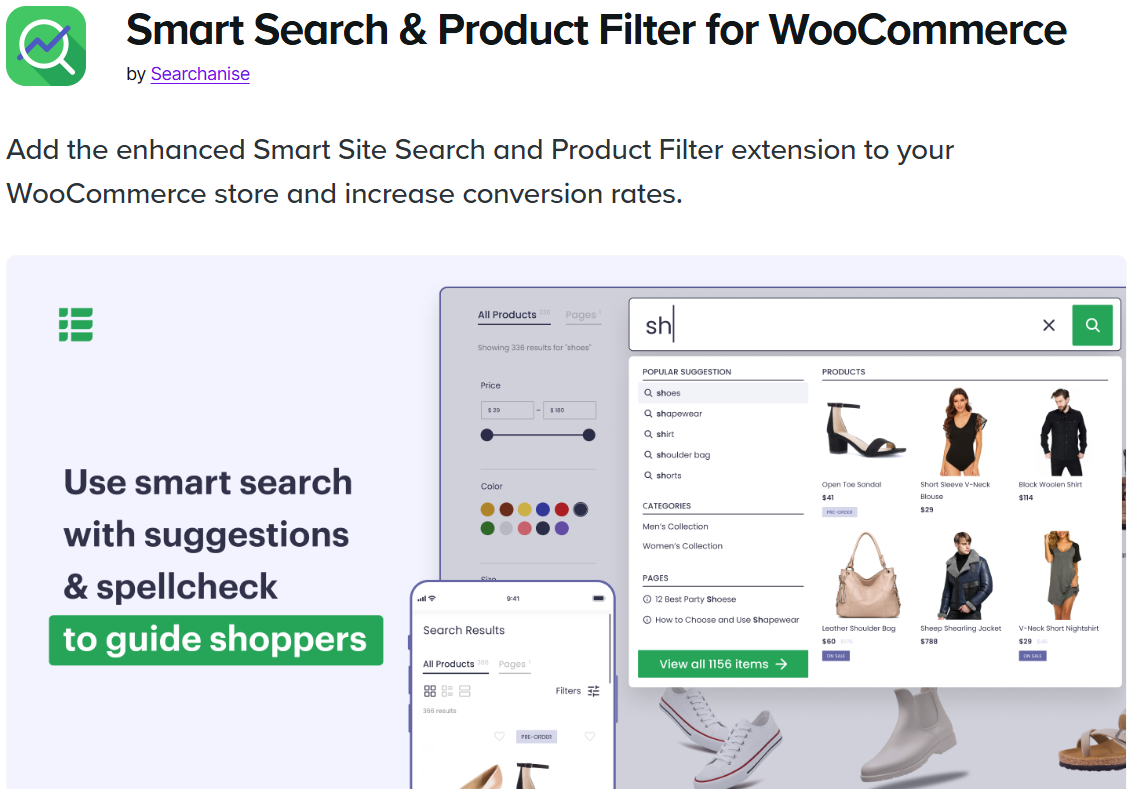
This extension removes how people search for products on your store. It helps customers find items faster and more accurately.
Key Features:
- Fast product filtering.
- Better autocomplete search.
- Instant smart search.
- Category and filter options.
- Mobile-friendly search system.
Here’s what the free version offers:
It offers a 14-day free trial. Smart Search and Product Filter is an advanced search tool for WooCommerce stores. After you install the extension, it will start indexing your store, which may take some time.
It increases sales by helping shoppers reach the right products quickly and works well for stores with larger catalogs.
12. Weglot Translate
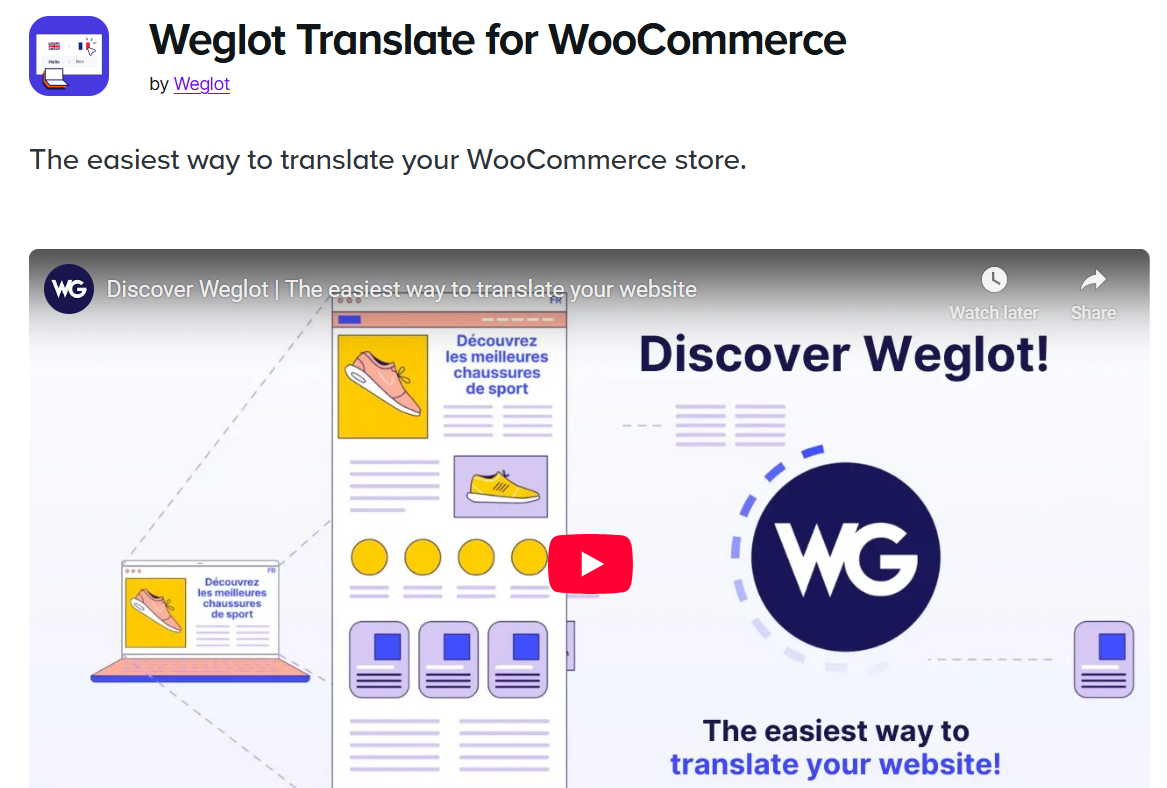
Weglot helps you turn your store into a multilingual website with automatic translations.
Why it’s great:
- Support 110+ languages.
- SEO-friendly multilingual pages.
- Manual editing options.
- Automatic machine translation.
Here’s what the free version offers:
The free version of Weglot Translate for WooCommerce lets you translate one language and up to 2,000 words.
Makes global expansion easy without heavy technical work and is ideal for reaching global customers.
All your reviews in one place
Collect reviews, manage every response, and display them where they matter most.
13. Coupon shortcodes
Cupon Shortcodes lets you show coupons anywhere on your store using simple shortcodes. It improves visibility and helps customers use discounts easily.
What it allows:
- Display coupons on pages or product descriptions.
- Auto-apply coupon buttons.
- Show coupon status messages.
- Easy setup even for beginners.
Here’s what the free version offers:
The Cupon Shortcodes for WooCommerce is free to install. It allows you to render coupon information and content conditionally, based on the validity of coupons.
It increases coupon usage and boosts conversions, useful during sales and campaigns.
14. Notify Customers
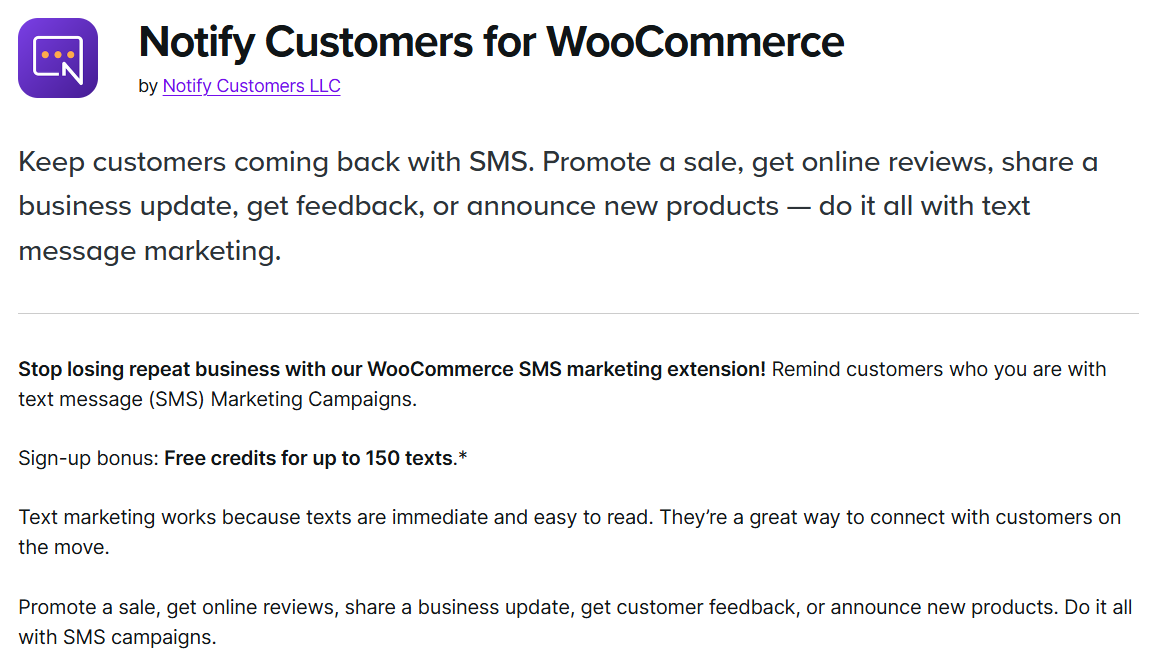
Notify customers helps you send notifications to buyers about order updates, stock alerts, shipping, and delivery changes.
Benefits:
- Automatic customer alerts.
- Reduces support questions.
- Improves buyer experience.
- Custom templates.
- Real-time status updates.
Here’s what the free version offers:
The free version of the Notify Customers for WooCommerce plugin by Extendons shows recent or fake orders as pop-up alerts on your store.
It keeps customers informed and reduces frustration.
15. AI Image enhancer

AI Image Enhancer improves product photos using AI so they look clean and professional without manual editing.
Key Advantages:
- Sharpens product images.
- Remove background noise.
- Makes color look better.
- Improve store appearance instantly.
Here’s what the free version offers:
The free version of AI Image Enhancer for WooCommerce gives you 5 free credits. Each credit lets you enhance one image, usually for simple tasks like background removal, lightning changes, and basic cropping.
Great for stores that don’t have access to professional product photography.
Paid WooCommerce Extensions
Paid WooCommerce Extensions are designed for stores that want advanced features, better automation, and smoother customer experiences. These tools help you improve conversions, boost orders, manage customer behavior, and scale your store faster.
Paid extensions usually come with premium support and extra customization options, which make them helpful for growing businesses that need stronger performance than free tools can offer.
Below are the 15 best-paid WooCommerce Extensions for 2025.
16. WiserNotify

Wisernotify adds real-time social proof notifications to your store, helping you build trust and credibility instantly. When visitors see others buying or engaging, they feel more confident to make a purchase.
What if offers:
- Live sales pop-ups, reviews, and visitor counts.
- FOMO alerts.
- Review and sign-up notifications.
- Customizable display options.
It’s one of the most powerful WooCommerce extensions for boosting conversions through psychological triggers.
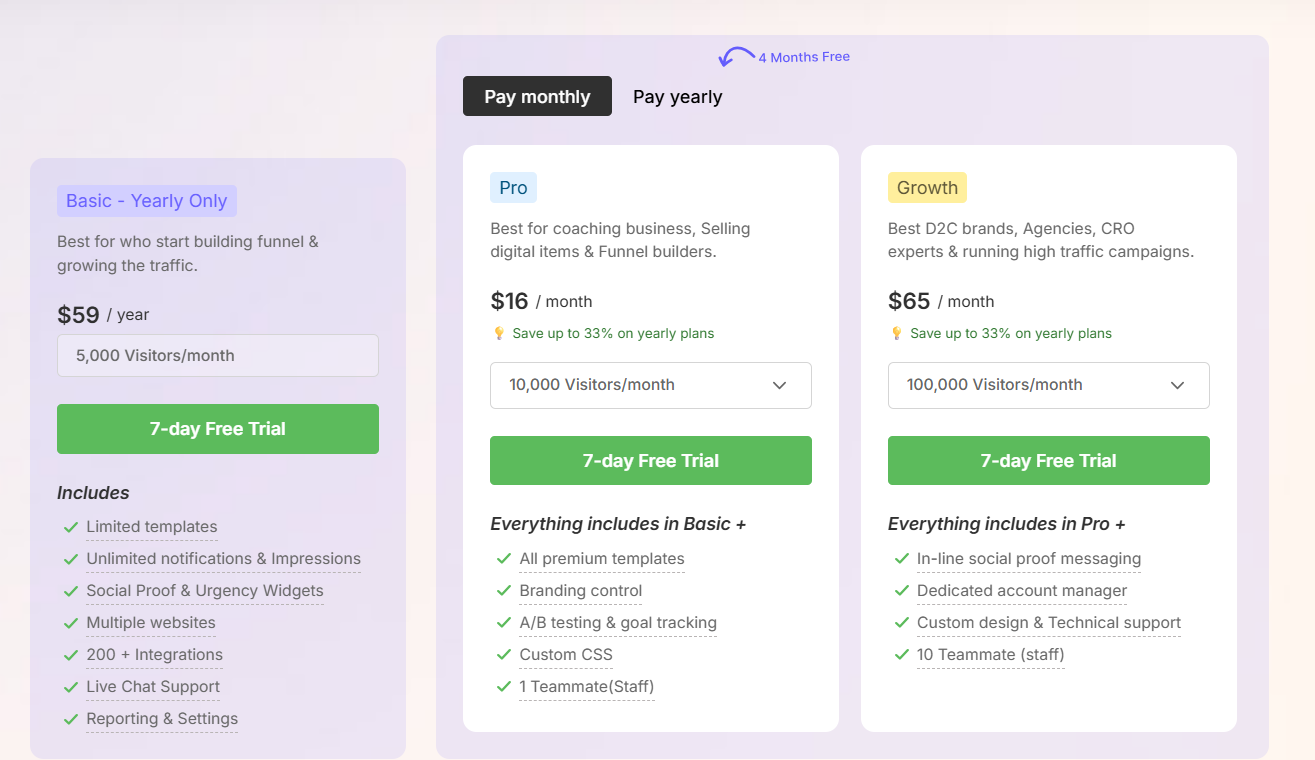
Pricing:
Starts at $59/year for up to 5,000 visitors/month for the Basic plan.
17. reCaptcha
ReCaptcha helps protect your store from bots, fake sign-ups, and spam submissions. It keeps your checkout, login, and registration pages secure.
Key benefits:
- Protects store forms from spam.
- Uses Google’s secure verification.
- Works on checkout, login, and contact pages.
- Prevent bot orders.
A must-have extension for preventing fake orders and attacks.
Pricing:
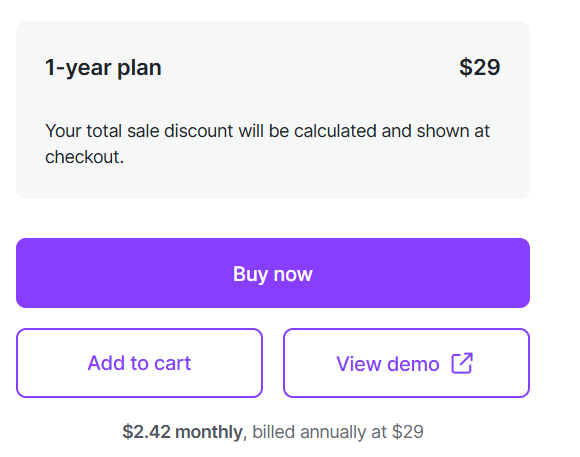
Starts at $2.42 monthly, billed $29 annually.
18. Buy one get one free
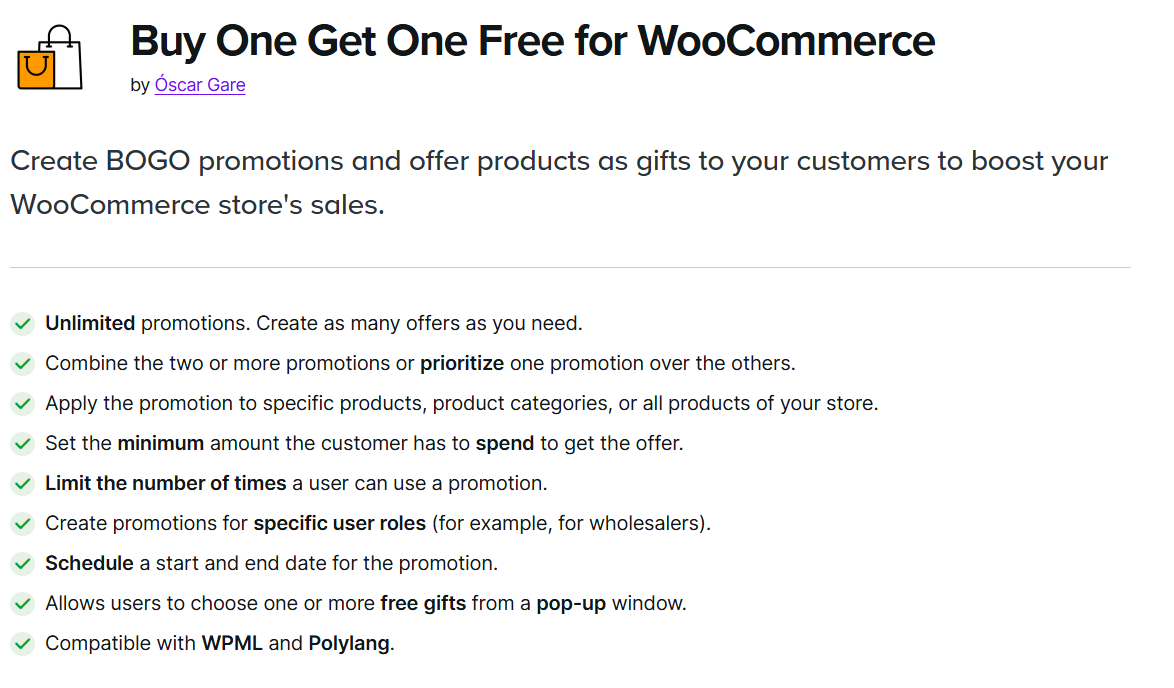
This extension helps you create BOGO offers that increase average order value and drive more sales. You can set flexible rules based on products, categories, or cart totals.
Features:
- Custom BOGO rules.
- Automatic discount application.
- Multiple offer combinations.
- Great for seasonal sales.
It’s ideal for running promotional campaigns that excite shoppers.
Pricing:
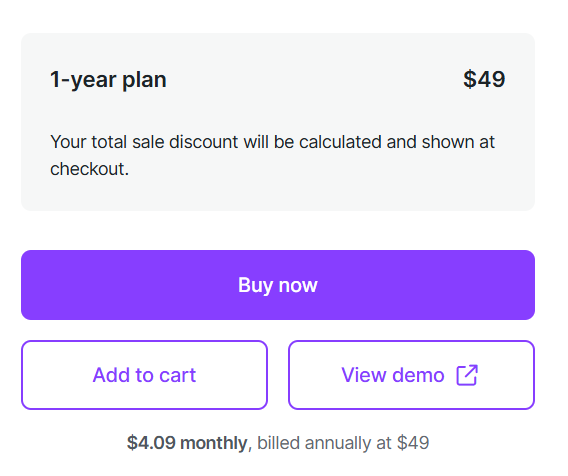
Starts at $4.09 monthly, billed $49 annually.
19. Order on WhatsApp
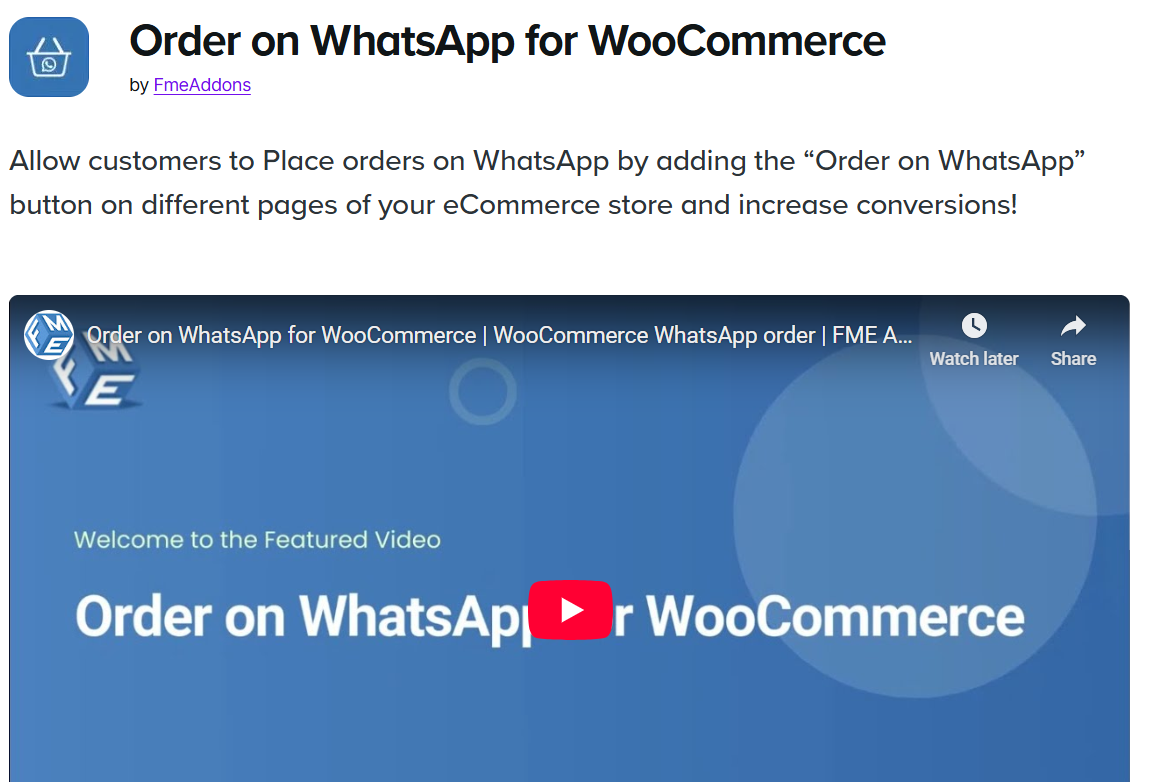
Order on WhatsApp allows customers to place direct orders or ask questions through WhatsApp. This reduces friction and makes buying easier for users who prefer quick messaging.
Why stores love it:
- One-click WhatsApp order button.
- Smooth communication with customers.
- Shortens the buying process.
- Increases conversion for mobile shoppers.
Great for stores with high mobile traffic or personalized selling.
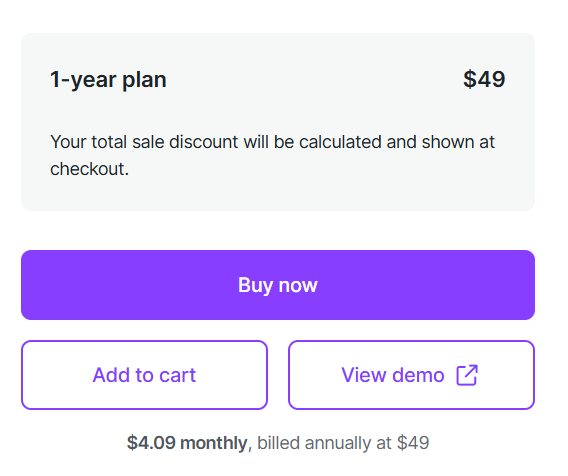
Pricing:
Starts at $4.09 monthly, billed $49 annually.
20. Order tracking
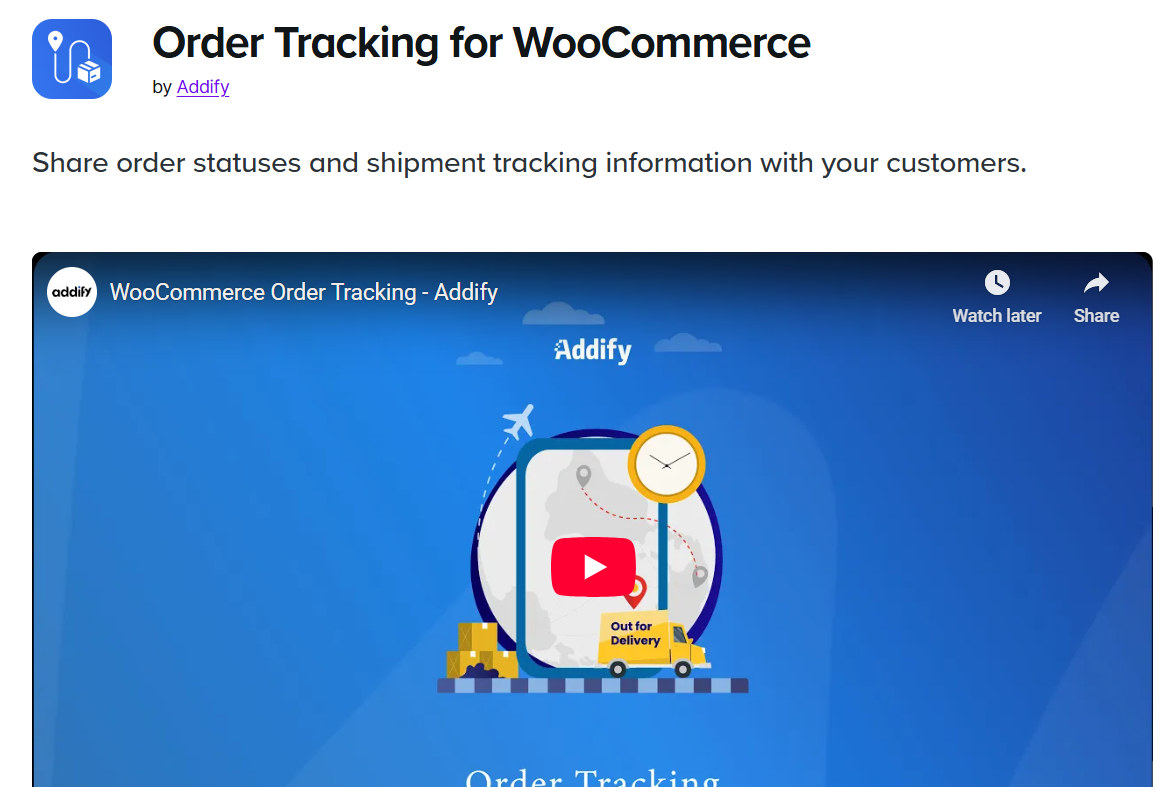
Order tracking lets customers check delivery updates directly on your store. It reduces customer anxiety and cuts down on support tickets.
What it includes:
- Real-time tracking updates.
- Integration with major couriers.
- Custom tracking page.
- Automated status notifications.
It improves post-purchase experience and builds buyer trust.
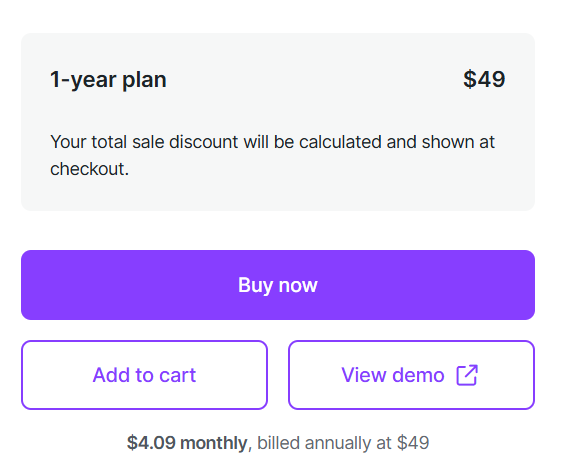
Pricing:
Starts at $4.09 monthly, billed $49 annually.
All your reviews in one place
Collect reviews, manage every response, and display them where they matter most.
Start Free →21. Abandoned Cart
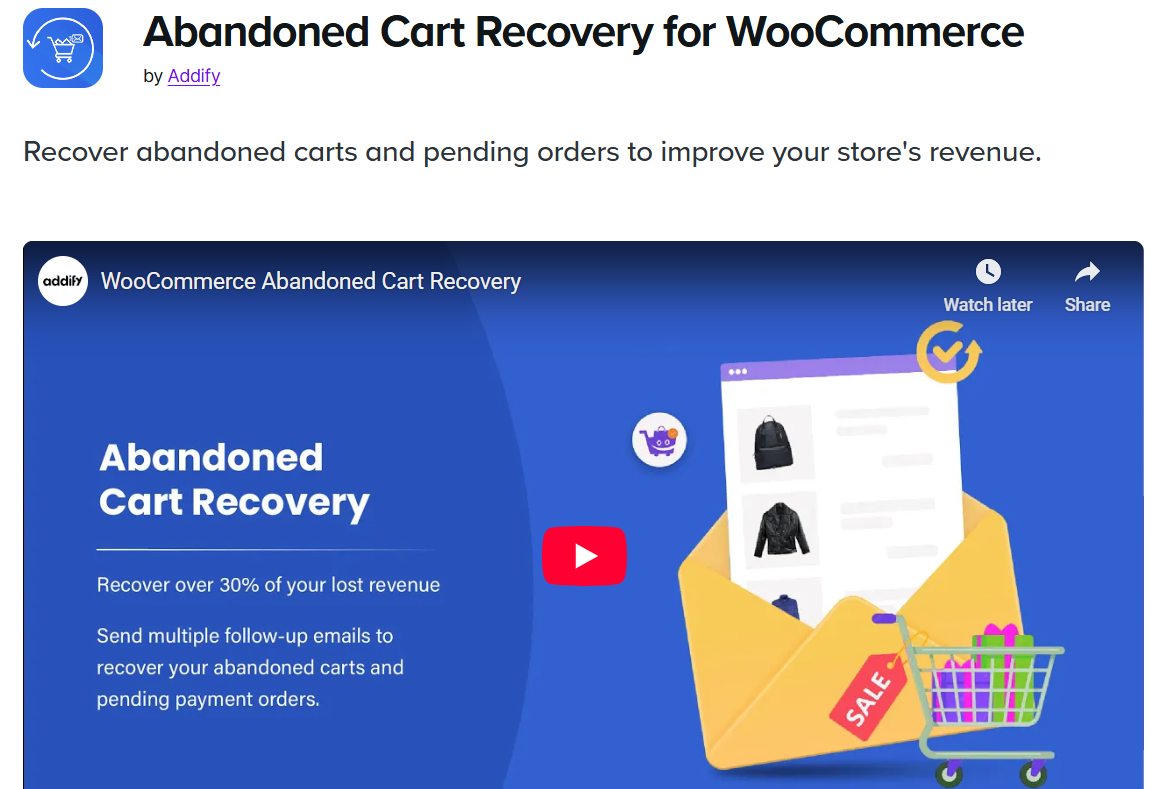
Abandoned cart helps you recover lost sales by reminding customers to complete their purchases. It sends automated emails and notifications to bring them back.
Key features:
- Automatic cart recovery emails.
- Personalized emails.
- Discount incentive options.
- Recovery analytics.
A powerful tool for increasing revenue with minimal effort.
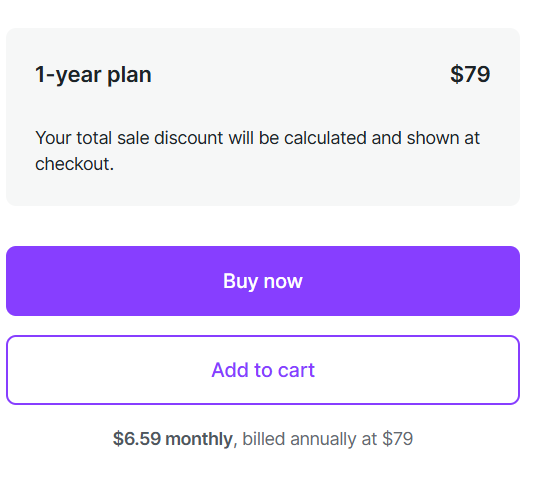
Pricing:
Starts at $6.59 monthly, billed $79 annually.
22. Store Finder
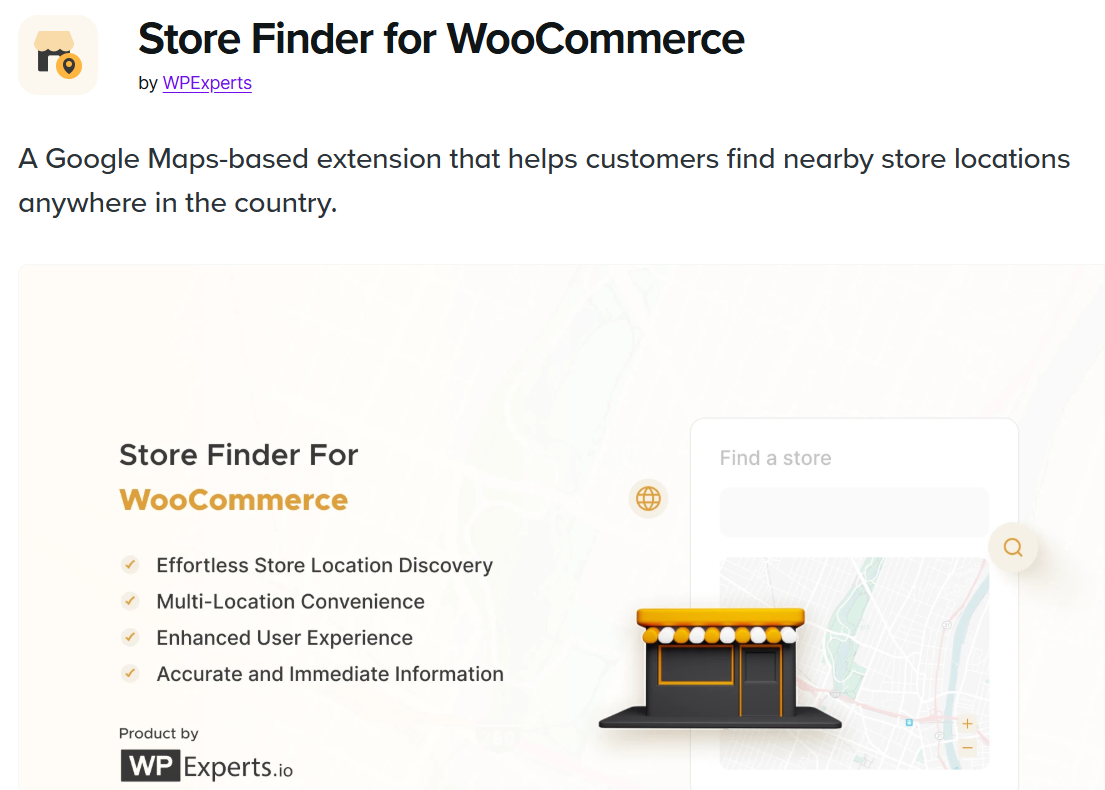
Store finder helps customers locate your physical outlets with an interactive map. This is helpful for businesses selling online and offline.
Key benefits:
- Map-based store listings.
- Search by distance or location.
- Custom store details (hours, contact).
- Mobile-friendly interface.
Perfect for brands with multiple retail stores.
Pricing:
Starts at $4.09 monthly, billed $49 annually.
23. Virtual try-on
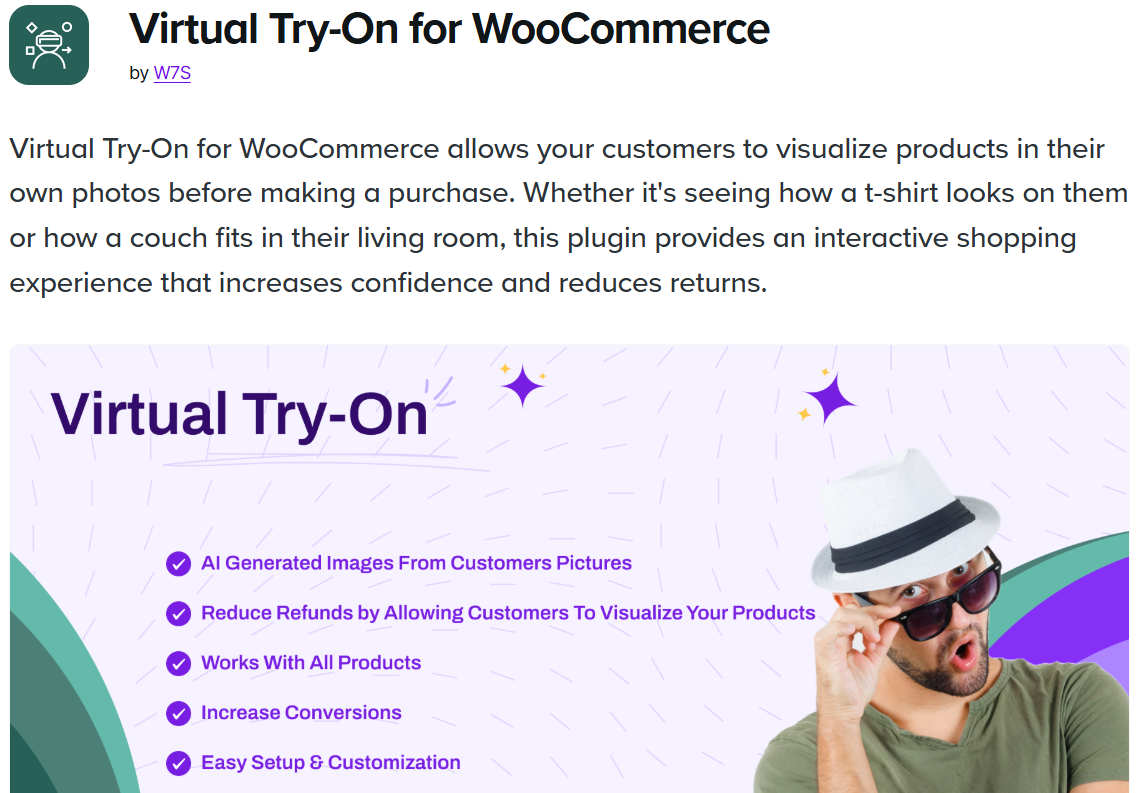
Virtual Try-On lets customers see how products look on them using AI or image overlays. It improves confidence and reduces return rates.
What if offers:
- AI-based product previews.
- Supports eyewear, jewellery, cosmetics, etc.
- Real-time try-on experience.
- Increase customer engagement.
Great for fashion and beauty stores.
Pricing:
Starts at $3.25 monthly, billed $39 annually.
24. Registration & login with mobile phone number
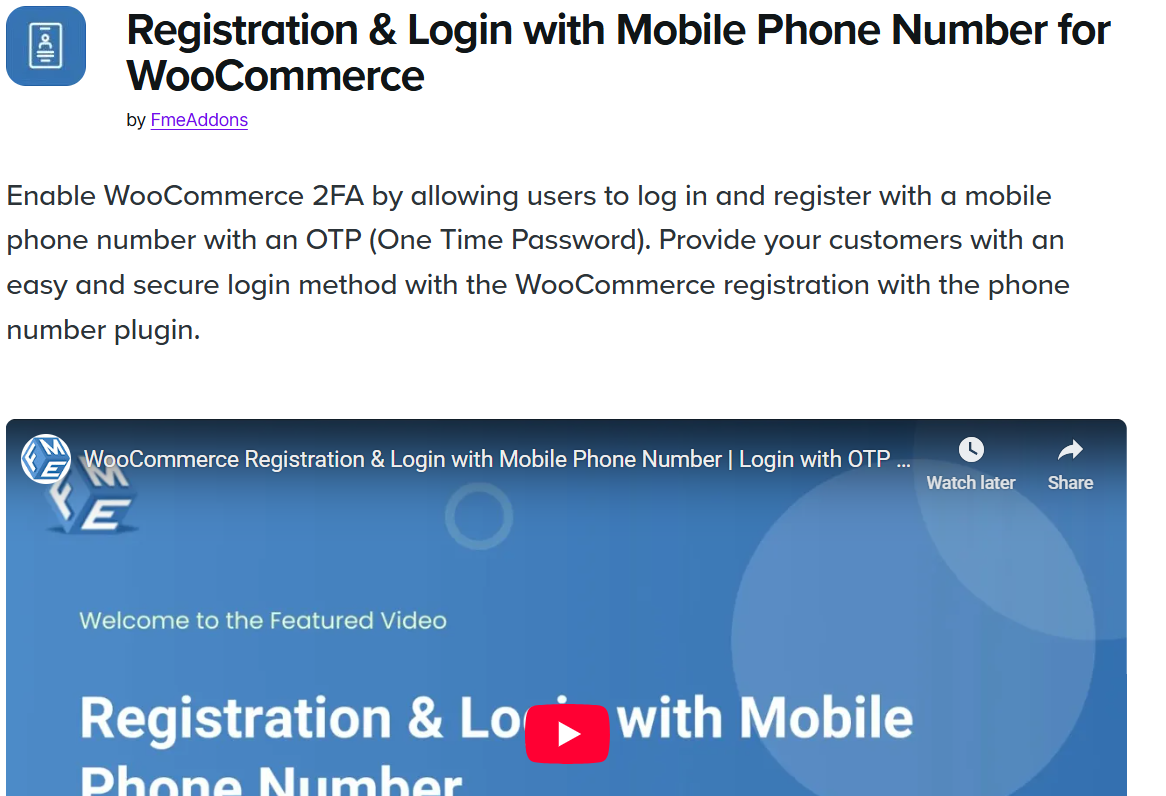
This extension lets users sign in or register using their phone number instead of email. It makes the login process faster and safer.
Advantages:
- OTP-based login.
- Faster account setup.
- Reduces fake sign-ups.
- Improves mobile user experience.
Ideal for stores that want to simplify customer onboarding.
Pricing:
Starts at $3.25 monthly, billed $39 annually.
25. Address Autocomplete
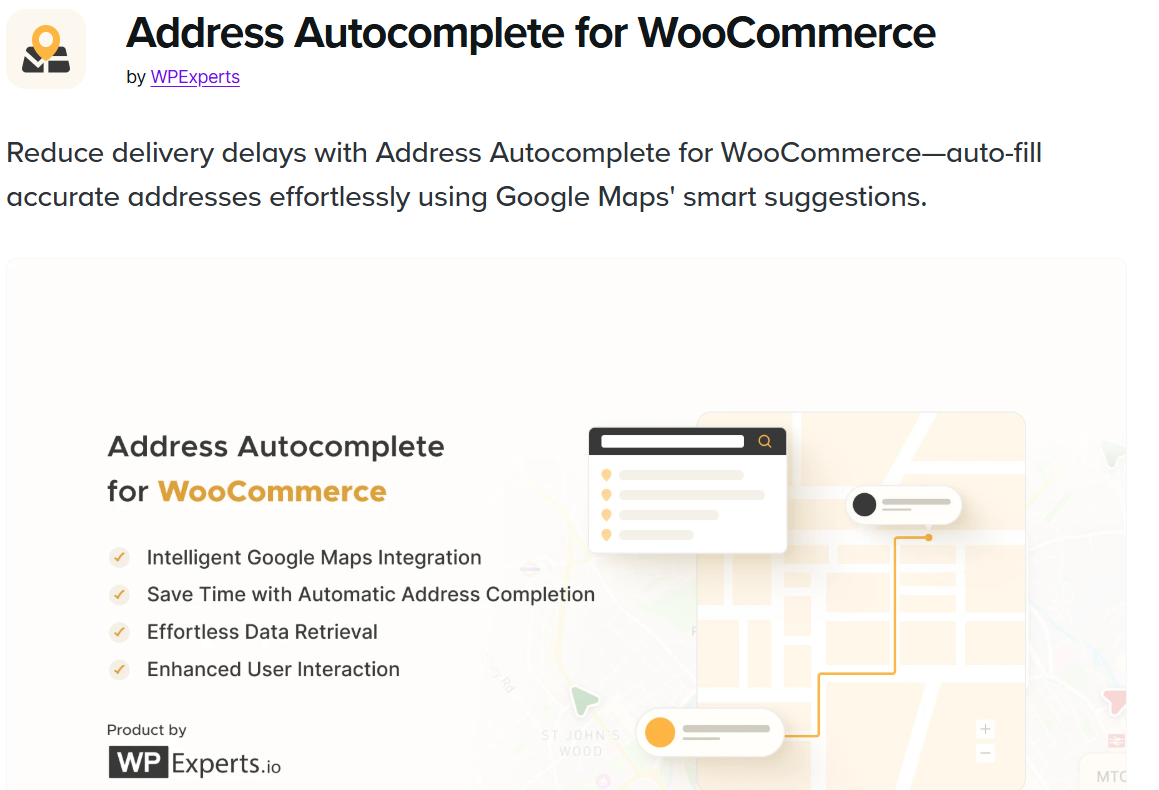
Address Autocomplete speeds up the checkout process by automatically filling in customer addresses using Google Maps.
Key Benefits:
- Fewer typing errors.
- Faster checkout.
- Accurate address data.
- Better delivery success rate.
It makes checkout smooth and reduces failed deliveries.
Pricing:
Starts at $4.09 monthly, billed $49 annually.
26. Smart Product Bundles
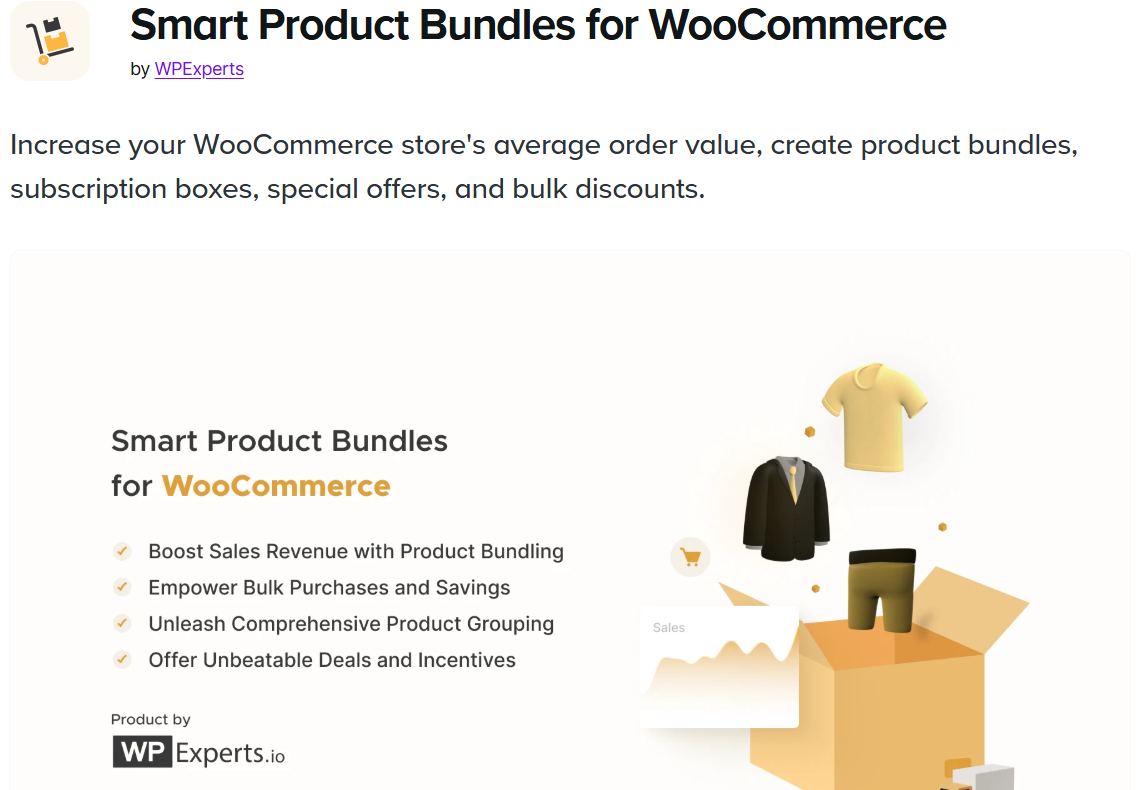
Smart Product Bundles lets you create bundle offers that increase order value. Customers can buy multiple products together at a better price.
Key Features:
- Flexible bundle rules.
- Custom pricing options.
- Mix-and-match bundles.
- Works great for upsells.
It encourages shoppers to buy more in a single order.
Pricing:
Starts at $4.09 monthly, billed $49 annually.
27. Spin Wheel

Spin Wheel offers an interactive discount wheel that pops up on your store. It helps grow your email list and boosts conversions through gamification.
Why it works:
- Fun spinning wheel for discounts.
- Exit-intent popups.
- Increases engagement.
- Higher signup rates.
Great for seasonal promotions and lead generation.
Pricing:
Starts at $4.09 monthly, billed $49 annually.
28. Phone Number Validation
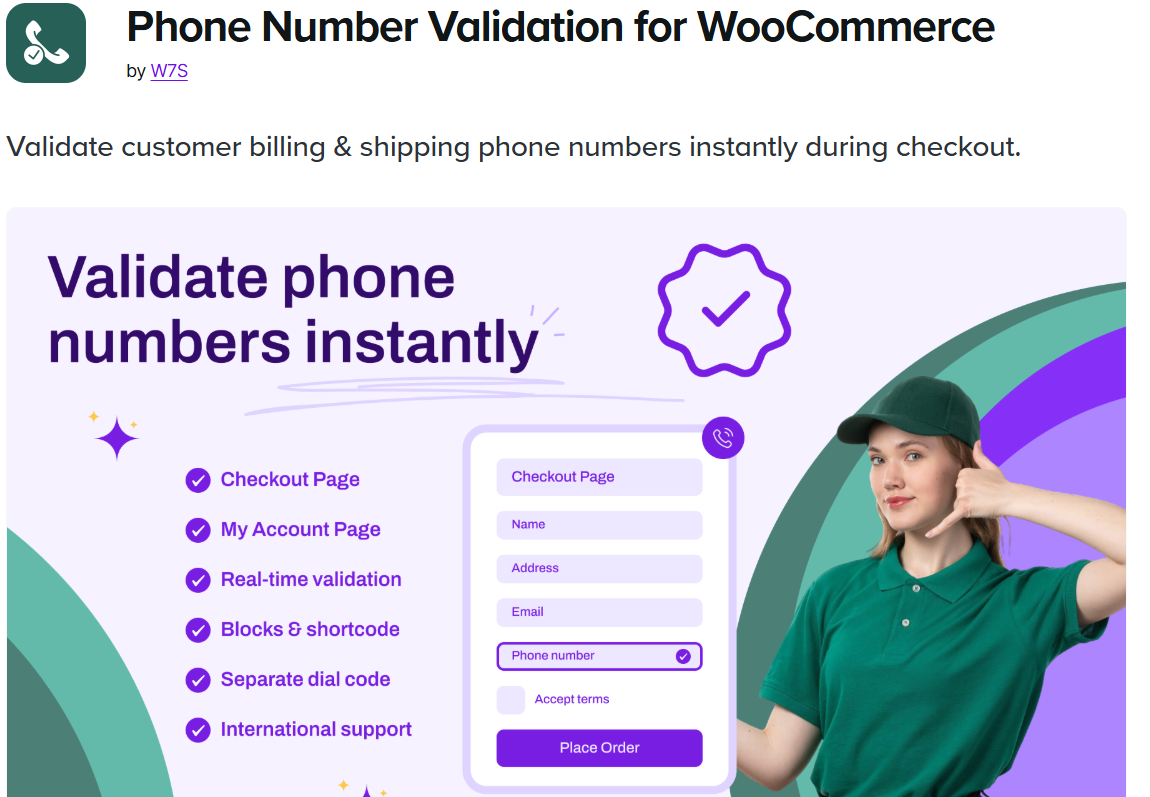
Phone Number Validation ensures customers enter valid phone numbers at checkout using country-specific rules.
Advantages:
- Fewer failed deliveries.
- Correct contact details.
- Automatic country detection.
- Helps reduce customer service issues.
Ideal for stores that rely on shipping updates and verification.
Pricing:
Starts at $2.42 monthly, billed $29 annually.
29. Request a Quote
Request a Quote helps customers ask for custom pricing instead of purchasing directly. This is perfect for bulk orders or B2B customers.
Key Benefits:
- Custom quote requests.
- Faster response management.
- Great for wholesale sellers
It improves flexibility for larger or custom orders.
Pricing:
Starts at $5.75 monthly, billed $69 annually.
All your reviews in one place
Collect reviews, manage every response, and display them where they matter most.
30. Clover Gateway
Clover Gateway gives you a secure, fast way to accept credit card payments using the Clover system.
Key Features:
- Smooth card payments.
- Works with Clover terminals.
- Fast order processing.
- Secure transaction handling
A great choice for stores looking for a reliable, premium payment gateway.
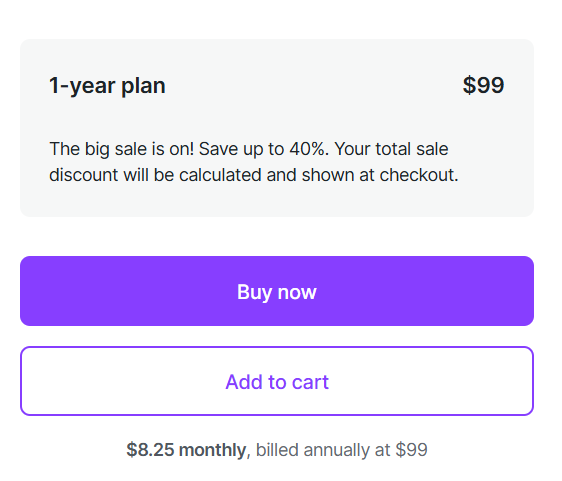
Pricing:
Starts at $8.25 monthly, billed $99 annually.
How to choose the right WooCommerce extension
Choosing the right WooCommerce extension starts with knowing what your store actually needs.
- Instead of installing everything, focus on tools that solve real problems like boosting speed, improving checkout, or helping with marketing.
- Check whether the extension is regularly updated and works smoothly with your current WooCommerce version.
- Look at user reviews to understand performance and support quality.
- Also, compare features and pricing so you don’t overspend.
- A good extension should be reliable, lightweight, and useful enough to help you store grow without slowing it down.
How to maximize the use of extensions in your WooCommerce store

Before adding any extension, it helps to understand how it will support your store. You should track the performance of each tool so your site stays fast and balanced.
Below are the best ways to make extensions work better for you:
➔ Prioritize performance and speed
- Every plugin adds code and resources, slowing down your load times.
- Before installing any extension, evaluate its performance impact using tools like Google PageSpeed Insights.
- Choose extensions that are lightweight,well-coded, and specifically optimized for speed.
- If a paid extension works just like a free one, then it’s worth the cost. Faster loading times help improve search rankings and increase sales.
➔ Only install essential extensions
- Avoid the temptation to install extensions for every feature you might need.
- An excessive number of plugins can lead to conflicts, security vulnerabilities, and system bloat.
- To maximize efficiency, only install extensions that address critical business needs, such as secure payments, mandatory tax compliance, or your core marketing channel.
- Periodically audit your extensions and immediately deactivate and delete any non-essential or unused ones.
➔ Test extensions before going live
- Never install or update a new WooCommerce extension directly on your live production site.
- Always utilize a staging environment, a clone of your live store, to test all new installations and updates.
- Check for conflicts with your existing theme, other extensions, and core WooCommerce functionality, paying special attention to checkout and payment process.
- Only after confirming full stability and operation across different devices migrate the extension to your live store, minimizing the risk of downtime or broken sales funnel.
➔ Take advantage of extension features
- To maximize the return on your extension investment, ensure you fully utilize all the features offered.
- Many advanced extensions, especially paid ones, contain advanced settings such as A/B testing, detailed segmentation, or condition logic that are often overlooked.
- For example, if you use a premium SEO plugin, make sure you configure rich snippets and XML sitemaps, not just the basic meta descriptions.
➔ Optimize for mobile
- The majority of e-commerce traffic and sales now comes from mobile devices, maximizing extension usage means ensuring every added function is seamlessly mobile-responsive.
- When testing new tools, pay close attention to how new elements like Pop-ups (spin wheel), filter widgets (Smart Search), and checkout filters (Address Autocomplete) display and function on smartphones and tablets.
- A complex or poorly formatted extension on mobile will result in immediate frustration and high abandonment rates.
➔ Avoid redundancy
- A common mistake that leads to site bloat and conflicts is installing multiple extensions that perform the same function.
- For example, using one plugin for abandonment cart recovery and another for exit-intent pop-ups, when one marketing automation platform (like Klaviyo) could handle both.
- Before installing a new plugin, check if the required feature is already part of your existing tools (e.g., Jetpack often includes reCAPTCHA functionality).
➔ Leverage free extensions to start small
- For new or small stores, the best way to maximize efficiency is by leveraging Free WooCommerce Extensions for core functionality before making major financial commitments.
- Start with free essentials like WooPayments, Google Analytics, and WooCommerce shipping to stabilize operations.
- Once you find specific problems, like low conversion rates or many abandoned carts, you can use paid tools like WiserNotify or Abandonment Cart Recovery, which help you focus on spending on areas that drive clear growth.
Wrap up
WooCommerce extensions make your store stronger, faster, and easier to manage. Whether you choose free or paid extensions, each tool plays a role in improving customer experience and helping you grow.
The key is to pick extensions that match your goals and keep your store running smoothly. Start with essential features, stay focused on performance, and upgrade only as your business expands.
Frequently asked questions
Yes, free extensions are often enough for new or small stores. They cover essential needs, like payments, reviews, email marketing, and analytics. As your store grows, you can upgrade to paid extensions for advanced features.
Yes, you can mix both. Many store owners start with free tools and later add paid ones for extra features, just make sure they don’t overlap or cause conflicts.
There is no fixed number, but try to keep it minimal. Only install extensions that solve a real need, too many plugins can slow the site or create errors.
They can if you install too many or choose poorly built ones, but always pick lightweight and trusted extensions. Testing each tool before going live helps keep your store fast and stable.

Krunal