#1 Video testimonial software
Let customers sell for you.
Collect and display video testimonials that speak louder than any sales pitch.
Build trust and boost conversions effortlessly.

The old way
Manual setup that wastes hours.
Generic layouts that kill your brand vibe.
No reminders, no follow-ups, no results.
Hard-to-use tools that slow you down.

The wiser way
Video-first widgets you can fully brand.
Automated requests that drive more responses.
Easy moderation, smart tagging, better control.
Fast setup with zero coding or tech hassle.
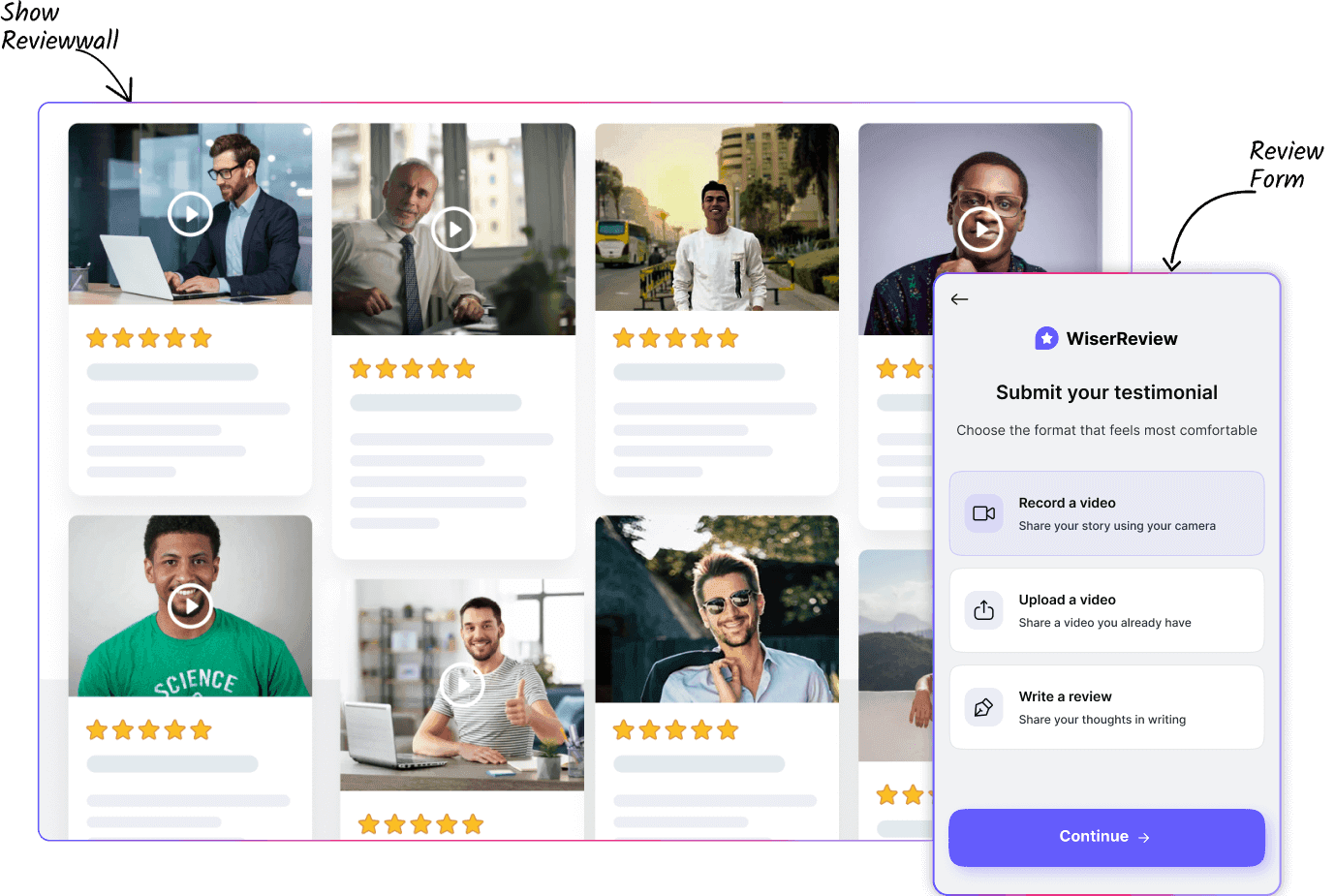
Submit or record video testimonials without login.
All-in-one video testimonial platform
Collect testimonial

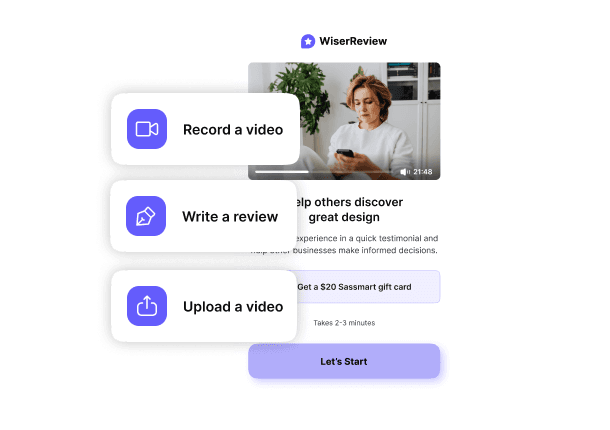
Automate requests

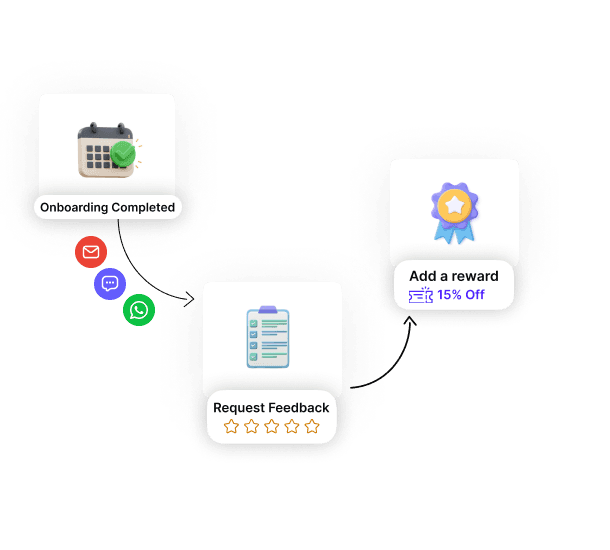
Smart moderation

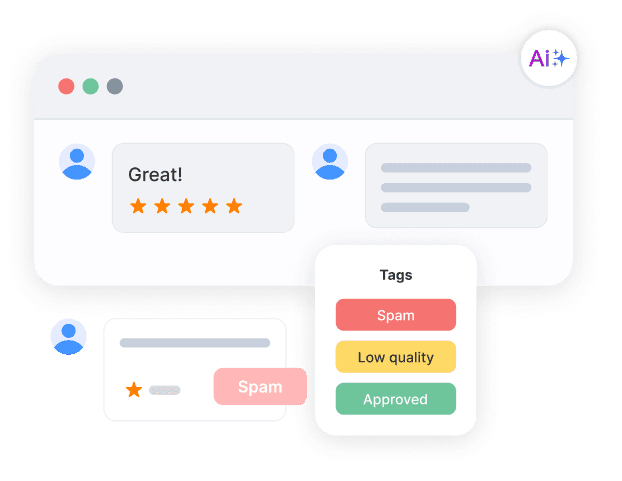
Display testimonial


Features that bring trust to every SaaS page

Best testimonial widgets
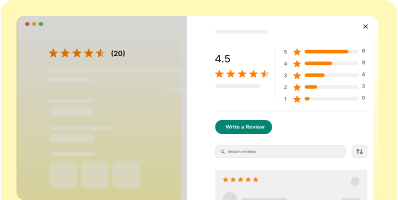
Product review section
Boost product trust with a section dedicated to customer reviews.

Star rating
Show average star ratings to quickly share product quality and customer satisfaction.

Nudges
Highlight your best reviews right where shoppers decide, creating immediate trust.

Wall of love
Show both shop and product reviews to prove your brand’s trust and quality.
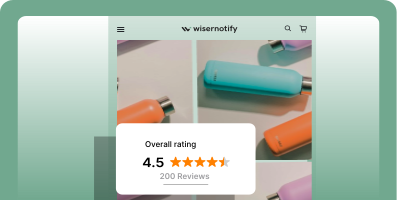
Floating review badge
Highlight star ratings and reviews with a sleek, scrollable badge to build trust instantly.

Carousel example
Curate and display reviews in a dynamic carousel at key locations on your site.

Auto Slider
Curate and display reviews in a dynamic carousel at key locations on your site.

Inline Trust Badge
Show total reviews count with trust badge at any pages

Review wall
Show both shop and product reviews to highlight your brand’s quality and trust.
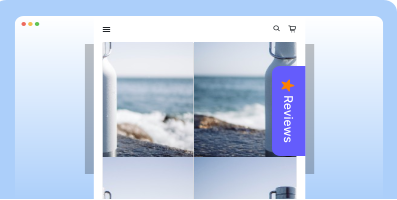
Sidebar Snippet
Showcase reviews in a sidebar to boost trust and engagement as users browse your site.

Avatar
Curate and display reviews in a dynamic carousel at key locations on your site.

Floating Popup
Boost conversions and trust with sleek, real-time popups that highlight your top reviews.
Real words, real results
Powerful integrations
Connect WiserReview to your favorite tools.
Fast setup. Seamless review automation. No hassle.

Zapier
Connect to 5,000+ other apps.

Zendesk
Request feedback after support tickets.

Slack
Get instant review alerts.

Send review links via chat.

Instagram Reels
Showcase reviews as engaging Reels.

Mailchimp
Send review campaigns automatically.

Squarespace
Add testimonials sitewide, easily.

HubSpot
Sync reviews with customer lifecycle.

WordPress
Embed widgets with one click.

Salesforce
Trigger asks after closed deals.

Wix
Collect reviews across your pages.

Shopify
Auto-request reviews post-purchase.

Custom Website
Add video reviews anywhere you want.
Webhook
Trigger actions in any system.
Coming Soon
Integrations with Klaviyo, ActiveCampaign.
30+ integration
View all8 Best video testimonial tactics
Use proven strategies to collect authentic videos, manage them smartly, and display them where they close.
Collect videos when emotion is highest
Triggering a video testimonial request at the right moment, when your customer just had a great experience, leads to more honest, enthusiastic responses.
Whether it’s right after a purchase, onboarding success, or a resolved support issue, that’s when customers are most likely to share on camera.
How
→ Set automated triggers based on real events like “Order Delivered,” “Call Completed,” or “Ticket Resolved”
→ Choose your delivery method: email, SMS, or WhatsApp
→ Let users record or upload videos instantly—no login or account required
→ Offer an optional incentive (discount, gift, bonus) to encourage submission
Auto-tag and organize for smart management
Collecting video reviews is one thing; keeping them organized is another.
Without structure, they pile up and go unused.
WiserReview’s auto-tagging helps you organize by product, sentiment, or funnel stage so you can quickly find the perfect video to use when it counts.
How
→ Set up automatic tags based on source form, product type, or user journey
→ Use sentiment detection to flag positive, neutral, or harmful content
→ Add manual tags like “Post-purchase,” “Customer Support,” or “Mobile User”
→ Use filters inside your dashboard to sort videos by tag, date, product, or campaign
Showcase the right video at the right time
A video testimonial’s power multiplies when shown exactly where a buyer needs reassurance.
Someone on your pricing page needs to hear about value.
Someone with a cart open wants to hear about fast delivery or easy returns.
Matching the testimonial’s content to the page’s intent increases conversions significantly.
How
→ Tag each video by theme (e.g., pricing, quality, support, speed)
→ Embed specific videos on high-intent pages like pricing, product, or checkout
→ Use short-form clips on mobile to keep engagement high
→ Run A/B tests showing different videos per page to measure lift
Turn videos into multi-channel proof
Your best video testimonials shouldn’t just live on your site. Repurposing them for ads, social media, and email multiplies their reach and ROI.
A 30-second clip can turn into a TikTok reel, Instagram story, Facebook ad, or embedded email snippet that builds trust before the click.
How
→ Download top-performing videos directly from WiserReview
→ Use the built-in social sharing tool to add your brand style and captions
→ Create bite-sized edits for Instagram Reels, TikTok, and YouTube Shorts
→ Embed videos inside newsletters, retargeting ads, or automated email flows
Personalize video requests for higher response rates
Generic review requests get ignored. When you personalize a video testimonial request, mentioning the customer’s name, product, or specific experience, they feel valued and are far more likely to participate.
Personalization makes the ask feel like a genuine request, not a marketing blast.
How
→ Use dynamic fields to insert customer names, product names, and purchase details
→ Send the request from a recognizable sender (brand founder or account manager)
→ Reference their recent experience in the opening line
→ Include a clear, single-click “Record Video” button with no sign-up required
Incentivize without feeling “paid for”
Offering an incentive can dramatically increase the number of video testimonials you receive, without undermining authenticity.
The key is to position the reward as a thank-you for their time, not a payment for a positive review.
How
→ Offer small rewards like discount codes, gift cards, or free upgrades
→ Mention the incentive only after they’ve completed the video to avoid bias
→ Run limited-time “review challenges” with prizes for best submissions
→ Clearly state that they can share both positive and constructive feedback
Keep testimonials fresh with periodic updates
Old video testimonials can lose relevance, especially for evolving products or services.
Regularly refreshing your library ensures prospects see recent, relevant experiences from real customers.
How
→ Set automated reminders for repeat customers every 6–12 months
→ Highlight updates from customers who reviewed you before (“See what they say now”)
→ Rotate displayed videos on your site so returning visitors see fresh content
→ Tag outdated videos for archive and focus on newer ones
Track performance and double down on winners
Not every video testimonial will perform equally.
By tracking which ones get the most views, engagement, and conversions, you can identify your highest-impact videos and prioritize them in key spots, maximizing your results with minimal effort.
How
→ Monitor play rates, watch time, and click-through rates inside WiserReview analytics
→ Identify top performers for each product or service category
→ Place best-performing videos on your homepage, pricing page, and sales funnels
→ Retire underperforming videos or test them in different placements

Turn video stories into sales
Capture powerful customer moments on camera with WiserReview. Simple setup. Authentic impact.