How to get more Trustpilot reviews in 2026

Get more Trustpilot reviews with simple timing, clear requests, and an easy review flow that customers can complete in seconds.

User Written By Krunal
Dec 11, 2025
Time 3 min
Get the Best Review Software

You get more Trustpilot reviews in 2026 by asking at the right time, making the review process easy, and using channels your customers already use. 

Your goal is to send clear requests, reduce steps, and remind customers without pressure.

This guide explains the exact actions that help you collect more real reviews. It works for small stores, service businesses, and multi-location brands. 

Each section shows what to do and why it works, so you can improve your review flow without extra effort.

Why Trustpilot reviews matter more than ever

Why Trustpilot reviews matter more than ever

How consumer behavior has shifted

People now read reviews before they make almost any purchase decision. They trust recent feedback more than brand promises. 

They also compare businesses faster and expect clear proof that others had a good experience. If a business has few reviews or old reviews, customers move on. 

This shift makes steady review growth a key part of your daily work, not a one-time task.

The role of Trustpilot in SEO and social proof

Trustpilot helps your business appear more credible in search results. 

Strong ratings and steady review activity support higher click rates because people spot the rating stars and feel safe to visit your site. 

Search engines also read review signals, which support your overall presence.

Trustpilot reviews also act as instant social proof. When customers see real feedback from real people, they feel more confident in your business. 

This reduces doubt and increases conversions across your website, ads, and landing pages.

Core strategy: Build a review collection system

Core strategy: Build a review collection system

Map the touchpoints where customers are most likely to review

You get more reviews when you ask at moments where customers feel clear value. These touchpoints make review requests feel natural and easy.

Pick the touchpoints that fit your business. Place your Trustpilot link in those moments, keep the message short, and you will see a higher response rate.

Tools & systems that automate review requests

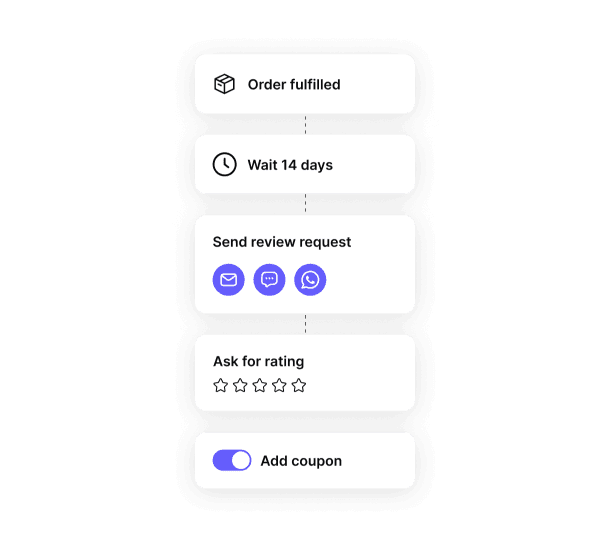
Automation helps you collect more reviews without extra manual work. When your requests go out on time, you get steady and predictable results.

Trustpilot Automatic Feedback Service (AFS)

AFS sends review invitations automatically after each purchase. You connect your order data once, and the system sends a timed email to every customer. 

This gives you a consistent review flow with no extra steps for your team.

CRM triggers in HubSpot, Klaviyo, and Omnisend

Your CRM can send review requests based on clear events like order delivered, payment completed, or ticket closed. 

These triggers make your message reach the customer at the right moment, which leads to higher conversion.

Checkout and subscription flows

You can also place review prompts in your checkout, subscription, and thank-you flows. 

A simple message and a direct link work well when the customer has a fresh memory of the experience. This keeps your review cycle active and reduces missed opportunities.

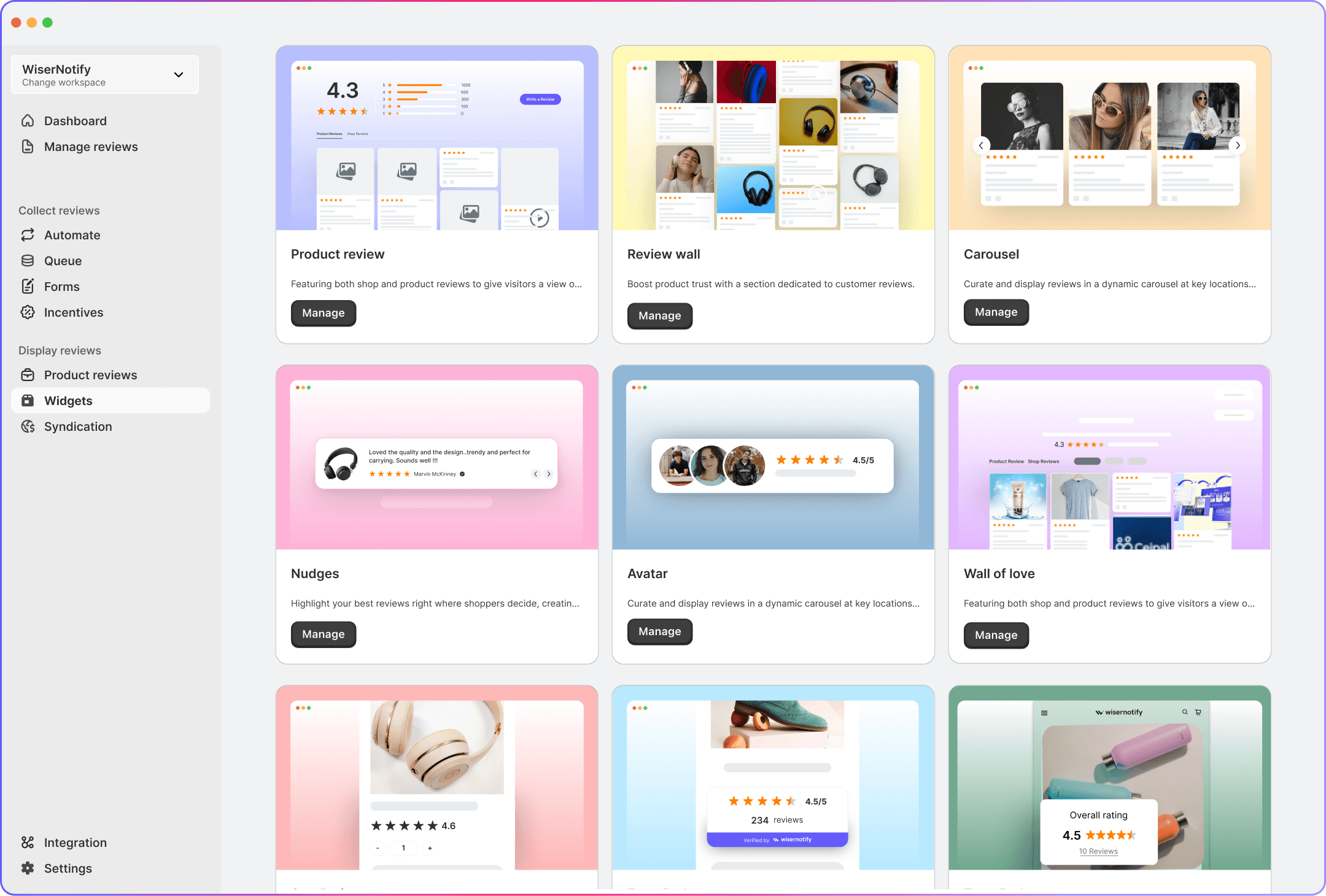
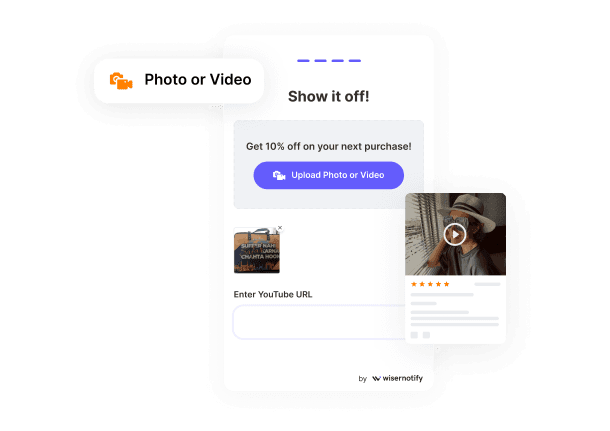
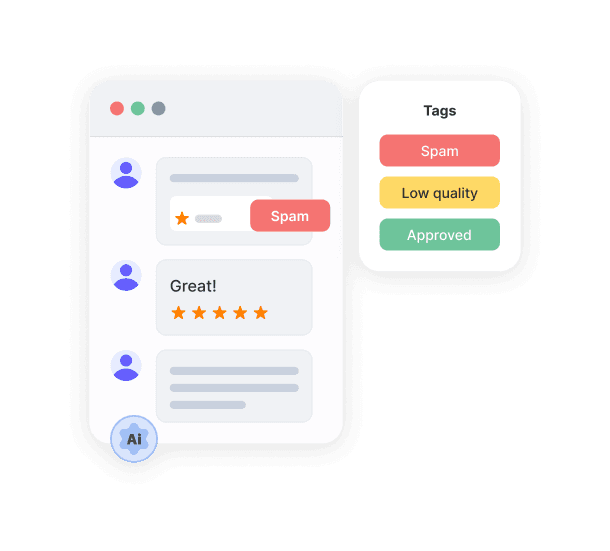
WiserReview helps you collect more real reviews with a simple and automatic flow. It sends requests at the right moment, follows up once, and keeps things easy for your customers. You can manage all reviews in one dashboard, reply faster, and track feedback across your store. WiserReview also lets you display your best reviews with clean widgets that load fast. You get all this at a lower cost, making it an easy choice for steady and affordable review growth.

Slider Image
Slider Image
Slider Image

All your reviews in one place

Collect reviews, manage every response, and display them where they matter most.

Scripts and prompts to boost submission rates

Short and clear messages help more customers complete a review. Your script should explain what you need and make the action easy.

Simple email script

 “Hi [Name], thank you for your recent order. Please share your experience on Trustpilot. Your review helps others and takes less than a minute.”
[Review link]

Simple SMS script

“Thanks for your purchase. Can you share a quick review on Trustpilot? It helps us improve.”
[Review link]

Post-support script

 “Glad we could help today. If you have a moment, please share your experience on Trustpilot.”
[Review link]

In-store or live chat prompt

“If everything looks good, you can leave a quick Trustpilot review here.”
[Review link]

How to ask for Trustpilot reviews

Here are clear ways to ask for Trustpilot reviews in a natural and effective way.

Ask at the right time

Ask at the right time

The best time to ask for a Trustpilot review is when the customer has a clear and recent experience with your business. 

When the moment feels right, people respond with less effort and give more helpful feedback. 

A request sent during a calm and satisfied moment feels genuine and gets more action.

Also Read: How to respond to TrustPilot reviews like a pro

Create frictionless review requests

A smooth review flow brings more completed reviews. Keep your message short and place the Trustpilot link where the customer can see it right away. Remove anything that slows them down.

Multi-channel outreach strategies

Email invitations

Email invitations

Email works well for steady review requests. A short subject line and a visible link improve open and click rates.

Also Read: 7 Proven review request email examples (with templates)

SMS review requests

SMS review requests

SMS gets fast action because people see texts right away. Keep the message short.

QR codes for in-store and events

QR codes for in-store and events

QR codes help you collect reviews during in-person moments. They work well when the customer is already engaged with your product.

Live chat and support follow-ups

If a customer shares a positive note during chat or support, ask for a review right away. The timing feels natural.

Optimize your Trustpilot profile for higher conversion

Your Trustpilot profile works as a first impression. When people land on it, they decide fast. A clear profile, steady activity, and visible proof help more visitors trust your business and complete a review.

Start by making your profile complete. Add your logo, business details, contact info, and links. A full profile feels real and removes doubt for new customers.

Show fresh activity. People trust recent reviews more than old ones. Highlight new reviews and keep your profile updated with steady responses.

Make your profile easy to read. Use short review snippets, clear categories, and clean visuals. Customers want quick proof that your business delivers what it promises.

This simple setup helps your profile convert better. When customers feel trust right away, they are more likely to leave a review and more likely to choose your business.

Icon

All your reviews in one place

Collect reviews, manage every response, and display them where they matter most.
Start Free

Avoid these Trustpilot review pitfalls

Avoid these Trustpilot review pitfalls

Practices that lower review acceptance rates

Some actions can cause Trustpilot to reject reviews. This happens when a business tries to control the review outcome. 

If you ask only happy customers, offer rewards for good ratings, or guide customers on what to say, Trustpilot may flag those reviews. 

Reviews stay safe when the request is open, honest, and the same for every customer. A clean process helps more reviews stay live.

Over-asking and review fatigue

Customers stop responding when they receive too many review requests. They feel pressure and skip your messages. 

One reminder is enough for most people. Give them time to respond before sending anything else. A steady and respectful flow brings more reviews than constant messages. 

This simple approach keeps customers comfortable and willing to review in the future.

Handling negative reviews the right way

Negative reviews will come, and they can help you show strong customer care. A calm and quick reply shows that you listen. 

Keep your message short. Thank the customer, explain the next step, and offer a way to fix the issue. Do not argue. 

When new visitors see how you handle problems, they trust your business more. A good reply can turn a bad moment into a positive impression.

Also Read: 21 Inspiring positive review response examples

Wrap up

The steps in this guide give you a simple path to grow your Trustpilot reviews. 

When you time your requests well, keep your messages short, and remove every extra step, customers respond more often.

A complete profile and steady activity support this flow and build stronger trust for new visitors.

The goal is clear. Keep your process honest, avoid pressure, and treat every review as a chance to show who you are as a business. 

When you do this, your review count grows naturally, and your Trustpilot profile becomes a steady driver of trust and sales.

Frequently asked questions

Ask once and send one gentle reminder. More messages can cause customers to ignore your request.

Send the request right after delivery, a support fix, or a service visit. Customers respond more when the experience is fresh.

No. Trustpilot does not allow rewards for reviews. Keep the process open and the same for every customer.

Reply fast with a short and calm message. Thank the customer, explain the next step, and try to fix the issue.

Yes. A full profile builds trust and makes customers more likely to share their experience.

Krunal

Article by

Krunal

Krunal Vaghasia is the founder of WiserReview and an eCommerce expert in review management and social proof. He helps brands build trust through fair, flexible, and customer-driven review systems. Read more.

Related blogs

Image Not Found

Start collecting
reviews that convert

No code. No chaos. Just a calm, reliable review system that builds trust on autopilot.