ProveSource works for basic social proof popups, but other tools give more control. The best choice depends on what proof you want to show.
This guide lists 8 ProveSource alternatives and compares the key tradeoffs. Some tools fit ecommerce stores, while others fit SaaS and service brands.
Some options focus on a simple setup, while others focus on targeting rules and event tracking. Pick the tool that matches your platform and the time you can spend on setup.
Why look for ProveSource alternatives?
Here are the main reasons people look for ProveSource alternatives.
1. You want more notification types
ProveSource mainly focuses on pop-ups. Many alternatives also offer sticky bars, side widgets, embedded blocks, and inline proof.
These formats can fit better on product, pricing, and checkout pages.
They also feel less intrusive on mobile.
2. You want better ecommerce support
Ecommerce stores need proof that matches shopping behavior. Some tools connect better with Shopify, WooCommerce, and BigCommerce.
They can show live purchases, low stock, cart activity, and proof of “recently bought” items with cleaner product data.
This can reduce missing product names, images, or wrong links.
3. You want more design control
A pop-up can hurt trust if it looks off-brand. Some alternatives give better control over layout, spacing, fonts, icons, and mobile sizing.
Some also support multiple templates and saved styles.
This makes it easier to match your site and keep the proof calm and clean.
4. You want clearer pricing as you scale
Many tools raise prices as traffic or event counts grow. ProveSource can feel costly once you get steady traffic.
Some alternatives are priced by site visits, event volume, or feature access in a simpler way.
This helps you plan costs and avoid surprise upgrades.
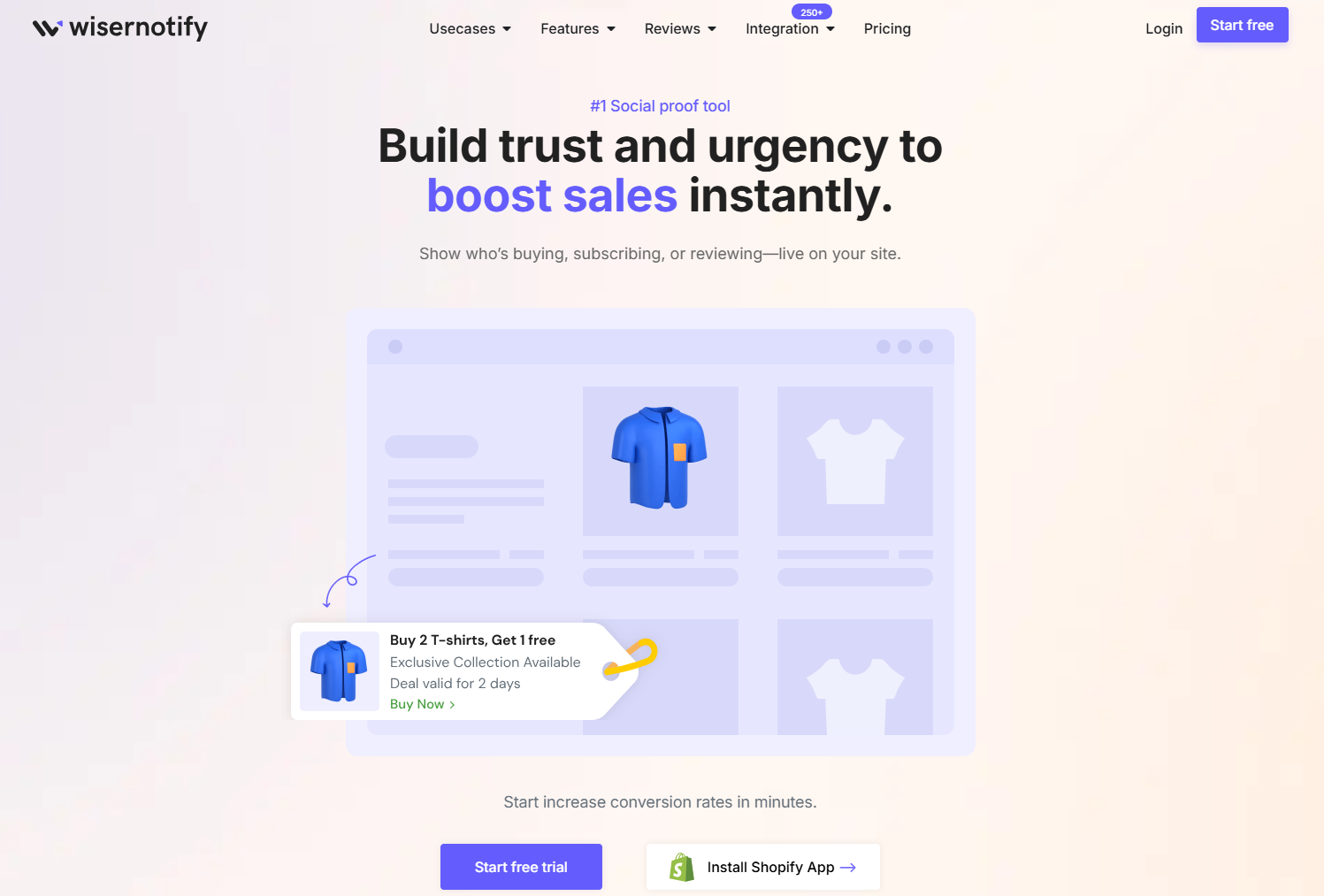
WiserNotify helps you show real-time activity on your site so visitors trust you faster.
It fits ecommerce stores, SaaS, and service businesses that want more control than a basic pop-up tool.
ProveSource works for simple social proof popups. WiserNotify is a better fit when you want more notification types, stronger targeting, and more event-tracking options.
Key features
- Social proof notifications for purchases, signups, and leads
- Review and rating notifications
- Multiple layouts like popups, bars, and widgets
- Targeting by pages, device, country, and UTM tags
- Frequency limits so visitors do not see too many alerts
- Custom events from your tools or backend
- Analytics for clicks and conversions
Why WiserNotify is a ProveSource alternative
- It gives you more control over what shows on each page.
- It supports more proof types beyond basic purchase popups.
- It offers more layout options that can feel calmer than pop-ups.
- It gives stronger targeting rules for ads and campaign traffic.
- It scales better when you want to run different campaigns across pages.
Pricing: Start with free; paid plans start at just $16/month

#1 Alternative to ProveSource
Show live signups and actions to increase conversions without high pricing.
Start Free
WiserReview helps you build permanent social proof using real customer reviews.
It lets you collect, manage, automate, and display reviews in one place. With smart widgets, reviews stay visible on your site and keep building trust over time, not just for a few seconds like pop-ups.
2. TrustPulse
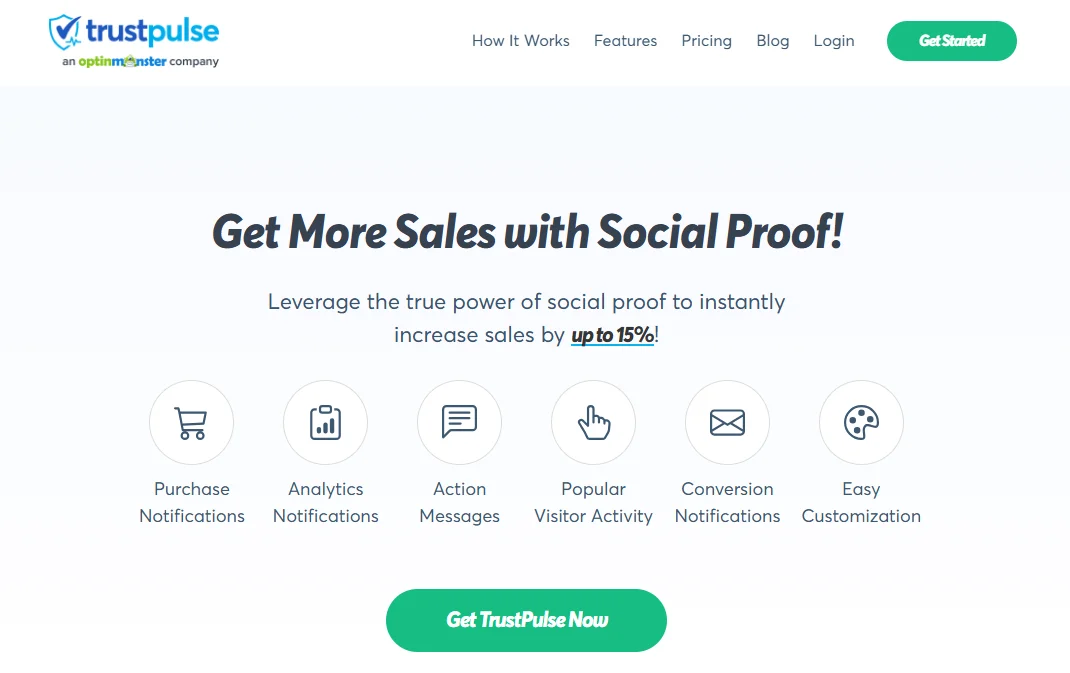
TrustPulse is a social proof tool that shows real-time activity notifications on your site.
It helps visitors feel more confident because they see others taking action. You can use it for ecommerce stores, SaaS sites, and lead gen pages.
It focuses on a small set of notification styles, keeping the product easy to manage.
If you want a tool that you can set up fast and run with minimal changes, TrustPulse is a strong pick.
Key features
- Real-time activity notifications for purchases, signups, and leads
- “On fire” style messages that show high activity periods
- Page-level targeting so you can show proof only on key pages
- Device targeting so you can change behavior on mobile vs desktop
- Timing controls like delay, display rules, and session limits
- Basic design controls for text, layout, and position
- Simple tracking so you can measure clicks and interactions
Pricing: paid plans start at $19/month
3. Fomo

Fomo is a social proof tool that shows live activity on your site. It works well when you want to show more than “recent sales.”
You can use it for signups, purchases, demo requests, webinar registrations, and other key events.
Fomo fits brands that run ads, run campaigns, or track many actions across a funnel.
It can help you match the message to the visitor journey by connecting more event sources and building better rules.
Key features
- Live notifications for purchases, signups, and custom events
- Many integrations with common marketing and sales tools
- Rules to control where notifications show and who sees them
- Options for different layouts and templates
- Controls for timing, frequency, and display limits
- Analytics to track clicks and performance
Pricing: Start at $25/month
4. Nudgify
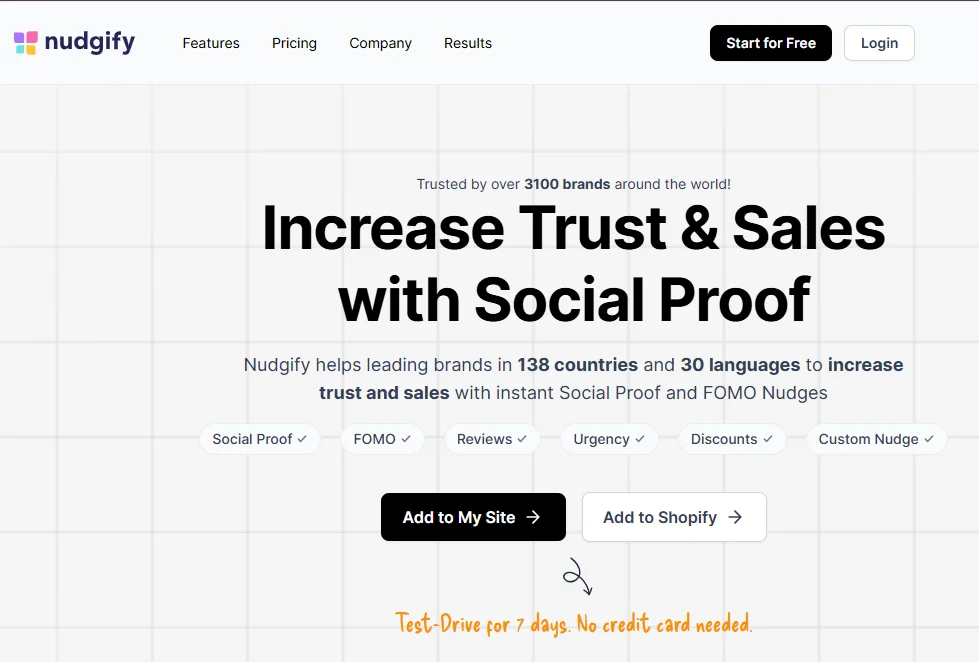
Nudgify is a social proof and “nudges” tool made for ecommerce.
It helps you show small prompts that encourage shoppers to act, such as recent purchases, low stock, and popular products.
Nudgify works best for product pages, collection pages, cart pages, and checkout pages.
It focuses on e-commerce-style messaging, so the alerts feel more natural to shoppers.
Key features
- Recent purchase and live visitor nudges
- Low stock, “back in stock,” and urgency nudges
- Popular product and “trending” style nudges
- Cart and checkout nudges to reduce drop-off
- Page targeting so you can show the right nudge on the right page
- Timing and frequency limits control how often nudges show
- Basic design controls for position and layout
Pricing: Plans start at $29/month.
#1 Alternative to ProveSource
Show live signups and actions to increase conversions without high pricing.
Start Free
5. Proof
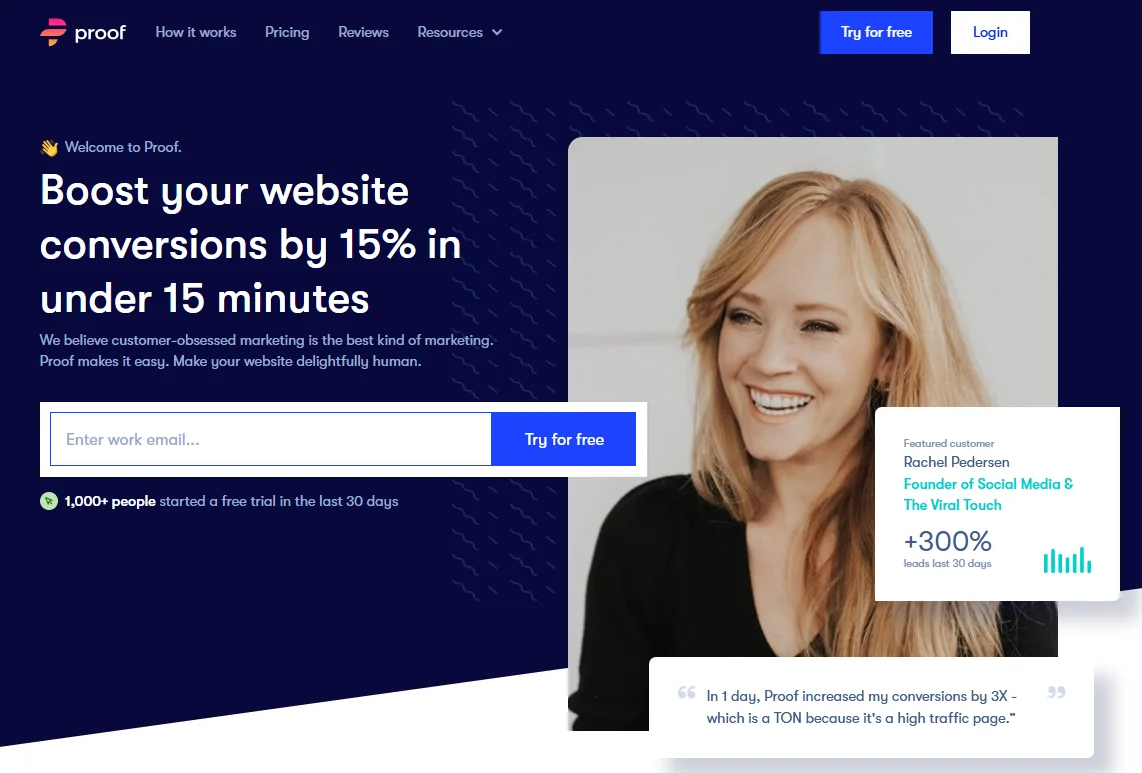
Proof is a social proof platform that helps you show real actions from real visitors.
It works well for signup pages, pricing pages, and lead-gen funnels where you want visitors to trust you more quickly.
It can show activity like signups, purchases, demo requests, and other key actions.
Proof fits teams that care about targeting and testing. It can help you show the right proof to the right visitor based on page, traffic source, and audience rules.
Key features
- Live activity notifications for signups, purchases, and custom actions
- Page-level targeting rules for different funnels and pages
- Controls for timing, frequency, and display limits
- Options for multiple notification styles and templates
- A/B testing support for proof messages and layouts
- Basic reporting for clicks and performance
Pricing: Start at $79/month
6. Provely
Provely is a social proof and pop-up notification tool that helps you show real activity to build trust.
It fits ecommerce stores, landing pages, and lead gen sites that want quick setup and lots of ready-to-use notification templates.
Provely works well if you want proof popups plus a few extra conversion widgets without spending a lot of time on setup.
It focuses on simple controls and clear templates, so most teams can publish notifications fast and keep them running.
Key features
- Recent activity notifications for signups, purchases, and leads
- Many template styles for social proof popups
- Coupon, announcement, and call-to-action style popups
- Page targeting so you can show proof on key pages only
- Timing and frequency limits to reduce popup fatigue
- Basic design controls like position, text, and look
- Simple analytics for views and clicks
Pricing: Start at $19/month
7. NotificationX
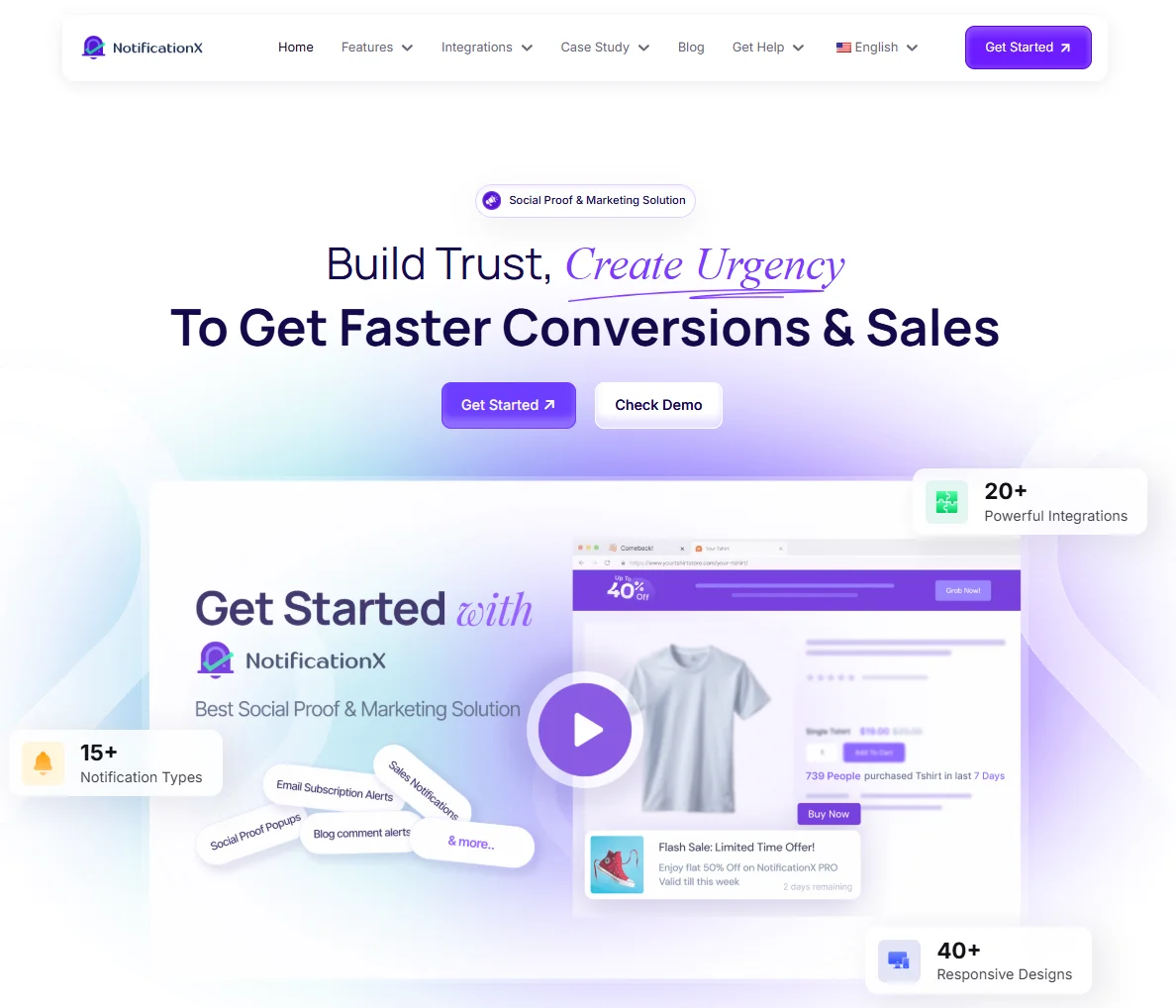
NotificationX is a WordPress-focused social proof plugin. It helps you display recent activity and proof notifications on your site, such as sales, signups, comments, and reviews.
It’s best if your site runs on WordPress and you want a plugin you can manage in your dashboard.
NotificationX works well for WooCommerce stores, bloggers, course sites, and service businesses that use WordPress tools.
It provides many templates and common WordPress integrations, so you can set up notifications without writing custom code.
Key features
- Social proof popups for WooCommerce sales and product activity
- Notifications for email signups and form submissions
- Support for reviews, comments, and content activity
- Many templates and layout styles
- Page targeting and display rules
- Timing and frequency limits
- Analytics for views and clicks
- WordPress plugin setup with a dashboard workflow
Pricing: Start at $39/month
#1 Alternative to ProveSource
Show live signups and actions to increase conversions without high pricing.
Start Free
8. ProofFactor
ProofFactor is a social proof tool that shows small on-site notifications based on real visitor activity.
It helps you add trust and urgency by showing messages like recent purchases, signups, or live visitor counts.
It fits best for ecommerce stores that want quick proof pop-ups with simple controls.
If you want a tool that stays focused on the core proof use cases, ProofFactor can be a solid option.
Key features
- Recent activity notifications for purchases and signups
- Live visitor count messages to add urgency
- “Recent orders” style proof for product pages
- Basic targeting by page or site-wide display
- Timing and frequency limits control how often pop-ups show
- Simple style controls for position and layout
- Basic stats for views and clicks
Pricing: Custom pricing
How to choose the best ProveSource alternatives
You should pick the tool that matches your goal. Some tools focus on FOMO popups. You get better results when you match the tool to the job.
➔ Set one clear goal first
You should decide what you want the tool to do. A clear goal keeps the setup simple and keeps the proof message focused.
If you want trust, you should show recent purchases, signups, or reviews. If you want urgency, you should show low stock or visitor count.
If you want leads, you should show form submits or demo bookings.
➔ Match the tool to your platform
You should pick a tool that fits your platform. A direct integration reduces setup work and keeps your data clean.
Shopify and WooCommerce stores usually need order and product data. WordPress sites often work well with a plugin.
SaaS and custom sites often need API, webhook, or custom event support.
➔ Check how event tracking works
You should confirm what actions the tool can track. Basic tracking works for simple proof, like purchases and signups.
Custom tracking works better when you want to show trials, upgrades, bookings, or feature usage.
Custom tracking needs more setup, but it gives more control.
➔ Review targeting and frequency controls
You should show proof only where it helps. Targeting helps you match proof to each page and traffic source.
Frequency control keeps notifications from feeling spammy.
You should look for page targeting, device targeting, campaign targeting, and session limits.
➔ Confirm design control and mobile behavior
You should keep the proof message on-brand and easy to read.
You should also check mobile behavior because pop-ups can block content.
You should look for clean templates, position control, spacing control, and mobile sizing options.
➔ Compare pricing with your real usage
You should compare pricing using your real numbers.
Some tools are priced by visits, while others are priced by events or features.
You should use your monthly visitors, monthly orders or leads, the number of sites, and the required features to estimate the total cost.
➔ Run a simple test before you commit
You should test one proof type on one key page first. This keeps your test clean and easy to measure.
You should track clicks and conversions and keep only what improves results.
Conclusion
ProveSource fits basic social proof popups and quick setup. Many teams switch when they need more control and more options.
Your best alternative depends on your goal and your site type. Stores often need product-based proof, while SaaS sites often need custom events.
Start with one proof type on one key page. Track results and expand only when it works.

 4 min
4 min