4 min
4 min You get more customer reviews on Wix by asking every buyer at the right time, making the review process simple, and showing reviews clearly on your site.
Most happy customers will leave a review. They just need a reminder. If you do not ask, they move on and forget. A simple email, message, or follow-up after delivery can make a big difference.
Reviews increase trust. New visitors check reviews before they buy. Strong reviews improve conversion rates and help your Wix store rank better in search results.
In this guide, you will learn clear steps to collect more reviews on Wix. You will see how to ask customers, automate review requests, and use tools like WiserReview to collect and display reviews without manual work.
Why customer reviews matter for Wix stores
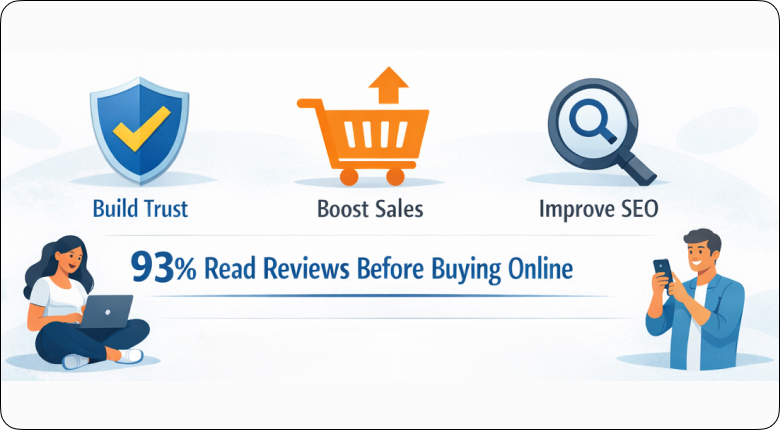
Customer reviews matter for Wix stores because they build trust, increase sales, and improve search visibility.
In fact, about 93% of customers read online reviews before buying online. If your product has no reviews, visitors hesitate. If your product has real feedback, buyers feel safe. Trust leads to more conversions.
Reviews also answer common questions. Customers talk about product quality, sizing, delivery, and service. This reduces confusion and lowers return rates.
Search engines also value fresh content. When customers leave reviews, your product pages update regularly. This can help your Wix store appear higher in search results.
If you want steady sales growth on Wix, you need consistent product reviews.
How to get more customer reviews on Wix
Here are proven ways to get more customer reviews on Wix and turn more buyers into loyal promoters.
1. Use Wix’s built-in review request tool for quick results
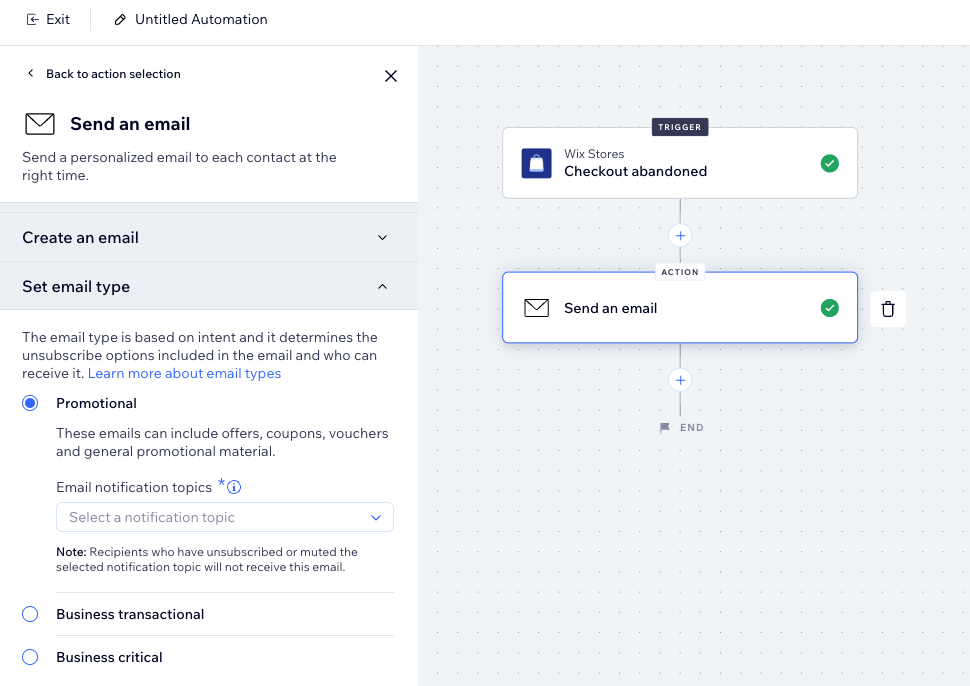
You can collect reviews faster by using Wix’s built-in review request feature.
Wix allows you to send automatic emails after a customer completes a purchase. You can set the timing so the email goes out a few days after delivery. This keeps the request relevant and increases response rates.
Thank the customer for their order and add a direct review link. When customers can click once and leave feedback, more people respond.
To get better results, follow these steps:
- Turn on automated emails inside your Wix dashboard
- Schedule the email 3 to 7 days after delivery
- Keep the subject line clear and direct
- Add one strong call-to-action button
- Avoid long text in the email
This method works well for new Wix stores. It helps you collect reviews without manual work. If you want more control, branding, or advanced automation, you can later use tools like WiserReview to increase response rates further.
2. Create strong multi-step review flows with Wix Automations 3.0
You can increase review responses by setting up multi-step follow-ups inside Wix Automations 3.0.
One email is often not enough. Many customers miss the first message. A multi-step flow sends a reminder if the customer does not respond. This increases your chances of getting a review.
Start with a simple trigger. When an order status changes to completed or delivered, start the automation. Send the first review request after a few days. If the customer does not leave a review, send one reminder.
Here is a simple structure you can follow:
- Trigger: Order marked as delivered
- Email 1: Review request after 3–5 days
- Email 2: Reminder after 3–4 more days
- Stop condition: Customer submits a review
This setup ensures every buyer receives at least two chances to leave feedback. It also removes manual work from your process.
If you want more advanced flows like SMS reminders, photo reviews, or smart targeting, you can use tools like WiserReview along with Wix Automations to improve response rates further.
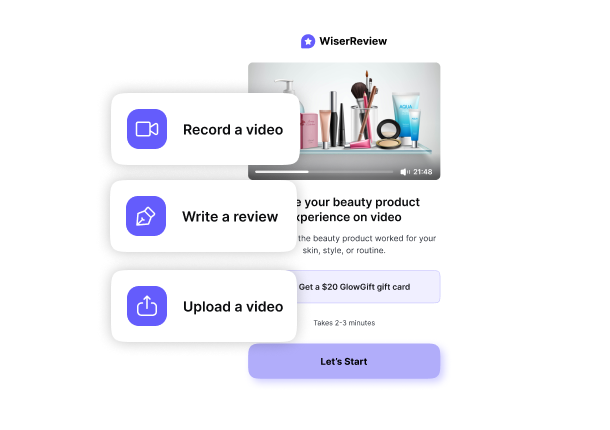

Automate your review collection on Wix
Send smart review requests, collect photo reviews, and display them beautifully — all on autopilot.
3. Show Google Business Reviews on your Wix site
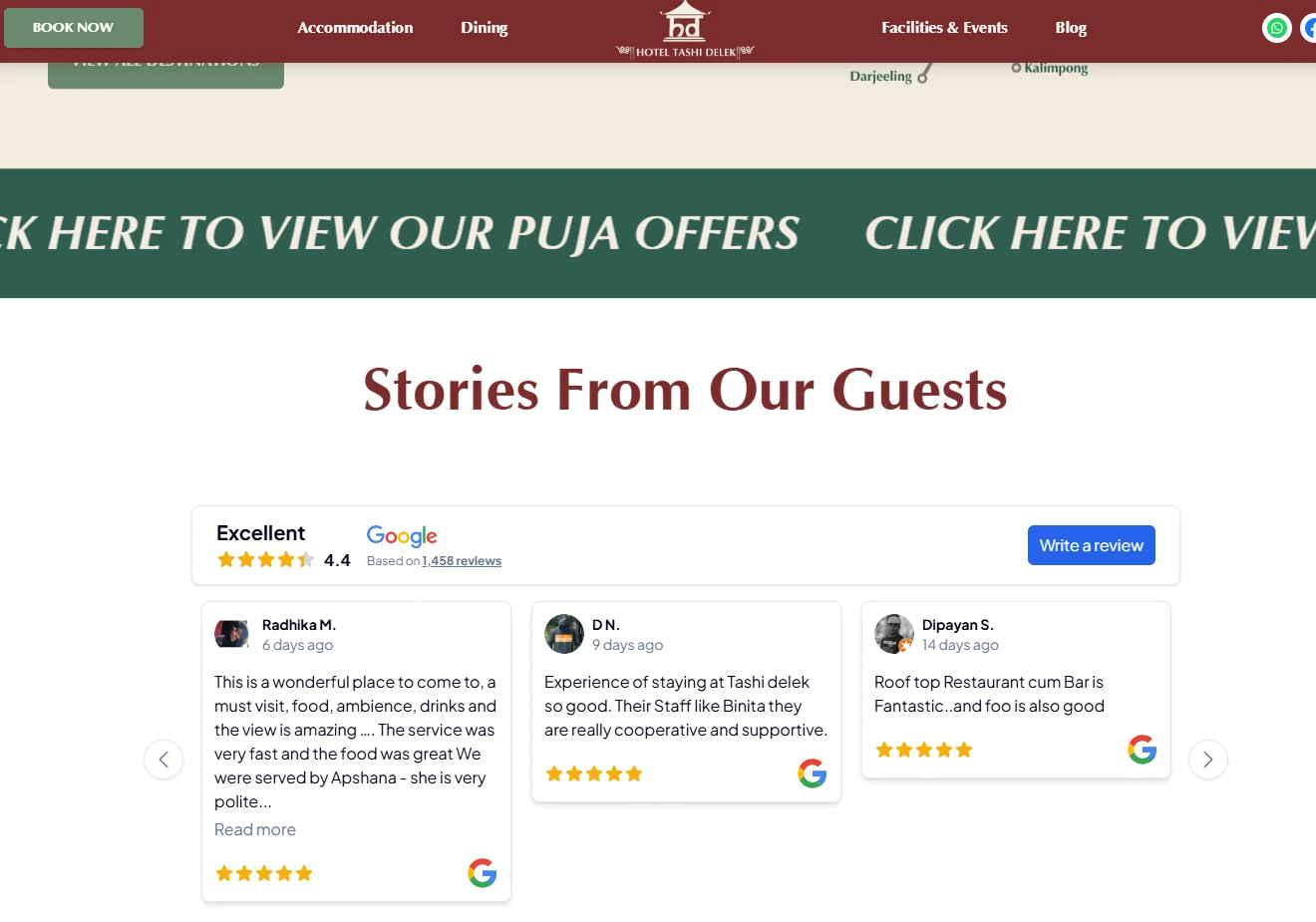
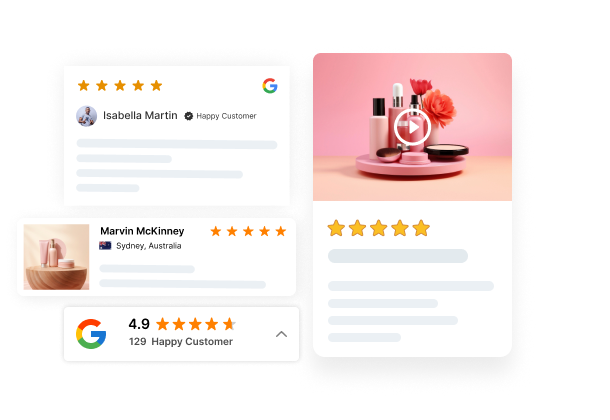
You can increase trust and collect more reviews by showing your Google Business Profile reviews directly on your Wix site.
When visitors see real Google reviews on your site, they trust your business faster. Many customers check Google reviews before they decide to buy. If they see strong ratings on your site, they feel confident.
Add a Google review widget to your Wix store. You can place it on the homepage, product pages, or a dedicated review page. Make sure the star rating and review count are clearly visible.
For better results:
- Add a “Leave a Google Review” button
- Place reviews near checkout or product descriptions
- Highlight your average star rating
- Keep the design clean and easy to read
If you want automatic syncing and display options, tools like WiserReview can pull Google reviews and show them on your product page without manual updates.

Show Google reviews right on your Wix store
Pull in your Google Business Profile reviews and display them where they build the most trust.
Start Free →4. Build a custom Wix review form for full control
You can collect more detailed feedback by creating a custom review form inside Wix.
A custom form gives you full control over what you ask. You can collect star ratings, written feedback, photos, and even product-specific questions. This helps you gather useful reviews instead of short one-line comments.
Use Wix Forms to create a simple review layout. Keep the form short so customers do not feel overwhelmed. Ask for:
- Star rating
- Short written review
- Product name or order number
- Optional photo upload
Place the form on product pages or on a dedicated “Leave a Review” page. Add a clear button that says “Write a Review.”
You can also connect the form to Wix Automations. When someone submits feedback, you can send a thank-you email or request permission to feature the review.
If you want advanced features like automatic publishing, review moderation, or photo and video display widgets, tools like WiserReview can handle this with less manual work.
5. Offer simple incentives with apps like WiserReview or Fera
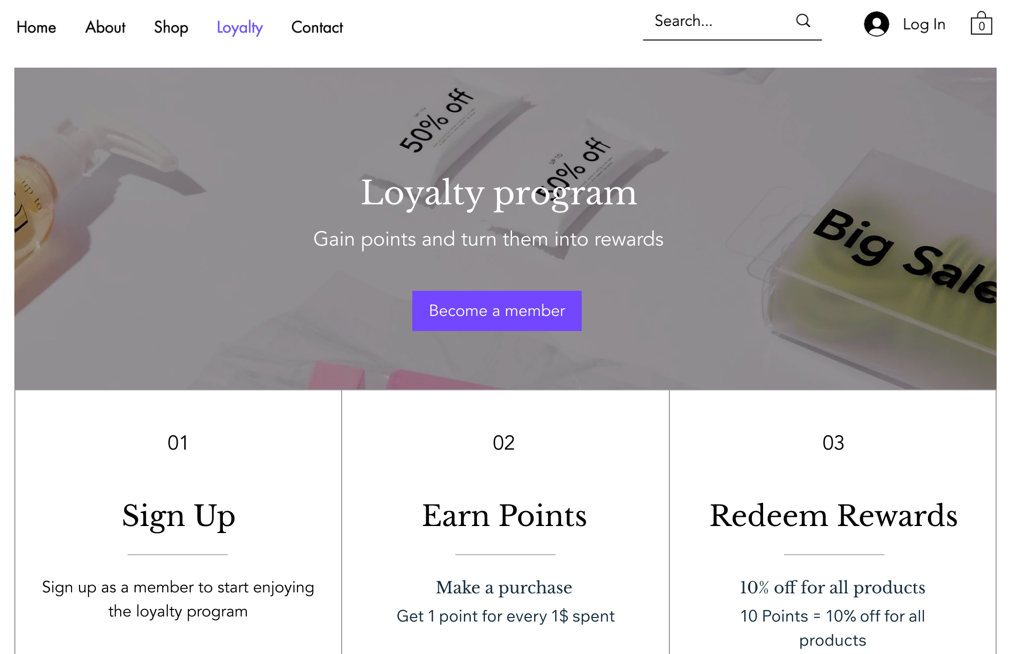
You can increase review responses by offering a small and clear incentive.
Many customers need a small push. A discount code, reward points, or entry into a giveaway can motivate them to leave feedback. The incentive does not need to be big. It just needs to feel fair.
Apps like WiserReview and Fera allow you to automate incentive-based review requests. After a customer submits a review, the app can automatically send a discount code. This keeps the process smooth and simple.
Keep these rules in mind:
- Offer the reward for leaving a review, not for leaving a positive review
- Mention the incentive clearly in the email
- Keep the reward simple, such as 10% off the next order
- Send the reward instantly after submission
Turn every purchase into a review
Automate incentive-based review requests and reward customers instantly — no manual follow-ups needed.
Start Free →6. Improve your review request message and timing
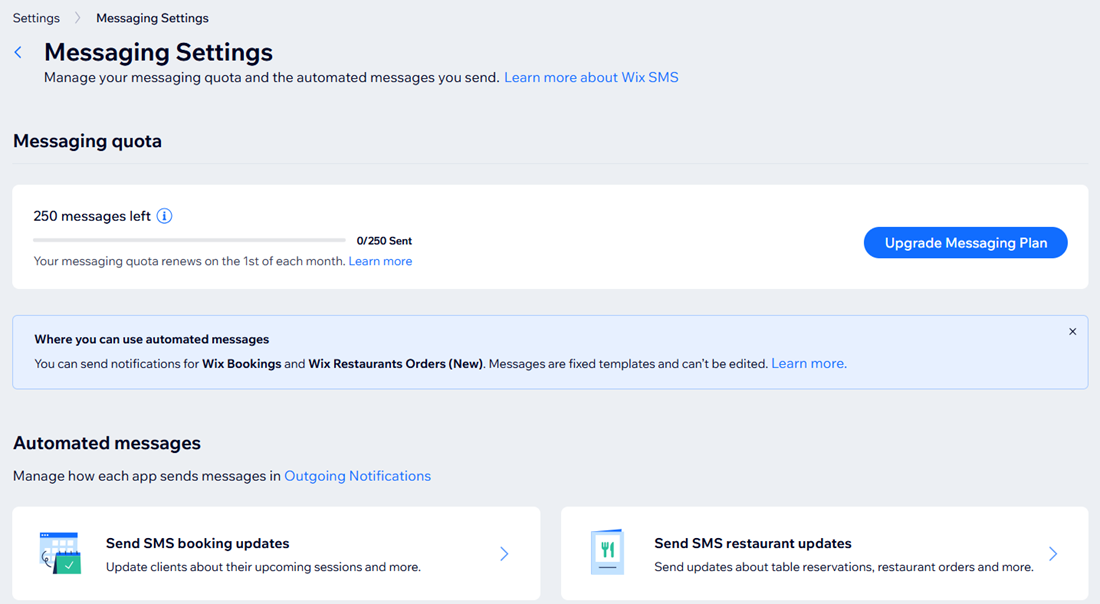
You get more reviews when you send the request at the right time and keep the message simple.
Timing matters. Send the request after the product is delivered or after the service is completed. If you send it too early, the customer has no experience to share. If you send it too late, they forget.
For physical products, send the first request 3 to 7 days after delivery. For services, send it within 24 to 48 hours after completion. Learn more about when to ask for reviews to get the best response rates.
Keep the message short. Thank the customer. Ask for honest feedback. Add one clear review button. Do not add extra links or long text.
A strong review request message should:
- Use the customer’s name
- Mention the product or service
- Ask one clear question
- Include one direct call to action
- Stay under a few short paragraphs
You can test different subject lines and send times inside Wix Automations or apps like WiserReview. Small changes in wording and timing can increase response rates without adding extra effort.
4 Common mistakes Wix store owners make
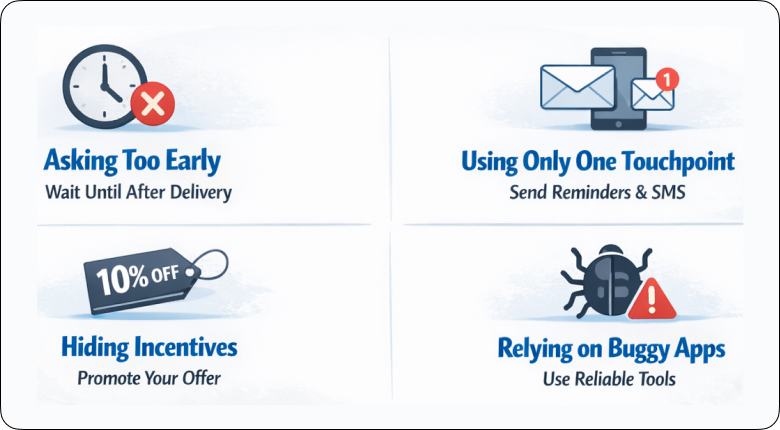
Many Wix store owners lose review opportunities because of these four mistakes.
1. Asking too early
Some store owners send a review request right after checkout. At that point, the customer has not received or used the product. This leads to low response rates.
Send the request after delivery or after the service is completed. Let the customer have a real experience first.
2. Using only one touchpoint
Many stores send just one email and stop there. If the customer misses it, the opportunity is gone.
Use more than one touchpoint. Send a reminder email. You can also use SMS or a follow-up message through tools like Wix Automations or WiserReview.
3. Hiding incentives instead of promoting them
Some businesses offer a discount but do not clearly mention it in the review request.
Customers will not feel motivated if they do not see the benefit. State the incentive clearly. For example, offer 10% off the next order for leaving a review. Keep it simple and transparent.
4. Relying on buggy apps
Some review apps do not sync properly, fail to send emails, or slow down your site. This hurts trust and performance.
Choose stable tools that integrate well with Wix. Test your review flow regularly to make sure emails, forms, and widgets work correctly.
If you avoid these mistakes, your review collection process will become steady and predictable.
Build a review system that actually works
Stop losing reviews to bad timing and broken tools — automate the entire process with WiserReview.
Start Free →Wrap up
You get more customer reviews on Wix by asking every buyer, sending the request at the right time, and keeping the process simple.
Use Wix Automations to send follow-ups. Show reviews clearly on your site. Offer a small incentive if needed. Tools like WiserReview can automate and manage the process.
Stay consistent. Reviews will grow month after month.
Frequently asked questions
You can use Wix's built-in review features, create a custom Wix form, or install an app like WiserReview to collect and display reviews automatically.
Ask after the product is delivered or after the service is completed. Sending the request 3 to 7 days after delivery usually works best.
Yes. You can display your Google Business Profile reviews using a widget or a review app that syncs and updates them automatically.
Yes. A small reward like a discount code can increase responses. Offer the incentive for leaving a review, not for leaving a positive review.
You can use Wix Automations to send follow-up emails, or use apps like WiserReview for automated emails, reminders, and review display management.

Krunal