2 min
2 min 
Fake reviews on Google Maps are reviews written by people who have never used your product or service.
They can come from bots, competitors, or paid accounts. These reviews break Google’s policies and mislead real customers.
They hurt your average rating, reduce visibility, and damage trust. Google can remove them if you report them with proof. You can also reply calmly to protect your reputation while waiting for removal.
This guide explains how to spot fake reviews fast, how to report them correctly, and what steps to take to keep your Google Maps listing clean and trusted.
Let’s get started!
What are Google Maps’ Fake Reviews
Google Maps fake reviews are reviews written by people who never visited your place or used your service. These reviews are false and often created to harm or promote a business.
They can be negative reviews from competitors trying to lower your rating or positive ones paid for to boost your image. In both cases, they give customers the wrong idea and break Google’s review rules.
You can often spot fake reviews by checking for short or copied text, new accounts, or many reviews posted in a short time.
Google removes such reviews when reported with proof, keeping Maps fair and trustworthy for everyone.

Keep your reviews real and trusted
Monitor, reply, and display authentic Google reviews, all from one dashboard.
Start Free →How Google detects fake reviews
Google uses both automated systems and manual checks to find fake reviews on Maps. Its system looks for unusual activity and patterns that don’t match normal customer behavior.
It checks for things like:
- Multiple reviews coming from the same IP address or device
- Reviews posted from locations far from your business
- Many new or inactive accounts pore string reviews at once
- Repeated or copied text across different reviews
- Sudden changes in rating trends or review volume
When these signals appear, Google’s system flags the reviews for further inspection.
Some are removed automatically, while others go through manual review. This process helps maintain the fairness and reliability of the Maps review system for everyone.
How to spot fake Google Map Reviews
You can spot fake Google Maps reviews by checking for signs that don’t match real customer behavior.
Fake reviews usually come from people who have never used your service or visited your business.
Look for these signs:
- Short or copied text with no real details
- New or empty Google accounts
- Many reviews were posted in a short time
- Unusual locations or repeated names
- Ratings that don’t match the real feedback you received
If you see these signs, save proof like screenshots and review links. Then report them to Google for review and removal.
What business owners can do when hit by fake Google Map Reviews
If your business gets fake reviews on Google Maps, act fast. Fake reviews can lower your rating and push real customers away.
The goal is to respond calmly, collect proof, and report them to Google for removal.
Here’s what you should do right away:
- Collect evidence: Take screenshots of the review, reviewer profile, and date.
- Report the review: Use the “Report review” option in your Google Business Profile.
- Respond publicly: Write a short, polite reply showing you care about feedback.
- Contact Google Support: If it’s serious or repeated, open a support case with your proof.
- Monitor regularly: Set alerts to catch fake reviews early.
Quick action shows customers you are serious about honesty and helps Google review your report faster.
WiserReview – Google Map Review management software
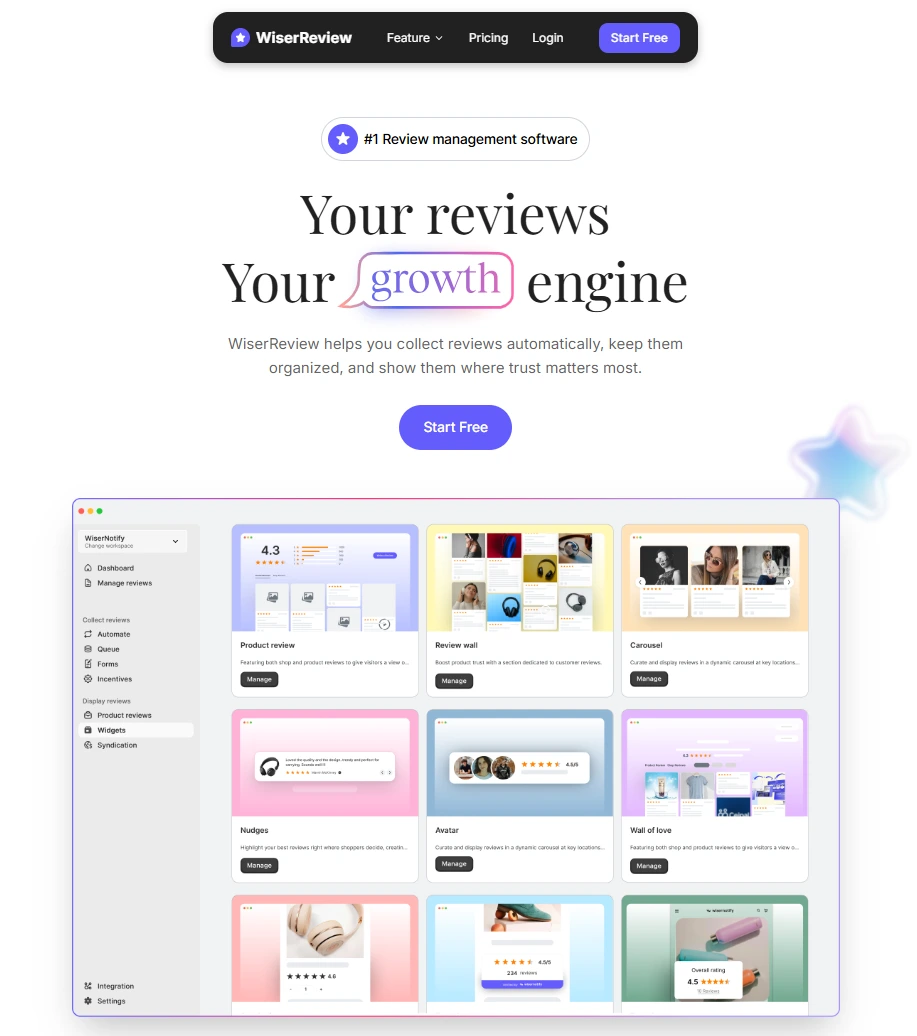
Managing Google Maps reviews manually can be slow and stressful, especially when fake reviews appear.
WiserReview makes this process simple. It connects directly with your Google Business Profile and handles every part of review management from one dashboard.
Here’s how WiserReview helps:
- Detects fake patterns early: Flags reviews that look suspicious or repetitive.
- Automates review requests: Sends verified review invites through email, SMS, or QR code to real customers only.
- Central dashboard: Lets you read, filter, and respond to reviews from all locations in one place.
- Smart filters and insights: Helps you find low ratings, track response time, and see review trends.
- Display tools: Let you show trusted reviews on your website using clean Google review widgets.
With WiserReview, you can focus on serving customers while it takes care of review accuracy and trust on Google Maps.
Keep your reviews real and trusted
Monitor, reply, and display authentic Google reviews, all from one dashboard.
Start Free →Wrap up
Fake Google Maps reviews can harm your rating, reduce trust, and confuse real customers.
The best way to deal with them is to act fast, collect proof, report the review, and reply calmly to show transparency.
Use trusted tools like WiserReview to monitor, manage, and collect verified feedback from real customers.
A clean review profile helps your business stay visible, trusted, and strong on Google Maps.
Frequently asked questions
It can take a few days to a few weeks. Google reviews each report before taking action.
No. Only Google can remove a review after it’s reviewed and confirmed as fake.
Yes. Write a calm and short reply. It shows customers you care and helps protect your reputation.
Use a review management tool like WiserReview to monitor reviews, flag suspicious ones early, and collect feedback from verified customers only.
Yes. Both fake positive and fake negative reviews go against Google’s policy. Google can remove either if proven false.

Krunal