4 min
4 min 
Google reviews for hotels directly influence bookings, visibility, and reputation. Guests check them before clicking “Book now.”
Hoteliers who effectively manage their Google reviews experience higher occupancy rates, improved rankings in Google Maps, and increased guest trust.
This guide explains how to use Google hotel reviews to boost your visibility, attract more satisfied guests, and continuously improve your service.
Impact of Google reviews on the hotel business
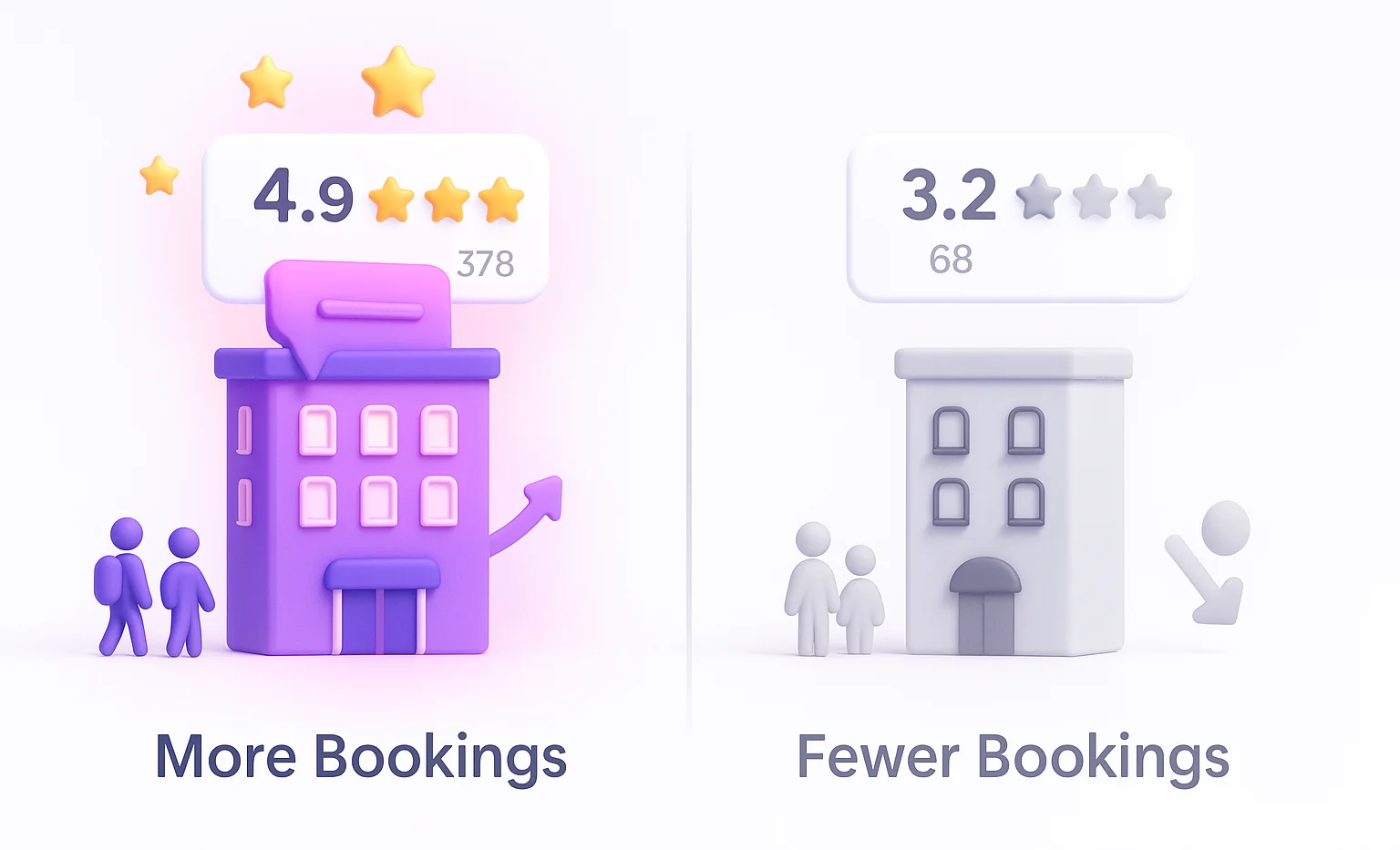
Google reviews can make or break a hotel’s success. They impact visibility, guest trust, and even the frequency of your hotel’s appearance in search results.
SEO, visibility & ranking benefits
Google reviews help your hotel appear higher in search results and on Google Maps. The algorithm favors listings with high ratings, frequent reviews, and consistent engagement.
Hotels with more positive reviews often show in the “Local Pack”, the top 3 results displayed on Google Maps when travelers search for “hotels near me” or “best hotels in [city].”
These reviews serve as conversion signals that Google uses to rank properties.
- Hoteliers who respond to 40–45% of reviews have been shown to earn double the booking revenue compared to those who respond less.
- 56% of people change their perception of a business after seeing how the business responds to reviews.
Influence on booking behavior & trust
Travelers read reviews before they book accommodations. According to BrightLocal, 87% of consumers read online reviews for local businesses, with hotels leading the list.
Good Google reviews act as social proof. They show potential guests what to expect: clean rooms, helpful staff, and a good location.
Negative reviews, if left unmanaged, can deter bookings. But when handled well, even bad feedback can demonstrate transparency and professionalism.
In short, your hotel’s Google reviews significantly influence both initial impressions and final decisions.
- Over 80% of travelers read at least ten reviews before booking a hotel.
- 52% of people won’t book a hotel that has zero reviews.

Get more Google reviews for your hotel
Collect reviews, manage every response, and display them where they matter most.
Start Free →Claiming & setting up (optimizing) your Google hotel presence
Your Google Business Profile is your hotel’s digital front door. Claiming and optimizing it is the first step to controlling how guests see your brand online.
Claiming/verifying your Google Business Profile as a hotel
The first step is to claim your Google Business Profile (GBP). Without it, your property won’t appear correctly in Google Maps or Google Search results.
1. Visit Google Business Profile Manager.
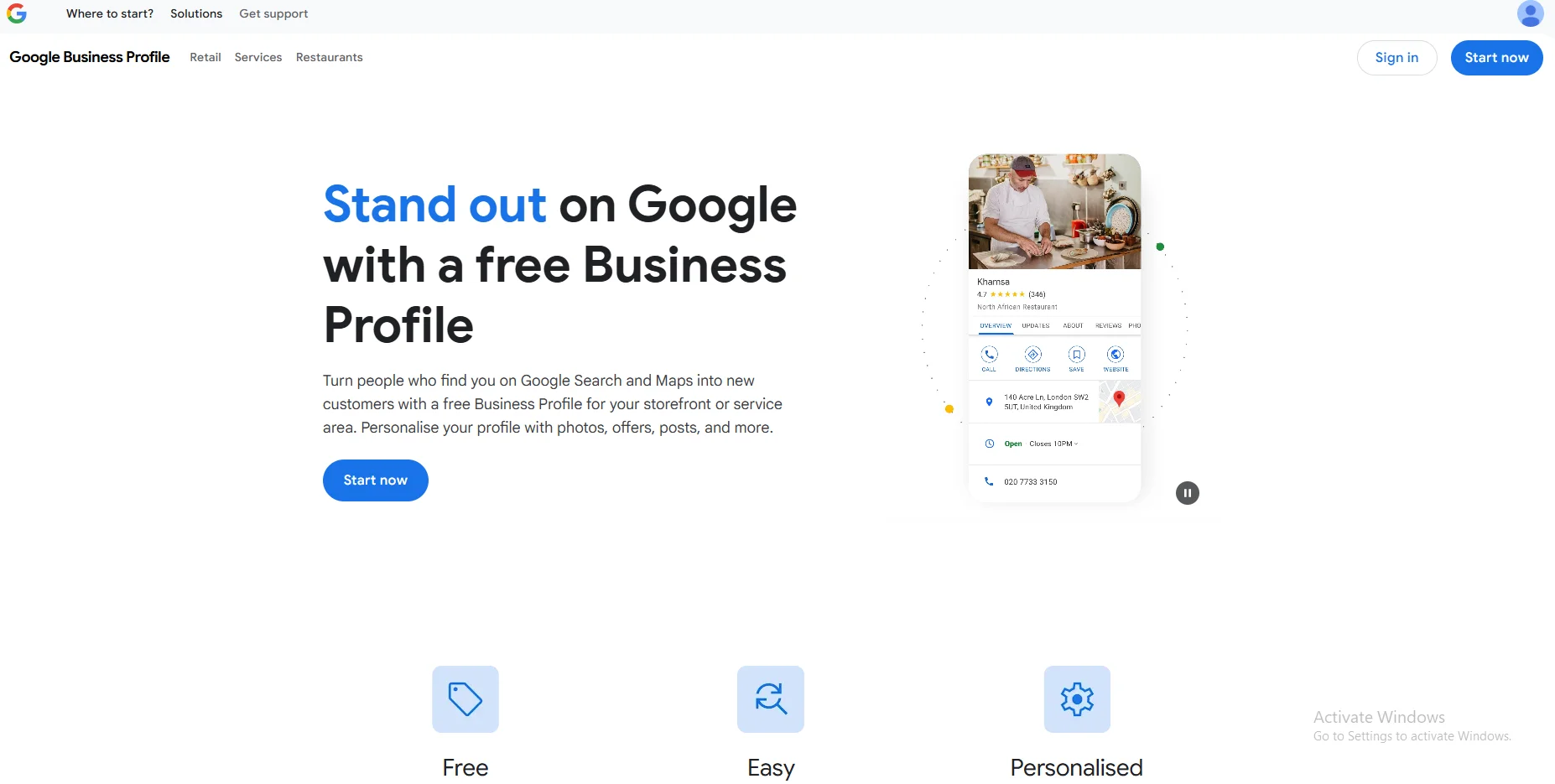
2. Click “Add your business” and enter your hotel’s name.
3. Choose “Hotel” as your business category.

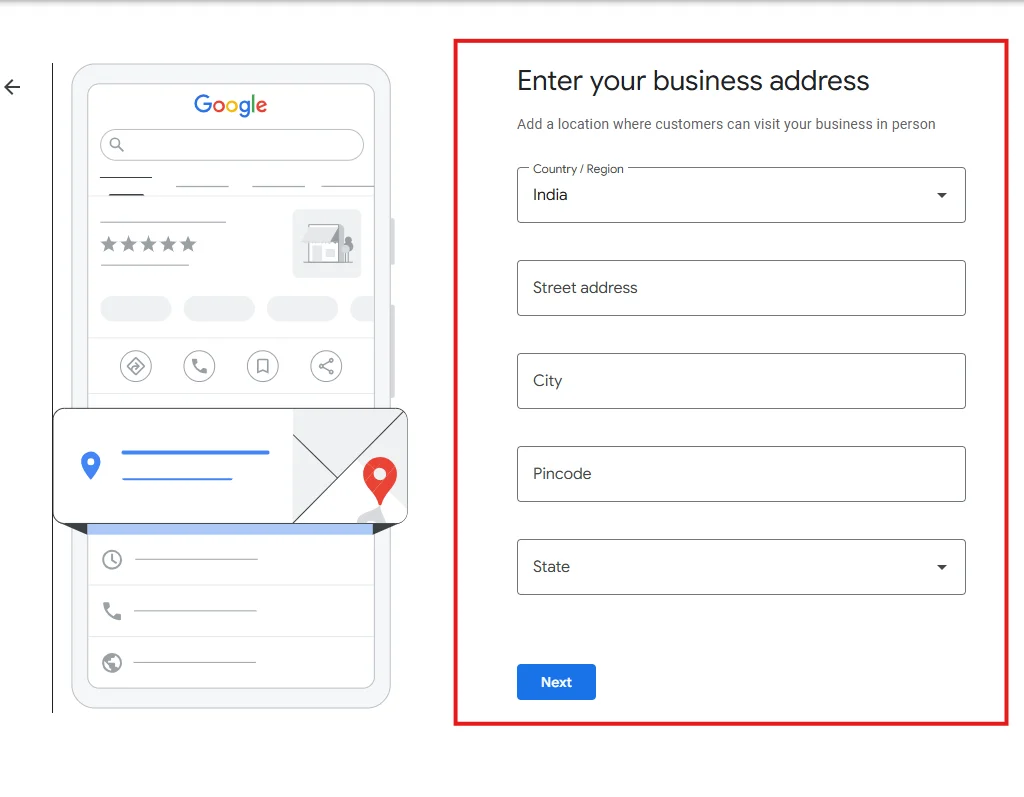
4. Add your address, phone number, website, and service areas.
5. Verify ownership (via postcard, email, or phone).
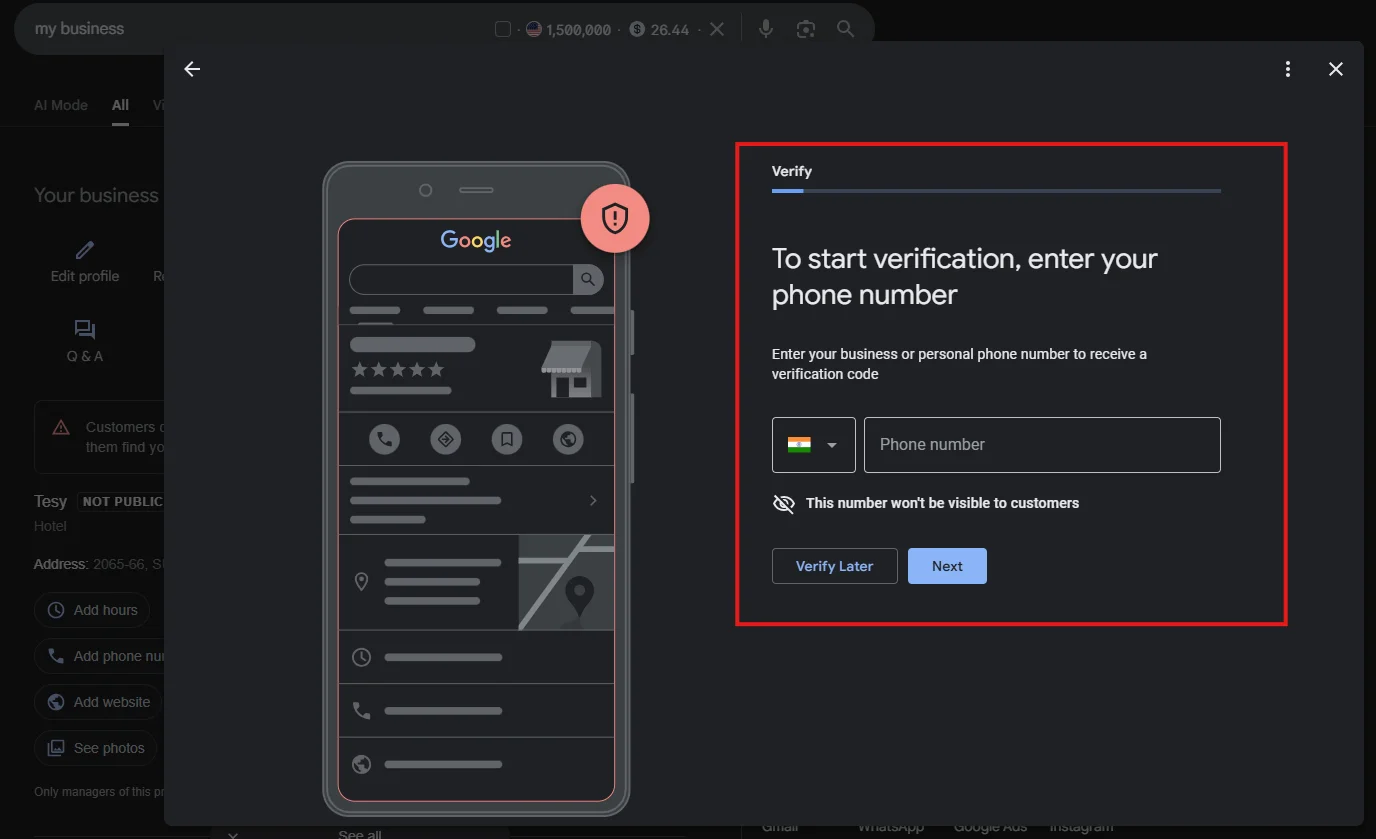
Verification ensures that you’re the official owner or manager of the hotel and allows you to respond to guest reviews.
Optimizing your profile for maximum impact
A complete and optimized Google Business Profile increases clicks and bookings. Make sure to:
- Include high-quality photos of the guest rooms, amenities, and the property’s exterior.
- Keep your hotel’s name, address, and contact information consistent across all platforms.
- Include accurate information about check-in/out times, amenities, and pricing.
- Update your profile regularly; Google rewards sites that are fresh and up-to-date.
- Add a direct booking link so guests can book directly, bypassing OTAs.
Optimized profiles appear more trustworthy, attract more visitors, and encourage more guest reviews.
WiserReview – Best review software for hotels
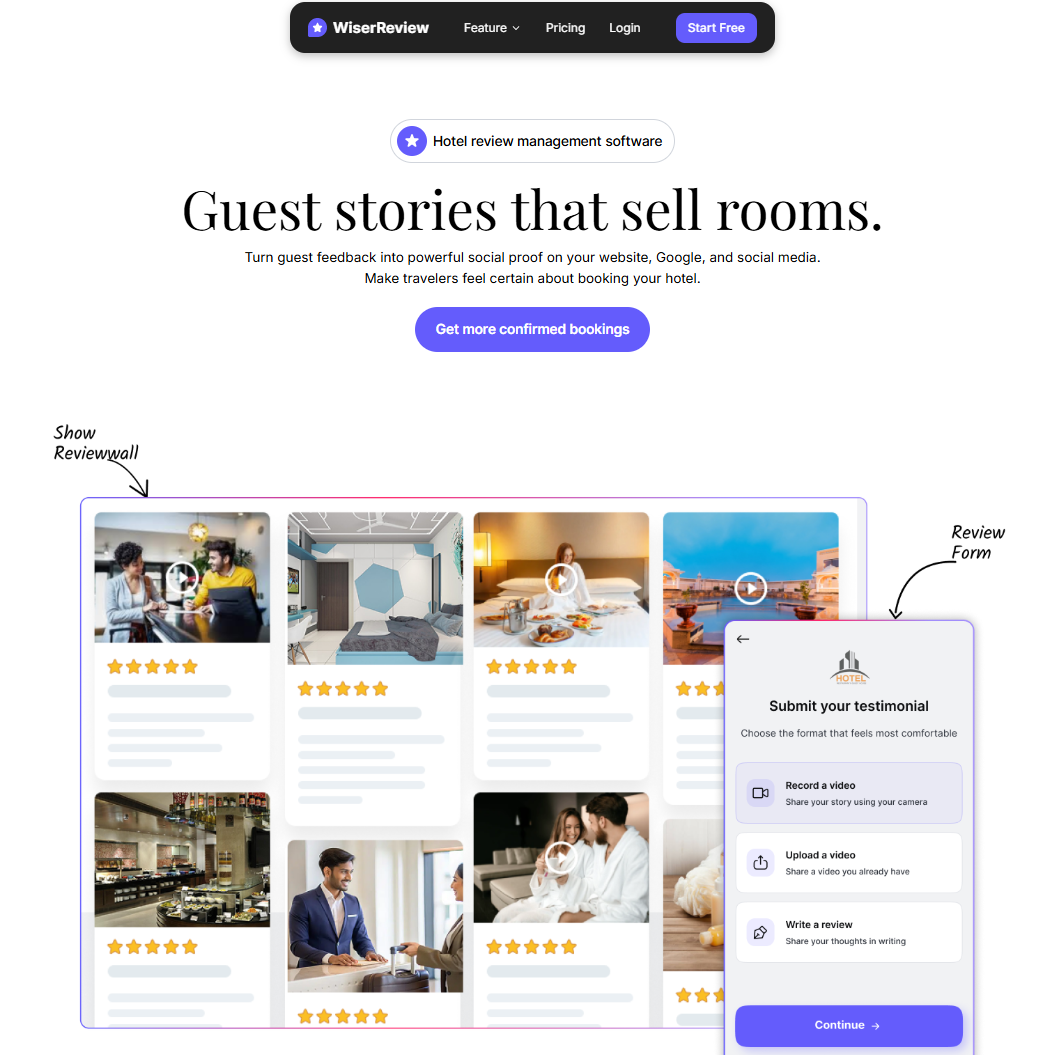
Managing Google reviews manually can be a time-consuming task. WiserReview simplifies review collection and response management for hotels.
It automatically requests feedback from guests after checkout, syncs with Google Reviews, TripAdvisor, and Booking.com, and helps increase positive reviews with automated follow-ups.
Key features include:
- Automated review requests via email or SMS.
- AI-assisted response templates to reply more quickly and personally.
- Analytics dashboard showing your average rating, response rate, and review trends.
- Multi-location management for hotel chains or vacation rentals.
Hotels using WiserReview report up to 40% more reviews within three months, resulting in higher rankings and increased guest trust.
Get more Google reviews for your hotel
Collect reviews, manage every response, and display them where they matter most.
Start Free →Don’t forget to check it out: Best Review Management Software for Hotels
Strategies to get more & better reviews
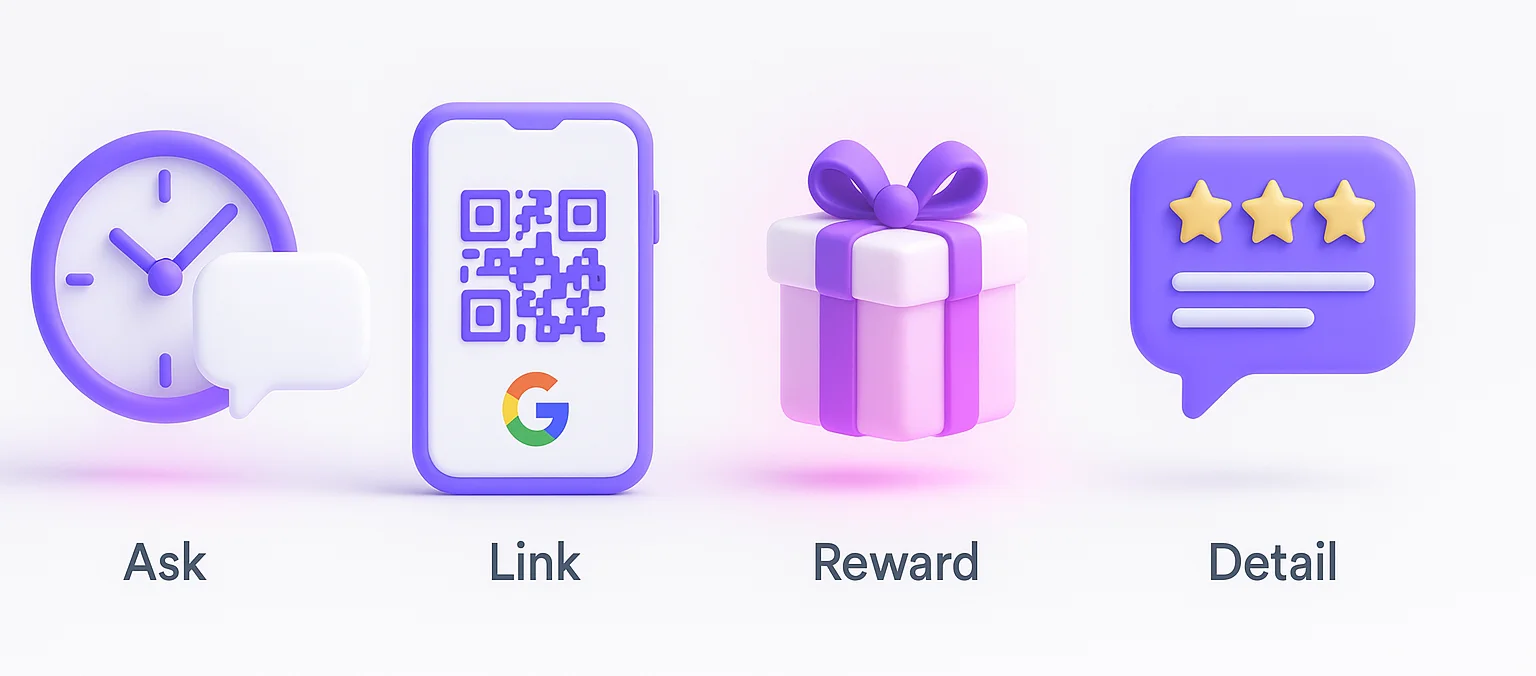
More reviews mean more visibility and trust. Use smart timing, simple links, and guest-friendly tactics to increase both quantity and quality.
Timing & requests
The best time to ask for a Google review is immediately after checkout, while the stay is still fresh in your customers’ minds.
Send a polite, personalized message:
“We hope you enjoyed your stay at [Hotel Name]. Could you take a minute to share your experience on Google? Your feedback helps us serve you better.”
Automate follow-ups using software or your CRM. Guests who receive a reminder are 3x more likely to leave a review.
Make leaving a review easy
Remove friction. Provide a direct link to your Google review page in your email or SMS, display QR codes at the front desk and on receipts that link directly to your review form.
The fewer clicks it takes, the more reviews you’ll get.
Incentives
While Google’s policy prohibits paying for reviews, you can encourage participation through subtle incentives. For example:
- Offer a chance to win a free night’s stay in a monthly draw.
- Provide loyalty points for verified reviews.
The key is to reward engagement, not positive bias.
Encouraging detailed reviews
Ask guests to describe specifics: “What did you enjoy most about your room or the service?”
Detailed reviews give Google richer user-generated content (UGC), which improves your profile’s keyword relevance.
They also help future guests compare prices, amenities, and guest satisfaction more effectively.
Responding to reviews & managing feedback
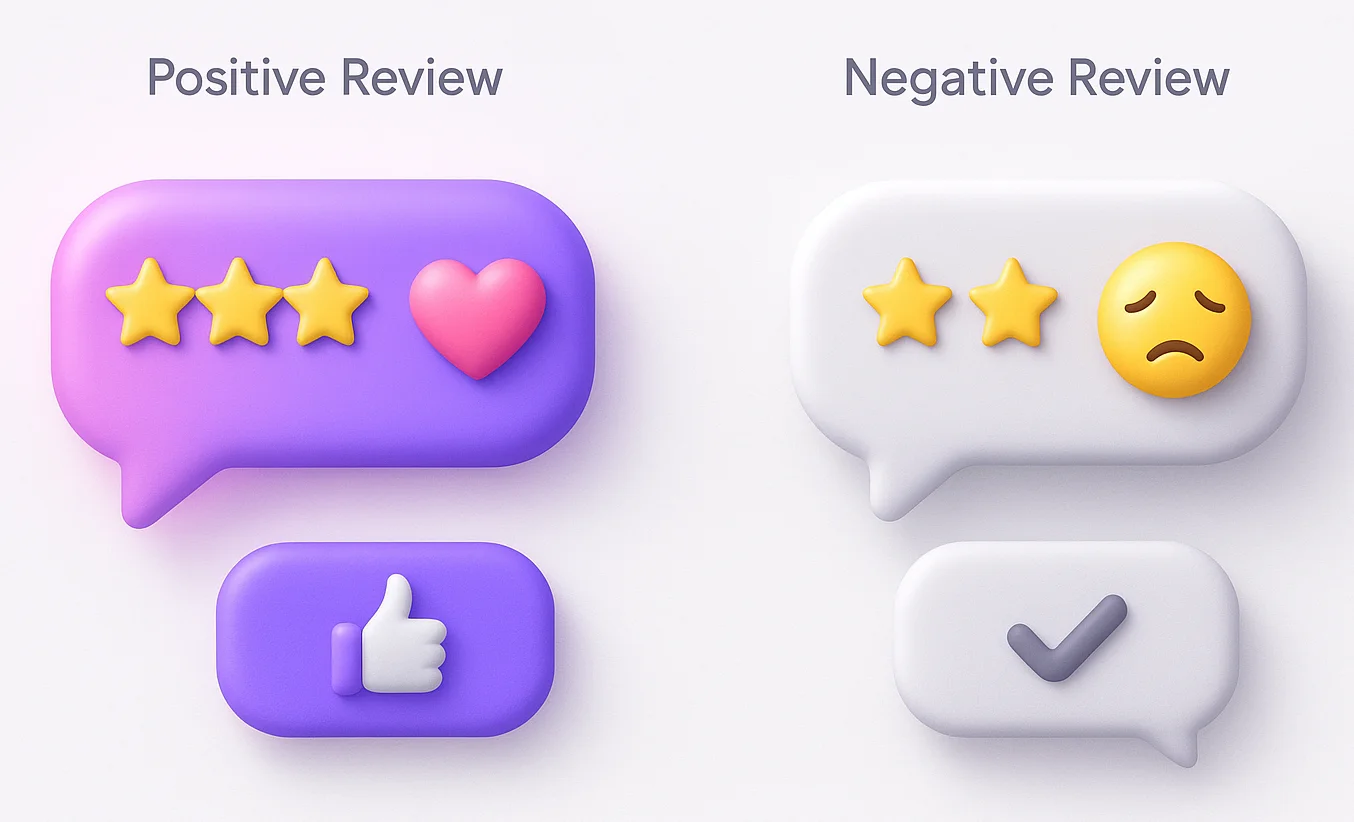
How you respond matters as much as what guests write. Thoughtful replies turn feedback into loyalty and signal professionalism to new guests.
Why responding matters
Google publicly states that responding to reviews improves local SEO. It also shows guests that you care.
Guests who see active responses from management are 35% more likely to book. Responding builds credibility and helps you learn from the feedback of your guests.
Best practices for replying
For positive reviews:
- Thank the guest by name.
- Reference something specific they mentioned.
- Invite them to return.
For negative reviews:
- Stay calm and professional.
- Acknowledge the issue.
- Offer to resolve it privately.
Example:
“Hi Maria, thank you for sharing your experience. We’re sorry your room wasn’t ready at check-in. Our team is reviewing our cleaning schedule to ensure it doesn’t happen again. We hope to welcome you back soon.”
When deletion or flagging is appropriate
You can flag a Google review if it’s:
- Fake or spam.
- Contains hate speech or personal attacks.
- Irrelevant to your property.
Flagging won’t remove legitimate criticism, but it helps maintain the integrity of your hotel’s online reputation.
Learning from reviews
Reviews provide valuable insights into guest satisfaction. Track recurring themes, like “great breakfast,” “slow Wi-Fi,” or “friendly staff.”
Use this feedback in staff meetings and improvement plans. Over time, your ratings naturally rise when guests notice that you take their input into account.
Showcasing reviews across channels
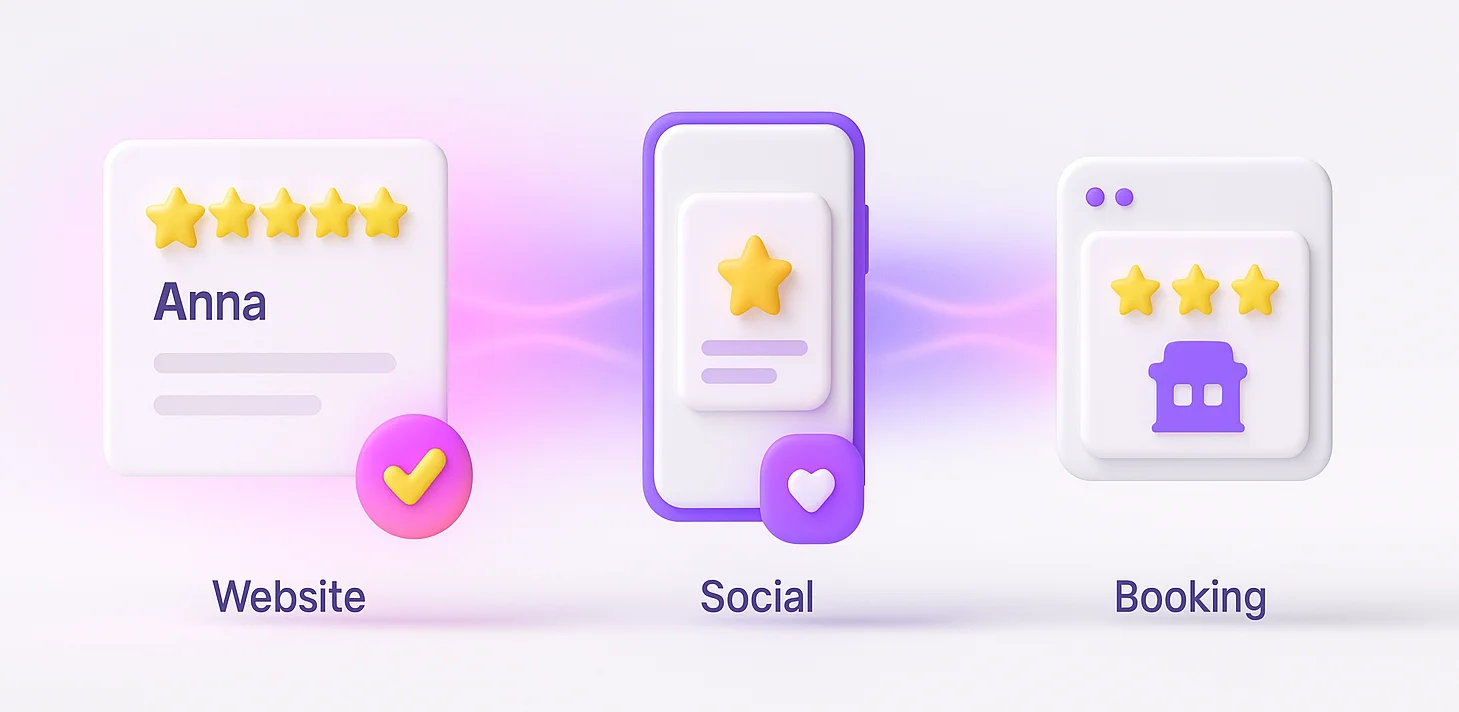
Your best reviews shouldn’t stay hidden on Google. Reuse them across your website using the Google review widget, social media, and booking sites to build trust everywhere guests look.
Use on your hotel website & booking pages
Display Google review summaries or star ratings on your homepage and booking pages. These act as social proof and help increase conversions.
Many hotels integrate Google Reviews via widgets or plugins. Just ensure you include the date and the reviewer’s first name for authenticity.
Marketing & promotional use
Highlight snippets from good Google reviews in your social media posts, email newsletters, and print materials.
Example:
“Best location and friendliest staff in the city.” – Anna, Google Reviews
This type of user-generated content makes your marketing feel real and relatable.
Cross-leveraging with OTA / meta sites
Consistency across Google, TripAdvisor, Booking.com, and Expedia boosts credibility. Guests often compare reviews across platforms before booking.
Encourage guests to share their feedback on multiple channels, especially after a positive stay. This improves your visibility on meta sites like Google Hotels, where users compare prices and ratings side by side.
Get more Google reviews for your hotel
Collect reviews, manage every response, and display them where they matter most.
Start Free →Wrap up
Google reviews for hotels aren’t just comments; they’re a continuous guest satisfaction survey, SEO booster, and trust signal rolled into one.
By claiming your Google Business Profile, optimizing your listing, and managing guest feedback wisely, you can attract more guests, improve your reputation, and increase bookings.
Tools like WiserReview make it easier to collect, manage, and showcase guest reviews without adding more work to your front desk team.
Stay proactive, keep your reviews up to date, and use the insights to improve your service continually. That’s how hotels stay ahead in search results and guest satisfaction.
Frequently asked questions
Google reviews help hotels appear higher in search and Maps results. They also influence booking decisions and build guest trust.
Ask guests right after checkout through email or WhatsApp. Make it easy with a direct review link or QR code. Tools like WiserReview automate this process.
Only reviews that violate Google’s policies like spam, fake, or abusive content can be flagged and removed. Honest feedback, even if negative, should stay.
Always thank the guest, address their feedback politely, and show what you’re improving. Quick, professional replies help your reputation.
WiserReview collects guest reviews from Google and other sites, automates review requests, and displays them on your website to build trust and increase bookings.

Krunal