2 min
2 min 
Loox is a popular Shopify app that helps brands collect and display photo-based reviews.
But whether you’re switching to a new tool, updating your store’s layout, or simply cleaning up unused apps, removing Loox the right way is essential to avoid display issues or leftover code that could affect your theme.
This post walks you through the whole process of removing Loox reviews from your Shopify store, step by step, without breaking anything.
We’ll also introduce an easier, more flexible Loox alternative, WiserReview, for those looking to keep using reviews without the hassle.
How to remove Loox reviews from Shopify
Removing Loox involves two parts: uninstalling the app and cleaning up any remaining theme code or widgets.
Step 1: Uninstall the Loox app from Shopify
- Log in to your Shopify admin
- Go to the Apps section from the left-hand menu.
- Locate Loox in the app list.
- Click the 🗑️ trash icon next to it.
- Choose a reason and click Delete.
This removes the app and stops future billing. However, it may leave behind code or embedded widgets in your theme files.
Step 2: Remove Loox code from your theme (Optional but recommended)
After uninstalling the app, check your Shopify theme files to make sure Loox-related code is removed.
1. In Shopify, go to Online Store → Themes.
2. Click Actions → Edit Code on your active theme.
3. Search for files like:
- product.liquid
- Product-template. liquid
- theme.liquid
- loox_reviews.liquid
4. Look for any Loox snippets like:
“{% include ‘loox_reviews’ %}”
or
“<div class=”loox-review”>…</div>”
5. Carefully delete these lines and save your changes.
This ensures your product pages no longer try to load missing Loox elements, which can prevent layout issues or console errors.
Looking for a review app that’s easier to manage?

Many store owners who remove Loox are looking for a review app that’s easier to customize, more flexible in display options, or better suited for their budget.
That’s where WiserReview comes in, a review platform built for simplicity, speed, and control.
WiserReview lets you manage, tag, and display reviews across your Shopify store without writing a single line of code.
It offers flexible widgets, more intelligent automation, and built-in features like review tagging and moderation that aren’t available in Loox.
WiserReview vs Loox – Quick feature comparison
| Feature | WiserReview | Loox |
|---|---|---|
| Display Widgets | Multiple layouts, customizable | Fixed layout options |
| Review Tagging | Built-in tagging by product or category | Not available |
| Auto Moderation | Smart filters for rating, keywords, and media | Manual only |
| Collect reviews | Text, photo, and video reviews. Import from Google, Facebook, and other sites. Verified buyer tags. | Limited option |
| Import/Export Support | Easy CSV import from Loox, Stamped, etc. | Export only |
| Social Sharing | Auto-post reviews to Instagram, others | Not supported |
| Pricing | Starts at $9/ month | Starts around $12.99/month |
WiserReview is a smooth upgrade for anyone moving off Loox. It doesn’t just replace the basics — it gives you more control without the extra work.
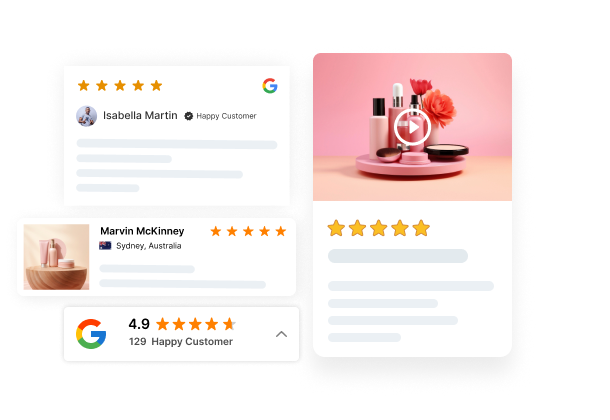
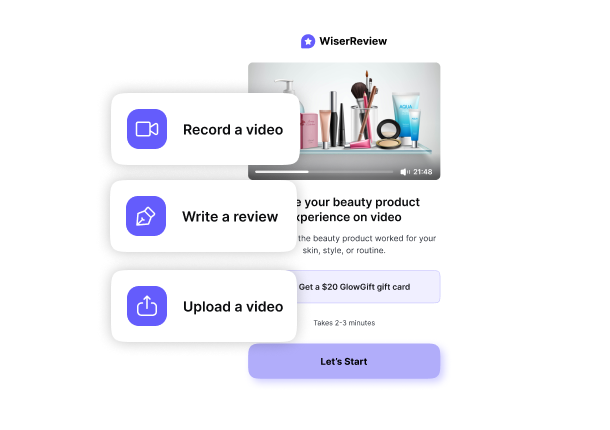

All your reviews in one place
Collect reviews, manage every response, and display them where they matter most.
Conclusion
Removing Loox reviews from your Shopify store is easy once you know the proper steps. Start by uninstalling the app, then clean up any leftover code in your theme to keep your store error-free.
If you’re looking for a more flexible review tool going forward, WiserReview offers everything you need, including customizable widgets, import support, and simple automation.
It’s a cleaner, faster way to manage reviews without being locked into a rigid setup.
Want to reuse your Loox reviews? WiserReview makes that possible in just a few clicks.
Frequently asked questions
Uninstalling the Loox app stops it from displaying reviews, but it may leave behind code in your theme. You need to manually remove Loox snippets from your theme files to fully clean up your store.
It can if Loox code is still present after uninstalling the app, it might cause layout issues or empty sections on product pages. That’s why it’s important to remove any leftover code manually.
Yes, you can export your reviews from Loox as a CSV file and import them into another platform like WiserReview, which supports review import from Loox and other tools.
Loox code is usually found in files like product.liquid, product-template.liquid, or theme.liquid. You can also search for files or snippets with "loox" in the name.
Yes, WiserReview is a flexible alternative that doesn’t require code edits. It offers custom widgets, auto-moderation, review tagging, and easy import from Loox.

Krunal