5 min
5 min 
Most stores lose sales every day because they handle product reviews the wrong way. They collect stars but miss trust, clicks, and conversions.
Managing reviews isn’t just about collecting stars anymore. It’s about building systems that turn customer feedback into trust, conversions, and real business growth.
In 2026, reviews decide who wins search results and who gets ignored. Poor product review management quietly kills growth, even with great products.
This guide shows you exactly how to collect, display, moderate, respond to, and leverage reviews strategically.
1. Collect more reviews automatically
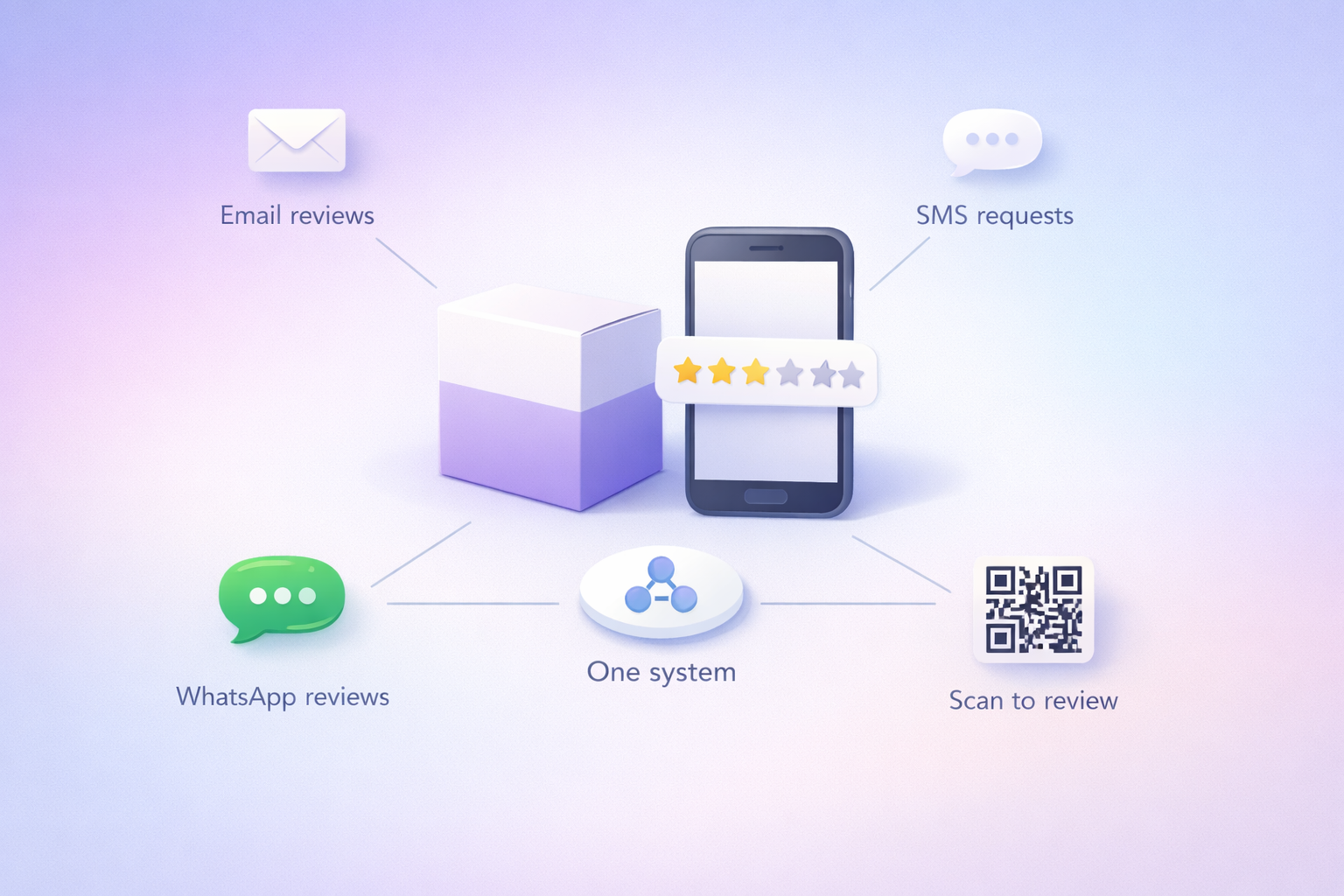
Automation is the difference between hoping for reviews and actually getting them. Asking customers for reviews manually gets old and fast. Automated systems, on the other hand, keep working while you’re resting.
- Trigger-Based Requests: Send review requests automatically through email, text message, or WhatsApp within a day or two of delivery using APIs.
- In-App or Post-Purchase Forms: For digital products, just add a one-click rating system to the app or the order confirmation page. This way, you eliminate all the friction of clicking an external link or logging in.
- QR Codes on Packaging: For physical goods, add a QR code on the packaging or include one in the box that links directly to a review submission form. This will help you snag more reviews from offline customers.
- Multiple channels, one system: The best collection strategies use a mix of email, text, WhatsApp, and QR codes. Different customers prefer different ways of engaging. Some might ignore an email but respond right away to a text.
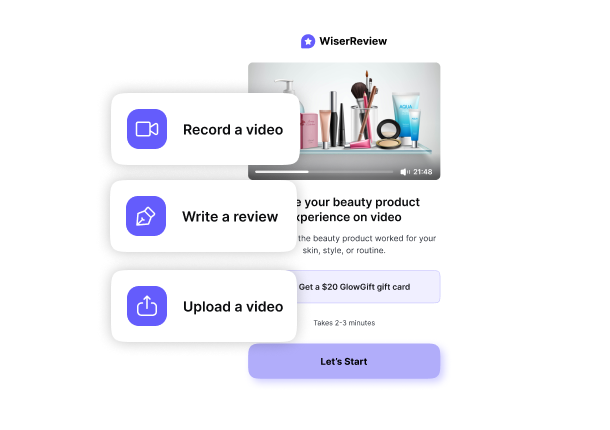
WiserReview makes review collection by automating the entire process across all these channels.
You can set up triggers based on order status or delivery confirmation, tweak the timing, and even prioritize review requests by product price or review count. And of course, you can automate your emails, texts, and WhatsApp messages.
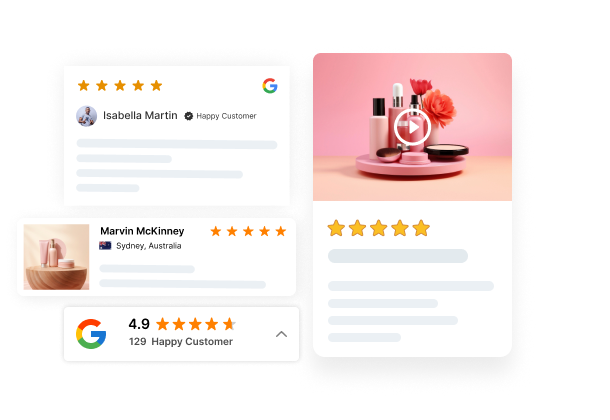

All your reviews in one place
Collect reviews, manage every response, and display them where they matter most.
2. Show reviews where they convert best
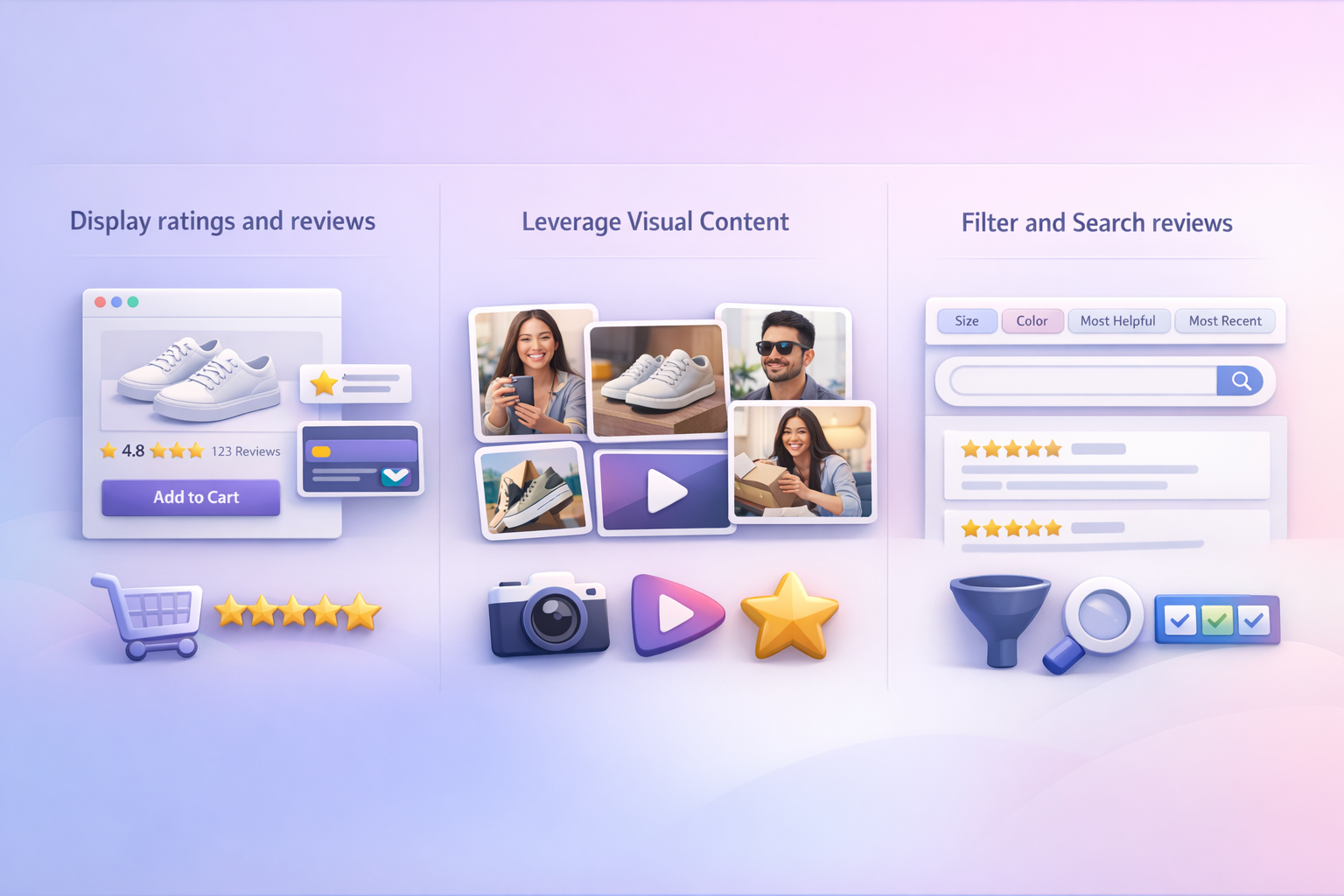
Collecting reviews is pointless if customers can’t find them when it counts. Placement is everything, more than the number of reviews you collect. Strategic placement is key to boosting conversion rates.
- High-Hesitation Placements: Display reviews and short snippets in places where customers are most likely to see them. Reviews convert best when they show up at decision-making moments, like right next to the “Add to Cart” button on product pages, or in checkout flows as social proof, on landing pages as trust builders, and in email campaigns as persuasive elements.
- Leverage Visual Content: Show off user-generated photos and videos on product detail pages. This social proof can boost engagement and drive up conversion rates in a big way.
- Filter and Search: Let shoppers sort reviews by specific criteria (e.g., “size,” “colour,” “skin type,” “most helpful,” “most recent”) so they can find relevant feedback in a snap.
WiserReview gives you a range of customizable widgets, including carousels, pop-ups, badges, love walls, and inline review sections, and every one of them comes with schema markup so your review stars show up in Google search results.
3. Moderate and filter reviews smartly
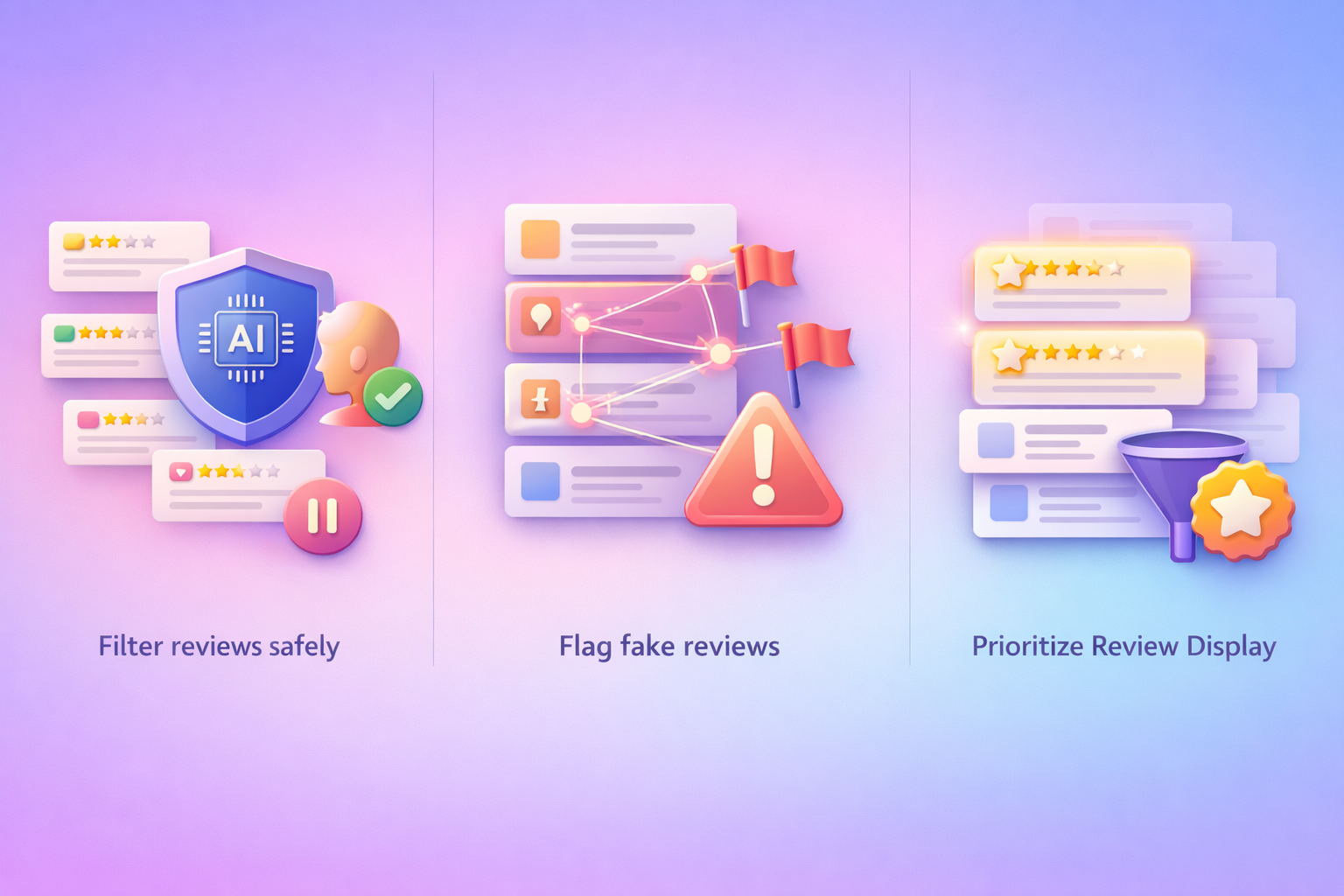
Not every review deserves to go live right away. Smart moderation protects your brand and keeps things real.
Use AI tools to filter out bad or fake reviews like profanity and spam, then have human eyes review what’s left to catch the nuances the automation might miss.
How to handle different review types:
- 5-star reviews: Approve them quickly and give them centre stage
- 3-4 star reviews: These are often the most trustworthy, approve them too, as they feel real.
- 1-2-star reviews: Take a closer look, respond professionally, and reject only if they’re a clear policy breach.
- Suspicious patterns: Multiple reviews from the same IP, generic-sounding reviews, or reviews with no purchase history.
While all reviews should be valued, you can smartly filter what is displayed by default (e.g., showing “most helpful” first) while still allowing access to all feedback for full transparency.
WiserReview’s moderation dashboard uses AI to automatically flag risky reviews for manual approval, saving hours of manual checking.

All your reviews in one place
Collect reviews, manage every response, and display them where they matter most.4. Respond to reviews to build brand trust
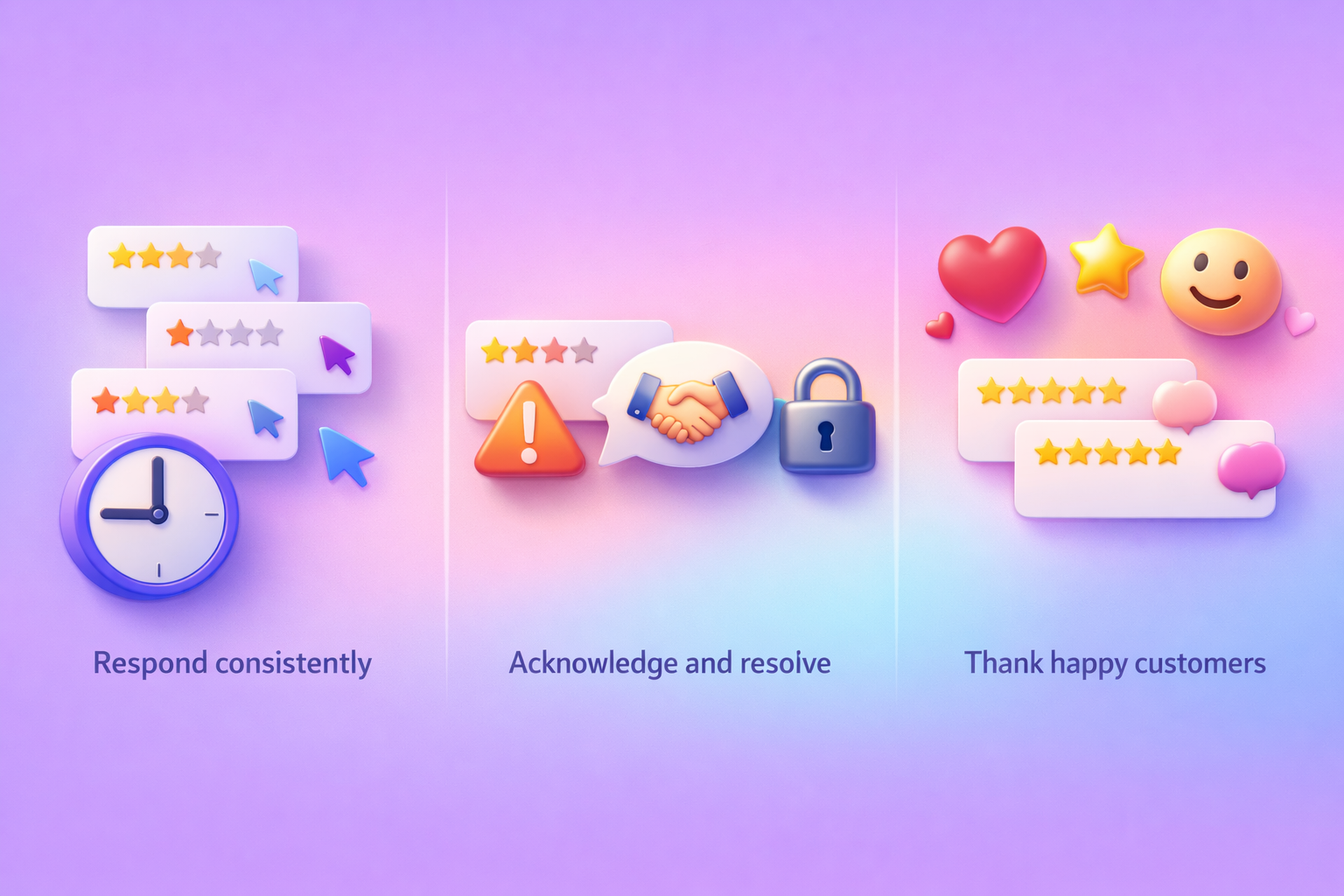
Public response is a vital part of customer service and marketing, demonstrating you value feedback and are an engaged, transparent brand.
Consistency is Key: Aim to respond to as many reviews as possible, both positive and negative, ideally within 24-48 hours.
Acknowledge and Apologize (for Negative): Publicly acknowledge the customer’s experience, apologize sincerely for any shortcomings, and offer a solution. Move the specific resolution offline to manage the situation privately and professionally.
Show Gratitude (for Positive): Thank customers for their positive feedback. Mentioning specific details from their review shows you have read it and are not using “canned” responses.
WiserReview’s AI response feature can generate personalized draft responses in your brand voice, which you can review and send in seconds. For high-volume businesses, this hybrid approach (AI drafts + human review) keeps response times fast without sacrificing authenticity.
5. Use reviews as marketing content

Reviews are authentic customer-generated content that can outperform traditional marketing. Stop letting them gather dust on your review pages.
- Content Repurposing: Turn great reviews into social media posts, blog snippets, website headlines, and case studies.
- SEO benefits: Fresh review content gives you valuable keywords that can boost your organic search rankings and get you showing up in Google’s search results.
- Ad Copy Integration: Incorporate star ratings and customer quotes directly into paid ad campaigns to drive up click-through and conversion rates.
- Video testimonials are gold: by 2026, video reviews will be a whole lot more convincing than just reading text, so get on board.
WiserReview makes it utterly seamless for customers to record and submit their own video reviews, right from your review forms.
6. Improve products using review insights
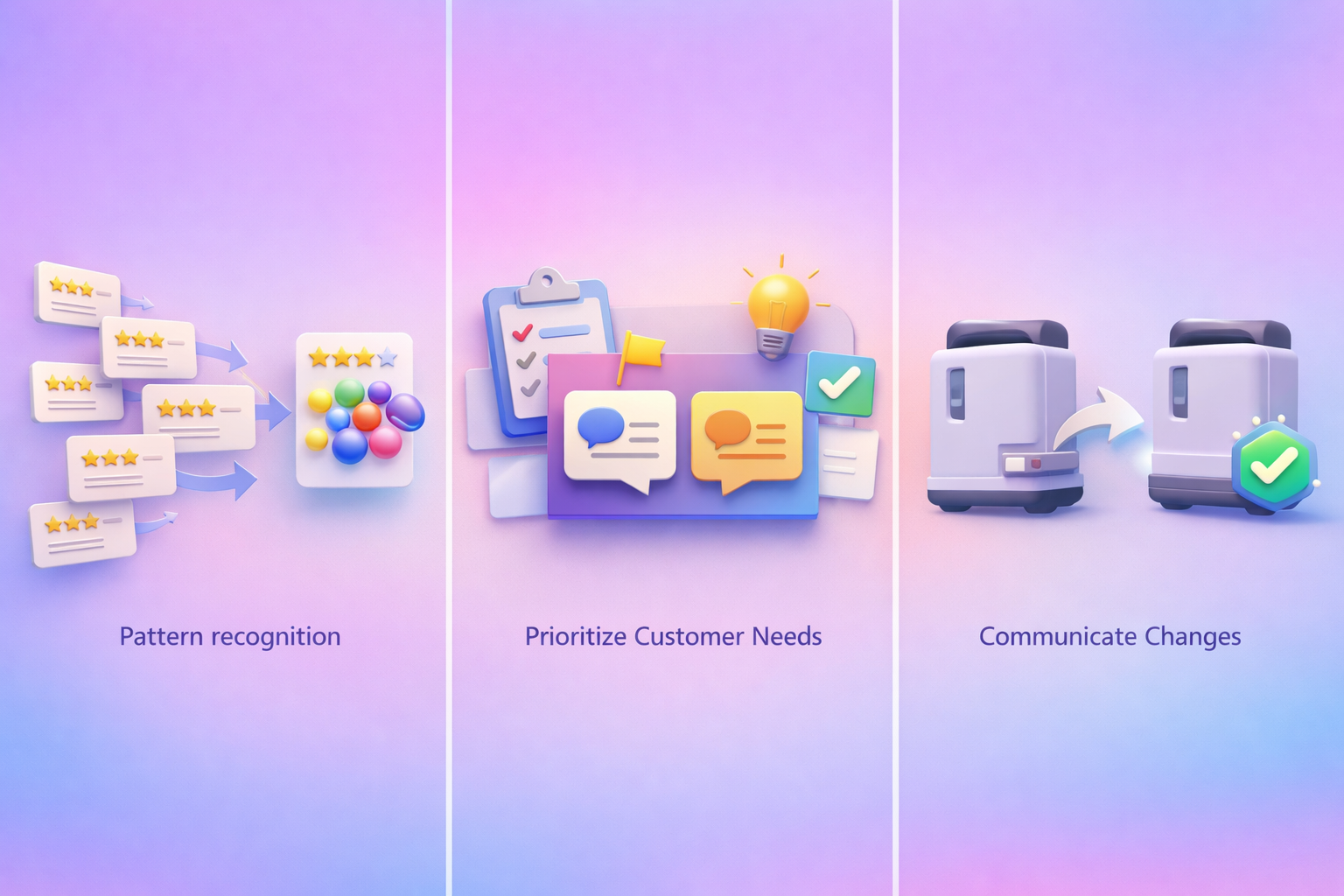
Reviews are basically free market research. Customers are going to tell you exactly what works, what doesn’t work, and all the things they wish you were doing.
Pattern recognition matters: Don’t just try to fix every individual complaint that comes your way; look for the bigger picture. If 15 people are saying the exact same thing, like “these instructions are so confusing”, then it’s a big opportunity to genuinely make your product better.
Prioritize Customer Needs: When you’re planning product changes, make sure to use your customers’ words in the meeting, as it keeps you connected to them.
Communicate Changes: When you’ve improved your product based on the feedback, announce it proudly: “You asked, we listened! We’ve improved the zipper strength based on customer reviews.” This validates customer input and builds loyalty.
WiserReview’s tagging system lets you sort your reviews by custom categories, so you can filter them by “Customer Support”, “Pricing”, “Quality”, or “Shipping”, all without having to read every single review manually.
All your reviews in one place
Collect reviews, manage every response, and display them where they matter most.Wrap up
Managing product reviews in 2026 requires a solid system: one that automatically collects reviews, shows them to the people who are actually deciding on a purchase, and gets moderation and responses moving quickly.
You’ll also be using reviews as a sales tool and a guide for product improvements, which just so happens to boost trust, increase conversions, and give your SEO a bit of a kick in the right direction in the long run.
If you’re looking for a single tool to handle the whole review workflow, then WiserReview is your best bet. It lets you collect, display, moderate, respond to, and gain insights from reviews in one place.
Start with something simple, set up your automated review requests, and you’ll find that everything else gets a whole lot easier with a constant flow of fresh feedback coming in.
Frequently asked questions
Most customers trust a business once it has 20-99 reviews. Focus on crossing 20 first, then grow reviews steadily each month.
Ask 1-3 days after delivery for physical products, or 3-7 days after service completion.
Only reviews that break platform rules can be removed. Legitimate negative reviews should be answered professionally.
Yes. Star ratings in search results can raise click-through rates by about 35% and help rankings with fresh content

Krunal