4 min
4 min 
Google Maps reviews help people decide which businesses to visit or contact. They show real feedback, photos, and ratings that guide new users during their search.
If your Google Business Profile has consistent and high-quality reviews, you appear higher in Google search results and attract more local visitors.
Managing these reviews properly keeps your map data accurate and your business relevant to local users.
This guide explains simple steps to collect and manage Google Maps reviews easily to improve trust and visibility.
Let’s get started!
Why Google Maps reviews matter for your business
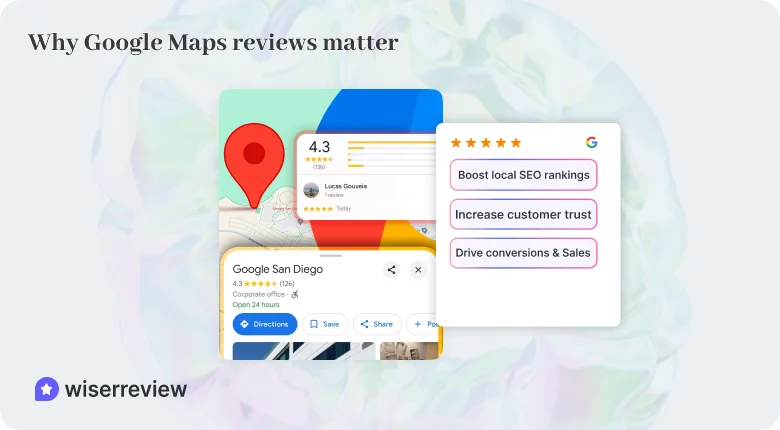
Google Maps reviews do more than show customer opinions; they directly impact how people find and trust your business.
Here’s how they help:
1. Boost local SEO rankings
Google uses feedback and ratings as ranking signals.
A steady flow of positive Google Maps reviews helps your business appear higher in local search results and on the Google local app, making it easier for users to discover you.
2. Increase customer trust
People trust real experiences. Helpful and detailed feedback gives new visitors confidence before they contact or visit your location.
Honest feedback also shows your business is active and values its customers.
3. Drive conversions & Sales
Strong ratings and visible reviews encourage more clicks, calls, and visits.
When your Google Business Profile shows genuine quality through feedback and photos, customers are more likely to choose your services over others nearby.

Grow with real Google Map reviews
Collect, manage, and display real customer reviews to grow your Google visibility and attract more local visitors.
Start Free →Step 1: Make it easy for customers to leave reviews
Most people are happy to share their experience, but if leaving a review takes too long, they won’t do it. The easier you make it, the more reviews you’ll collect.
Here are simple ways to help customers leave Google Maps reviews quickly.
Create a Google review link
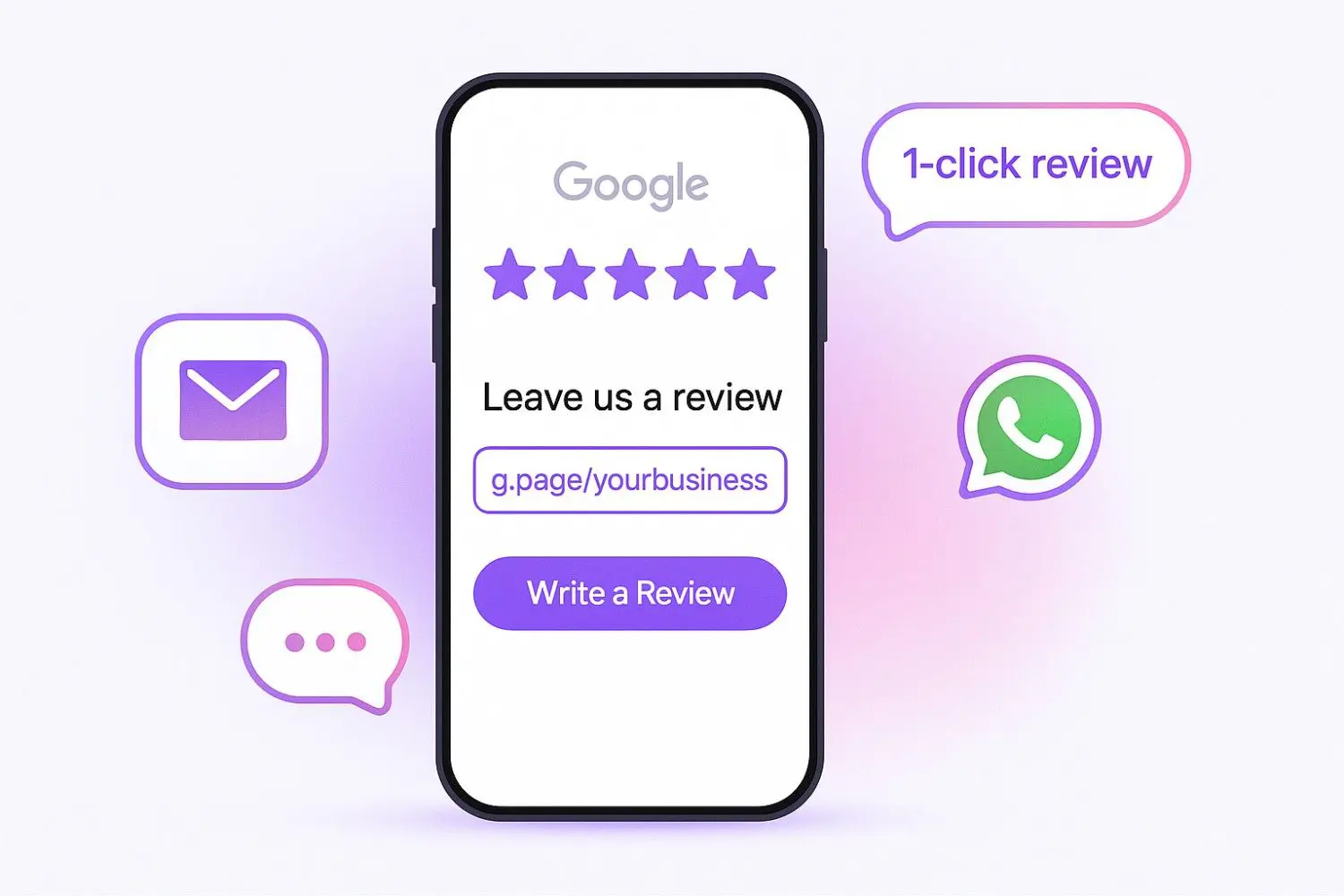
Share a direct Google review link from your Google Business Profile or use the Google Review link generator. When customers click it, they go straight to your page to rate and write feedback.
- Share the link by email, SMS, or WhatsApp.
- Make sure it opens directly in the Google Maps app.
Use QR codes for offline customers
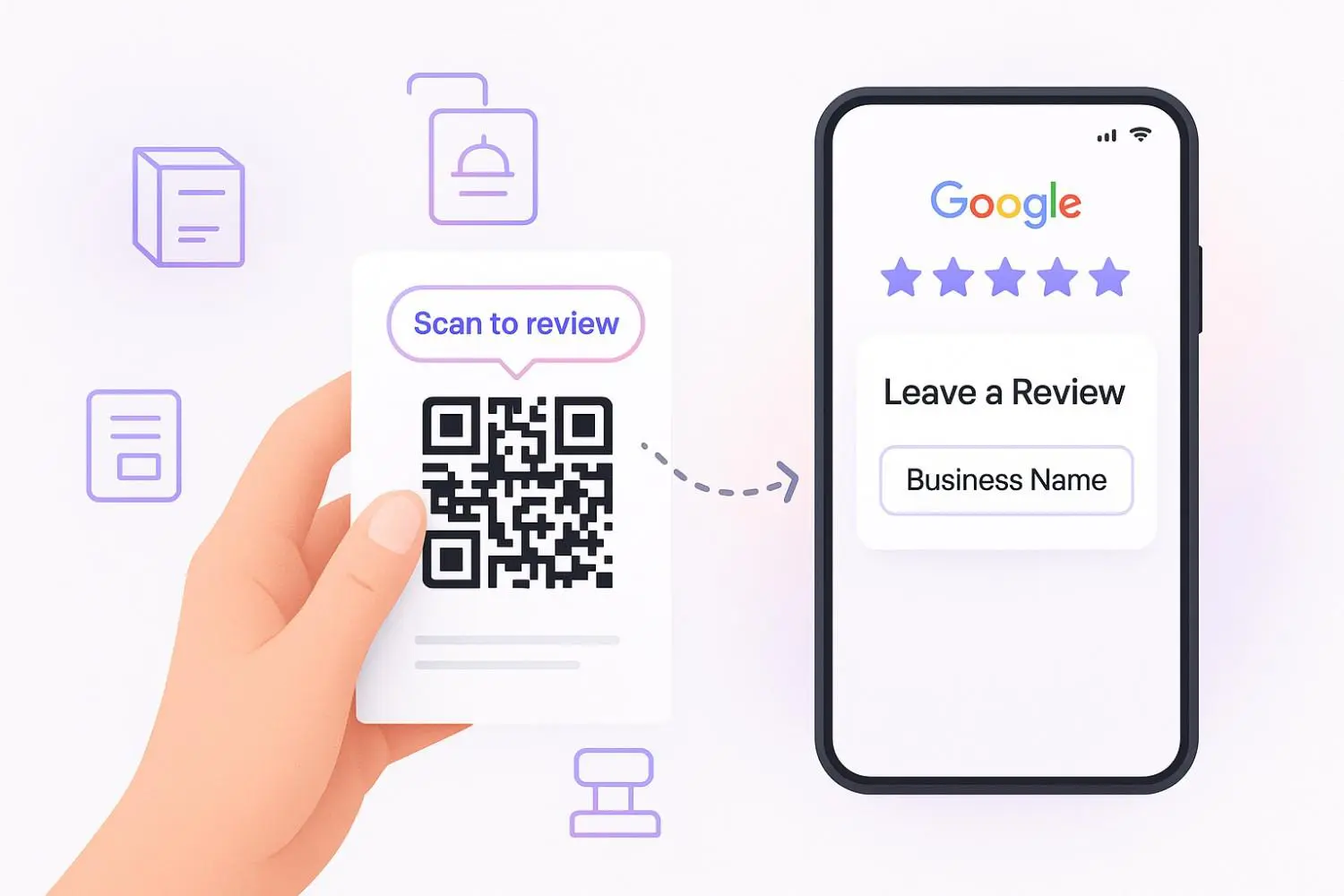
For walk-in customers, place a QR code near the counter or on receipts. Scanning it should open your Google Maps review form right away.
- Add the QR code in a visible location.
- Ask customers to scan and leave quick feedback.
Automate review requests
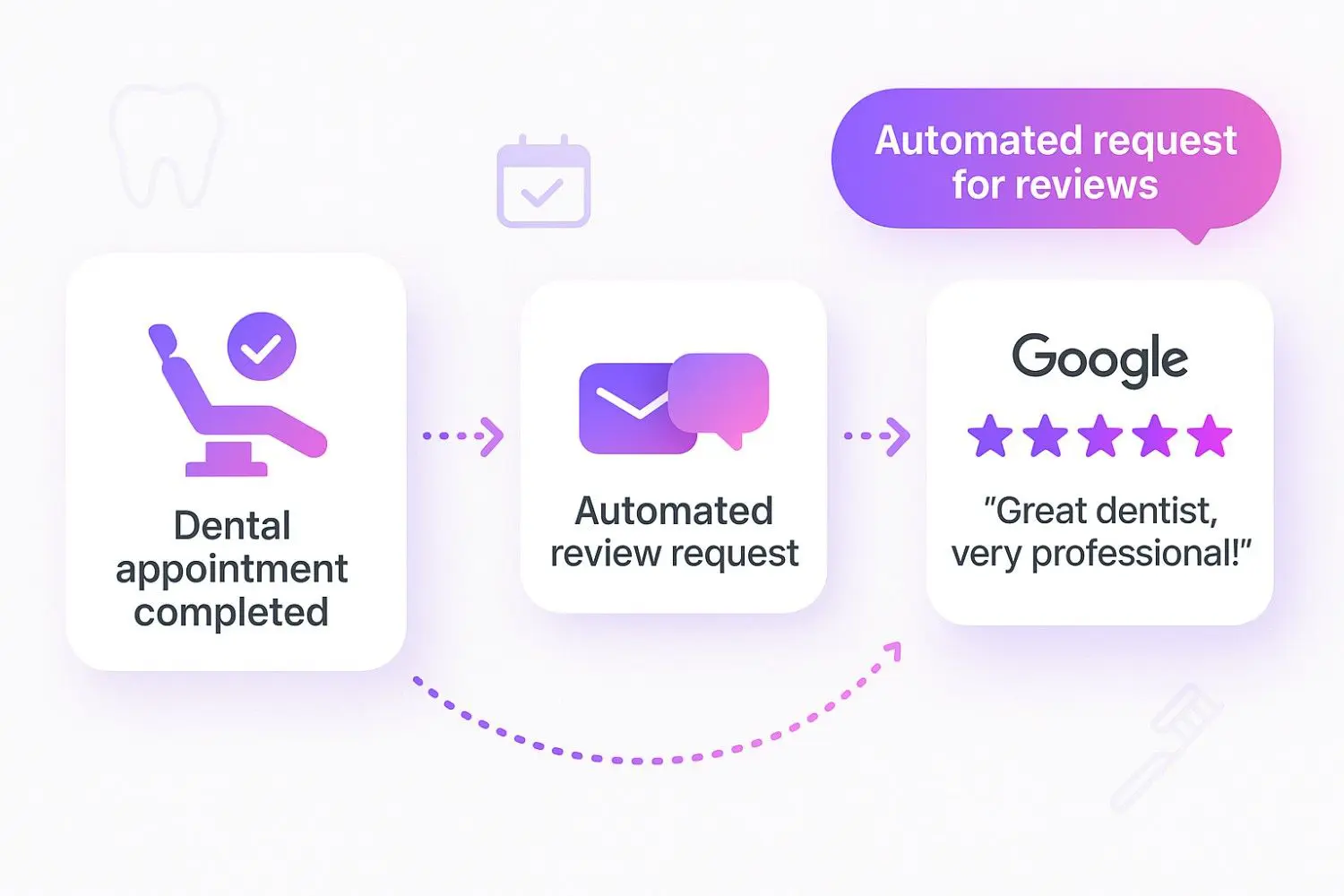
Save time by using tools that send review requests automatically after each order or visit.
- Send automatic messages through email or SMS.
- Keep the message short and friendly.
Simple steps like these make it easy for customers to write feedback, helping your business collect real, steady feedback on Google Local Maps.
Step 2: Ask for reviews the right way
The way you ask for Google Maps reviews makes a big difference. A friendly, well-timed request often leads to more honest feedback.
Here’s how to do it right:
Train your staff to ask at the right time
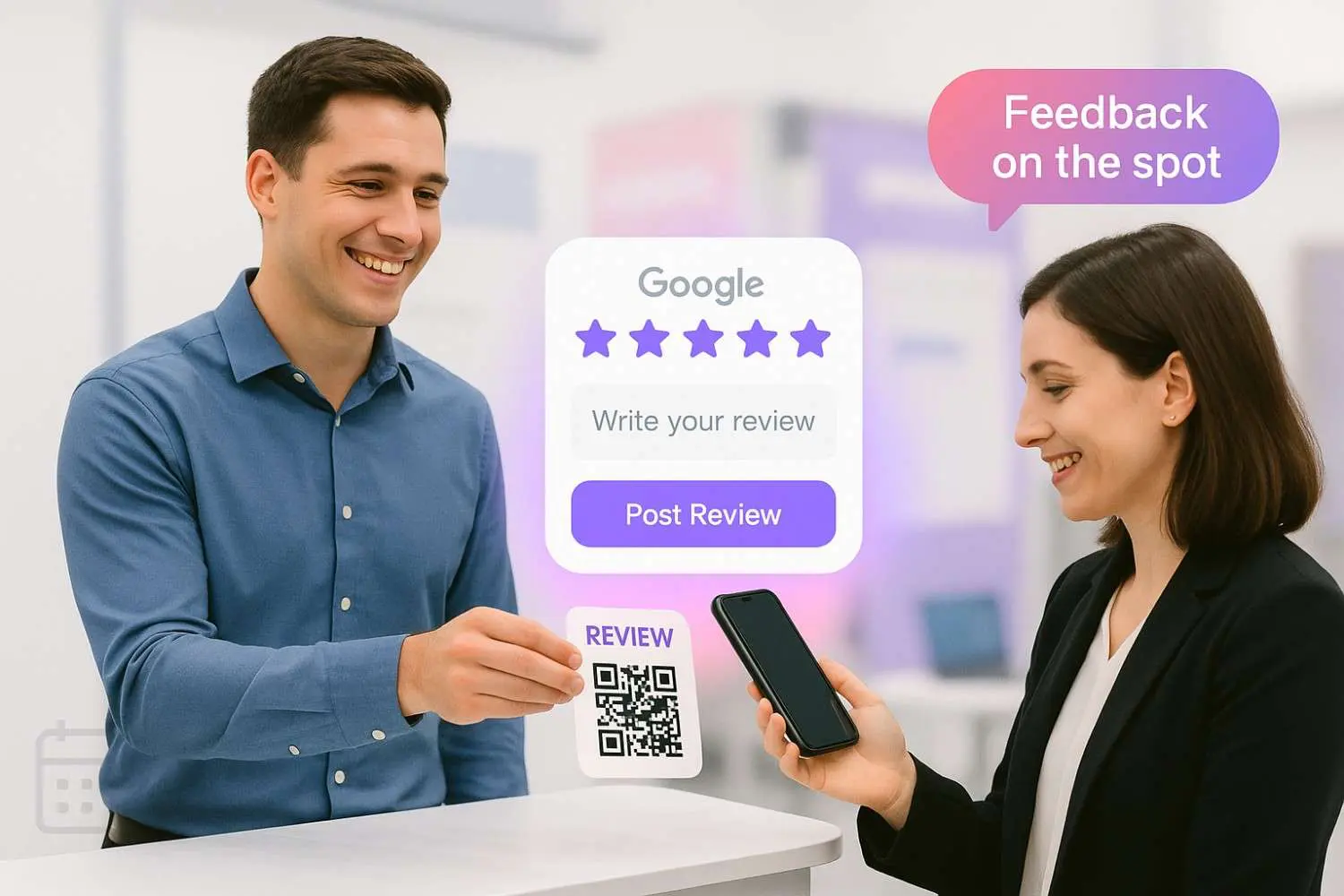
Your team meets customers every day and can help you collect more feedback. A short and polite request works best right after a good visit or service.
That’s when the ratings and details customers share are most genuine.
- Ask in person after a positive experience.
- Keep the tone polite and helpful.
- Guide them if they’re unsure how to write reviews in the Google Maps app.
Use templates for review requests
Save time by using ready-made message templates for emails, texts, or WhatsApp. Include your Google local map review link so customers can easily share their feedback.
- Personalize each message when possible.
- Add your review link or QR code for easy access.
- Keep it short, clear, and relevant.
Grow with real Google Map reviews
Collect, manage, and display real customer reviews to grow your Google visibility and attract more local visitors.
Start Free →Offer incentives without violating Google’s guidelines
You can thank customers for leaving reviews, but stay within Google rules. Avoid paying or rewarding only for positive feedback.
Instead, offer something general, like a thank-you note or a small discount on their next visit.
- Don’t ask for 5-star ratings.
- Keep rewards open to all customers.
- Focus on real, useful feedback that helps others discover your location.
Step 3: Manage reviews effectively
Getting reviews is only half the job; managing them well keeps your business profile strong and trustworthy.
Here’s how to handle them the right way.
Respond to every review
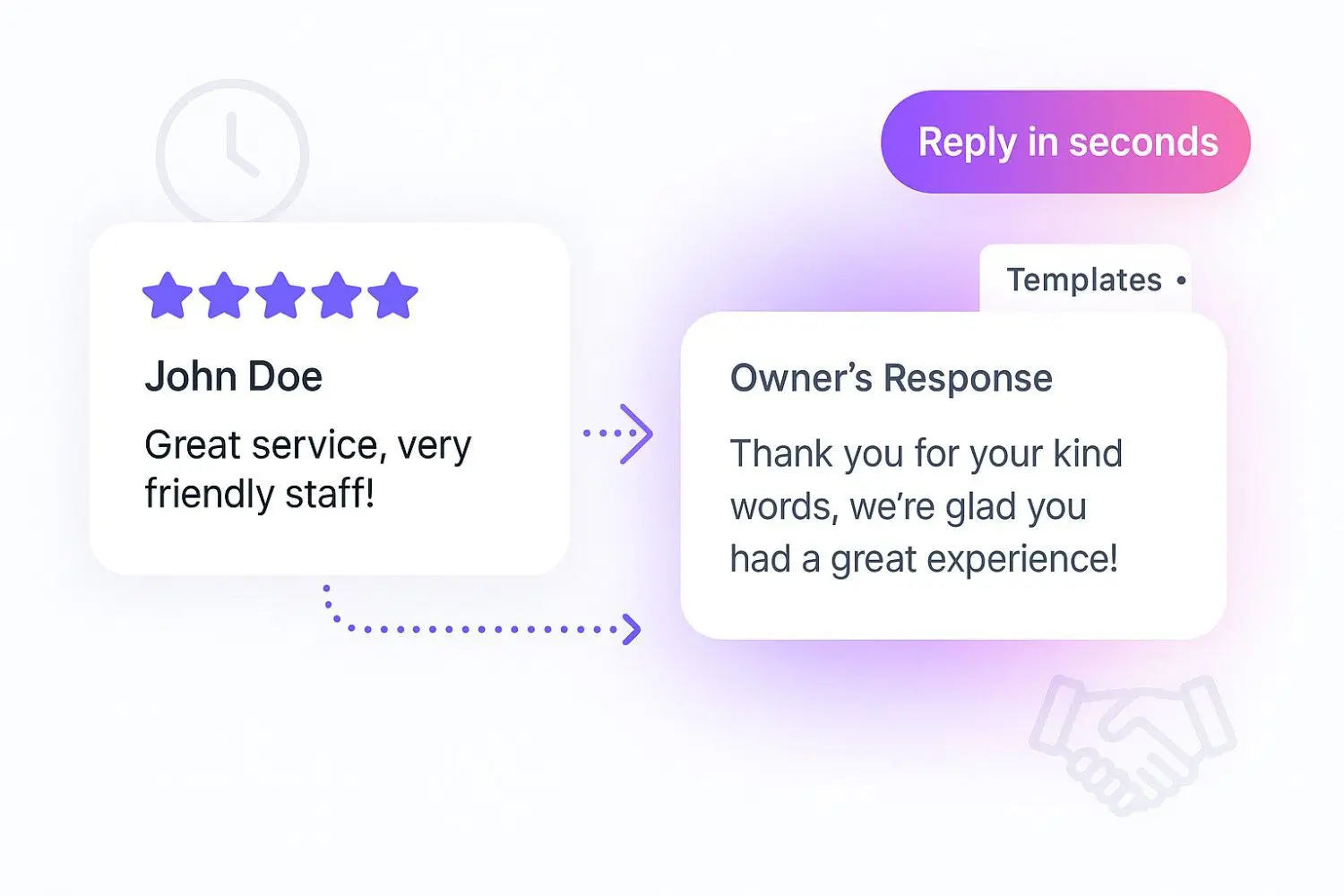
Always reply to reviews, good or bad. Thank customers for positive feedback and show that you appreciate their time. Use a polite tone and make your replies short, personal, and relevant to their visit.
- Reply to each feedback within a few days.
- Mention small details that show you remember their experience.
Handle negative reviews professionally
Negative feedback can help your business improve. Stay calm, respond politely, and offer to fix the problem. A respectful reply shows that your business listens and cares about quality.
- Avoid defensive or emotional replies.
- Offer help or a way to contact you directly.
Flag fake or spam reviews
Fake or unrelated ratings can hurt your rating and confuse new users. If you see one, report it in your Google local app for review and removal.
- Report any feedback that seems suspicious or misleading.
Managing reviews this way helps your business build trust, attract new visitors, and maintain a strong image on Google local search.
Step 4: Use tools to automate review management
Handling Google Maps reviews manually can take time and effort. Automation tools make it easier to collect reviews, respond more quickly, and keep your business profile organized.
Two tools that are particularly helpful are Google Business Profile and WiserReview.
1. Google Business Profile
Your Google Business Profile is the base of every local marketing effort. It connects your business directly to Google Maps, search, and potential users.
Through this profile, you can respond to feedback, upload photos or videos, and manage details such as contact information, services, and working hours.
Keeping your profile up to date improves your local visibility and helps people trust your location before they visit. A complete profile also boosts your chances of showing higher in Google Maps search results.
Key benefits of using Google Business Profile:
Centralized review management: Read, reply, and report reviews directly from your dashboard.
Performance tracking: feedback insights show data about your overall rating, review count, and date trends.
Spam control: You can flag fake or spam reviews to Google for review and removal.
Enhanced business visibility: Adding new photos, videos, and details makes your listing more engaging and relevant to local searches.
Your Google Business Profile acts as the public face of your business. Keeping it accurate, responsive, and active ensures users get helpful information and authentic feedback before making contact or a visit.
2. WiserReview
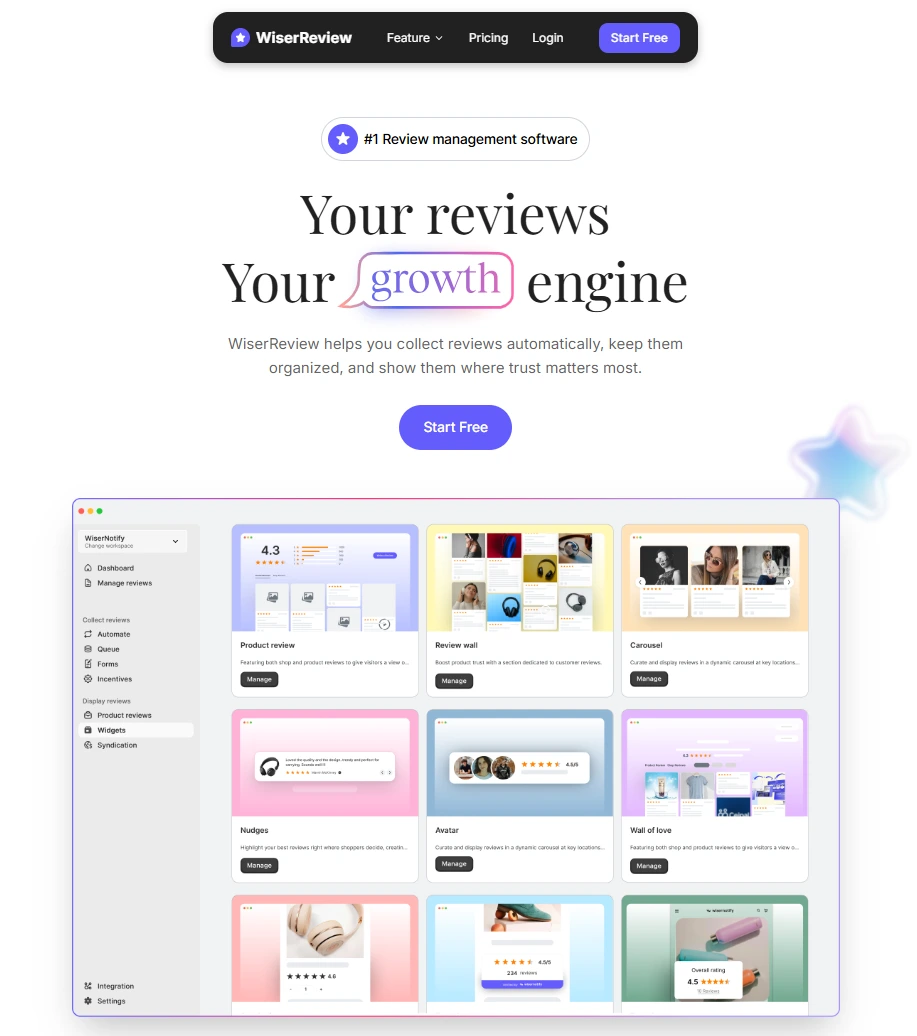
WiserReview is a simple yet powerful platform that helps businesses collect, manage, and display Google Maps reviews without manual work.
It connects directly with your Google Business Profile, automates review requests, and organizes all feedback in one easy dashboard.
Automated review collection
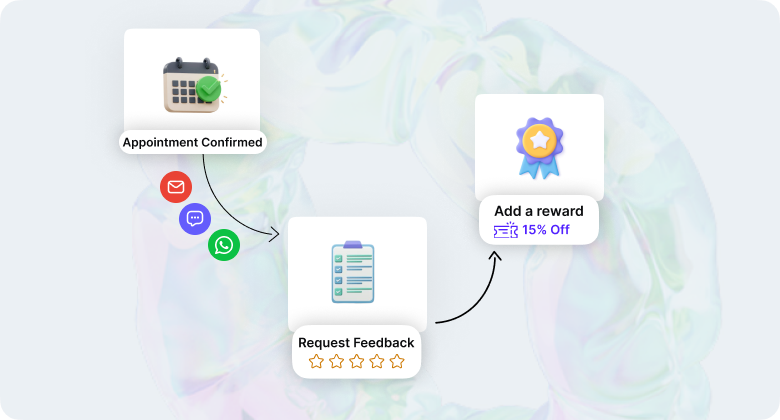
WiserReview helps you collect reviews automatically after each visit or purchase. You can send requests through email, SMS, or WhatsApp.
The message includes a direct Google Maps link, allowing users to quickly share their rating, photos, videos, and details.
- Send review requests right after an order or service is completed.
- Customize your message to match your brand tone.
- Reach customers on their preferred contact channel.
Smart moderation and spam control
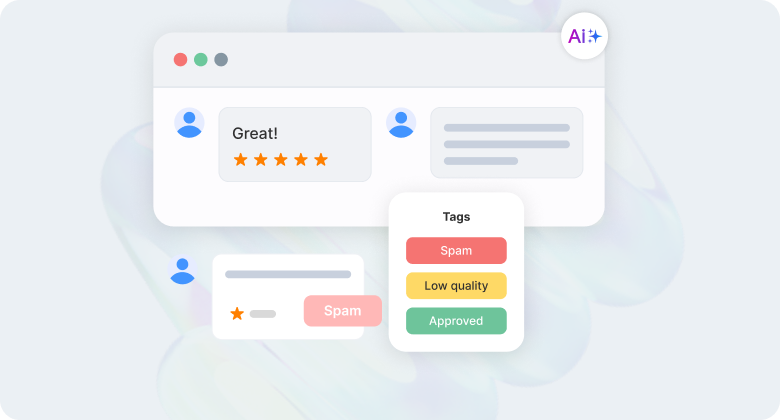
Not every review adds value. WiserReview automatically filters spam, duplicates, or irrelevant content to keep your public reviews clean. This ensures your business profile shows only real, helpful feedback.
- Filter reviews by rating, keywords, or date.
- Remove fake or spam reviews that hurt your rating.
- Approve only genuine, published feedback that reflects service quality.
Manage reviews easily
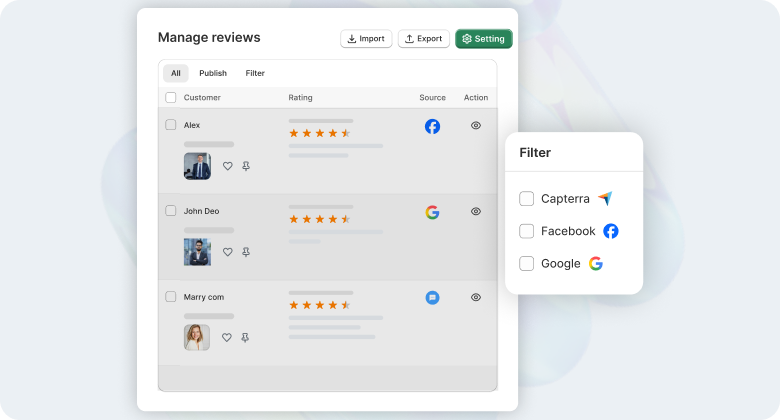
With WiserReview, you can view all your feedback, ratings, and customer feedback from one place. The dashboard helps you track data trends, monitor new reviews, and respond faster.
- Monitor all reviews across Google local search, Facebook, or other platforms.
- See overall rating changes and performance by location.
- Get alerts for new or negative feedback to reply quickly.
Display verified reviews on your website
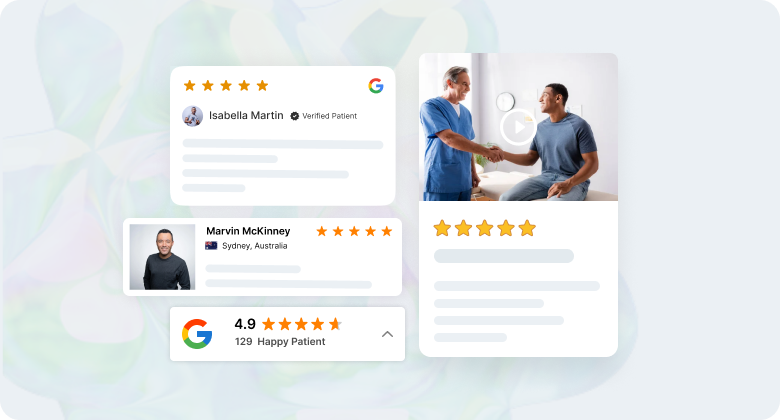
Good reviews attract new customers when they are easy to see.
WiserReview allows you to display verified Google Local reviews directly on your website. You can use widgets, badges, or carousels that fit your site’s design.
- Add Google review widgets to product or service pages.
- Highlight top testimonial with names, photos, and dates.
- Improve visibility in Google search with built-in schema markup.
Integration and support
WiserReview connects easily with your Google Business Profile, making review management smooth and quick.
It also works with WooCommerce, Shopify, and messaging tools like WhatsApp, Interakt, and Wati to send automatic review requests.
- Sync reviews and data instantly with Google.
- Create custom workflows using Zapier or the built-in API.
- Get quick help through live chat, email, or step-by-step guides.
These integrations save time and help you manage local guide reviews more efficiently.
Grow with real Google Map reviews
Collect, manage, and display real customer reviews to grow your Google visibility and attract more local visitors.
Start Free →Step 5: Showcase reviews to maximize impact
Here are simple ways to showcase your local guide reviews and make a bigger impact on trust, visibility, and customer decisions.
Display reviews on your website
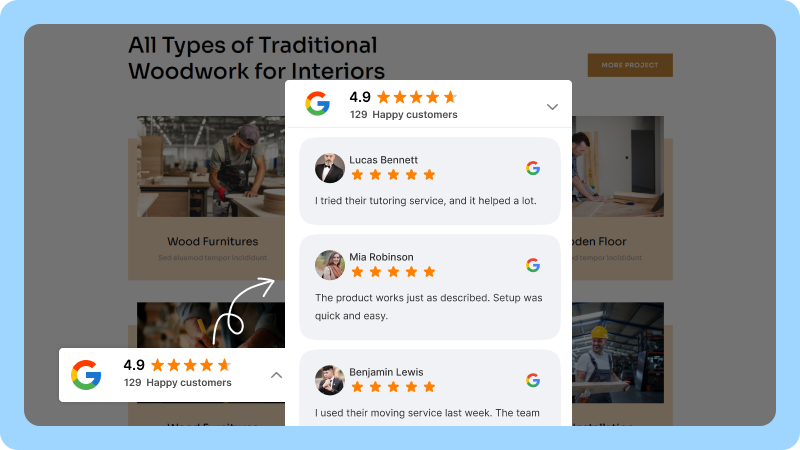
Adding reviews to your website builds instant trust. Visitors can see real ratings, customer names, and photos before they decide to contact or visit your location.
Use review widgets or badges that pull data directly from your Google Maps app or business profile.
You can place them on your homepage, service pages, or near checkout to build confidence at key moments.
- Place testimonials where users make buying decisions.
- Show ratings with verified dates and short comments.
- Include schema markup to help Google show stars in search results.
Highlight reviews in marketing materials
Good feedback is strong social proof. Use them in your emails, ads, or social posts to show that real people are happy with your services.
Sharing honest feedback helps others see your location as trustworthy and reliable. Add short quotes or screenshots from your local guide reviews so your message feels real and personal.
Use reviews to improve your business
Your Google local reviews can teach you a lot about what’s working and what needs fixing.
Reading them often helps you understand what customers value most and what they think could be better.
Use that feedback to improve your services, train your team, and raise your quality. Even small changes can make a big difference in future ratings.
3 Common mistakes to avoid
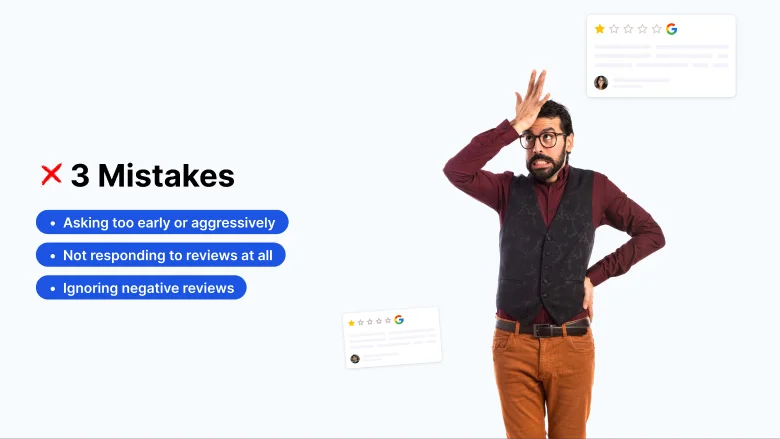
Here are three common mistakes businesses make when managing their Google Maps reviews, and how to avoid them.
1. Ignoring negative reviews
It’s easy to skip one-star ratings, but they’re just as important as good ones. When you don’t respond, customers may think you don’t care.
A short and polite reply shows you listen and are willing to fix problems. It also helps others see that you take feedback seriously and care about service quality.
2. Not responding to reviews at all
If you never reply to reviews, your business profile can look inactive. Even a simple thank-you makes a difference. Respond to both good and bad feedback so people know their opinion matters.
It also keeps your Google local page active and trusted by future users.
3. Asking too early or aggressively
Timing matters when asking for local guide reviews. Don’t ask before the customer has fully tried your services or finished their visit.
A gentle reminder works better than pushing too hard. Give them time to form an honest opinion before sending a feedback request.
Wrap up
Google Maps reviews directly affect how people find and trust your business. They show real feedback, ratings, and photos that help users decide where to visit or contact.
Managing this feedback the right way keeps your Google Business Profile active and visible in search. Use simple tools like WiserReview, reply on time, and display reviews where customers can see them.
Avoid common mistakes like ignoring low ratings or asking too soon. Focus on honest feedback and regular responses to build stronger trust.
Consistent, well-managed Google Maps reviews improve your rating, bring more local visitors, and help your business grow steadily.
Frequently asked questions
Share your Google Maps review link through email, SMS, or WhatsApp. You can also use QR codes at your location so customers can leave reviews right after a visit.
Reply to all reviews within a few days. Thank people for positive feedback and respond politely to negative feedback. Regular replies keep your business profile active and trusted.
Yes. You can report fake or spam reviews through your Google Business Profile or the Google local app. Google reviews the report and removes it if it breaks their policy.
Ask after the customer has completed their visit or used your services. A friendly and well-timed review request works better than repeated reminders.
WiserReview connects with your Google Business Profile to automate review requests, manage all feedback in one place, and display your best reviews on your website. It saves time and keeps your data organized.

Krunal