Webflow Review App
The Review App Built for Webflow
Webflow sites look great but have no built-in review system. WiserReview adds photo, video, and star reviews to any Webflow site. Automated collection. 12+ display widgets. One embed code.
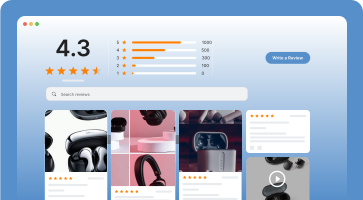
Dedicated review section for products.

Average star ratings on product pages.
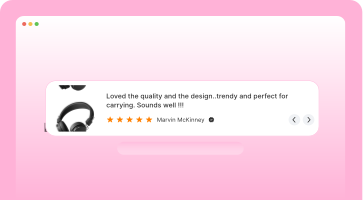
Best reviews where shoppers decide.

Shop and product reviews together.

Reviews in a dynamic carousel.
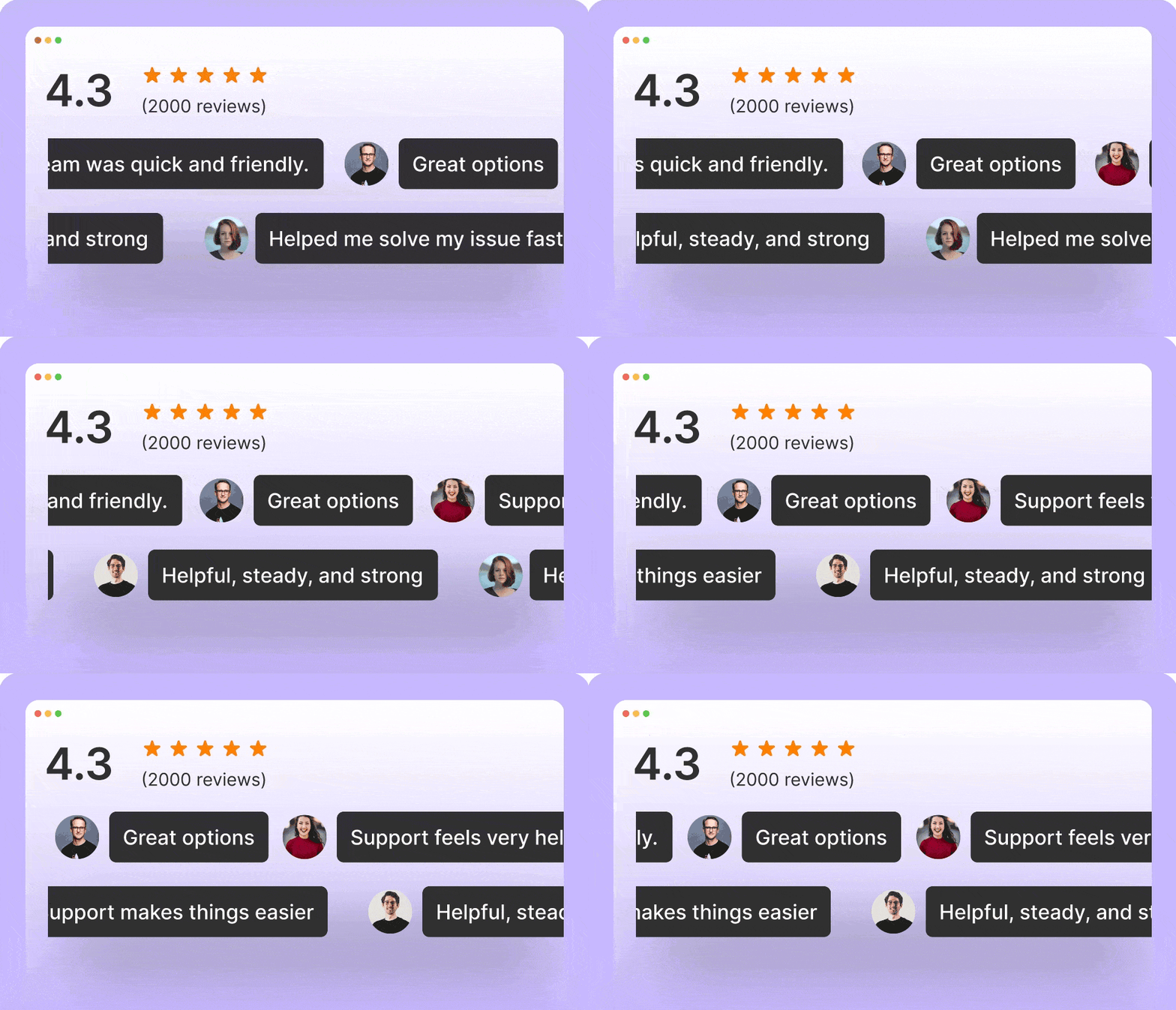
Auto-rotate reviews in a slider.
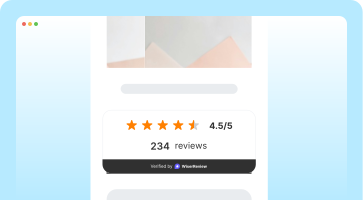
Review count badge for trust.
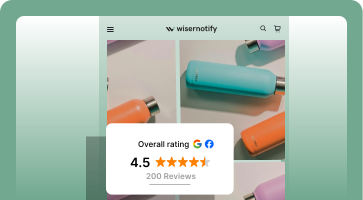
Social badge with star ratings.
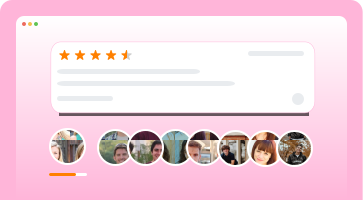
Reviewer avatars in a carousel.
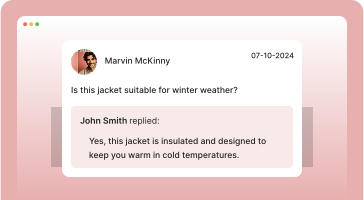
Product questions and answers.

Reviews in an engaging popup.
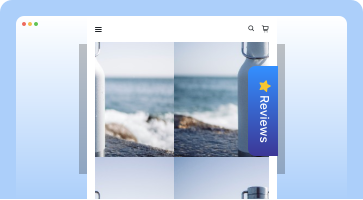
Reviews in a sidebar panel.

Social media content display.
Struggling with Webflow review?
Limited control over what’s shown
No video support or media uploads
Poor layout fit with Webflow pages
Manual and slow review handling
WiserReview makes reviews work for Webflow.
Collect reviews with photo or video
Auto-send review invites after purchase
Match widgets with your Webflow design
Use AI to organize and manage responses
Show reviews on product, category, and home pages
Smarter review flow for Webflow
Collect reviews
Collect via
Email (Built-in)
Klaviyo
via Zapier
SMS
via Zapier
QR Code
Import reviews from
Smart review form

Wireless Headphones
Order #1094 - $89.99
How would you rate this product?
Amazing quality! The sound is crystal clear and noise cancellation is incredible...
Get 10% off — upload a photo or video
Collect via
Email (Built-in)
Klaviyo
via Zapier
SMS
via Zapier
QR Code
Import reviews from
Smart review form
Wireless Headphones
Order #1094 - $89.99
How would you rate this product?
Amazing quality! The sound is crystal clear and noise cancellation is incredible...
Get 10% off — upload a photo or video
Automate reviews
Sequence
Order delivered
Trigger
Wait 3 days
Delay
Send email invite
No response?
Condition
Send reminder
Follow-up
Media uploaded? Send discount
Incentive
Smart rules
Skip repeat customers
Don’t ask twice for the same order
Exclude already reviewed
Skip if customer left a review
Highest value product first
Prioritize expensive items
CSV import campaign
Upload past orders, send requests in bulk
Sequence
Order delivered
Trigger
Wait 3 days
Delay
Send email invite
No response?
Condition
Send reminder
Follow-up
Media uploaded? Send discount
Incentive
Smart rules
Skip repeat customers
Don’t ask twice for the same order
Exclude already reviewed
Skip if customer left a review
Highest value product first
Prioritize expensive items
CSV import campaign
Upload past orders, send requests in bulk
Smart moderation
Incoming review

Emma W.
Absolutely love these headphones! The sound quality is crystal clear and they're so comfortable for long listening sessions.
Sentiment: Positive
AI suggested reply
AI moderation
Block spam and fake reviews
AI detects bots, spam links, and fake submissions
Profanity filter
Flag reviews with inappropriate language
Low-rating alerts
Notify admin when a review is below 3 stars
AI reply to Google reviews
Auto-respond to Google Business reviews
Auto-share best reviews
Post top reviews as banners or videos on social media
Incoming review
Emma W.
Absolutely love these headphones! The sound quality is crystal clear and they're so comfortable for long listening sessions.
Sentiment: Positive
AI suggested reply
AI moderation
Block spam and fake reviews
AI detects bots, spam links, and fake submissions
Profanity filter
Flag reviews with inappropriate language
Low-rating alerts
Notify admin when a review is below 3 stars
AI reply to Google reviews
Auto-respond to Google Business reviews
Auto-share best reviews
Post top reviews as banners or videos on social media
Display reviews

Based on 247 reviews


Best water bottle I've owned. Keeps drinks cold for 24hrs.
Carousel

Amazing sound quality. Best purchase this year.
Floating popup
Crystal clear sound. Love it!
Wall of love
So comfortable!
Best purchase.
Love the sound.
Worth every penny.
Based on 247 reviews
Best water bottle I've owned. Keeps drinks cold for 24hrs.
Carousel
Amazing sound quality. Best purchase this year.
Floating popup
Crystal clear sound. Love it!
Wall of love
So comfortable!
Best purchase.
Love the sound.
Worth every penny.
Smart Webflow review kit
Ask better. Show smarter. Sell more.
Loved the quality and the design..trendy and perfect for carrying my laptop.
Loved for ca... design... Wheth... jogger... suppo... who d...

FLEURY - First choice for acrylic pouring
FLEURY Pearlacry1 is a high quality, color-intense artist paint.
It is ideal for acrlio casting, among other thing.
It is available in numerous color and two different sizes.
 Sarah M.
Absolutely love this product! The quality exceeded all expectations.
 James K.
Best purchase I've made. Fast shipping and great packaging.
 Priya R.
Great quality, would definitely recommend to friends.
Very happy. Headsets.com beat the pricing from the gigantic national technology vendor I normally use while..
Loved the quality and the design..trendy and perfect for carrying my laptop.
Loved the quality and the design..trendy and perfect.
Loved the quality and the design..trendy and perfect.
Optimize your review strategy with automation settings
 Podia orders
 Thinkific enrollments
 WooCommerce orders
 Shopify orders
FLEURY - First choice for acrylic pouring
FLEURY Pearlacry1 is a high quality, color-intense artist paint.
It is ideal for acrlio casting, among other thing.
It is available in numerous color and two different sizes.
Optimize your review strategy with automation settings




Had a tricky integration issue, but the Crunnel team was outstanding and helped me create an amazing notification.
AI picks the best reviews & post on social media automatically
AI adds tags to reviews for easy grouping and filtering.
AI highlights important words in reviews using your color settings
The team helped me set everything up in minutes. I've never had such quick and clear support before. Totally impressed!
AI auto-publishes positive reviews. Negative ones are paused
Best Webflow review widgets
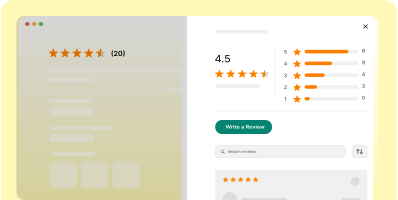
Product review section
Boost product trust with a section dedicated to customer reviews.

Star rating
Show average star ratings to quickly share product quality and customer satisfaction.
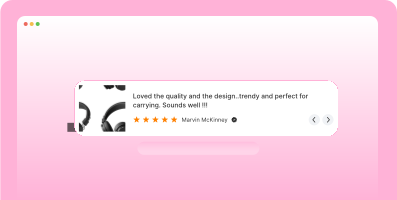
Nudges
Highlight your best reviews right where shoppers decide, creating immediate trust.

Wall of love
Show both shop and product reviews to prove your brand's trust and quality.
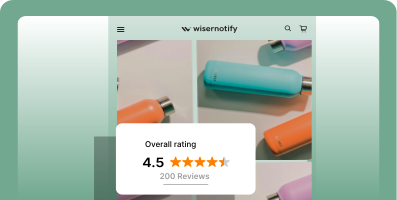
Floating review badge
Highlight star ratings and reviews with a sleek, scrollable badge to build trust instantly.

Carousel
Curate and display reviews in a dynamic carousel at key locations on your site.

Auto Slider
Curate and display reviews in a dynamic carousel at key locations on your site.
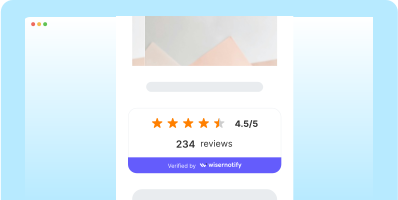
Inline Trust Badge
Show total reviews count with trust badge at any pages.

Review wall
Show both shop and product reviews to highlight your brand's quality and trust.
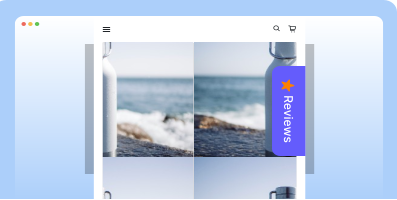
Sidebar Snippet
Showcase reviews in a sidebar to boost trust and engagement as users browse your site.
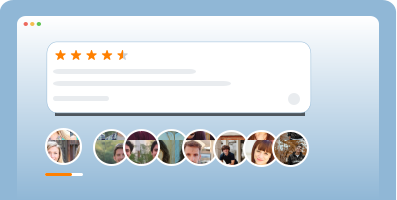
Avatar
Curate and display reviews in a dynamic carousel at key locations on your site.

Floating Popup
Boost conversions and trust with sleek, real-time popups that highlight your top reviews.
Power up search with reviews
WiserReview helps your Webflow reviews appear across Google. Boost clicks, and drive high-intent shoppers to your store.
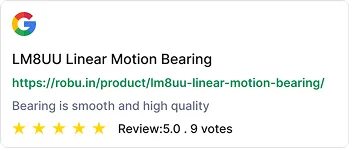
Google seller ratings
Add star ratings to your Google Ads. Stand out in search and build instant trust. Improve click-through rates and lower CPC.

Google shopping feed
Display review stars in your product listings. Help buyers identify top-rated items fast. Stand out where shopping decisions happen.
Rich snippets in search
Add star ratings to search results. Gain visibility and credibility before the click. Turn search views into store visits.
Made for Webflow stores



Quick to start
Connect WiserReview to your Webflow site in minutes. No coding needed.

Smart review automation
Send review invites right after any custom event.

Fits your design
Place reviews on banners, or popups, styled to match your brand.
Real words, real results
Connect your Webflow stack
Works with your favorite tools.
Set it up, no dev needed.

Send review requests directly in chat.

Mailchimp
Trigger review invites through email.

Google Reviews
Collect and display your public google reviews.

Zapier & Webhooks
Connect to 5000+ apps or your custom stack

Webflow CMS
Match reviews with your product or blog.
Coming Soon
Klaviyo, Make, Airtable, and more....
30+ integration
View allWebflow review tactics that convert
Use reviews to build trust, reduce bounce, and push shoppers to buy faster.
Here’s how Webflow sites use WiserReview to drive better results.
Collect reviews using Webflow form triggers
You don’t need a complex CRM to collect reviews on Webflow. Use your existing forms (like contact, order, or feedback forms) to trigger review collection based on custom actions.
This tactic helps you build a reliable review pipeline without relying on external order data.
How
→ Add a hidden field in your Webflow form to track the action (e.g., “order_completed”).
→ Connect Webflow forms to WiserReview using Zapier or Make.
→ Set the form submission as the trigger for review invite automation.
→ Choose to send review requests via email, SMS, or WhatsApp.
→ Schedule the message 1–2 days after form completion.
This works great for service websites, lead-gen funnels, or custom checkout flows.
Show reviews based on CMS filters
Webflow’s CMS makes it easy to build product or service pages, but most sites just show all reviews in one block.
This reduces trust. Instead, filter and display reviews that match the CMS item (product, location, or category) the user is viewing.
How
→ Use WiserReview’s dynamic embed code to place a widget on CMS item pages.
→ In your CMS, add custom fields like “Product ID,” “Tag,” or “Service Type.”
→ Map these fields to WiserReview so the widget only loads relevant reviews.
→ Enable auto-tagging inside WiserReview to sort reviews on import.
→ Design the review block to blend in with your Webflow layout (cards, carousels, etc.).
This gives each product or service its own trusted content, boosting clicks and time on page.
Turn reviews into homepage conversion blocks
Webflow homepages often rely on vague testimonials or banners. Real user reviews, placed in the right spots, build faster trust and improve scroll depth.
Use top-rated reviews with media in blocks like “Why people choose us” or “What others are saying.”
How
→ Go to WiserReview and tag 3–5 of your highest-rated reviews.
→ Choose reviews with short quotes, clear benefits, or real product photos.
→ Create a section on your Webflow homepage below the first fold.
→ Drop in a WiserReview widget or copy selected quotes using HTML embeds.
→ Style the block with consistent fonts, stars, and layout to match your brand.
This section acts like instant proof for new visitors—especially useful for ad traffic.
Add reviews to Webflow’s native popups or banners
Most review apps only show static widgets. But with WiserReview, you can turn reviews into interactive nudges or popups inside Webflow.
This boosts review visibility without cluttering your page.
How
→ Use Webflow’s built-in interactions to show/hide a popup or banner.
→ Embed a WiserReview widget or quote inside that popup.
→ Set a trigger like “scroll 60%,” “exit intent,” or “after 5 seconds.”
→ Keep it short, 1 review, 1 image, 1 line of text.
→ Link the popup to a reviews page, wall, or product section for more detail.
This lightweight tactic helps reduce bounce and keeps review content active throughout the session.
Embed reviews into Webflow CMS blog content
Blog pages often drive high traffic but low conversion. By embedding 1–2 matching reviews in your posts, you reinforce credibility and guide readers to act.
This works especially well for SEO blog posts, product guides, or comparison pages.
How
→ Inside WiserReview, tag reviews by product, use case, or topic.
→ In your Webflow CMS blog, add an HTML embed block.
→ Paste a WiserReview widget or copy a selected quote manually.
→ Place the review right after a product mention or CTA in the blog.
→ Style the embed as a pull-quote or review card to match the design.
This tactic adds trust in-context, without relying on static testimonials.
Create a dedicated review landing page
Don’t just rely on product pages to show reviews. Build a high-SEO landing page with all your best reviews, organized by category or feature.
This page acts as proof for organic traffic and can be used in ads or emails.
How
→ Create a new “/reviews” CMS page in Webflow.
→ Use WiserReview’s “Wall of Love” or list widget and embed it into the page.
→ Filter reviews by tag, rating, or category (e.g., product type, service level).
→ Add a CTA like “See why people trust us” and link it from the homepage.
→ Update this page regularly with fresh reviews via WiserReview automation.
Great for SEO, email links, and retargeting campaigns.
Add schema markup to review sections for SEO boost
Search engines reward pages that use review markup.
This helps you show star ratings in Google results, which improves click-through rates and visibility.
How
→ Go to your product or landing pages in Webflow.
→ Add WiserReview’s structured data script (JSON-LD) in the page settings.
→ Include key details: item name, review rating, review count, and individual reviews.
→ Use WiserReview’s built-in schema generator for easier setup.
→ Test it with Google’s Rich Results tool to confirm it works.
This brings real visibility gains without changing the page layout.

Turn reviews into revenue
Start collecting high-impact reviews with WiserReview. Effortless setup. Trusted results.