7 min
7 min 
Restaurant reviews on Google are one of the first things potential customers see when they search for a place to eat.
Whether it’s on Google Maps or in Google Search, the stars, photos, and written feedback on your business profile can decide if someone visits your restaurant or clicks on another option.
Positive reviews highlight good food, excellent service, and create trust. Negative reviews or bad feedback, if left unresolved, can harm your reputation and cost you new customers.
People often read reviews on multiple sites, compare ratings, and check photos before making a choice.
This guide explains:
- Why they matter for your business.
- Set up your restaurant’s Google Business Profile.
- Provides tips on collecting more reviews, responding to feedback, and managing your online presence.
Why Google reviews matter for restaurants?
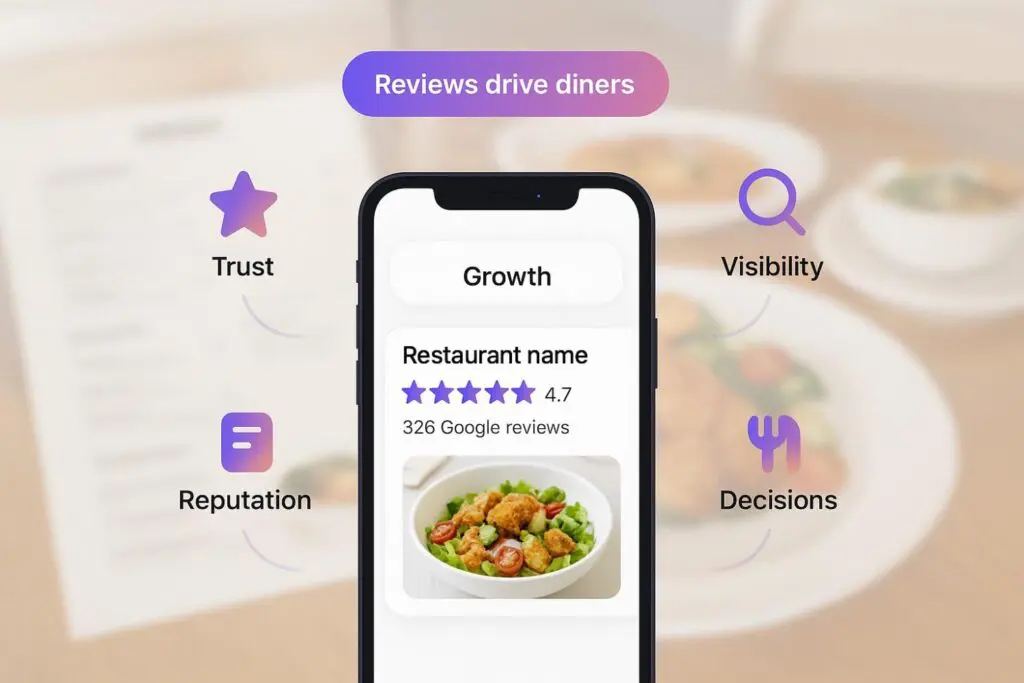
Google restaurant reviews influence how people see your business and whether they decide to visit.
They appear on Google Maps, Google Search, and your business profile, making them a key factor in attracting more customers.
Here’s why they matter:
- Trust: Customers read reviews before visiting a new restaurant. Positive reviews about good food and better service build confidence.
- Visibility: More reviews improve your ranking on Google Maps and search engines, making it easier for more people to find your location.
- Reputation: Negative reviews or bad ratings can harm your business if you don’t respond, while managed feedback shows you care.
- Decisions: Diners compare stars, menu details, and suggestions in reviews before clicking to view your menu or booking a table.
- Growth: Restaurants with consistent positive reviews bring in more customers and stand out against competitors.
How to set up and optimize your restaurant’s Google Business Profile
A Google Business Profile is the base for restaurant reviews. Without it, customers cannot find your business name on Google Maps, read reviews, or leave feedback.
Steps to set up your Google Business Profile:
- Go to Google Business Profile and sign in with your restaurant’s business email.
- Add your restaurant’s name, location, and category (for example, Italian Restaurant or Seafood Restaurant).
- Enter details like phone number, website link, and hours of service.
- Upload photos of your menu, food, interior, and staff to make the page helpful and authentic.
- Verify your business by phone, email, or postcard to activate the profile.
Tips to optimize your profile:
- Keep your address, phone, and opening hours updated at all times.
- Add your whole menu and make sure the “Click menu” option works on both mobile and desktop.
- Use high-quality photos that show dishes, drinks, and the restaurant atmosphere.
- Post updates about special offers, new items, or events to stay active.
- Encourage customers to leave reviews and respond promptly to both positive and negative reviews.
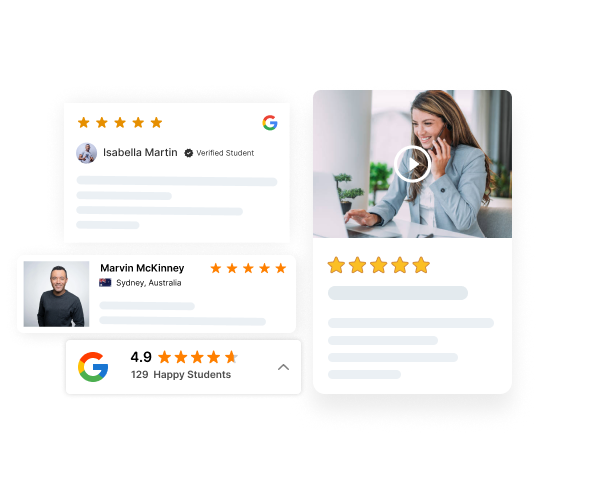
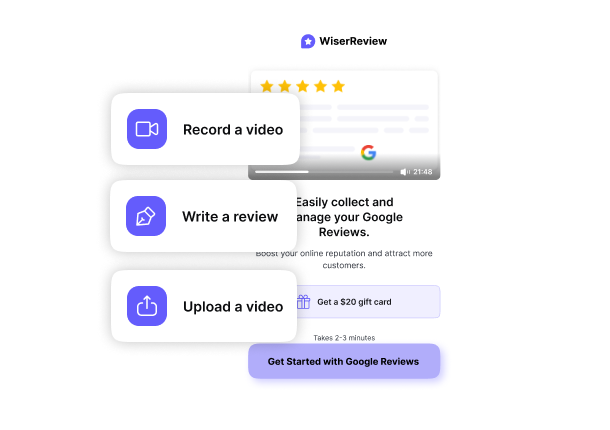

All your reviews in one dashboard
Collect, manage, and display to every Google restaurant review in one simple place. Save time and grow faster.
Tips to collect Google reviews for restaurants
Here are proven ways to collect more reviews for your restaurant:
1. Use QR codes for instant reviews
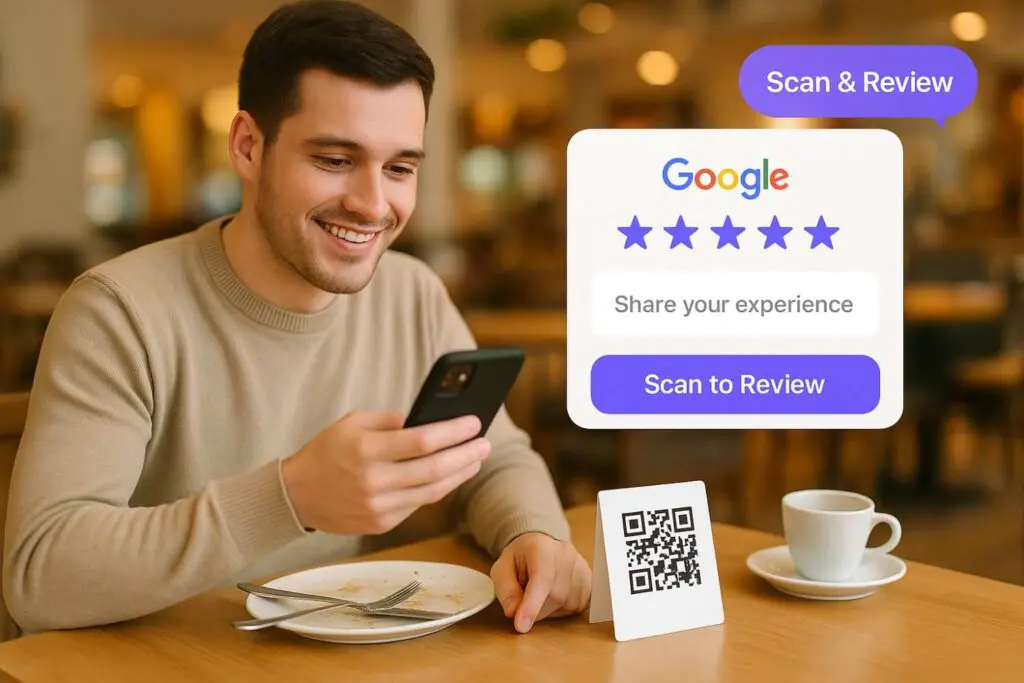
A QR code is one of the fastest ways to guide customers to your review page.
- Print QR codes on receipts, menus, or table tents.
- Add them near the checkout counter or at the door.
- Include a short note such as “Enjoyed your visit? Scan here to leave a review.”
This reduces friction and helps more customers leave reviews before leaving the restaurant.
2. Share your Google review link everywhere
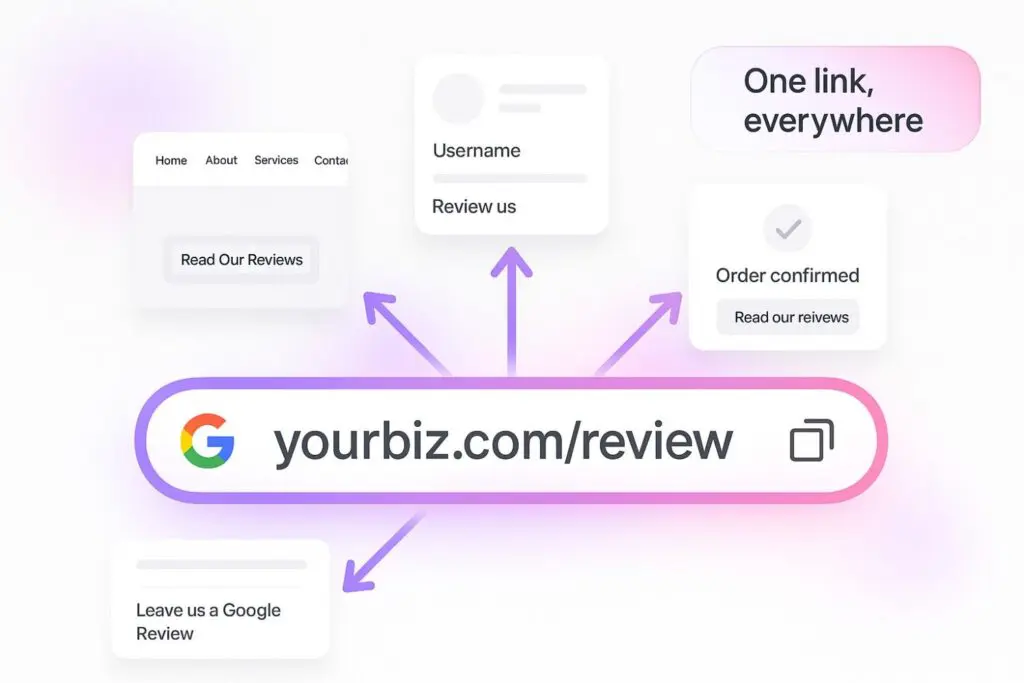
Your Google Business Profile has a direct link that takes people to the “Write a Review” page.
- Add this Google review link to your restaurant’s website, menu page, or order confirmation page.
- Post it on your Facebook or Instagram bio.
- Include it in email signatures for all staff communication.
When the link is visible across multiple touchpoints, you collect more reviews with less effort.
3. Ask at the right time
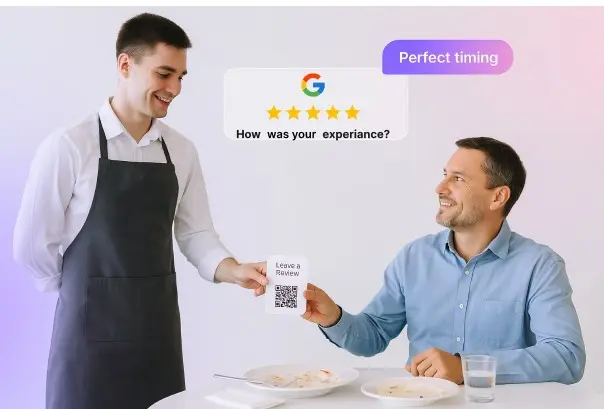
Timing is key. The best time to request reviews is immediately after the customer has had a positive experience.
- For dine-in: after serving good food and good service, train staff to politely request feedback.
- For takeout or delivery: include a printed Google review card with your review link or QR code.
- For regulars: thank them for their loyalty and encourage them to share their opinions online.
Sample staff script: “We’re glad you enjoyed your meal. If you have a moment, please leave us a quick Google review. It helps other people find us.”
4. Follow up after orders and reservations
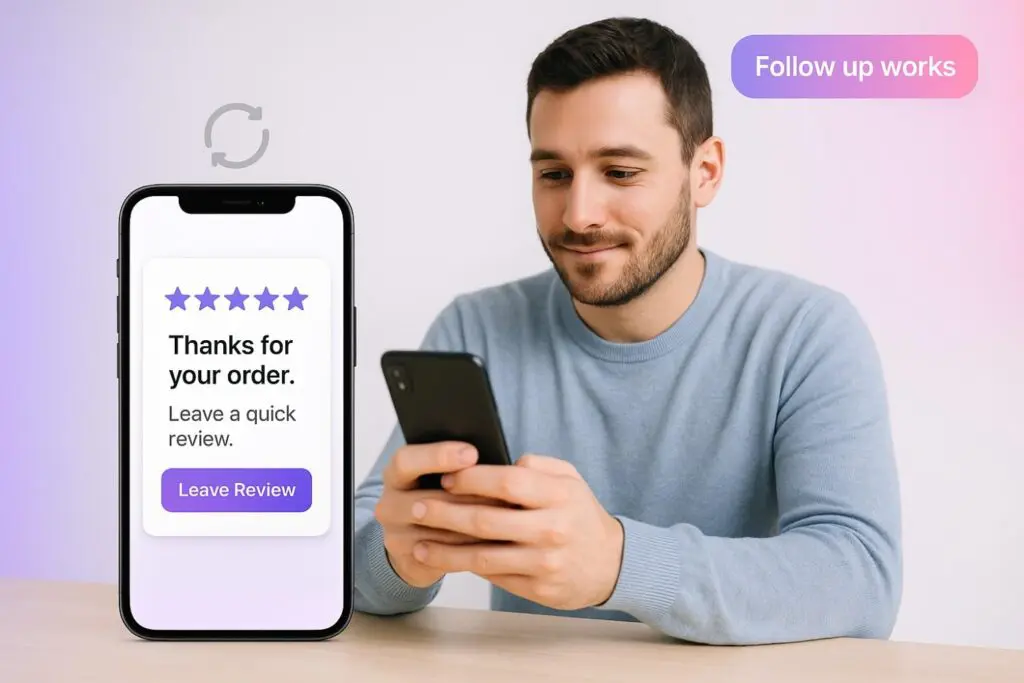
Not every customer will leave a review right away.
Follow-ups increase success.
- Send an email or SMS the next day with a simple request.
- Include the review link and keep the process short.
- Personalize the message with the customer’s name or the food they ordered.
- Automate follow-ups to save time and reach a wider range of customers.
Example email: “Hi [Name], thank you for visiting [Business Name]. We hope you enjoyed your meal. Could you take a minute to share your experience on Google? Your feedback helps us improve and helps other customers choose our restaurant.”
5. Support photo & video reviews
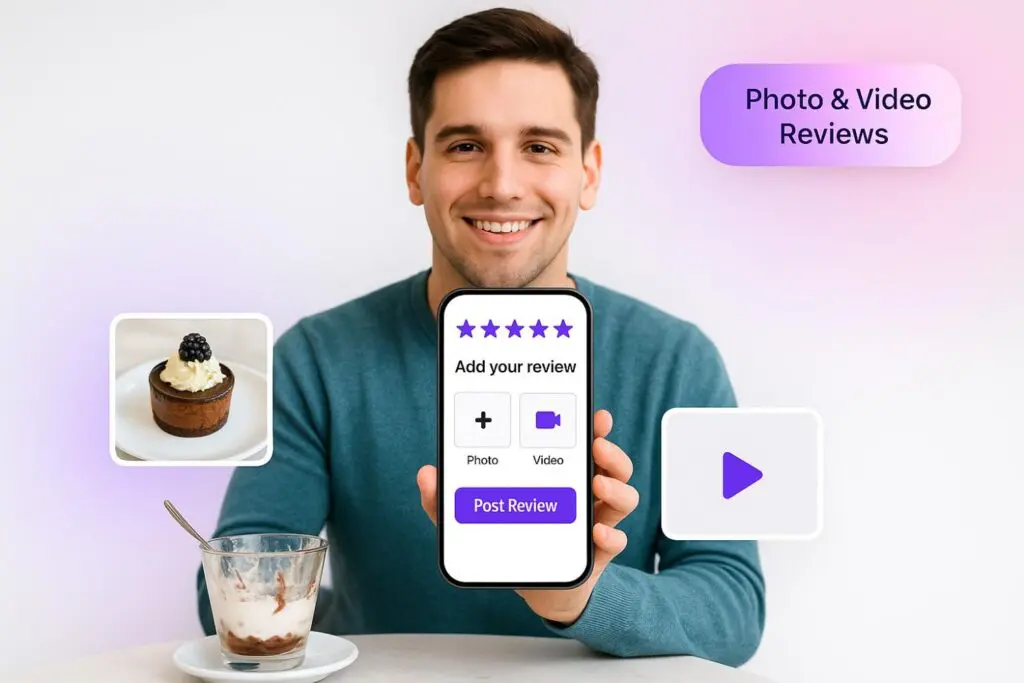
Food is visual. Customers often share pictures of their favorite dishes from their favorite restaurants.
- Ask customers to upload photos and videos along with their reviews.
- Showcase dishes like desserts, drinks, or special menu items.
- Photo reviews are more engaging and influence potential customers’ decisions on where to eat.

All your reviews in one dashboard
Collect, manage, and display to every Google restaurant review in one simple place. Save time and grow faster.
Start Free →6. Highlight existing reviews
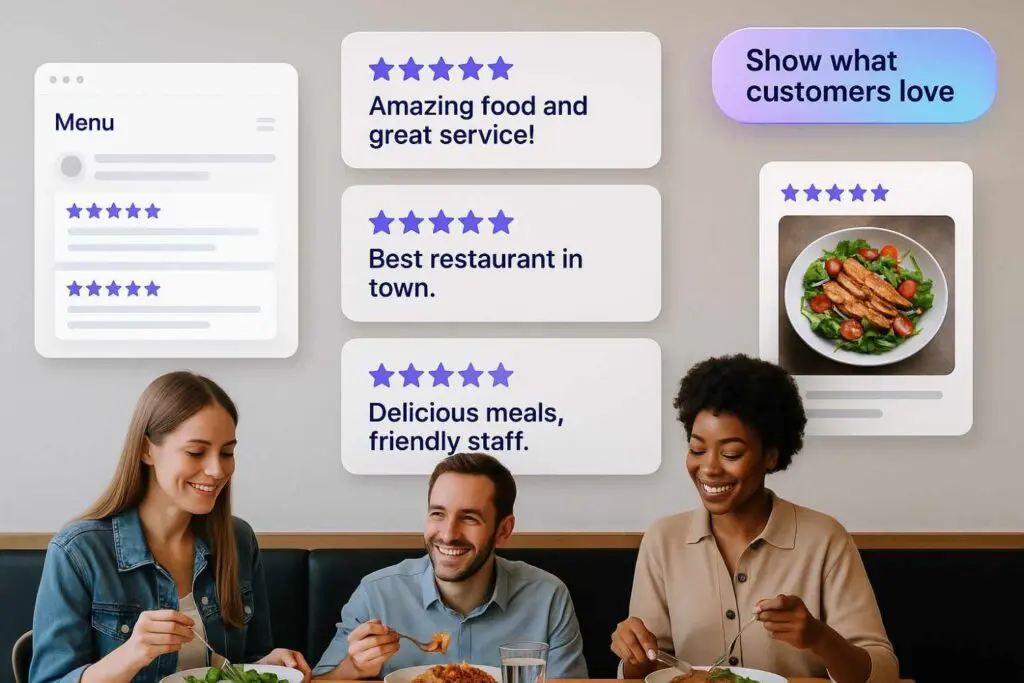
Showing off your best reviews, more customers will write theirs.
- Add positive reviews to your restaurant website or “click menu” page.
- Share reviews on social media posts with food photos.
- Display reviews inside the restaurant (for example, on a poster or digital screen).
When customers see others praising your restaurant, they are more likely to add their own review.
7. Keep it simple and clear
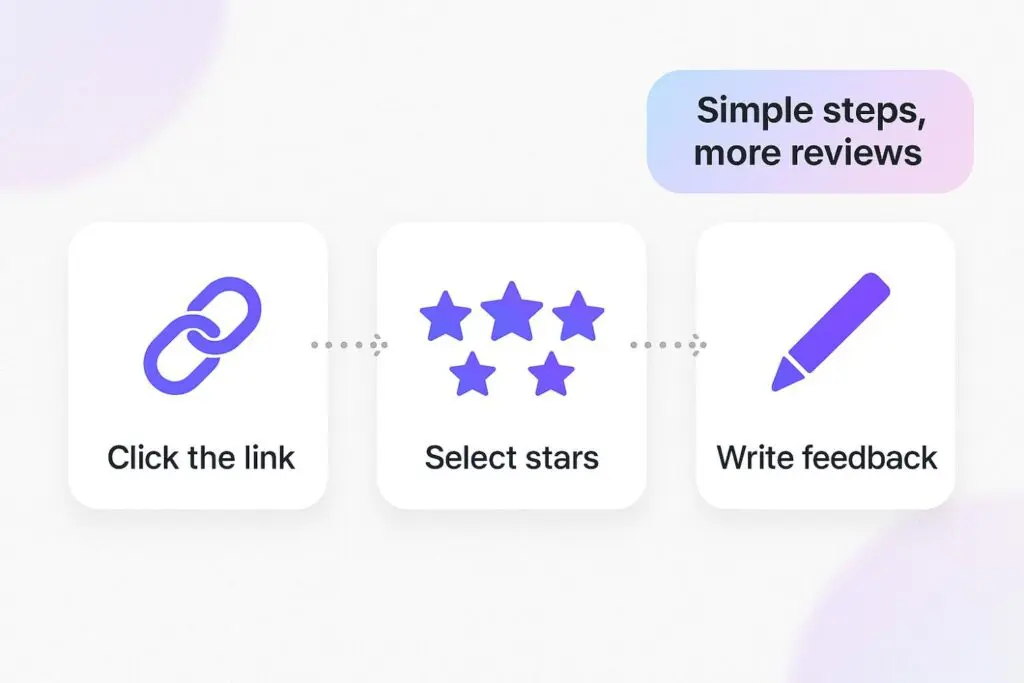
Complicated processes reduce response rates. Always:
- Provide clear instructions: click the link, select the stars, and write your feedback.
- Avoid asking for too much detail; short reviews are still valuable.
- Let customers know that their opinions matter and will help improve the food and services.
How to manage Google restaurant reviews effectively
Managing reviews is not only about protecting your reputation; it’s also about turning opinions into growth.
Here’s how to do it effectively:
1. Monitor reviews regularly
Stay on top of new reviews so you never miss customer feedback.
- Check your Google Business Profile daily or set up email alerts.
- Sort reviews by date to identify the most recent opinions.
- Pay attention to mentions of food quality, service speed, or menu options.
- Look for patterns, for example, if multiple reviews mention “slow service” or “good food but limited options,” it highlights what needs attention.
Example:
If three reviews in a week mention “confusing online menu,” you know it’s time to update your menu details on your profile or website.
2. Respond to positive reviews
Positive reviews give you the chance to build loyalty and encourage repeat visits.
- Thank the customer for taking the time to write a review.
- Mention details such as dishes, service, or photos they have posted.
- Invite them to return with friends or try new items on the menu.
Example response:
“Thanks for your kind words, Alex! We’re glad you enjoyed the pizza and excellent service from our team. We hope you’ll visit again soon and try our new dessert menu.”
3. Handle negative reviews professionally
Negative feedback is tough, but it’s also valuable. How you respond shows your professionalism.
- Stay calm and polite, even if the review feels unfair.
- Apologize for mistakes, whether it’s about food quality, long wait times, or service.
- Explain what action you’ll take to resolve the issue.
- Offer to continue the conversation privately through phone or email.
Example response:
“We’re sorry to hear about your wait time, Sarah. Thank you for sharing your feedback. We’ve reviewed our staff scheduling and will ensure faster service during busy hours. Please call us at [phone number] so we can invite you back for a better experience.”
4. Use feedback to improve your restaurant
Every review is a learning opportunity.
- Food: If customers complain that the food is “cold” or “too salty,” share this information with your kitchen team.
- Service: If reviews mention slow service, consider reviewing staff training or adding more servers during peak hours.
- Menu: If people ask for more details, update your menu on your business page and include clear photos.
Pro tip: Share reviews with your team in weekly meetings. Highlight both positive and negative feedback so everyone learns and improves.
If your restaurant gets many reviews, managing them manually can be hard. Tools like WiserReview can be helpful.
WiserReview – #1 Restaurant review management software
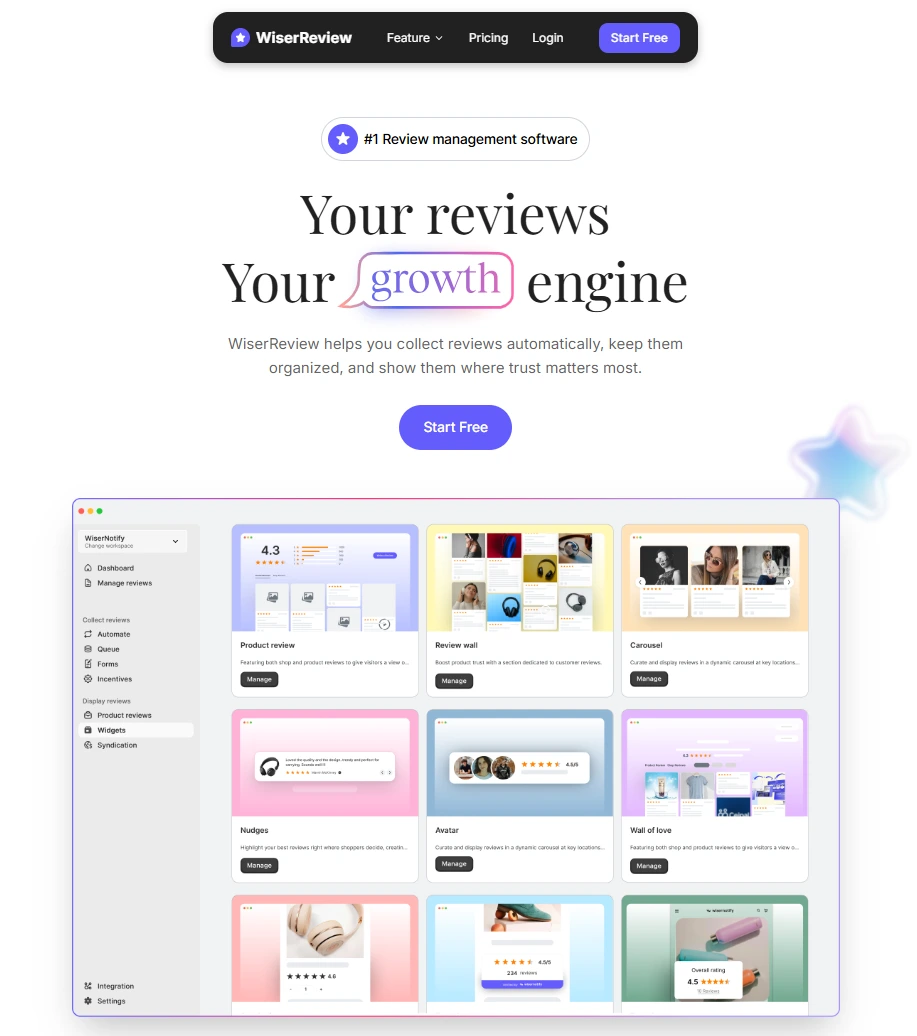
WiserReview is the best Google review management software built for restaurants.
It helps you collect more restaurant reviews, manage both positive reviews and negative reviews, and display authentic online reviews to attract more customers.
Instead of handling reviews manually from your Google Business Profile, WiserReview brings everything into one dashboard.
1. Collect reviews from every customer
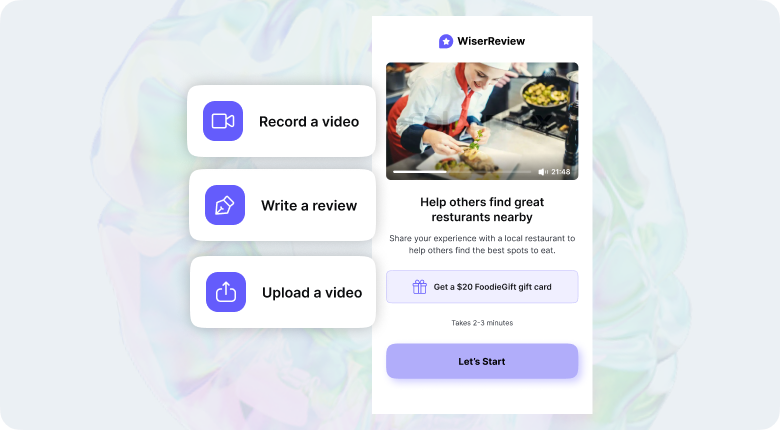
Getting more reviews helps restaurants rank higher on search engines and attract more customers.
It makes the process simple and natural:
- Multi-channel requests: Send review requests directly via email, SMS, or WhatsApp.
- QR codes on menus or receipts: Place QR codes at tables or checkout so customers can leave reviews instantly.
- Direct review links: Share a link that takes customers straight to your Google review page.
By making it easy to write reviews, restaurants can collect both positive reviews and negative reviews that give authentic feedback.
2. Automate review requests and responses
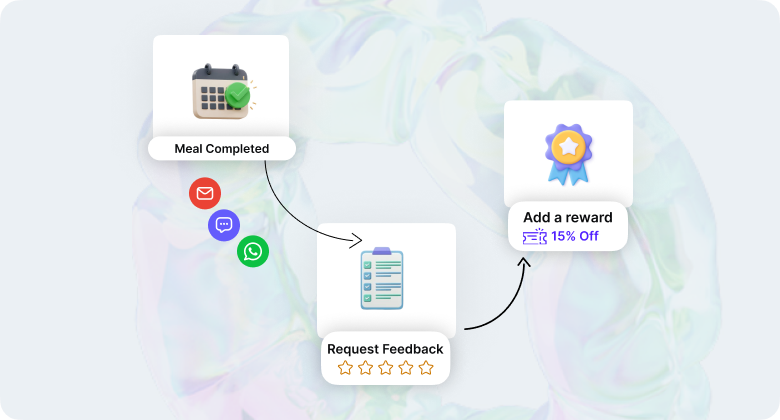
Restaurants are busy, and staff often forget to ask every customer for feedback.
Automation ensures no opportunity is missed.
- Automated review requests: Schedule follow-ups by email or SMS after dining, delivery, or reservations.
- Smart timing: Send requests when customers are most satisfied, such as the day after their visit.
- Response templates: Use customizable replies for both good and bad reviews, while keeping them personal.
- Multi-location support: Manage review collection for multiple restaurant branches from a single dashboard.
Automation helps restaurants consistently receive more reviews while saving time.
3. Moderate reviews to protect your reputation
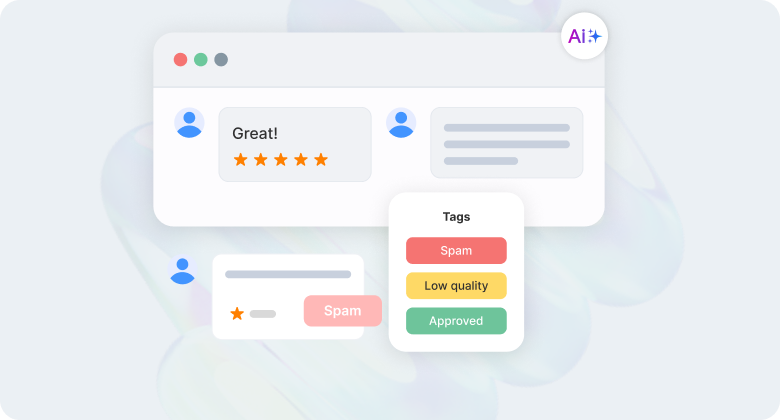
Not all reviews are authentic. Some can be fake, misleading, or harmful.
WiserReview’s AI-powered moderation protects your restaurant’s credibility.
- Spam detection: Flags suspicious reviews that don’t match real customer behavior.
- Guideline checks: Identify feedback that breaks Google’s rules so you can report and request removal.
- Sentiment alerts: Spot sudden spikes in negative feedback (e.g., repeated complaints about slow service or food quality).
- Focus on honest opinions: Filter reviews so your team works only with authentic customer experiences.
This ensures your restaurant’s Google reviews stay genuine and helpful for potential customers.
4. Display reviews to build trust
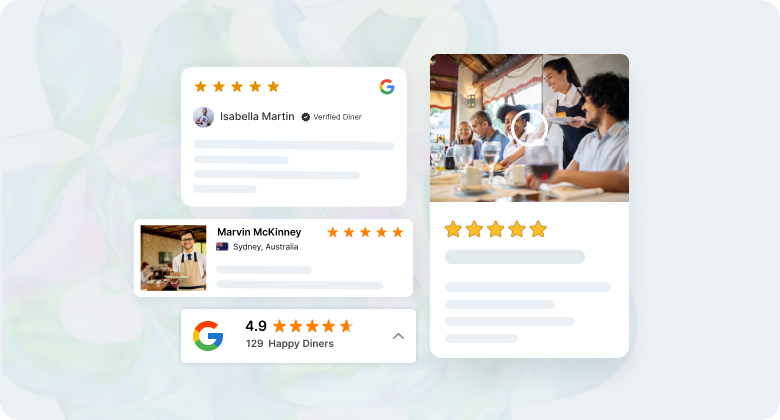
Showing authentic reviews is one of the best ways to attract new diners.
WiserReview lets you display your Google reviews across websites and digital channels.
- Review widgets: Add sliders, carousels, badges, or review walls to your restaurant website.
- Custom design: Match Google review widget colors, fonts, and layouts with your brand style.
- Highlight top reviews: Feature reviews mentioning “good food,” “excellent service,” or “favorite restaurant” on your menu or homepage.
All your reviews in one dashboard
Collect, manage, and display to every Google restaurant review in one simple place. Save time and grow faster.
Start Free →Conclusion
Google restaurant reviews are one of the most important factors that influence where people decide to eat. They build trust, improve visibility, and showcase the quality of your food and service to potential customers.
By setting up your Google Business Profile, collecting reviews through links and QR codes, responding to both positive and negative reviews, and using feedback to drive improvements, you can turn online reviews into steady growth for your restaurant.
With tools like WiserReview, managing reviews becomes easier.
You can collect more feedback, automate requests, moderate fake reviews, and display authentic opinions on your website to attract more customers.
Frequently asked questions
Google reviews appear on Google Maps and Google Search. Positive reviews build trust and visibility, while negative reviews can harm your reputation if left unanswered.
Share your Google review link, add QR codes on menus or receipts, send follow-up requests by email or SMS, and display reviews to encourage more feedback.
You can report a review if it violates Google’s guidelines, such as spam or fake content. Genuine negative reviews cannot be removed, but you can respond to show care.
Yes. Photo reviews of food, menu items, and restaurant atmosphere make feedback more authentic and help potential customers decide where to eat.
Using review management software like WiserReview enables you to view all reviews in one dashboard, respond more quickly, and analyze trends across branches.

Krunal